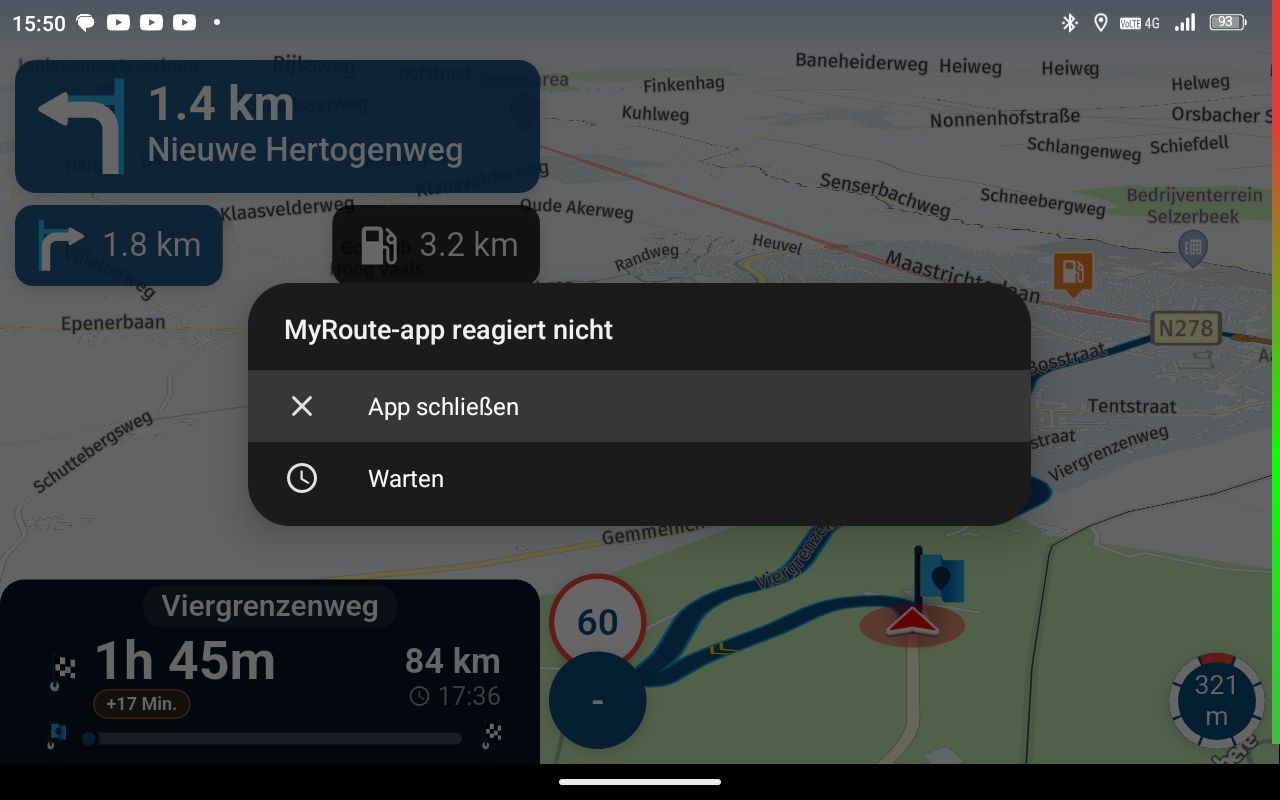













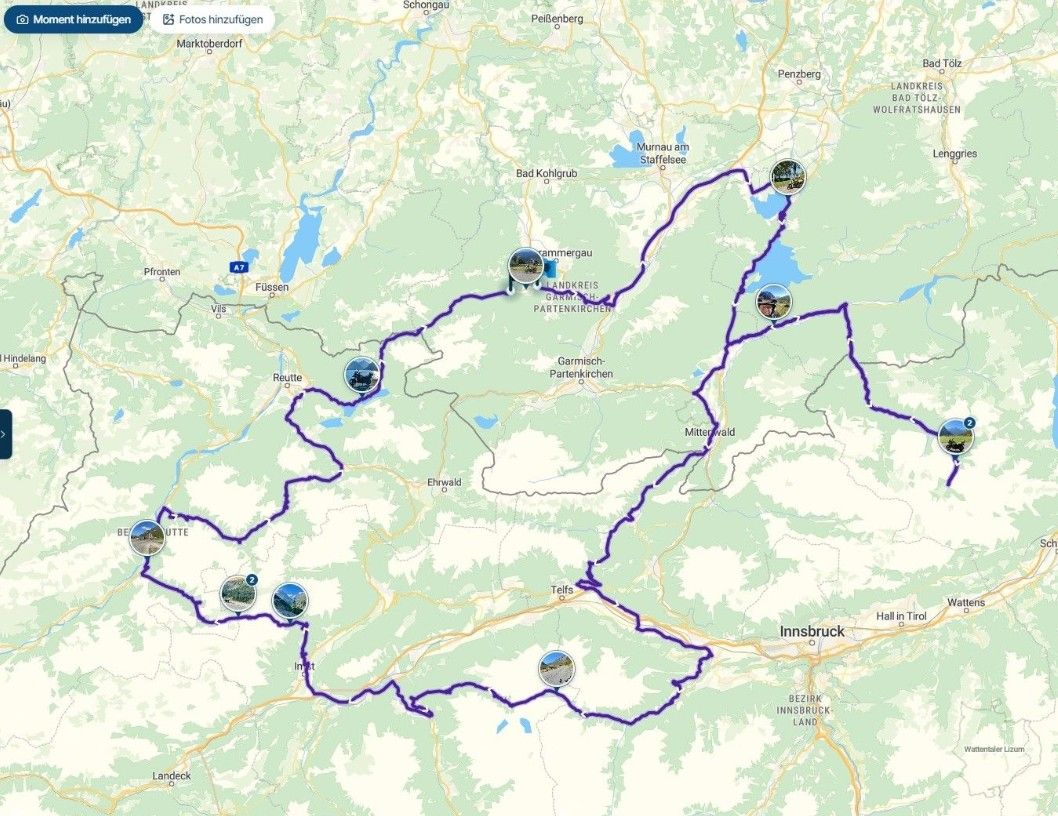

I was out on a little trip today. At one point, I ran out of gas and wanted to find a gas station; to do this, I tapped the magnifying glass on the Android Auto unit while driving—somewhere between waypoint 3 and 4 or so—then tapped on gas stations and selected the top entry (the first suggested station). The screen immediately went black and I got an error message saying an unexpected error had occurred and the app was closed. When I restarted it afterwards (via the Android Auto unit), it froze ("App is not responding") for a while until it finally restarted. After that, the navigation seemed "messed up" (it wasn't clear to me if I was now navigating to the gas station or the original route—and whether it was starting "from the beginning" or picking up from where I actually was).
The gas station search still feels somewhat unintuitive to me (why am I shown a gas station "in 23 km (!) along the route" when I actually pass several on the way, or one just a street over—not directly on the route, but it would only be a detour of maybe 500 meters?), and it apparently isn't 100% stable/reliable yet. For example, what's the best way to proceed if I want to find the nearest gas station while navigating on the highway (where stations are rare and absurdly expensive): do I take the next possible exit and only then search for a nearby station using the AA display > magnifying glass > gas station?
Aside from the crash and the known "spinning while standing" problem, which will hopefully be fixed soon (I think that was also the main reason for the confusion when restarting the navigation), the user interface changes (altitude display, etc.) on Android Auto are very well done! Go, Corjan & team!