Skip to content

[Export] Garmin

16 Topics 260 Posts

For all Garmin questions

  • GPX Versions 1.1 vs 1.2 for Garmin Visually Explained

    Pinned Moved gpx 1.1 gpx 1.2 garmin xt
    171
    4
    7 Votes
    171 Posts
    13k Views
    John S Parry
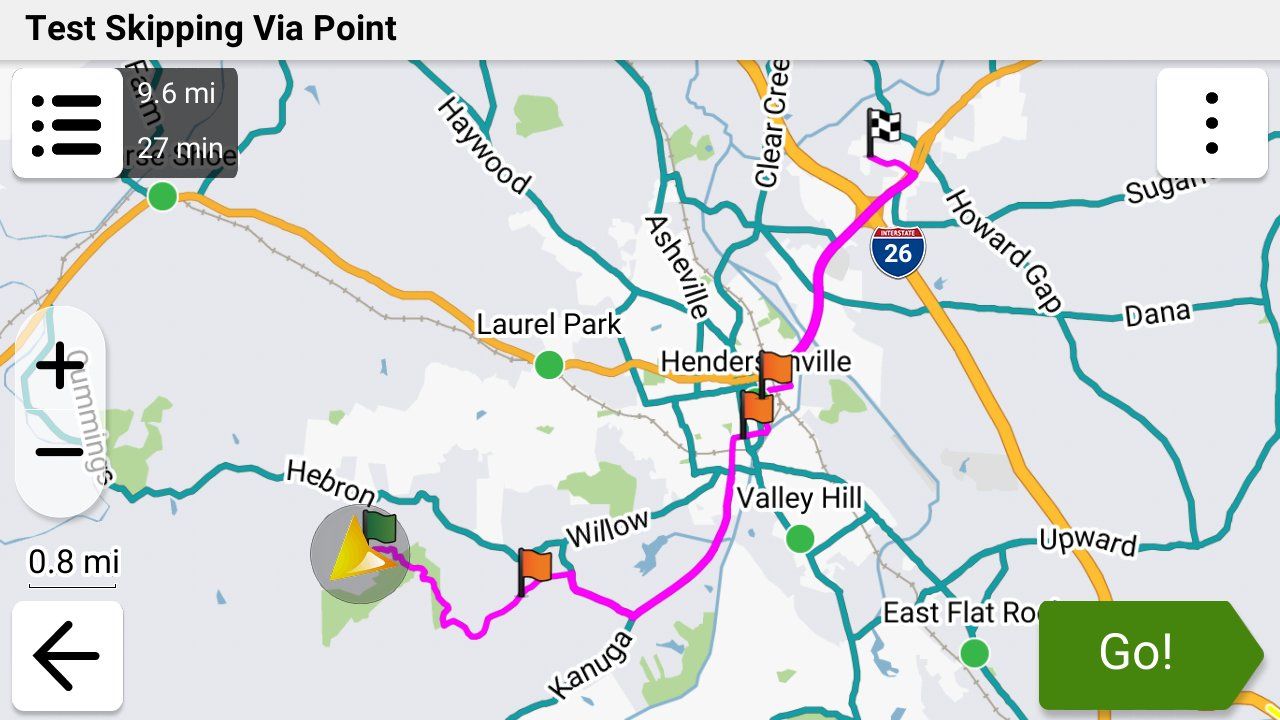
    @mzokk On the XT/XT3, I have recalculation set to prompted and almost always select NO at decision time. Like with @steve-jarrell, I prefer to manually manage my own off-route scenarios. In experimenting with XT off-route recalculation ON, I haven't encountered anything fatal other that it tries to get you back to the exact point where the off-route began to start with. Where 1.2 does become a problem is where you modify your route with adding another Via Point using either the Search function or Up Ahead. That's easily remedied by instead starting a new route through Seach/Up-Ahead and then restarting your main route with "Closest Entry Point" after reaching the Seach/Up-Ahead destination. I've experimented with this probably a dozen times under slightly different scenarios, and it consistently works. I understand that you have a different view of things with your route planning to accommodate optional loops and other anomalies. That's cool. But off-route recalculation with 1.2 does work if you understand how it works and the specific scenarios to avoid.
  • Mac to Garmin Zumo XT* GPX Transfer

    Pinned Moved mac gpx file transfer import export
    17
    2
    3 Votes
    17 Posts
    2k Views
    Steve Jarrell
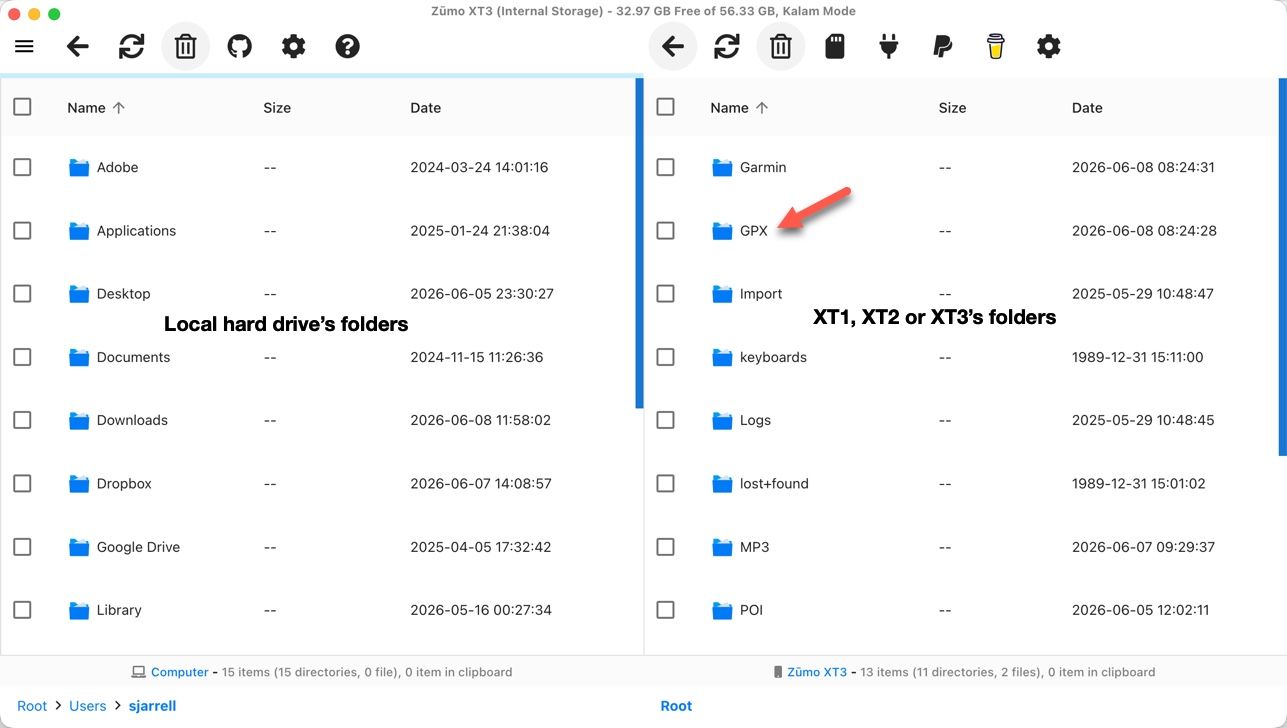
    What type of computer are you using?
  • Zumo XT3/Tread

    2
    0 Votes
    2 Posts
    111 Views
    nomko
    Je mist niks Bedraad overbrengen werkt niet zo, zelfs nog beter.
  • Showing Tracks with Routes on the Garmin XT3

    7
    6
    0 Votes
    7 Posts
    340 Views
    Steve Jarrell
    @Carl-Lee I agree. Less is absolutely more in that case. I have been doing a lot of testing with my XT3 hence all of the collections and routes. I normally don't have anywhere near that many collections, routes or track on the Garmin although the XT3 can easily handle them. I just don't like the clutter!
  • Export To My Nav 5 Fails

    5
    0 Votes
    5 Posts
    362 Views
    Mzokk
    @Brian-Dingsdale-0 The reason I suggest a track for the 7day overview of the route is that you can enable it on the NAV5 and have it visible beneath the route. For the 7 day route segments I would suggest that each day you start the route at least 1/2 mile from your accommodation, in the direction of travel, to ensure that you pass through the start point. If you try and start the route from where you are located you might accidently not pass through the start of the route and the device will keep trying to return you to the beginning. By placing the start some way away the unit knows where you are can route you to and through the start of the route.
  • exporteren naar xt2

    6
    0 Votes
    6 Posts
    375 Views
    toni ccc
    @Mzokk yep, also a longterm garmin user but i recently got myself an XT2 and the sh.t began, i have had (almost) no problems with the XT1 but now i am thinking of going another path as carpuride or similar to use MRA...
  • MRA en Garmin GPSmap 60CSx

    2
    0 Votes
    2 Posts
    209 Views
    Con Hennekens
    @Marc-Notredame, Dat zou zomaar kunnen. De GPSmaps zijn outdoor toestellen. Ik gebruik zelf een Oregon, maar ik heb nooit geprobeerd routes vanuit MRA daarin te krijgen Je kunt natuurlijk wel gewoon je GPX opslaan op het toestel, in de map \garmin\gpx.
  • New roads visible in Google map but not Garmin Here

    3
    0 Votes
    3 Posts
    239 Views
    Guzzist
    @Simon-James-Hancock...if you wrote about "Google map" - do you mean google map layer in MRA rootplanner? You need to know: in map layers, you can select different ones; also google map. But this are only graphics for better information and doesn't have effects to route planning but in "options", you can select OSM, TomTom or HERE. This are different routing engines (with map data). You can plan a route by engine you prefer, then may switch to another engine to compare, if the route line is still the same. That's an advantage if you woul like to share your route to others, which uses different navigation devices. In your case - if you want to transfer your route to your Garmin device - you should use the HERE routing engine for planning (map layer doesn't matter). But please use enough waypoints, because after transmitting to your Garmin device, still the device is going to interpret your route. This can end up in a slightly different route in the Garmin device... [image: 1784130178963-1000004089.jpg] [image: 1784130200297-1000004087.jpg]
  • Rij met XT3 maar bestand 1.2 heeft altijd problemen

    8
    0 Votes
    8 Posts
    833 Views
    Tony Haezebrouck
    @Hans-van-de-Ven-MR.MRA ok bedankt maar dat doe ik zeker op 100km heb ik de 200 punten nodig en dan nog lukt het niet altijd ik gebruik ook de HERE kaarten, denk dat ik altijd wel dichter bij de oplossing komt overmorgen nog eens een route van 550 km testen alvast bedankt
  • Is It Me?

    15
    0 Votes
    15 Posts
    878 Views
    D A Wakefield
    I used the Drive app when I am away from my PC. I did have the exporter working, but it stopped with the device not found error. Thought is was my PC so rebuilt it, but got the same. I use drag and drop in windows explorer from now . Just wondered whey the exporter wasn't working as advertised.
  • export several routes at on time

    2
    0 Votes
    2 Posts
    161 Views
    Albert van den Elsen
    Hi @charles-henson, No, you don't have to export the routes one by one! Just open the list where the routes are located, select the routes you want, and click the 'Save' button at the bottom. From there, choose your desired format, and MRA will automatically create a compressed file containing all of your selected routes. [image: 1782653319129-2026-06-28_15-27-45.jpg]
  • Garmin XT3 Setup WITHOUT Data Synching

    1
    0 Votes
    1 Posts
    161 Views
    No one has replied
  • Exporteren vanuit MRA naar Garmin XT lukt niet.

    8
    0 Votes
    8 Posts
    1k Views
    Kobutex Motorreizen
    @F.P.C.M.-Hendriks-0-0 Gebruik je een windows PC of een Mac? Met een Mac werkt de combinatie connector - XT123 niet meer
  • Exporting to Garmin Zumo XT2.

    6
    0 Votes
    6 Posts
    797 Views
    Antoine Schemkes
    tread app is useless crap, like most apps from garmin
  • Exporting MRA Planned Routes to a Garmin XT3

    6
    0 Votes
    6 Posts
    1k Views
    Piet van der Horst
    Ik heb een vrazg, ik heb de xt3 nu heb ik van motoplus een route gedownload. Ik dacht dat het niet gelukt was, dus heb ik hem weer gedownload. Nu staat hij 2 x in mijn xt3, de ene is met de magenta kleur lijn. En de andere heb ik ook die kleur ,maar met blauwe balletjes en gelevlaggetjes. Nu heb ik dit voor het eerst gedaan, maar nu weet ik niet welke ik moet nemen en is die ene nu die onderweg wat verteld
  • Exporting routes from myrouteapp to StreetCross

    1
    0 Votes
    1 Posts
    214 Views
    No one has replied
ACTIVE USERS POPULAR TOPICS MY GROUPS