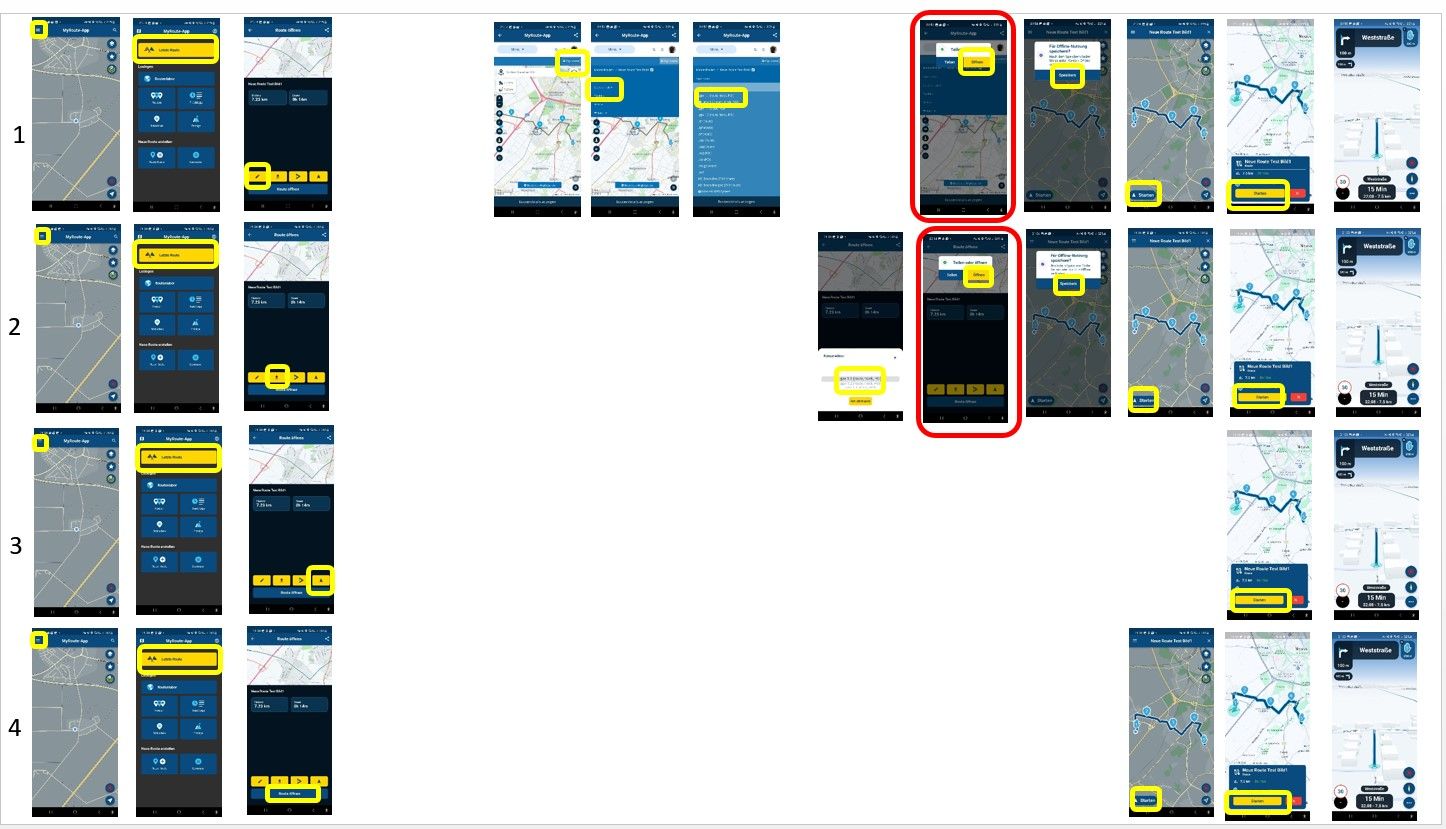
as one of those upset when the planning disappeared from the app, it is an important function for me.
No, when I have PC available I will always use the web app.
But when I am out on on a tour and only have a phone, I want to have easy access to planning to change my routes.
But still, good work guys for great tool!
@Con-Hennekens yes I use that too. But not all countrys have that. And for safety reasons I like to know if it is paved or not. The information is available because you can choose for using only paved roads.
Checked battery usage of both my OnePlus 6T and iPhone 14 when MRA Next is not used for navigation but just idle in the background. With "location always on" on both smartphones, Android does not use any power from the battery while iOS uses a lot. With "location on only when using the app" both do not use any power.
@foxontherun Can you login currently without a social media account? If so, that is proof that it's completely optional.
If you choose to enable logging in with a social media account, then the username/password login stops working.
@Tony-13 said in Downloading routes to Google Maps:
Some of my friends don't have MyRoute (shock, horror) so can be useful
It's not really that useful. Just give your friends a GPX file and have them use a proper app to run it.
@Corjan-Meijerink said in Some translation errors:
@Ronni I made sure all translations as mentioned above are implemented in the future update automatically (both web & app).
@Corjan-Meijerink You are really fast.
@Nicholas-Turner said in BMW NAVIGATOR 5:
Is there something in the settings of the unit i need to change at present its set for fastest...Thanks
There is one setting important: you need to disable recalculation!
@Ronni Thanks for the feedback!
1: We'll see what we can do. It was placed on the left side intentionally as we believed the right side would be a bit too close to the edge of the screen.
2: This was always the case
3: We'll check and improve the styling!
4: I don't think this is something we can change easily but thanks for suggesting anyway!
Cheers
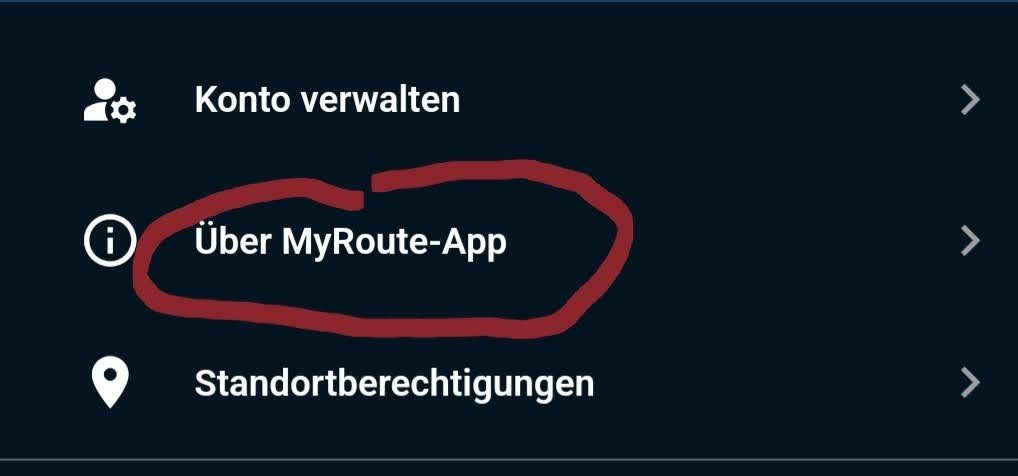
found new examples of "small-app" , even in play store.
Greetings
Ronni
[image: Screenshot_20230210_001507_Google Play Store.png]
[image: Screenshot_20230210_001740_Permission controller.jpg]
[image: Screenshot_20230210_001705.jpg]
@Simon-Ferrari said in Confused between web and app versions:
@Simon-Ferrari I’ve worked through this a bit more and I can sync routes between Navigation and Web. What it didn’t do was sync the Roundtour I originally generated in Web. Not sure why unless it’s because it shows as a “route-track” whereas if I create a route from scratch it just shows as a route.
MRA Navigation will not recognise a route-track. Convert the route-track to a route by clicking +Edit Route-track to be able to use it for navigating.