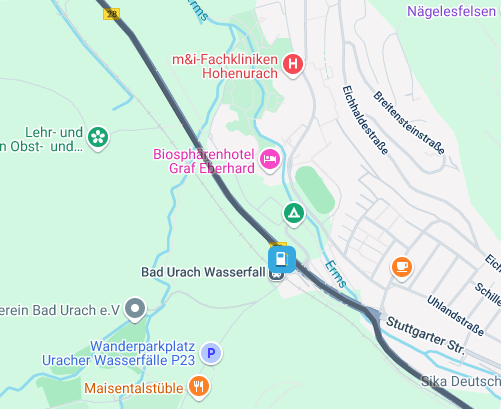
@Rocco-4, Only POI that have been explicitly added to the route will be in the GPX export. Then what your app or device does with them is up to them.
[image: 1736244149449-8172c169-e331-4b9f-8f0f-51daa2f10f6a-image.png]
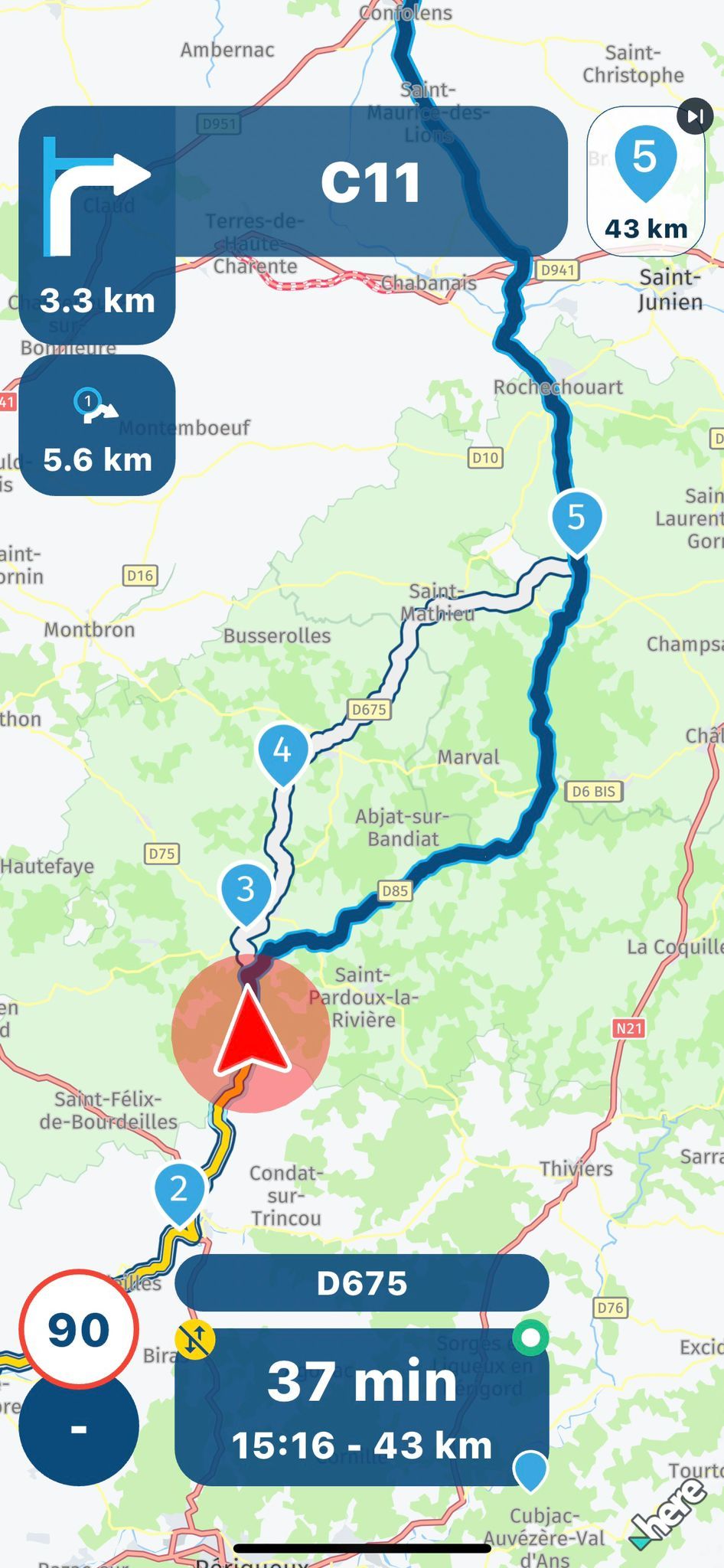
@Mzokk said in STILL having issues w/ my Zumo XT not following the route:
because the routing algorithm changed meaning that Basecamp routes no longer matched what the XT
That was exactly why many Basecamp users went crazy; they didn't understand it. It quickly became clear that Garmin did not want to develop BC further and wanted to push Explore/Tread instead.
And it was at this point that many BC users started looking for alternatives - e.g. MRA
@Reinhard-32 said in OpenTOPO map not available?:
@BertM Maybe you should set the Here Map as default for route planing.
[image: 1736114071111-img_7121.jpeg]
Maybe I have done that already…
[image: 1736141436378-img_0476.png]
@Nomko-Nomden Hello I looked at it, it is at 100% so that should be fine, I did some more research and found out that the AD blocker is the culprit, I turned it off and refreshed the page and then the buttons became visible again. Strange that these are blocked. But it doesn't matter it works again.
Out of curiosity, I registered for the "HERE map creator" and had a look:
[image: 1735913519958-pic2.jpg]
The information on the HERE map seems to be outdated, but as I have no local knowledge of this area, I don't want to change that.
@Hans-van-de-Ven-MR-MRA Hans hier het bewijs route uit de MRA prullenbak gehaald[image: 1735823358237-route-gemaakt-op-19-12-2024.png] [image: 1735823368623-route.png]
@Hans-van-de-Ven-MR-MRA Bedankt, ik ben er uit gekomen. De volgorde gaat net iets anders dan jij beschrijft:
route openen
hamburgermenu - routes
toevoegen
tenslotte je route selecteren
Maar geweldig dat het zo makkelijk gaat.
@Lenny-O Yes, and to be fair, don’t judge the rest of MRA on the route generator
The route planner is undergoing a major update and the current route generator is best described as sub optimal, hopefully when the new route planner is released there will be a new route generator.
The MRA Navigation Next (mobile App) has a much better route generator.
@Hans-van-de-Ven-MR-MRA Yes, you're correct. Thank you.
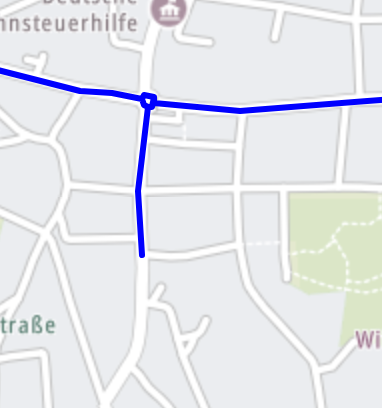
I was in the "HERE default" layer, which doesn't show the 2-lanes separated, even at the highest magnification. Unless of course, I'm doing something wrong.
I do see the separation using HERE Hybrid. Thanks again for your timely help.
Beste Myrouters,
Duidelijk verhaal, dank voor de snelle en duidelijke reacties. Heb inmiddels Next lifetime erbij genomen en het navigeren functioneert
Dus op naar de mooie routes en navigeer plezier
Nogmaals dank voor de reacties en voor iedereen op voorhand al fijne dagen toegewenst
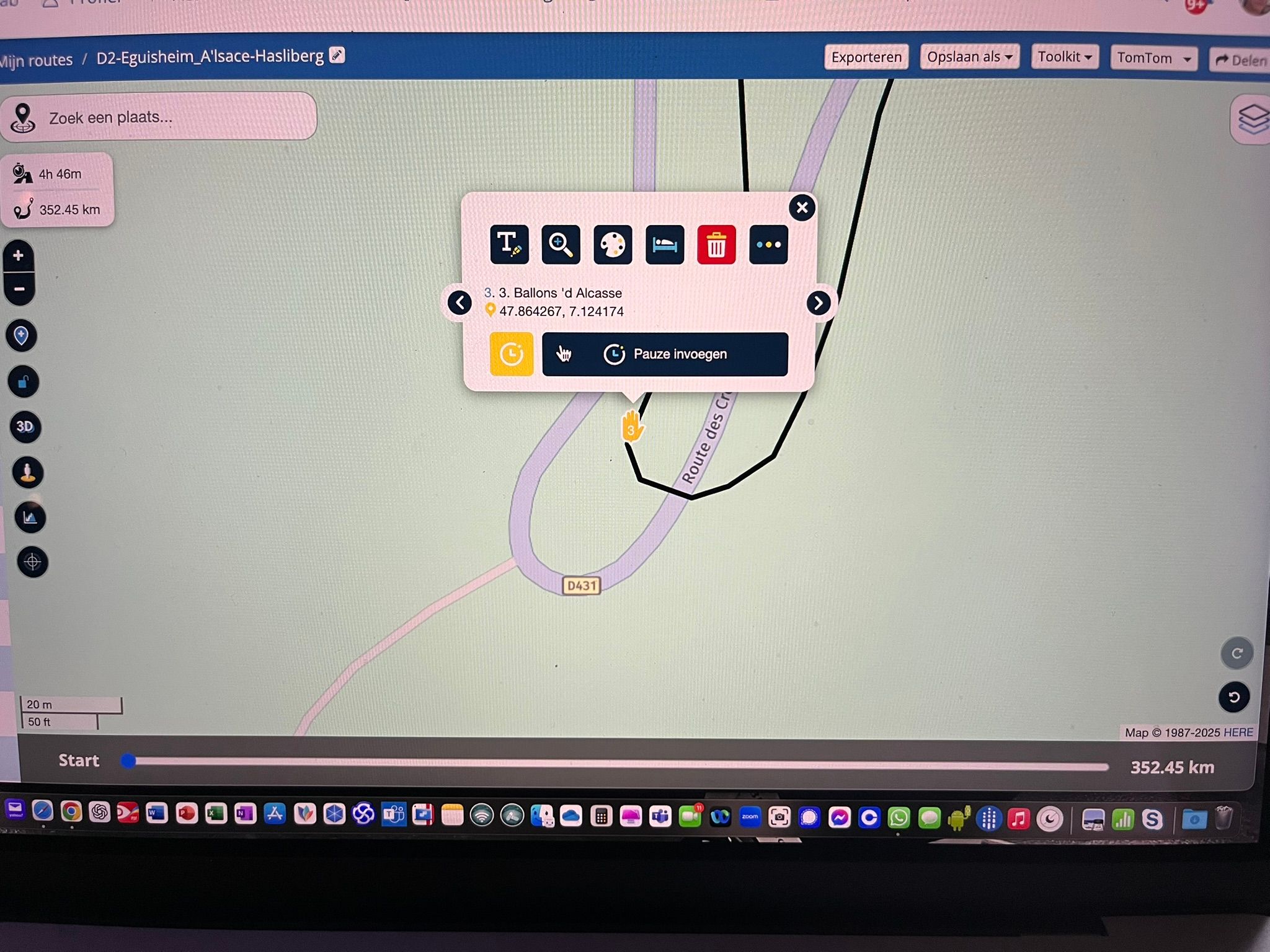
@ALAN-CROOK make those waypoints viapoints (hand signal) and name those points in the text field. Then it will. Or share that route here and make shure it's public so we can help you
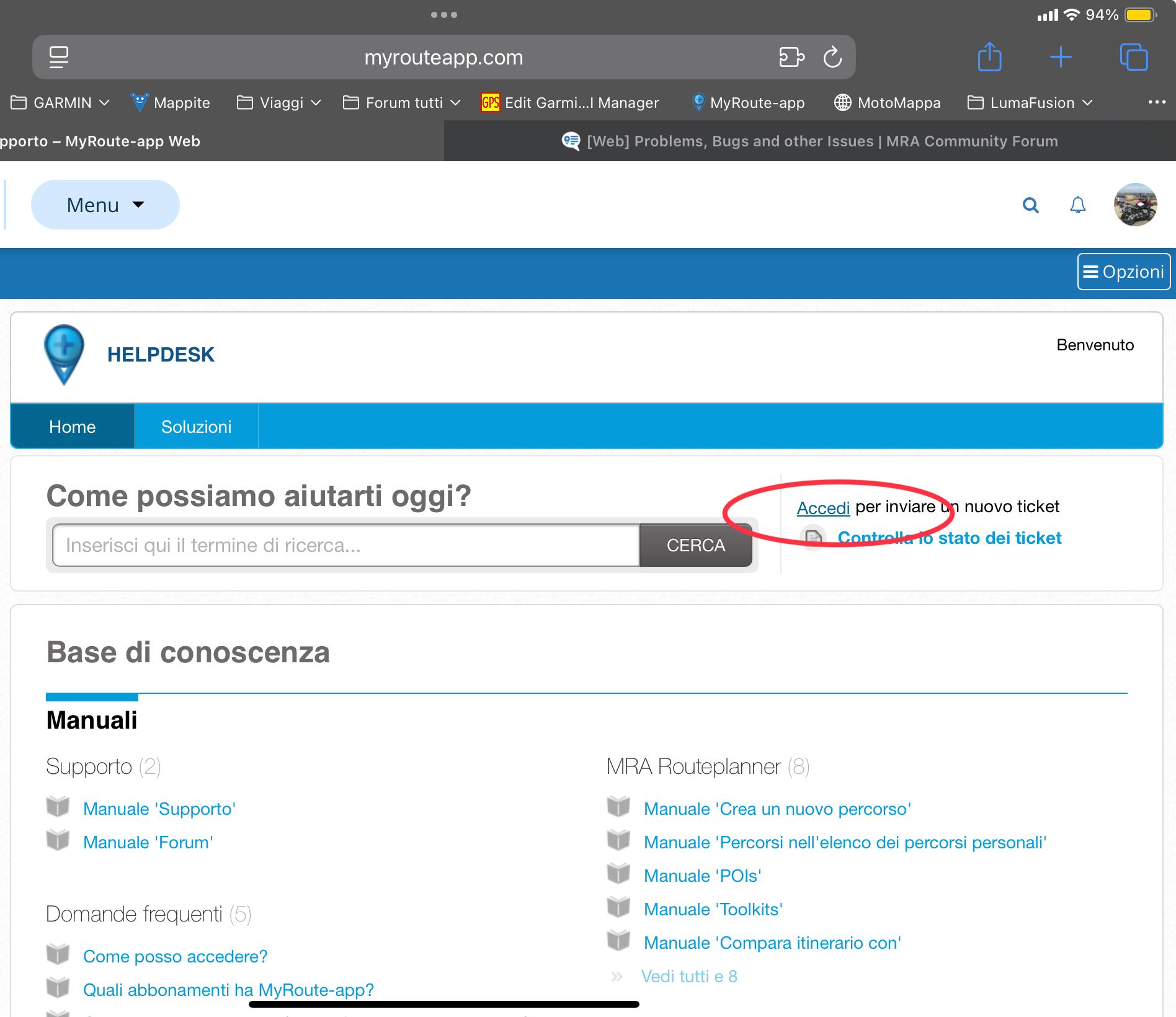
@Fischer-Kay, You are probably using the Safari browser? Does your iPad also do that if you use Chrome or Firefox for example? This problem may well be due to the browser you use.
@Nick-Carthew
Ja, man muss schon ein wenig aktiv werden.
https://forum.myrouteapp.com/post/41567 ist eine Lösung mit Tebellenkalkulation.
https://live.osgeo.org/de/overview/gpsprune_overview.html
ist ein Java Programm, das auf praktisch jeder Platform laufen sollte.
Darin kann man Punkte genau positionieren.
Und im Endeffekt ist ja eine POI-Datei auch gpx.
Habe es vor langer Zeit mal damit probiert, um Tracks nachträglich von Ausflügen nach Südafrika bei einer Rundfahrt zu Hause zu befreien.