Skip to content
  • Categories
  • Recent
  • Popular
  • Support
  • MyRoute-app
Collapse
Brand Logo

MRA Community Forum

  1. Home
  2. The MyRoute-app
  3. [App] Problems, Bugs and other Issues
  4. Trying to navigate from a GPX file in offline mode.

Trying to navigate from a GPX file in offline mode.

Scheduled Pinned Locked Moved [App] Problems, Bugs and other Issues
20 Posts 7 Posters 3.7k Views 4 Watching
  • Oldest to Newest
  • Newest to Oldest
  • Most Votes
Reply
  • Reply as topic
Log in to reply
This topic has been deleted. Only users with topic management privileges can see it.
  • Brian Martin
    Brian Martin
    Brian Martin
    wrote on last edited by
    #1

    The route is loaded but get cannot calculate message. Any thoughts?

    nomko Guzzist 2 Replies Last reply
    0
    • Brian Martin Brian Martin

      The route is loaded but get cannot calculate message. Any thoughts?

      nomko
      nomko
      nomko
      Banned
      wrote on last edited by
      #2

      @Brian-Martin is it a route or a track?

      if you loaded is as a track, then you will not receive spoken message

      Rob Verhoeff Brian Martin 2 Replies Last reply
      0
      • nomko nomko

        @Brian-Martin is it a route or a track?

        if you loaded is as a track, then you will not receive spoken message

        Rob Verhoeff
        Rob Verhoeff
        Rob Verhoeff
        Alpha tester
        wrote on last edited by Rob Verhoeff
        #3

        @Nomko-Nomden said in Trying to navigate from a GPX file in offline mode.:

        if you loaded is as a track, then you will not receive spoken message

        Driving a route as a track is actually one of the powerful new implementations of MRA. And voice guidance while riding that track simply works!
        Either I didn't understand TS's question, or I didn't understand your answer... 😉

        🏍️ BMW K1600GT-P (2013) | Nolan N100-5 with Sena 30K
        📱 iOS on iPhone 13 & 16 (mounted on Quadlock or AliExpress extention on BMW-cradle)
        🚙 Apple CarPlay in VW T-Roc
        💻 Routelab on MacBook Air & iMac (Tahoe & Ventura)

        1 Reply Last reply
        0
        • nomko nomko

          @Brian-Martin is it a route or a track?

          if you loaded is as a track, then you will not receive spoken message

          Brian Martin
          Brian Martin
          Brian Martin
          wrote on last edited by
          #4

          @Nomko-Nomden the problem is not anything to do with audio. The problem is after opening the route in offline mode it won't navigate and get error message "unable to calculate route".

          Rob Verhoeff 1 Reply Last reply
          0
          • Brian Martin Brian Martin

            @Nomko-Nomden the problem is not anything to do with audio. The problem is after opening the route in offline mode it won't navigate and get error message "unable to calculate route".

            Rob Verhoeff
            Rob Verhoeff
            Rob Verhoeff
            Alpha tester
            wrote on last edited by
            #5

            @Brian-Martin said in Trying to navigate from a GPX file in offline mode.:

            "unable to calculate route"

            Which platform are you navigating on? iOS or Android? Have you downloaded all the maps for all the areas the route passes through? In a border area, it can sometimes be useful to have the map just across the border available as well. Do you have the maps stored on an SD card?

            🏍️ BMW K1600GT-P (2013) | Nolan N100-5 with Sena 30K
            📱 iOS on iPhone 13 & 16 (mounted on Quadlock or AliExpress extention on BMW-cradle)
            🚙 Apple CarPlay in VW T-Roc
            💻 Routelab on MacBook Air & iMac (Tahoe & Ventura)

            Brian Martin 1 Reply Last reply
            0
            • Rob Verhoeff Rob Verhoeff

              @Brian-Martin said in Trying to navigate from a GPX file in offline mode.:

              "unable to calculate route"

              Which platform are you navigating on? iOS or Android? Have you downloaded all the maps for all the areas the route passes through? In a border area, it can sometimes be useful to have the map just across the border available as well. Do you have the maps stored on an SD card?

              Brian Martin
              Brian Martin
              Brian Martin
              wrote on last edited by
              #6

              @Rob-Verhoeff Hi Rob, using Android and latest map.

              1 Reply Last reply
              0
              • Brian Martin Brian Martin

                The route is loaded but get cannot calculate message. Any thoughts?

                Guzzist
                Guzzist
                Guzzist
                Valued contributor
                wrote on last edited by
                #7

                @Brian-Martin I strongly believe, it's because you did not download maps for ALL regions/countries the track or route passes through. Please check in the list of maps if ALL needed ones are downloaded.
                And check if all of them are up to date. You can see, which ones must be updatet! Not updated maps causes same error message.

                Nothing is impossible ;-)
                In past: GARMIN Zumo 210->GARMIN Zumo 395->GARMIN XT=> now: DMD T865-X + MyRoute-App, LocusMaps, OsmAnd.
                In past: GARMIN MapSource ->GARMIN BaseCamp->Tyre->Kurviger->Calimoto=> now: MRA-Routplanner.

                Brian Martin 1 Reply Last reply
                0
                • Guzzist Guzzist

                  @Brian-Martin I strongly believe, it's because you did not download maps for ALL regions/countries the track or route passes through. Please check in the list of maps if ALL needed ones are downloaded.
                  And check if all of them are up to date. You can see, which ones must be updatet! Not updated maps causes same error message.

                  Brian Martin
                  Brian Martin
                  Brian Martin
                  wrote on last edited by
                  #8

                  @Guzzist ok will check. Thanks

                  Brian Martin 1 Reply Last reply
                  0
                  • Jörgen
                    Jörgen
                    Jörgen
                    Valued contributor
                    wrote on last edited by
                    #9

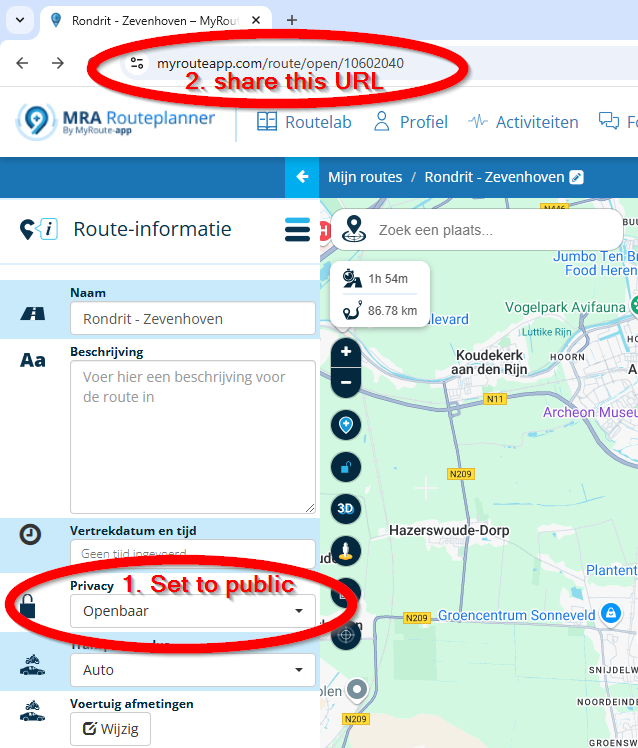
                    @Brian-Martin Please share the route, so we can have a look as well.
                    Make the route official and share the link.

                    Hardware
                    iPhone 12 pro (iOS 26.2.1)
                    iPad (7.Gen.) 18.7.3
                    Oukitel RT3 Pro (Andr. 14)
                    Wireless CarPlay mit (Elebest C650)
                    Wired CarPlay (SEAT Arona - 2021)
                    MRA Workshops in Deutsch sind hier zu finden

                    1 Reply Last reply
                    0
                    • Brian Martin Brian Martin

                      @Guzzist ok will check. Thanks

                      Brian Martin
                      Brian Martin
                      Brian Martin
                      wrote on last edited by
                      #10

                      @Brian-Martin https://drive.google.com/file/d/1KYoFYJJOnKJHa7B8392jj4q_68A3HwkK/view?usp=drivesdk

                      Con Hennekens 1 Reply Last reply
                      0
                      • Brian Martin Brian Martin

                        @Brian-Martin https://drive.google.com/file/d/1KYoFYJJOnKJHa7B8392jj4q_68A3HwkK/view?usp=drivesdk

                        Con Hennekens
                        Con Hennekens
                        Con Hennekens
                        Alpha tester
                        wrote on last edited by
                        #11

                        @Brian-Martin, You are sharing a textfile in Google drive, not the route in MRA 😉
                        2c403c2c-0434-45f0-bf7a-773518edc000-image.png

                        I am just an enthusiastic MRA user, and hope you will be one too!

                        Most motorcycle problems are caused by the nut that connects the handlebar to the saddle.

                        Check out RideSleepRepeat.eu, a biker community for sharing stays across Europe

                        Brian Martin 1 Reply Last reply
                        0
                        • Con Hennekens Con Hennekens

                          @Brian-Martin, You are sharing a textfile in Google drive, not the route in MRA 😉

                          2c403c2c-0434-45f0-bf7a-773518edc000-image.png

                          Brian Martin
                          Brian Martin
                          Brian Martin
                          wrote on last edited by
                          #12

                          @Con-Hennekens sorry, not with it today as I have a stinking cold. Will try again later.

                          Brian Martin 1 Reply Last reply
                          0
                          • Brian Martin Brian Martin

                            @Con-Hennekens sorry, not with it today as I have a stinking cold. Will try again later.

                            Brian Martin
                            Brian Martin
                            Brian Martin
                            wrote on last edited by
                            #13

                            @Brian-Martin https://www.myrouteapp.com/en/social/route/10547614?mode=share

                            Marinus van Deudekom Guzzist 2 Replies Last reply
                            0
                            • Brian Martin Brian Martin

                              @Brian-Martin https://www.myrouteapp.com/en/social/route/10547614?mode=share

                              Marinus van Deudekom
                              Marinus van Deudekom
                              Marinus van Deudekom
                              RouteXpert
                              wrote on last edited by
                              #14

                              @Brian-Martin Hi Brian
                              I'vew looked at your route
                              Most of the waypoints are not ON the route
                              Have you tried putting them ON the road
                              If you have downloaded the maps of that country you should be able to use that route and navigate is

                              Honda Goldwing GL1500,
                              Honda Silverwing GL 650
                              DMD2 T865X 8 inch Android tablet using MRA next for navigation
                              Garmin XT sold
                              Samsung S24FE mounted on a Quadlock and using Android Auto in my car

                              1 Reply Last reply
                              0
                              • Brian Martin Brian Martin

                                @Brian-Martin https://www.myrouteapp.com/en/social/route/10547614?mode=share

                                Guzzist
                                Guzzist
                                Guzzist
                                Valued contributor
                                wrote on last edited by
                                #15

                                @Brian-Martin I also checked your route: same finding with WP not exactly on the road. Please use map engine HEERE to place the WP exactly.

                                I tried also to navigate with. By online navigation, it works fine. Just by offline navigation, I have got error message: "could not calculate a route" - but this is because I did not download a map for offline usage before.
                                So, everything works as designed for me 🙄

                                Nothing is impossible ;-)
                                In past: GARMIN Zumo 210->GARMIN Zumo 395->GARMIN XT=> now: DMD T865-X + MyRoute-App, LocusMaps, OsmAnd.
                                In past: GARMIN MapSource ->GARMIN BaseCamp->Tyre->Kurviger->Calimoto=> now: MRA-Routplanner.

                                Brian Martin 1 Reply Last reply
                                0
                                • Guzzist Guzzist

                                  @Brian-Martin I also checked your route: same finding with WP not exactly on the road. Please use map engine HEERE to place the WP exactly.

                                  I tried also to navigate with. By online navigation, it works fine. Just by offline navigation, I have got error message: "could not calculate a route" - but this is because I did not download a map for offline usage before.
                                  So, everything works as designed for me 🙄

                                  Brian Martin
                                  Brian Martin
                                  Brian Martin
                                  wrote on last edited by
                                  #16

                                  @Guzzist Thanks for looking. How do you download for offline usage? I thought you just downloaded the GPX file to use for
                                  off and online.

                                  Guzzist 1 Reply Last reply
                                  0
                                  • Brian Martin Brian Martin

                                    @Guzzist Thanks for looking. How do you download for offline usage? I thought you just downloaded the GPX file to use for
                                    off and online.

                                    Guzzist
                                    Guzzist
                                    Guzzist
                                    Valued contributor
                                    wrote on last edited by Guzzist
                                    #17

                                    @Brian-Martin - oh, may I need to explain a little more 😌
                                    If you have planned a route in MRA Route Planner - or would like to use a track - than both would be available in myRoute-App as well for navigation. But it's needed to activate "synchronisation for all" in front of. (If you open a route in MyRoute-App, tap on 3 dots in top right corner and select "sync for all").

                                    By this, you can navigate with a route or with a track as long as you are online. If you intent to be offline later on, go online in front of your trip, goto your Account in MyRoute-App (tap 3 lines icon at top left corner, then Account icon at top right corner, then scroll down an select "offline maps" - and download maps for all regions/countries the route or track Passes trough you want to use. And keep them up to date further on!
                                    Just then, you can navigate with a route or track also offline 😁

                                    Not sure what you intend with the downloaded gpx file. From where did you download to where to store? You can use a gpx file from elsewhere, but at first upload it from your computer to MRA Route Planner. Then - as I wrote above, if you have switched on "synch" - the route or track you have created or uploaded to MRA Route Planner will be available automatically at your p.e. Smartphone in MyRoute-App. There is no need to load the gpx file to your Smartphone.

                                    Nothing is impossible ;-)
                                    In past: GARMIN Zumo 210->GARMIN Zumo 395->GARMIN XT=> now: DMD T865-X + MyRoute-App, LocusMaps, OsmAnd.
                                    In past: GARMIN MapSource ->GARMIN BaseCamp->Tyre->Kurviger->Calimoto=> now: MRA-Routplanner.

                                    Brian Martin 1 Reply Last reply
                                    0
                                    • Guzzist Guzzist

                                      @Brian-Martin - oh, may I need to explain a little more 😌
                                      If you have planned a route in MRA Route Planner - or would like to use a track - than both would be available in myRoute-App as well for navigation. But it's needed to activate "synchronisation for all" in front of. (If you open a route in MyRoute-App, tap on 3 dots in top right corner and select "sync for all").

                                      By this, you can navigate with a route or with a track as long as you are online. If you intent to be offline later on, go online in front of your trip, goto your Account in MyRoute-App (tap 3 lines icon at top left corner, then Account icon at top right corner, then scroll down an select "offline maps" - and download maps for all regions/countries the route or track Passes trough you want to use. And keep them up to date further on!
                                      Just then, you can navigate with a route or track also offline 😁

                                      Not sure what you intend with the downloaded gpx file. From where did you download to where to store? You can use a gpx file from elsewhere, but at first upload it from your computer to MRA Route Planner. Then - as I wrote above, if you have switched on "synch" - the route or track you have created or uploaded to MRA Route Planner will be available automatically at your p.e. Smartphone in MyRoute-App. There is no need to load the gpx file to your Smartphone.

                                      Brian Martin
                                      Brian Martin
                                      Brian Martin
                                      wrote on last edited by
                                      #18

                                      @Guzzist I did what you suggested and it seems to have worked, not able to get out onto the road yet but after opening route in MRA in offline mode it did calculate and started instructions. I usually download GPX files into Google Drive on my PC, phone, and Tablet I use for navigation. It's pretty seemless, as soon as I and file is added to the folder it's there straight away on all devices.
                                      Thanks for you help.

                                      Con Hennekens 1 Reply Last reply
                                      0
                                      • Brian Martin Brian Martin

                                        @Guzzist I did what you suggested and it seems to have worked, not able to get out onto the road yet but after opening route in MRA in offline mode it did calculate and started instructions. I usually download GPX files into Google Drive on my PC, phone, and Tablet I use for navigation. It's pretty seemless, as soon as I and file is added to the folder it's there straight away on all devices.
                                        Thanks for you help.

                                        Con Hennekens
                                        Con Hennekens
                                        Con Hennekens
                                        Alpha tester
                                        wrote on last edited by
                                        #19

                                        @Brian-Martin, the sync option @Guzzist explained takes the hassle out of "transferring routes to your device". That really is a thing of the past if you use MRA planner as well as MRA Navigation. 😉

                                        I am just an enthusiastic MRA user, and hope you will be one too!

                                        Most motorcycle problems are caused by the nut that connects the handlebar to the saddle.

                                        Check out RideSleepRepeat.eu, a biker community for sharing stays across Europe

                                        Brian Martin 1 Reply Last reply
                                        0
                                        • Con Hennekens Con Hennekens

                                          @Brian-Martin, the sync option @Guzzist explained takes the hassle out of "transferring routes to your device". That really is a thing of the past if you use MRA planner as well as MRA Navigation. 😉

                                          Brian Martin
                                          Brian Martin
                                          Brian Martin
                                          wrote on last edited by
                                          #20

                                          @Con-Hennekens I save the GPX files in Drive as I use different navigation programmes depending on what I'm doing so I have access to all. 👍

                                          1 Reply Last reply
                                          1

                                          Hello! It looks like you're interested in this conversation, but you don't have an account yet.

                                          Getting fed up of having to scroll through the same posts each visit? When you register for an account, you'll always come back to exactly where you were before, and choose to be notified of new replies (either via email, or push notification). You'll also be able to save bookmarks and upvote posts to show your appreciation to other community members.

                                          With your input, this post could be even better 💗

                                          Register Login
                                          Reply
                                          • Reply as topic
                                          Log in to reply
                                          • Oldest to Newest
                                          • Newest to Oldest
                                          • Most Votes


                                          ACTIVE USERS
                                          Rob Verhoeff
                                          Rob Verhoeff
                                          Con Hennekens
                                          Con Hennekens
                                          Marinus van Deudekom
                                          Marinus van Deudekom
                                          Jörgen
                                          Jörgen
                                          Guzzist
                                          Guzzist
                                          nomko
                                          nomko
                                          Brian Martin
                                          Brian Martin
                                          POPULAR TOPICS
                                          • New beta! 6.0.0 (514)
                                            Stephen Rowland
                                            Stephen Rowland
                                            11
                                            21
                                            143

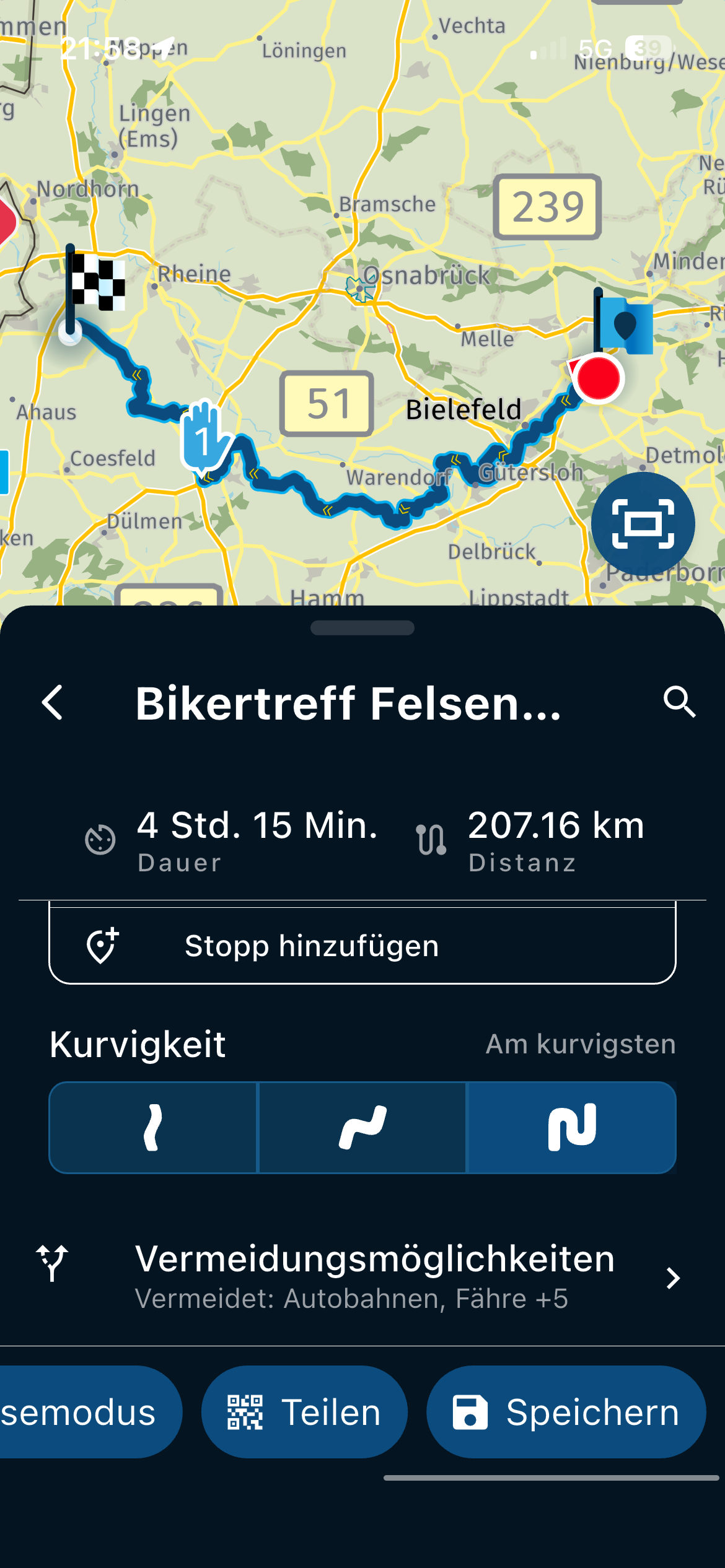
                                          • MRA 6.0.0 (514) Curvy - but not through a big city like Bielefeld /// Kurvenreich - doch nicht durch eine große Stadt wie Bielefeld
                                            Corjan Meijerink
                                            Corjan Meijerink
                                            0
                                            5
                                            6

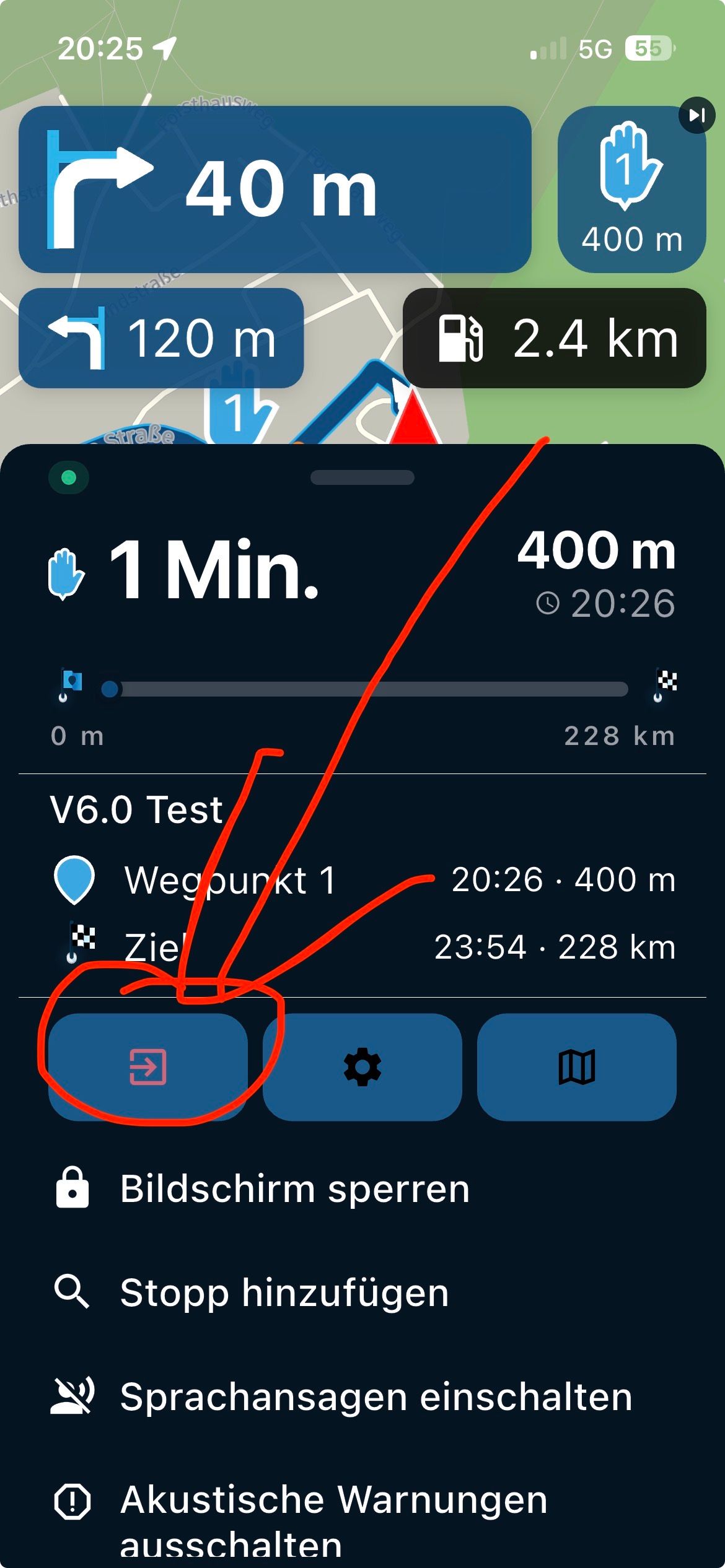
                                          • MRA 6.0.0 (514) Stop navigation should be directly on the display /// Stopp Navigation sollte direkt auf dem Display sein
                                            Corjan Meijerink
                                            Corjan Meijerink
                                            0
                                            5
                                            17

                                          • Statement on map spinning
                                            M. Schrijver
                                            M. Schrijver
                                            18
                                            16
                                            1.6k

                                          • App startet und stürzt ab! 5.2.2-489
                                            Peter Zehentreiter
                                            Peter Zehentreiter
                                            0
                                            4
                                            38

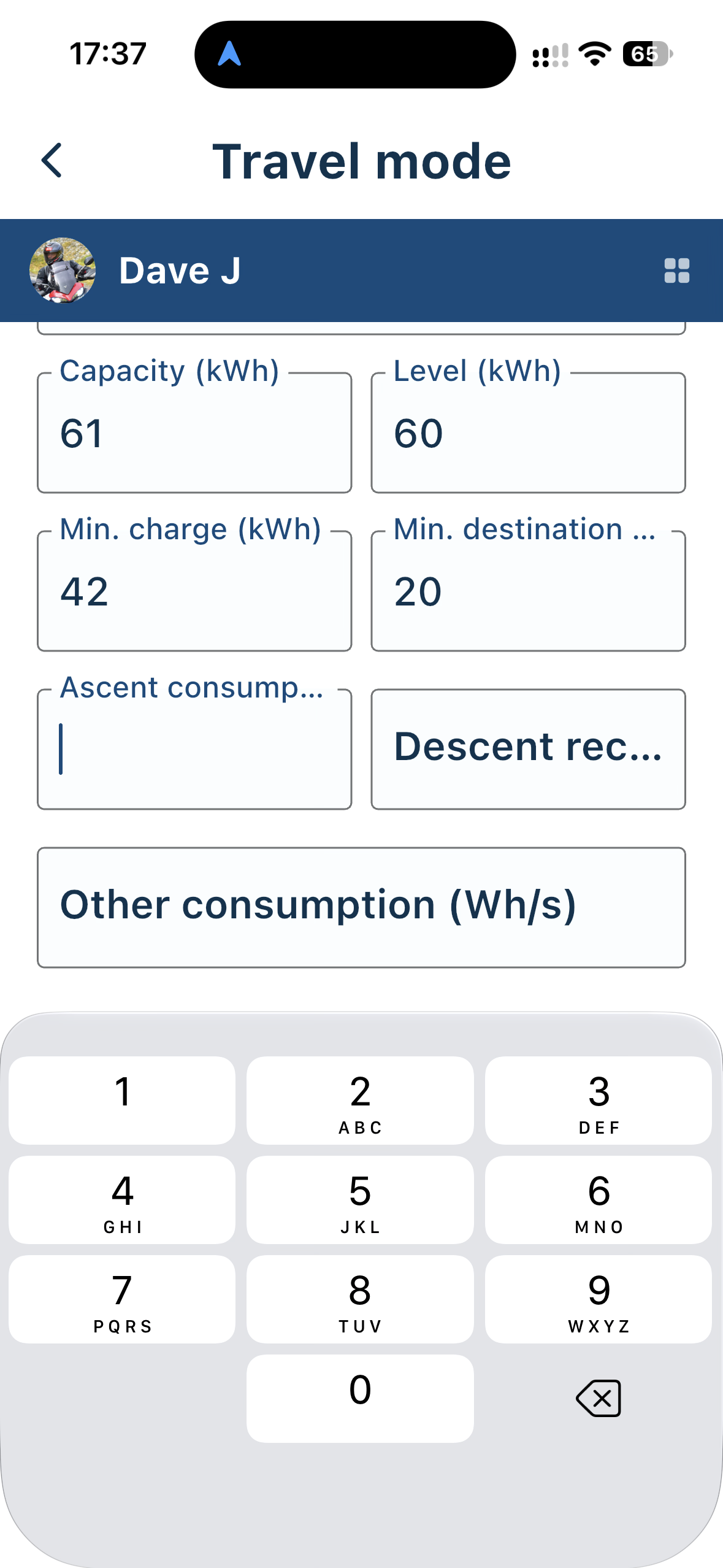
                                          • Electric Car Travel Mode
                                            Dave J 0
                                            Dave J 0
                                            0
                                            3
                                            12

                                          • MRA V5.2.1 (486) POI - Selection - Winding track - with error message that is not correct
                                            Rob Verhoeff
                                            Rob Verhoeff
                                            0
                                            8
                                            75

                                          • MRA 5.2.2 (489) Avoidances are not taken into account///Vermeidungen werden nicht berücksichtigt
                                            Hubert Thoring
                                            Hubert Thoring
                                            0
                                            5
                                            74

                                          MY GROUPS
                                          • Login

                                          • Login or register to search.
                                          • First post
                                            Last post
                                          0
                                          • Categories
                                          • Recent
                                          • Popular
                                          • Support
                                          • MyRoute-app