Route always crashes
-

Hello, this route always crashes when I try to open it in MRA Mobile. Most of the time I can open for navigation. I'm also able to open for edit. Using a Samsung Tab A7.
Route:
https://www.myrouteapp.com/en/social/route/6982505?mode=share -
Hello, this route always crashes when I try to open it in MRA Mobile. Most of the time I can open for navigation. I'm also able to open for edit. Using a Samsung Tab A7.
Route:
https://www.myrouteapp.com/en/social/route/6982505?mode=share
@Doug-Robinson
That's the first time i've seen a Crash in the iOS Beta.!
It's a very long route that probably needs splitting into day routes maybe.There are many here far more experienced than me at solving problems like this so I'll leave to them.
-
Hello, this route always crashes when I try to open it in MRA Mobile. Most of the time I can open for navigation. I'm also able to open for edit. Using a Samsung Tab A7.
Route:
https://www.myrouteapp.com/en/social/route/6982505?mode=share
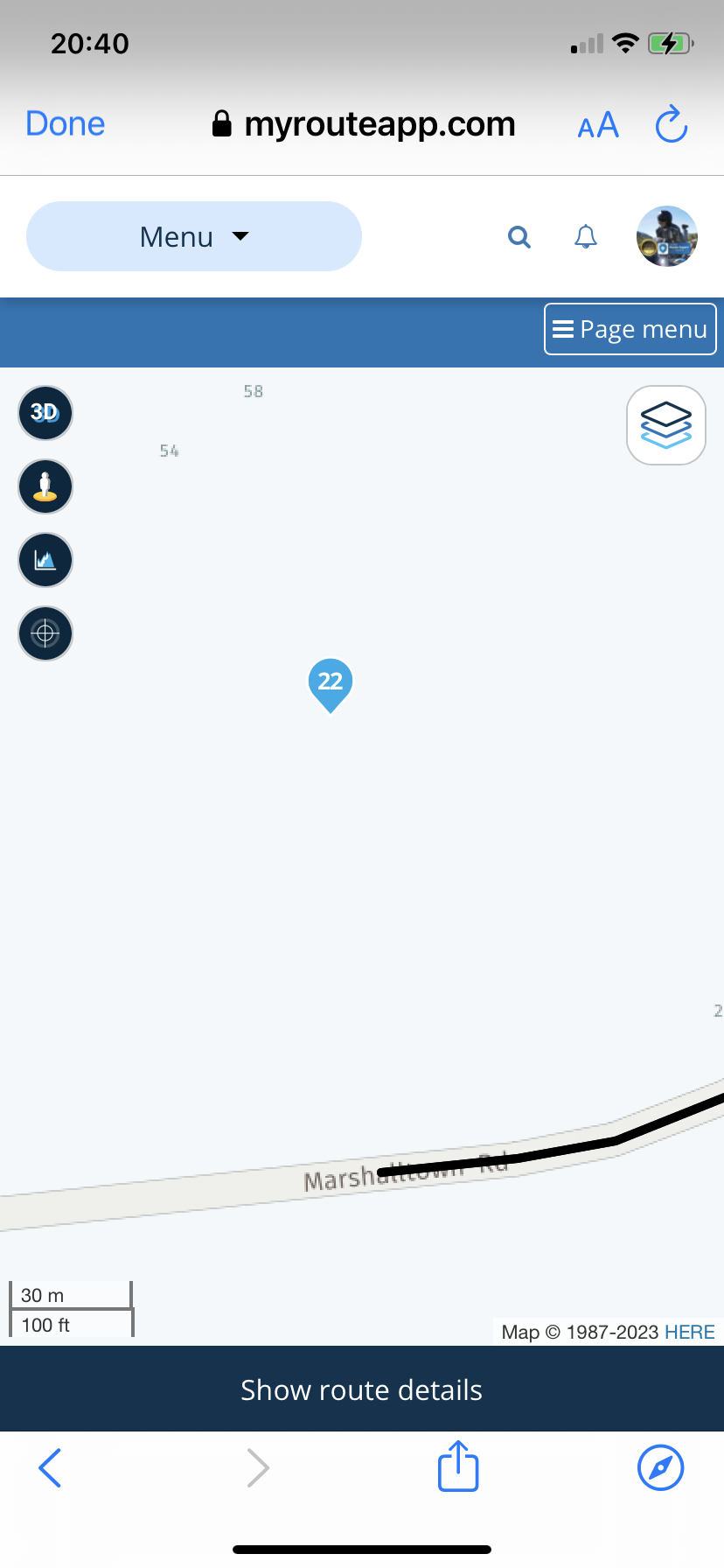
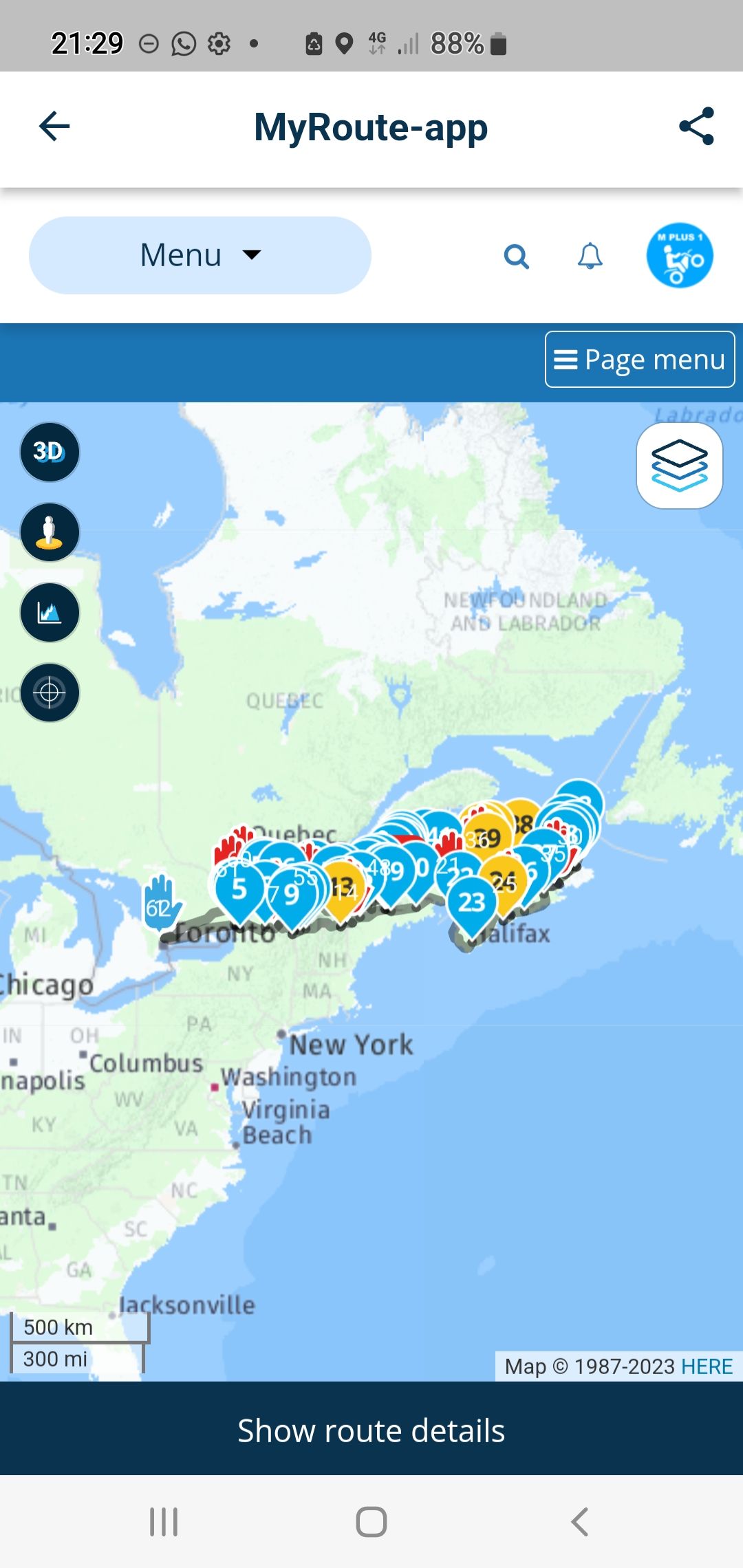
@Doug-Robinson It’s over 3000 miles and several route points are quite a distance from the road. I suggest shortening the route, perhaps split it into daily rides and check the positioning of all route points.
-
Hello, this route always crashes when I try to open it in MRA Mobile. Most of the time I can open for navigation. I'm also able to open for edit. Using a Samsung Tab A7.
Route:
https://www.myrouteapp.com/en/social/route/6982505?mode=share
@Doug-Robinson Thanks for sharing! Honestly, it’s indeed probably just way too long as @Steve-Lynch suggested. A crash is however never a good way of handling errors

So if the route is indeed too long, we need to handle that case appropriately. I’ll give it a test (with debug info) tomorrow and report back

-
@Doug-Robinson Thanks for sharing! Honestly, it’s indeed probably just way too long as @Steve-Lynch suggested. A crash is however never a good way of handling errors
So if the route is indeed too long, we need to handle that case appropriately. I’ll give it a test (with debug info) tomorrow and report back
No crash in Android though for me?Sorry I was in the planner it does crash in Android Beta.
-

If there is a max to the amount of waypoints, surely that must be a known figure. That does not seem something you would need to find out by trial and error.
-
Yes, it is a long route. When I ride it in June I'll split to daily rides. For now I'm planning as a single route. I'm surprised about the waypoint being off. I thought I had checked them all. I've noticed that if you switch maps sometimes the waypoints magically move
 sometimes I'll switch from Here to Openmaps when the Internet is slow, I find it is quicker updating.
 -
Yes, it is a long route. When I ride it in June I'll split to daily rides. For now I'm planning as a single route. I'm surprised about the waypoint being off. I thought I had checked them all. I've noticed that if you switch maps sometimes the waypoints magically move
sometimes I'll switch from Here to Openmaps when the Internet is slow, I find it is quicker updating.
@Doug-Robinson, It's not the waypoints moving, but the roads...
-
Yes, it is a long route. When I ride it in June I'll split to daily rides. For now I'm planning as a single route. I'm surprised about the waypoint being off. I thought I had checked them all. I've noticed that if you switch maps sometimes the waypoints magically move
sometimes I'll switch from Here to Openmaps when the Internet is slow, I find it is quicker updating.
@Doug-Robinson said in Route always crashes:
I've noticed that if you switch maps sometimes the waypoints magically move
sometimes I'll switch from Here to Openmaps when the Internet is slow, I find it is quicker updating.That highlights the discrepancies in each map and shows the importance of using the correct planning map for the device that you use.
Always willing to help if I can.
Triumph Tiger 1200 XRT called Tina.
MRA Navigation Next and SilverFox BJ8 -
@Doug-Robinson said in Route always crashes:
I've noticed that if you switch maps sometimes the waypoints magically move
sometimes I'll switch from Here to Openmaps when the Internet is slow, I find it is quicker updating.That highlights the discrepancies in each map and shows the importance of using the correct planning map for the device that you use.
@Nick-Carthew I don't disagree, since I use the Navigator and eventually MRA Mobile (once offline is working) which maps are downloaded? I don't see a choice. I normally do my planning using the Here maps but if they are not the maps that get down loaded, then I would like to know which maps do get downloaded.
-
I'm fairly optimistic that this issue has been solved in the upcoming update!
-
I'm fairly optimistic that this issue has been solved in the upcoming update!

Hi, I am currently testing the MRA APP. I am facing nearly the same issue, but when I have only one waypoint... I am searching for an address and want to navigate. The APP calculates the route, I press start and the APP is closing.
Today I have had that issue even when the APP is running several minutes, then crashing without any error message.
Pixel 7 pro with latest updates.
If you need more info please let me know.
Hello! It looks like you're interested in this conversation, but you don't have an account yet.
Getting fed up of having to scroll through the same posts each visit? When you register for an account, you'll always come back to exactly where you were before, and choose to be notified of new replies (either via email, or push notification). You'll also be able to save bookmarks and upvote posts to show your appreciation to other community members.
With your input, this post could be even better 💗
Register Login-
 01538
01538
-
0924
-
 911210.5k
-
 0712
0712
-
 0726
0726
-
0524
-
1520
-
1424