Garmin XT2 - losing my mind!
-

I know lots has been posted about this subject but I’m hoping someone might be able to stop me going any more crazy.
In short, I have been having real issues with translating MRA routes into the route on a Garmin XT2.
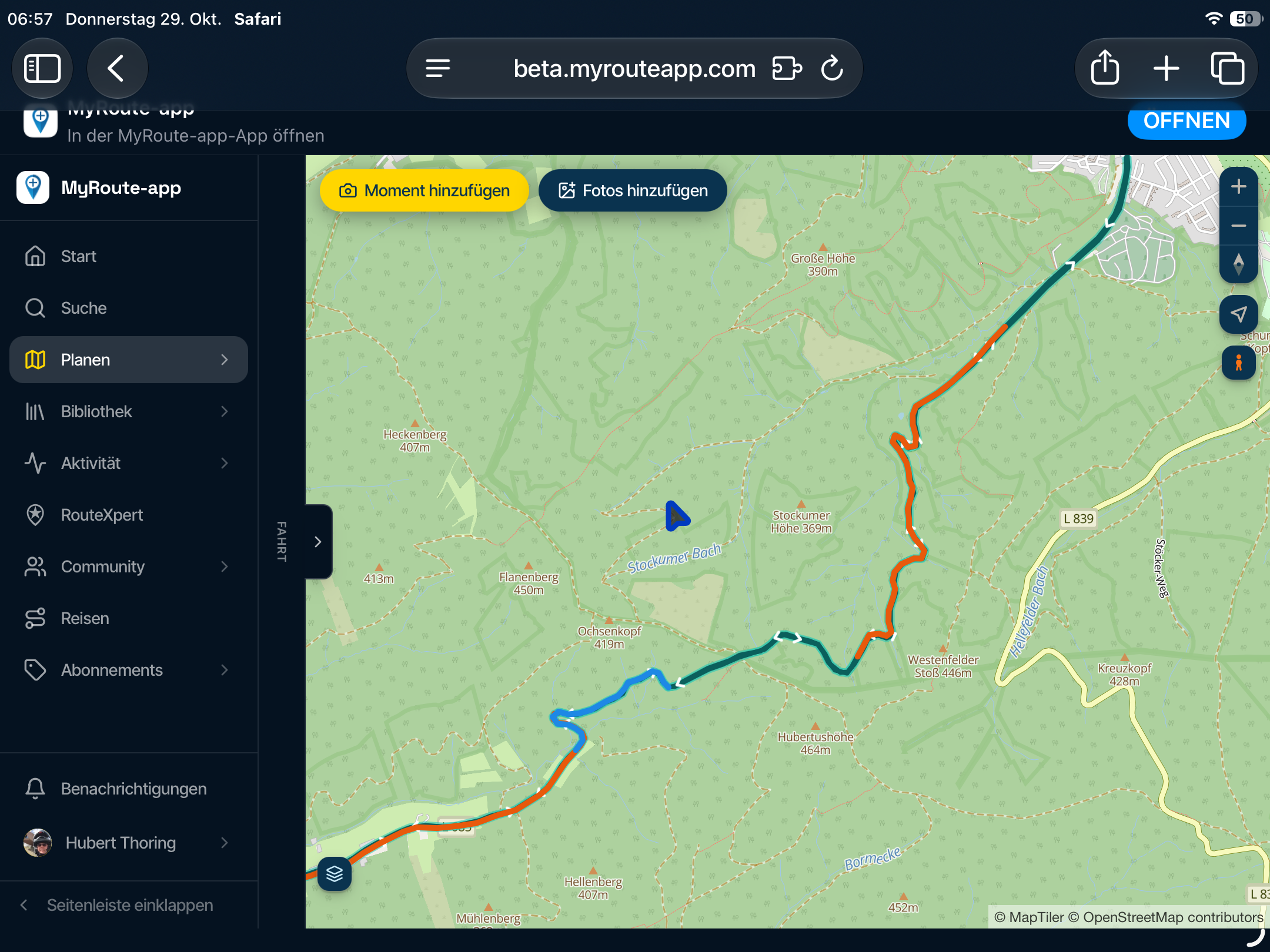
I have created routes in MRA using HERE maps with plenty of shaping points. I have copied them across from my iMac directly. The route in question is 233 km. MRA says the route will take 3:30. The Garmin calculates it as nearly. 4:30. It looks like the same route on the route preview. It’s not the first time I have had issues with this. Earlier today the Garmin just made up its own route. When I realised that something was amiss and check the route on MRA we were some 15km off the route and the Garmin had just given me this route.
Am I doing something totally dumb or have I potentially got a dodgy XT2.
-
I know lots has been posted about this subject but I’m hoping someone might be able to stop me going any more crazy.
In short, I have been having real issues with translating MRA routes into the route on a Garmin XT2.
I have created routes in MRA using HERE maps with plenty of shaping points. I have copied them across from my iMac directly. The route in question is 233 km. MRA says the route will take 3:30. The Garmin calculates it as nearly. 4:30. It looks like the same route on the route preview. It’s not the first time I have had issues with this. Earlier today the Garmin just made up its own route. When I realised that something was amiss and check the route on MRA we were some 15km off the route and the Garmin had just given me this route.
Am I doing something totally dumb or have I potentially got a dodgy XT2.

@Julian-Roberts-0-0 HI! I am not sure if this will help, but please check the Navigation preferences setting on your Garmin. Every time you call a route for navigation on the Garmin, you will notice that it says "Calculating Route". It means that it calculates it based on the Nav preferences set on Garmin AT THE MOMENT.
Also, if you have live traffic data it may calculate differently based on traffic conditions.
When I was using Garmin XT (now coimpletely switched to the MRA NAV App), I had an App called Garmin Drive installed on my phone. After Bluetooth connection is made between the phone and Garmin (only do it once), to transfer a route to the Garmin, I would pull up the route on the MRA Nav app, slide the bottom bar to the left to uncover a symbol of underlined down pointing arrow (download), select the format (usually GPX 1.1), hit Yellow Download button, then select Export, then Share and when asked which App to use to Share via, I would select Garmin Drive. And Voila!
The Route is wirelessly transfered to my Garmin XT.
I am positive that XT2 has the similar functionality, though slightly different and using Thread instead of Garmin Drive. Once you master that procedure, you will never need a computer again. -

Drive App is only working with XT1. XT2 and XT3 have to deal with Tread.
@julian-roberts-0-0 try to export gpx1.2 and put the GPX-file in the /GPX folder. That should work. Keep your recalculation off.Met andere apps maak je een route, met MRA componeer je een route!
Ducati Monster 1200 met Garmin Zümo XT
Fiat 124 Spider/Camper Dethleffs met Navigation-App op Samsung Tab Active4 Pro
MRA Lifetime Gold -
Drive App is only working with XT1. XT2 and XT3 have to deal with Tread.
@julian-roberts-0-0 try to export gpx1.2 and put the GPX-file in the /GPX folder. That should work. Keep your recalculation off.
...Keep your recalculation off...
I'm quite sure it would not be a solution, because in the transmit procedure XT calculates too. And this can't be switched of. The only solution is: to enter enough route points...
Nothing is impossible ;-)
In past: GARMIN Zumo 210->GARMIN Zumo 395->GARMIN XT=> now: DMD T865-X + MyRoute-App, LocusMaps, OsmAnd.
In past: GARMIN MapSource ->GARMIN BaseCamp->Tyre->Kurviger->Calimoto=> now: MRA-Routplanner. -
...Keep your recalculation off...
I'm quite sure it would not be a solution, because in the transmit procedure XT calculates too. And this can't be switched of. The only solution is: to enter enough route points...

@Guzzist Yes and make absolutely shure that recalculation and traffic info is OFF
What I do to make shure there's enough shaping points is compare the route with TomTom and make shure they are the same. Even when the Garmin is doing its trick or won't find other roads to plot
I have no preferences set in MRA and GarminHonda Goldwing GL1500,
Honda Silverwing GL 650
DMD2 T865X 8 inch Android tablet using MRA next for navigation
Garmin XT sold
Samsung S24FE mounted on a Quadlock and using Android Auto in my car -
@Guzzist Yes and make absolutely shure that recalculation and traffic info is OFF
What I do to make shure there's enough shaping points is compare the route with TomTom and make shure they are the same. Even when the Garmin is doing its trick or won't find other roads to plot
I have no preferences set in MRA and Garmin
Yes and make absolutely shure that recalculation and traffic info is OFF
The only Recalculation that can be turned off in Garmin devices is in off-route scenarios. In settings, you have the options of setting always OFF or prompted OFF. This has nothing to do with what happens when a new route is imported into the Garmin. On import, a route is always recalculated based on the rules you select in settings.
As far as Traffic, I have no idea how that would come into play. Traffic is and XT2/3 runtime feature provided through the Garmin Tread app, which actually works quite well. If I'm missing something on this, please explain.
-
You just made very clear your have no idea what so ever what goes on in the Garmin algorithme.
Traffic info has a serious impact on the way Garmin treats the route. Just turn the thing ofHonda Goldwing GL1500,
Honda Silverwing GL 650
DMD2 T865X 8 inch Android tablet using MRA next for navigation
Garmin XT sold
Samsung S24FE mounted on a Quadlock and using Android Auto in my car -
You just made very clear your have no idea what so ever what goes on in the Garmin algorithme.
Traffic info has a serious impact on the way Garmin treats the route. Just turn the thing of
Interesting. in the Garmin, "Traffic" is a real-time service that alerts me to conditions up ahead. If an accident happened 10-minutes ago and is backing everything up, I'm alerted on the device. This service has nothing to do with how my route was originally imported into the Garmin and calculated.
Traffic related Recalculation can only happen if I allow it. in the Optimize Route navigation setting, I have the "On Request" set. In other words, I'm prompted (asked) if I want to route around the delay. Again, nothing happens unless I say yes to the reroute. If I do nothing, I'll sit with everyone else until the delay is resolved. But again (for emphasis), this has nothing to do with the original import/route calculation.
So, please explain the "Traffic info has a serious impact on the way Garmin treats the route".
Hello! It looks like you're interested in this conversation, but you don't have an account yet.
Getting fed up of having to scroll through the same posts each visit? When you register for an account, you'll always come back to exactly where you were before, and choose to be notified of new replies (either via email, or push notification). You'll also be able to save bookmarks and upvote posts to show your appreciation to other community members.
With your input, this post could be even better 💗
Register Login-
 0824
0824
-
 011235
-
 115124
-
0519
-
0750
-
 0490
0490
-
 0669
0669
-
 18413
18413