Skip to content

[App] Problems, Bugs and other Issues

1.2k Topics 9.7k Posts
  • Volume navigatie stem via Cardo is niet te horen

    Moved
    11
    0 Votes
    11 Posts
    2k Views
    Almost 1 year later, and it seems this is still an issue. I've bought a Packtalk Edge last week, so here's my experience so far. When I'm on my bike, I'm running the Flitsmeister & a separate navigation app. The first time I've tried my Packtalk, I was using Tomtom Ride, and Spotify, which seemed to work fine. Last weekend, I started with just Flitsmeister, and MRA Next. Volume was really low, just heard some very muted whispering from the nav. app. Flitsmeister was quite loud. On a given moment, I've got a FM notification, simultaneously with a MRA notification, and then the volume was suddenly OK. Yet, only this moment, and not afterwards. So I've did some searching, and found this thread. However, I can't find the setting as in the screenshot above? Anyway... The next day, tried to run JUST MRA Next, hoping it would sound OK, without any other apps interfering. But no cigar... So I had a F* it moment, and turned on Spotify to just play some music, and guess what... Volume was OK. Nice to have it partially working, but still looking to have some decent volume without music.
  • 0 Votes
    2 Posts
    306 Views
    @La-Montagne Er zijn hier al diverse topics over. Om nog 1 te beginnen is teveel van het goede en zal alleen maar leiden tot verwarring en versnippering. Je had beter eerst kunnen zoeken o het forum naar gelijke/identieke topics over hetzelfde probleem. https://forum.myrouteapp.com/topic/7267/roundabout-exit-voice-instructions https://forum.myrouteapp.com/topic/7307/afslagen-op-rotondes-niet-juist
  • First trip with the App in the books and issues.

    3
    0 Votes
    3 Posts
    495 Views
    @Con-Hennekens said in First trip with the App in the books and issues.: @PatsAdventuresTravels, this was a regular problem in the past, but I have not seen many topics on this lately. It has been improved some versions ago, and I personally have not seen happening since. Which version are you using? Are you able to update? to the best of my knowledge I have the most current version dowloaded. Only been a member maybe 2 months now. Great software overall! Most of the time I was caught off guard enough that I couldn't hit revert. That's a thing indeed. I audible warning that something is asked on screen would be helpful. Is this still on the list @Corjan-Meijerink? Yes I got the audible warning each time. I was just slow to respond or I was at a point on the road that playing with the app would be a bad distraction. I also tried to get it to calculate a route based on an address I gave it, a hotel, with no cell service and it wouldn't do it. Is that me or the software? That depends... Did you try this at home on your coach, or on the road? The error can be because of not being too far off of a routable road. ** I was at the edge of a road in a business driveway near Albany Ny trying to get directions to a hotel** Thank you for the help!!
  • Sort order

    9
    0 Votes
    9 Posts
    1k Views
    Some adjustments will be made
  • 1 Votes
    13 Posts
    2k Views
    got it, thank you it was the 3 dots menu. I had not tried that one
  • Skip waypoints automatically - Not Working

    10
    1 Votes
    10 Posts
    1k Views
    @BTC-Biker, How do you figure it does not do that?
  • This topic is deleted!

    5
    0 Votes
    5 Posts
    75 Views
  • Voice prompts hyper speed

    3
    0 Votes
    3 Posts
    347 Views
    @richtea999 Fanstic thank you for your help all sorted
  • Route was created in Open Street Maps

    8
    0 Votes
    8 Posts
    997 Views
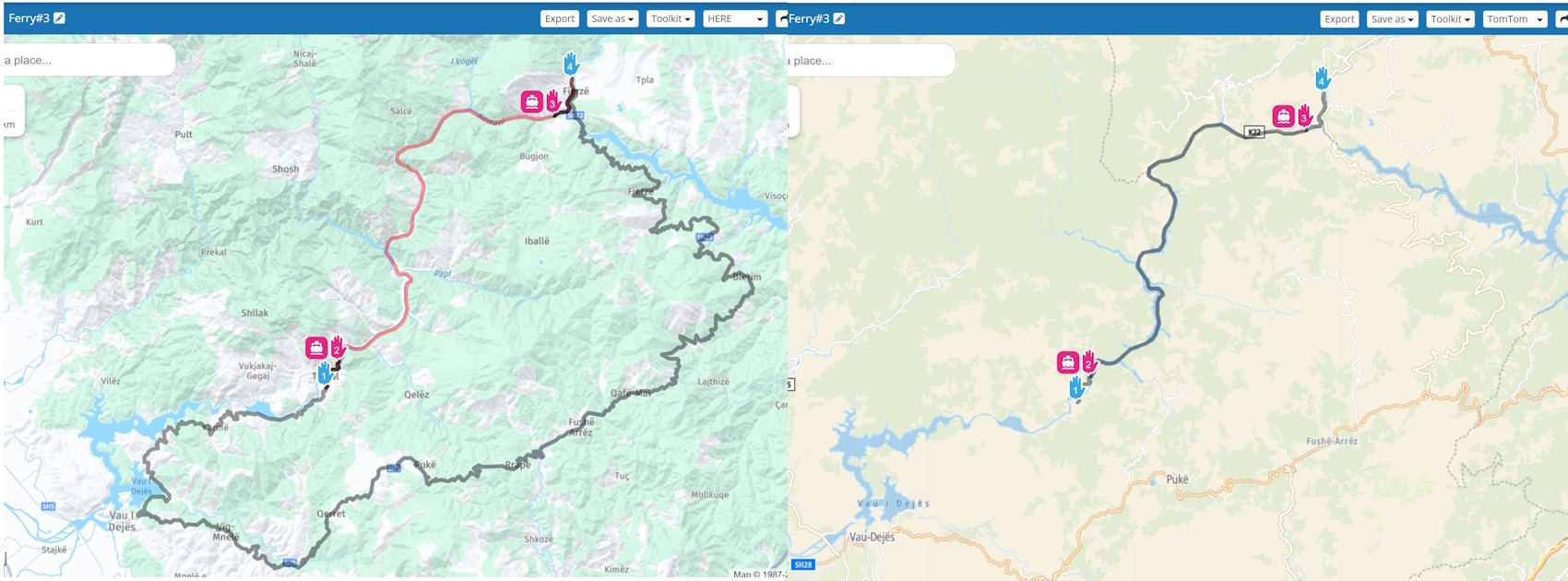
    @Richard-18 said in Route was created in Open Street Maps: Or, is it necessary to recreate the route again, tracing over the Open Street version of the route in HERE? That is a possibility, but you can also use the compare function in the toolkit.
  • Route was created in Open Street Maps - Part 2

    2
    0 Votes
    2 Posts
    294 Views
    No one has replied
  • Carplay - the latest route can’t be located.

    1
    0 Votes
    1 Posts
    258 Views
    No one has replied
  • Honda Goldwing 2018+

    3
    1 Votes
    3 Posts
    437 Views
    @BriSco Thanks for the tip
  • Route Planning on the fly for the Garmin XT

    6
    1 Votes
    6 Posts
    868 Views
    Hi @Don-Stauffer, I think what you are experiencing is a known bug with the XT where when it is having trouble calculating an entry piont it discards all Shaping points & routes to the next Via piont which in your case may be the final destination I had similar issues last year using an XT, so it now sits in the bottom of a drawer & I am using MRA Navigation as IMO the XT is pretty much useless as a sat nav as it has a mind of its own when recalculate is on.
  • MRA Navigation: Follow Modus

    3
    0 Votes
    3 Posts
    450 Views
    Und, Jörg Neudert, deine Antwort ist dafür überflüssig. Oder darf man sich hier nichts wünschen, sondern nur bezahlen? Ich habe nicht geschrieben "ich verlange / ich erwarte" oder ähnlich. Und das Thema Follow-Modus, den es bei jeder Navi-Software gibt, ist wirklich längst überfällig. Schönen Gruß und ich warte trotzdem weiter
  • This topic is deleted!

    16
    0 Votes
    16 Posts
    364 Views
  • Automatische Zoom correctie ?

    12
    0 Votes
    12 Posts
    2k Views
    @Eric-Bovelander Auto Zoom op Android Auto is inderdaad van een andere niveau dan op je telefoon scherm. Ik ben er ook nog niet tevreden over. Blijft bij mij ook te ver uitgezoomd bij afslagen, etc
  • Need to download file to computer

    4
    -1 Votes
    4 Posts
    498 Views
    @TomOnTour Thanks for your offer to help. I opened the program on my laptop and tried saving it to another gpx extension and it automatically downloaded the file so I'm a happy camper now!
  • Offline and Roundabouts

    10
    1 Votes
    10 Posts
    1k Views
    @M-Schrijver said in Offline and Roundabouts: The problem still exits in Android Auto but not in the Smartphone app. Yes, I used the app again today in the car, and this time I made sure I wasn't using off line maps. Sadly Android Auto is still not working, the app shows the roundabout, as well as left and right turns. But on the screen in the car all you get is a left turn arrow, no matter if it's a right/ left, or roundabout showing on the app. There must be something wrong with either my phone, Android Auto, or the lead I'm using, as everything is up to date. I'm at a total loss as to why this app does not work in the car.
  • GPS Accuracy

    7
    0 Votes
    7 Posts
    890 Views
    The app uses HERE so you're going to get the best navigation results on the app if you plan using HERE a well. If you use other devices, be sure to plan using their base router, i.e. TomTom or Garmin (= HERE). And if you're trying to satisfy a whole group of disparate users, then definitely buy the Gold subscription and use the Toolkit -> 'Compare route with' function in the Route Lab. You'll be amazed/surprised/horrified at the differences, but adding extra waypoints can pull them all in to match. Lastly, on the GPS front, calibrate your phone. A Google search will tell you how.
  • Navigation Next blijft crash melden

    11
    0 Votes
    11 Posts
    1k Views
    @M-Schrijver goeie, deze staat wel op “altijd”, dus de vraag komt niet in beeld.
ACTIVE USERS POPULAR TOPICS MY GROUPS