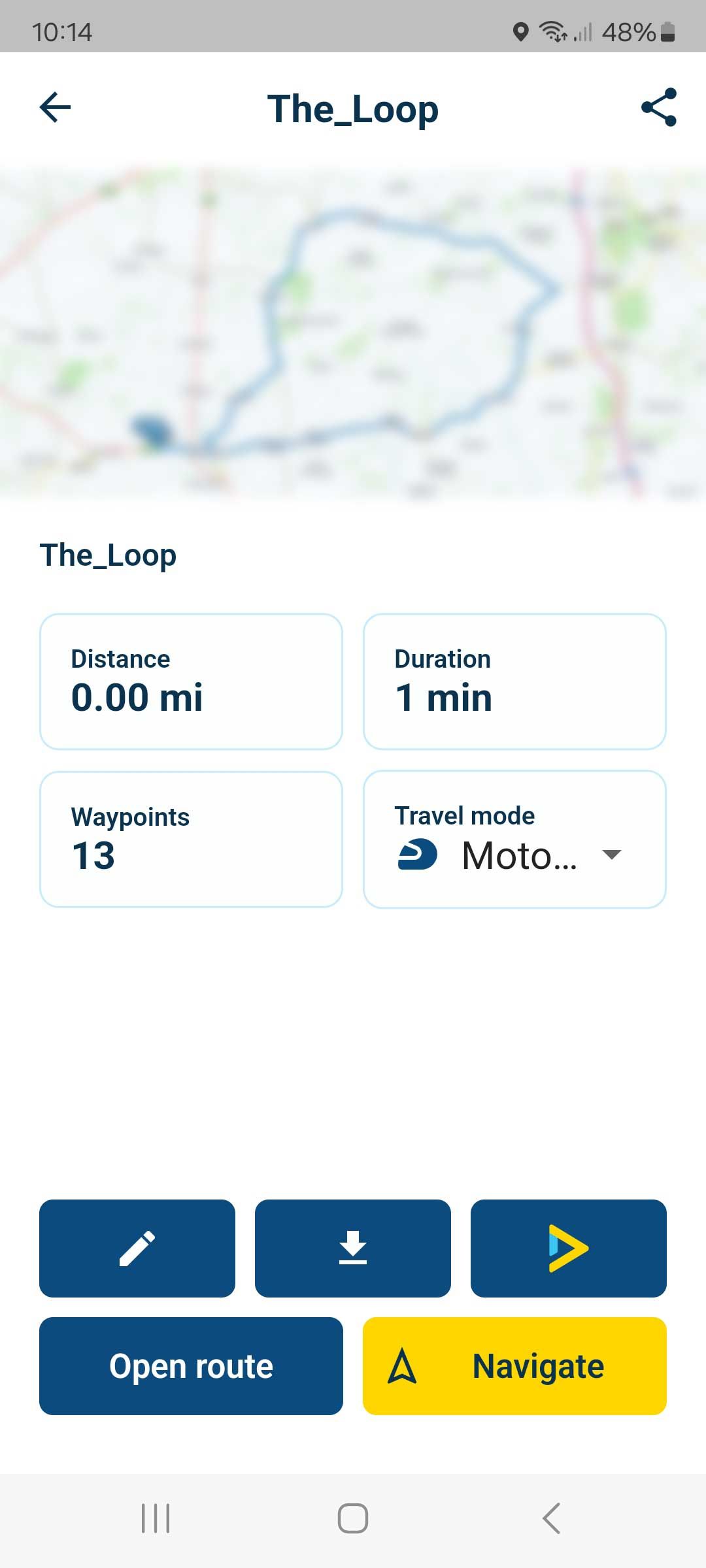
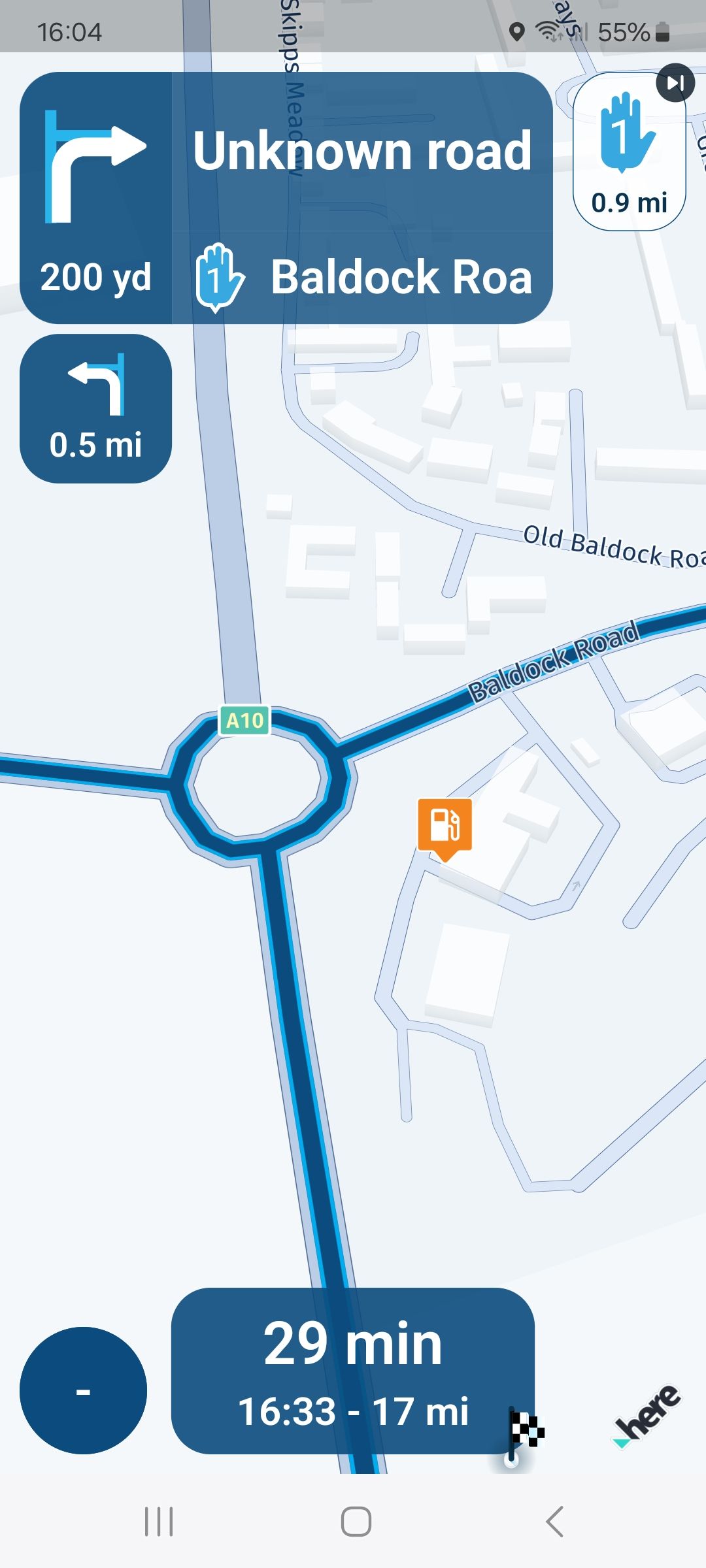
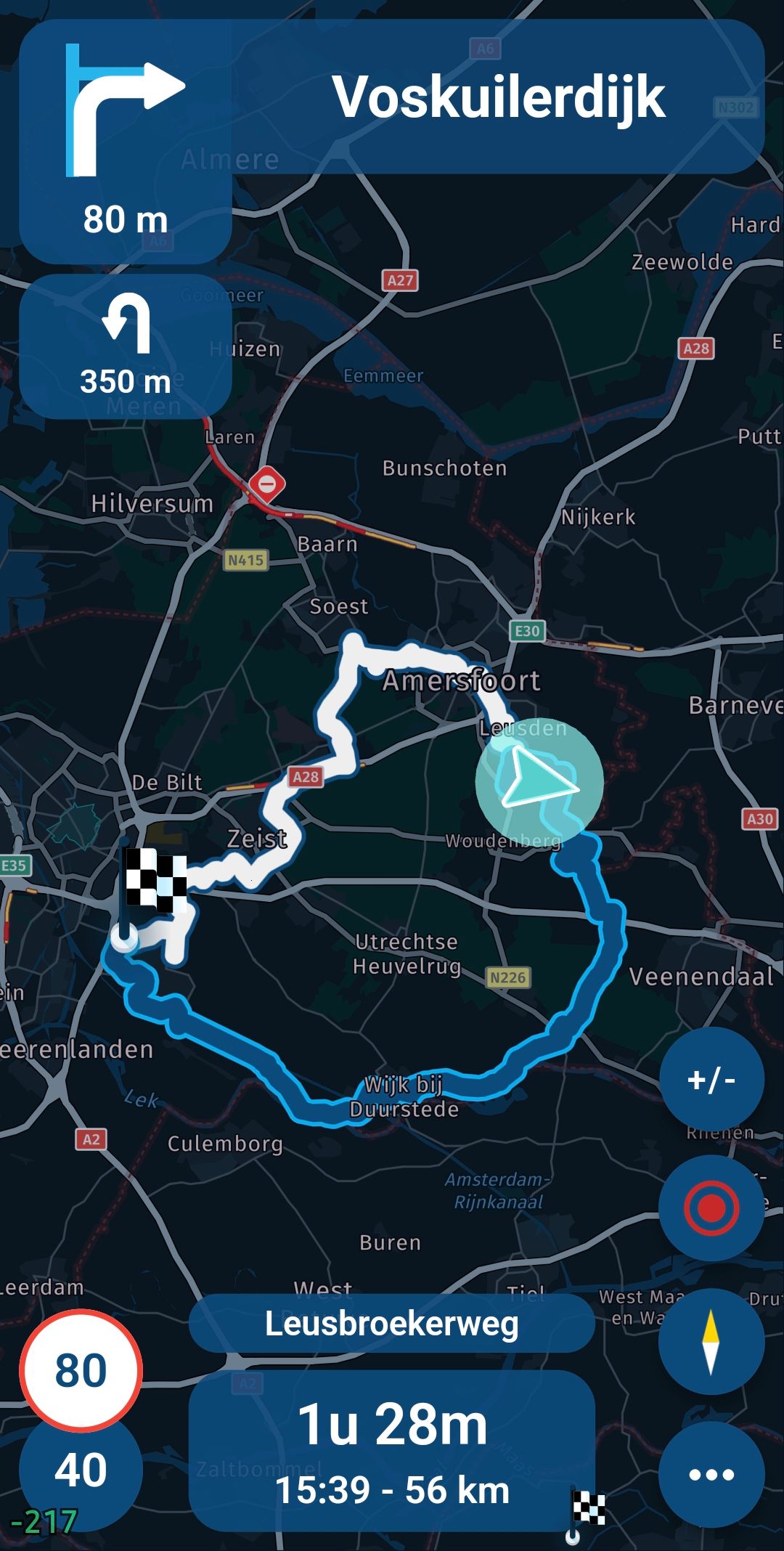
@Corjan-Meijerink and @Doug-Robinson This is odd because the latest MRA did work fine for a number of rides. However, for the last two day-trips I had exactly the same problem as Doug. It took a few attempts and 'app killing' to get MRA working again. I'm using a Pixel 8. I'll keep an eye on the app update.
@Ed-Van-Auken, Later this month a completely new developed an overhauled AA and CP module will become available as an update. A lot of know problems will be fixed.
There are 2 conversations going on about the same.
See this one: https://forum.myrouteapp.com/topic/6039/no-truck-route-signs
For convenience, I'll lock this.
@Corjan-Meijerink : Hey Corjan,
könnte man das nicht wirklich besser für alle User noch besser kenntlich machen, da es nicht so offensichtlich ist, und die Möglichkeiten jeweils danach anders sind. Kleiner Buchstabe wie „R“ und „T“ mit aufs jeweilige Icon.
Vielleicht für die ToDo Liste / später ..
R = Route
T = Track
Meine Handnotiz ist sehr grob geworden
[image: 1706259135521-img_4500.jpeg]
Gisteren, met de laatste beta versie was deze bug er ook weer. Toevallig merkte ik op dat ik precies hetzelfde deed als de vorige keer en daarom leek hij het mij nuttig om het even te delen met je @Corjan-Meijerink:
Mobiel automatisch verbonden met Bluetooth van auto.
Na 5-15 minuten rijden deed ik de MRA app aan. Deze draaide al op de achtergrond, maar had ik dan al enige tijd (een aantal uur) niet gebruikt.
Via het vergrootglas zocht ik een adres met huisnummer op waar ik nog nooit eerder op had gezocht.
Het resultaat tikte ik aan. De eerste routeberekening ging goed. Ik koos voor de snelste optie en het auto profiel (beide stonden vanzelf al goed).
Na het drukken op de gele knop gaat de app naar het navigatie gedeelte en dan gaat het mis.
In het voorbeeld van de route was de kaart al leeg (zoals de schermafbeeldingen) en na het drukken op start bleef deze leeg.
De dataverbinding was goed. Hierop de app geforceerd afgesloten.
Na het herstarten ging hij in eerste instantie weer naar hetzelfde scherm. Na 3-5 seconden liep de app vast en kreeg ik de optie om het aan jullie te melden. Hier heb ik gisteren geen gebruik van gemaakt.
@Doug-Robinson The problem indeed is that a track does not have these avoid options so when the app "returns to track" after you missed a part, it really just sends you most efficiently back to the track.
If the issue where losing the original track entirely is solved correctly you wouldn't want these avoid options anyway. They now only become very apparent because you are sometimes sent to the destination directly
We'll aim at fixing that!
@Corjan-Meijerink Concerning energy saving: is it possible to let the display being switched off during navigation and automatically switch it on again before an important way change is ahead (komoot can do this 150 m before a turn when using it for bike (Fahrrad) navigation)? For motorbike navigation a wake-up of the display 1 or 1.5 km prior to a turn would be appropriate.
Best, Axel
We are currently working on a major update for CarPlay / Android Auto regarding the stability.
These details will be taken into account too This however behavior I see with more CarPlay apps.
@Robineke
Oh. Ik ken ze in Nl niet en buiten Nl weet ik dat er enkele snelwegen zijn die niet toegankelijk zijn voor vrachtwagens.
Maar ik weet niet alles natuurlijk