
New beta! 5.1 (457)
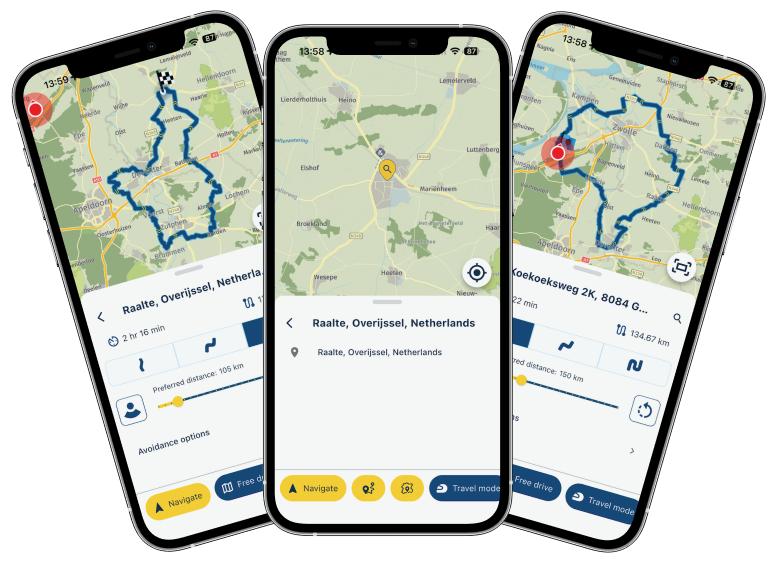
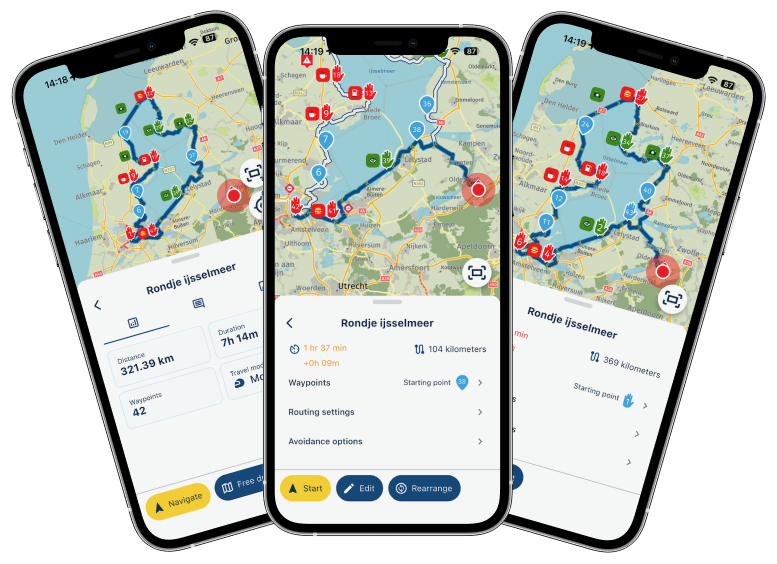
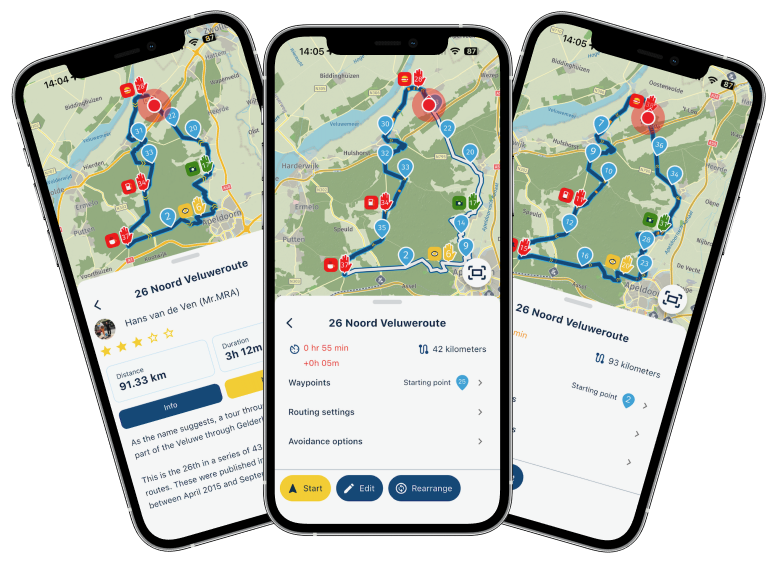
-
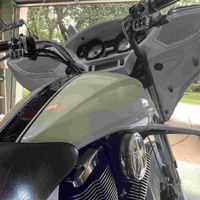
links in the post are not working.
-

Top work #TeamMRA Thank you


-

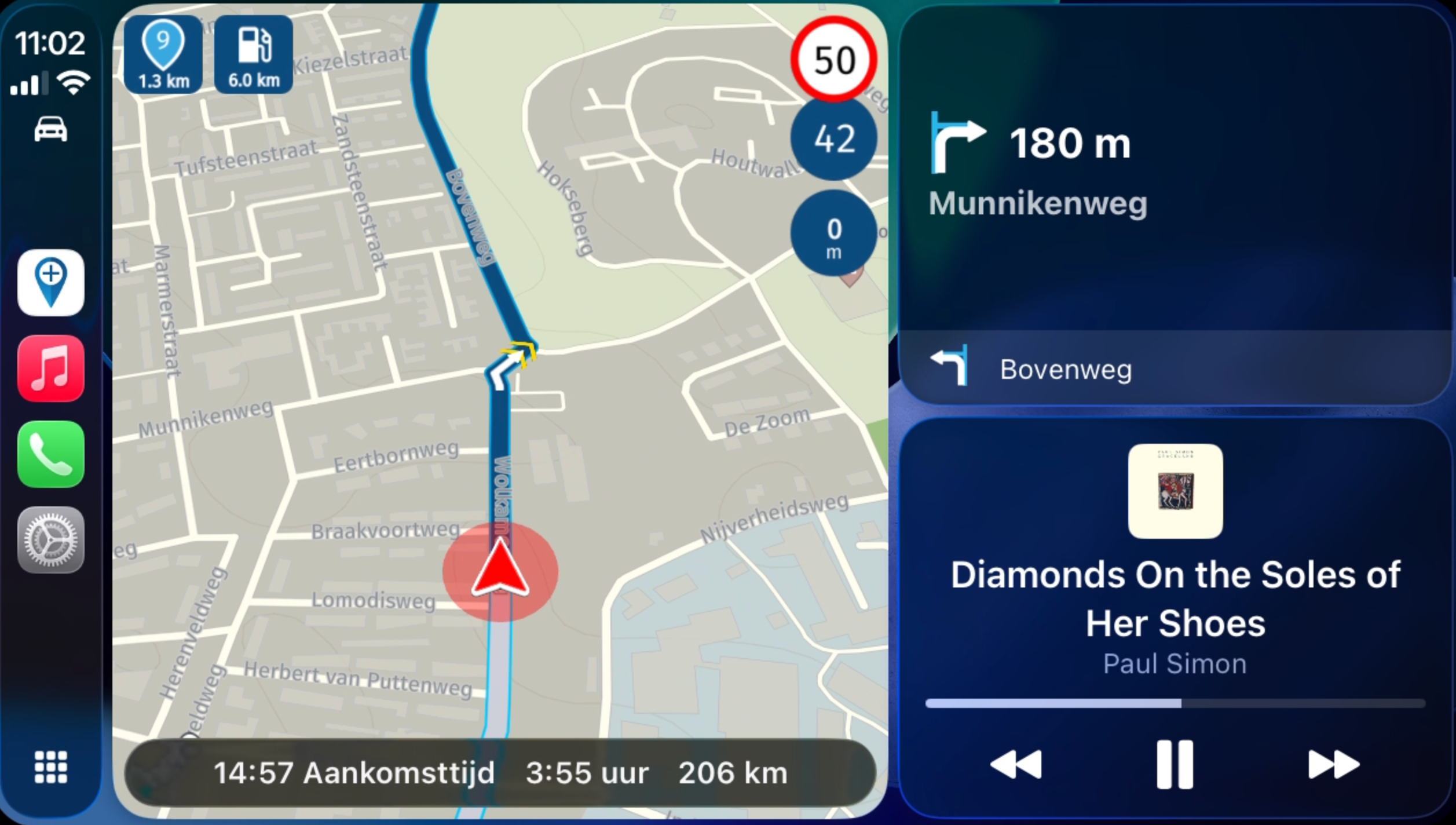
Fixed the images

-


-

Awesome update. Brilliant job.


-

Great news, thanks!
-

Wow, what an update! Well done!
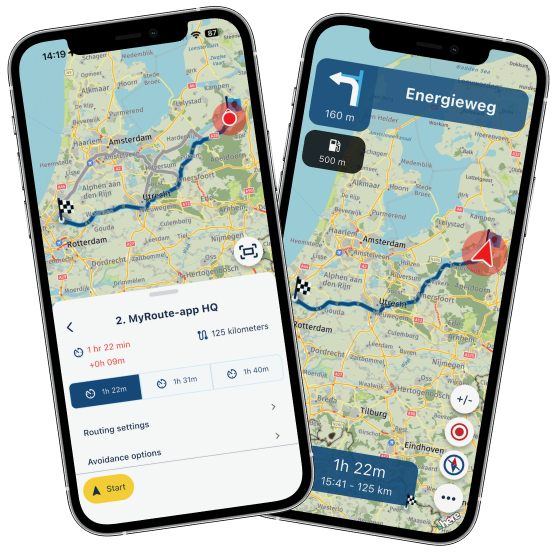
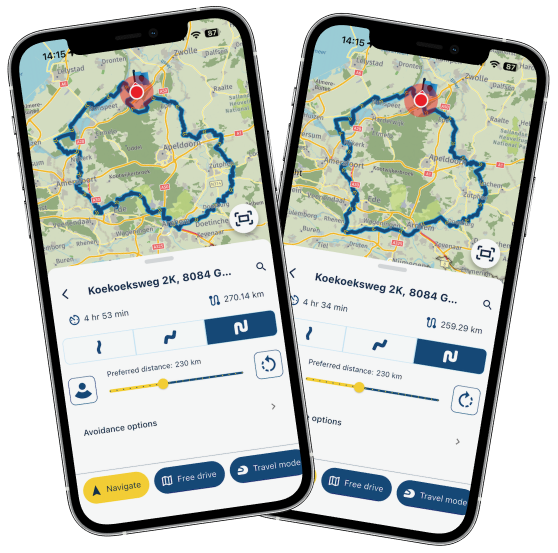
"...for all Dutchies who aren't bothered by the fact they are always driving around sealevel..."
and sometimes below.

I like your humor.
-
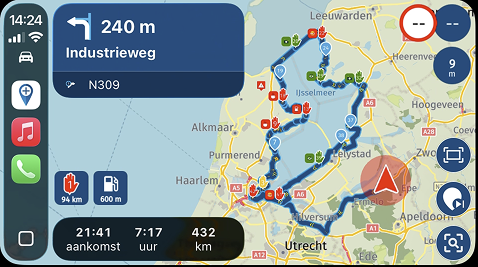
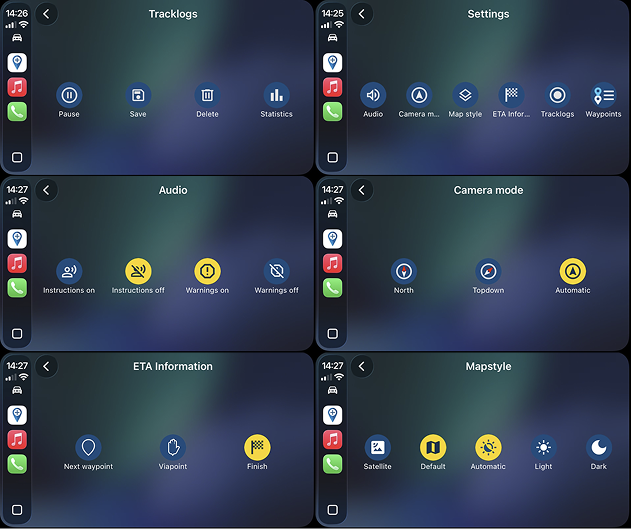
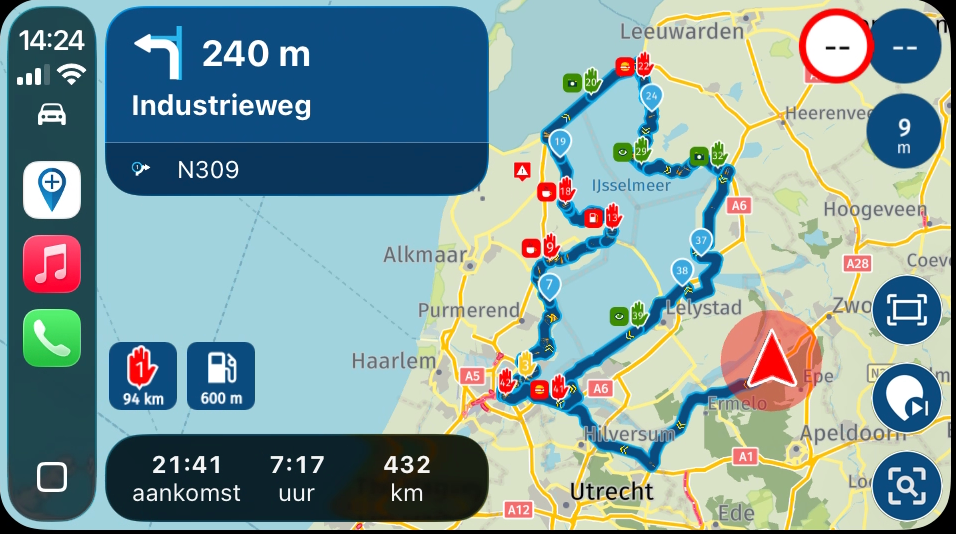
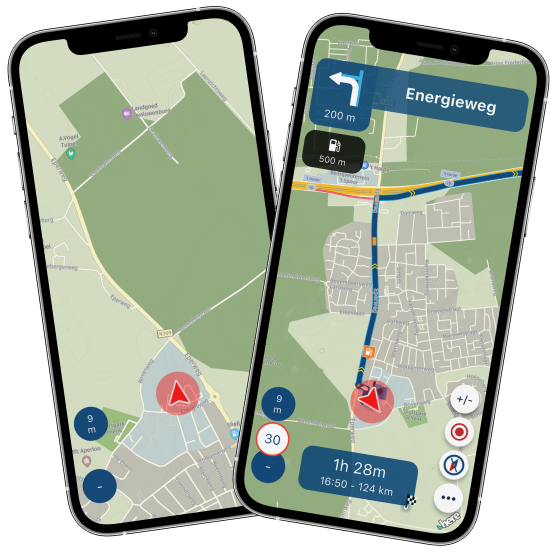
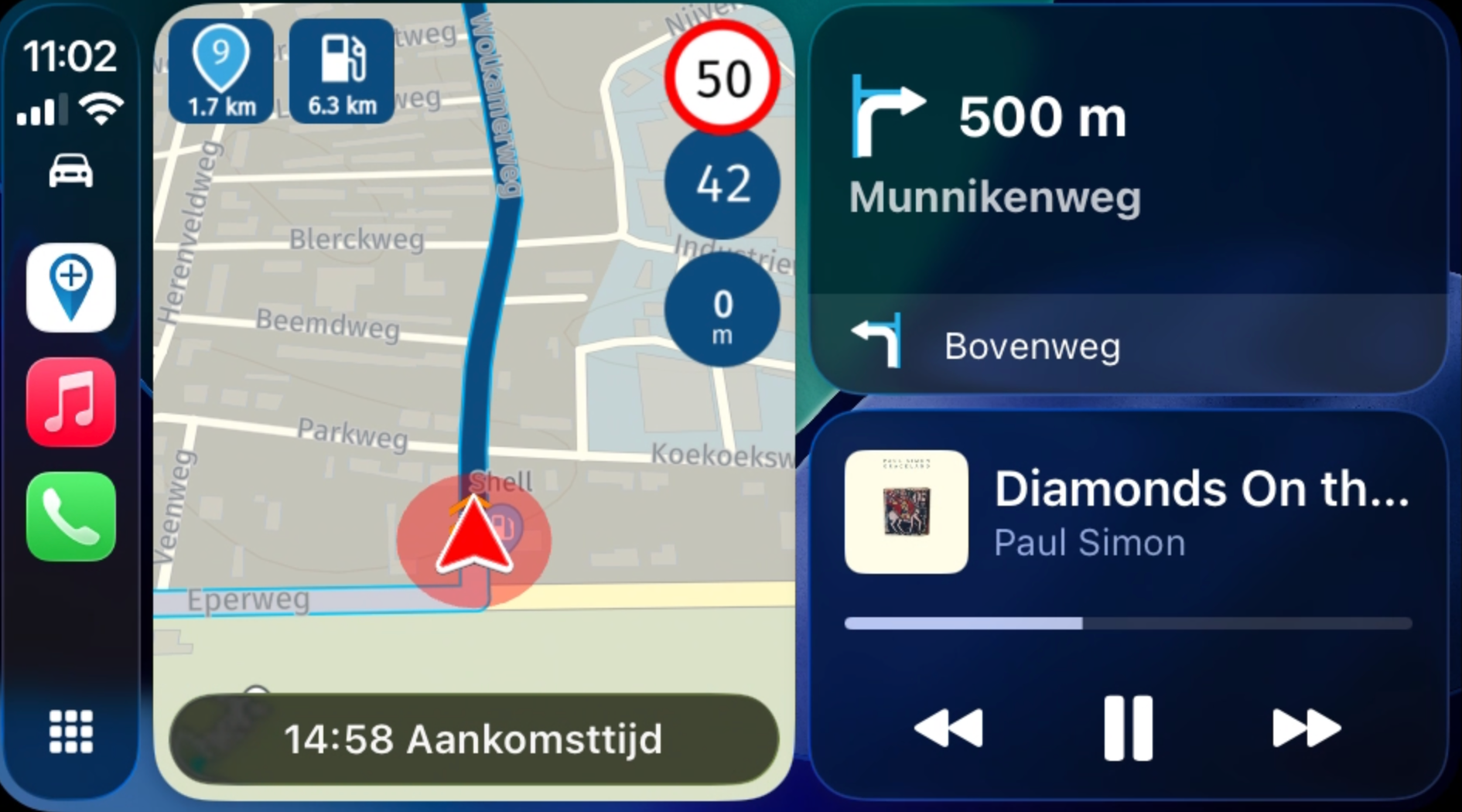
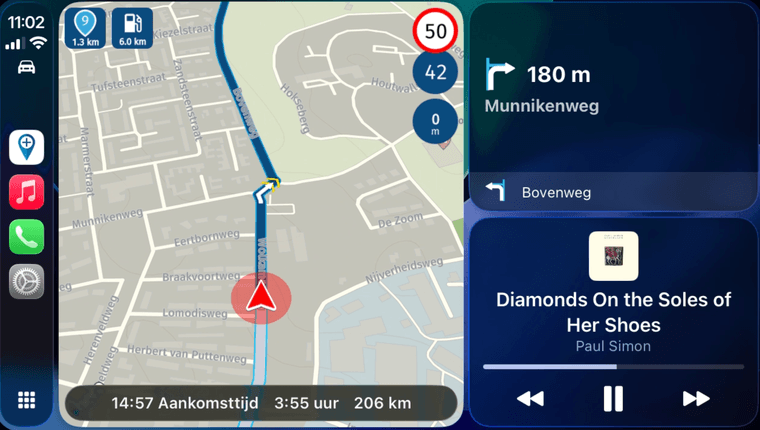
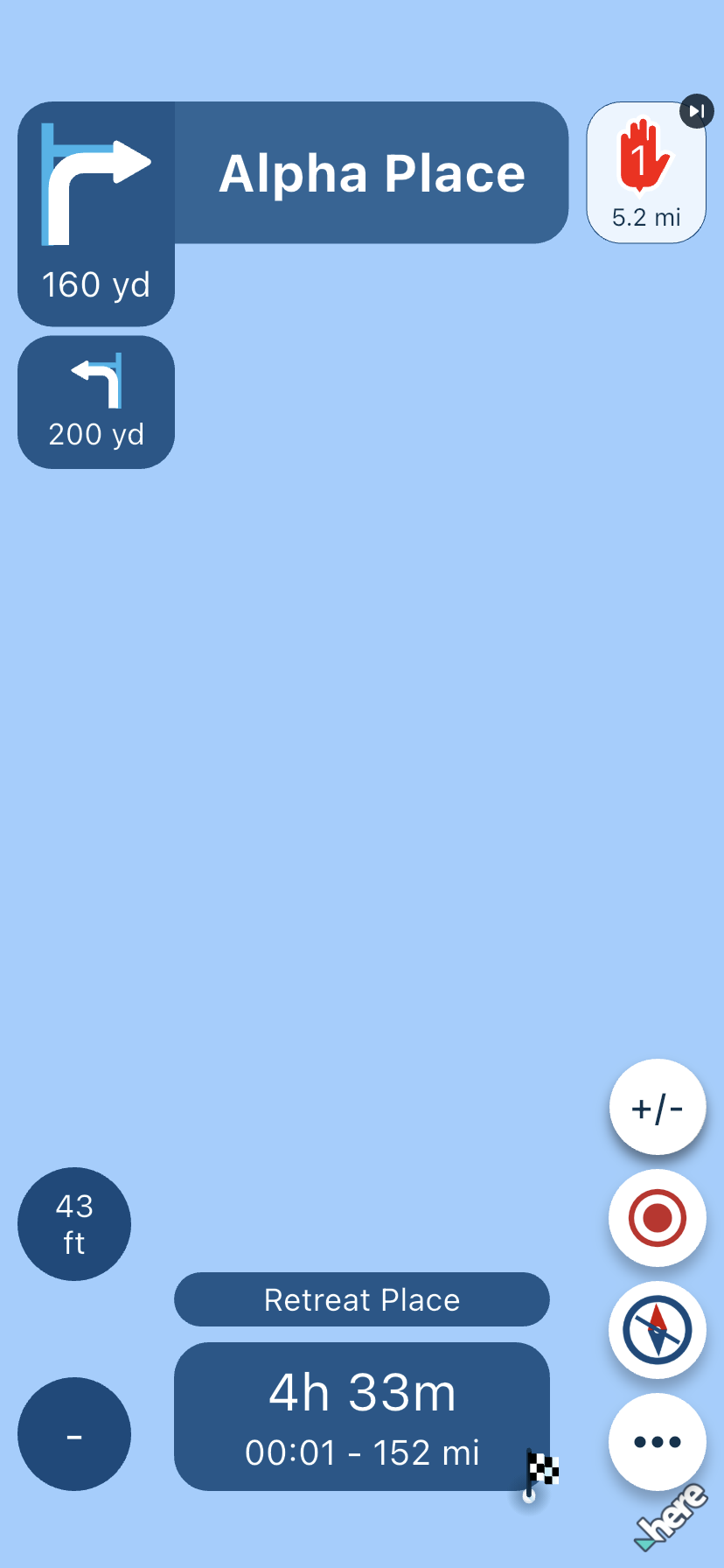
And I've actually forgot to add: we also significantly improved the split screen view for CarPlay and Android Auto.
Now also displaying your speed information and all new icons such as: upcoming waypoint, altitude and nearest fuel station
-

@Corjan-Meijerink A lot of long standing request have been honored.
Job well-done!Is Paul Simon a coincidence or a favorite?

-
@Corjan-Meijerink A lot of long standing request have been honored.
Job well-done!Is Paul Simon a coincidence or a favorite?
@Con-Hennekens definitely a favorite! Graceland is one of the best albums there is
-
@Con-Hennekens definitely a favorite! Graceland is one of the best albums there is
@Corjan-Meijerink, I agree, but probably not very well known in your generation
-

For android It is not in play store yet
-

Not in the Appstore as well
-
Android normally takes some 48 hour or more before its available! So maybe sometime tomorrow!
-
@Corjan-Meijerink, I agree, but probably not very well known in your generation
@Con-Hennekens said in New beta! 5.1 (457):
@Corjan-Meijerink, I agree, but probably not very well known in your generation
I’ve got shirts that are older than Corjan
-
Great work!!!.
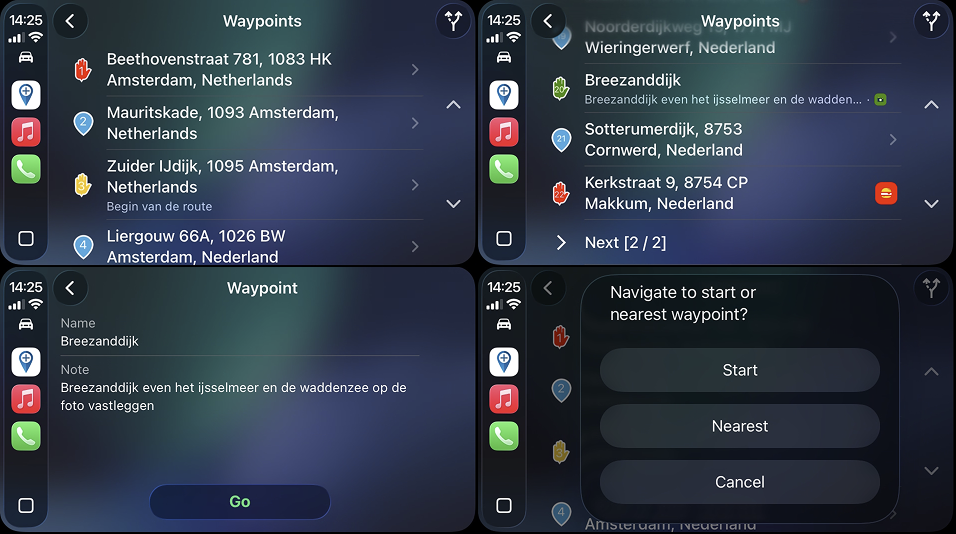
What's happening with the name of the next waypoint? The distance to the next waypoint has been added, but I don't think we can see the name of the next waypoint on the screen, and I think that's important. -
@bluetuz constantly having that is a terrible idea. The app itself also does not do that. We now have the waypoint list and using colours / pause icons you can already make the identification
@Corjan-Meijerink I know the app doesn't do this either, but I think it's important to know the name of the next waypoint on the route. Just like the distance to the next waypoint is displayed, the name could have been added as well. In fact, the distance to the next waypoint can be configured in the ETA field, but now it's been added separately, and the same could have been done with the name. That's just my opinion.
-
iOS has landed in TestFlight but check your settings after the install. A lot of my settings had changed. Because I didn’t read the message
Loving the altitude display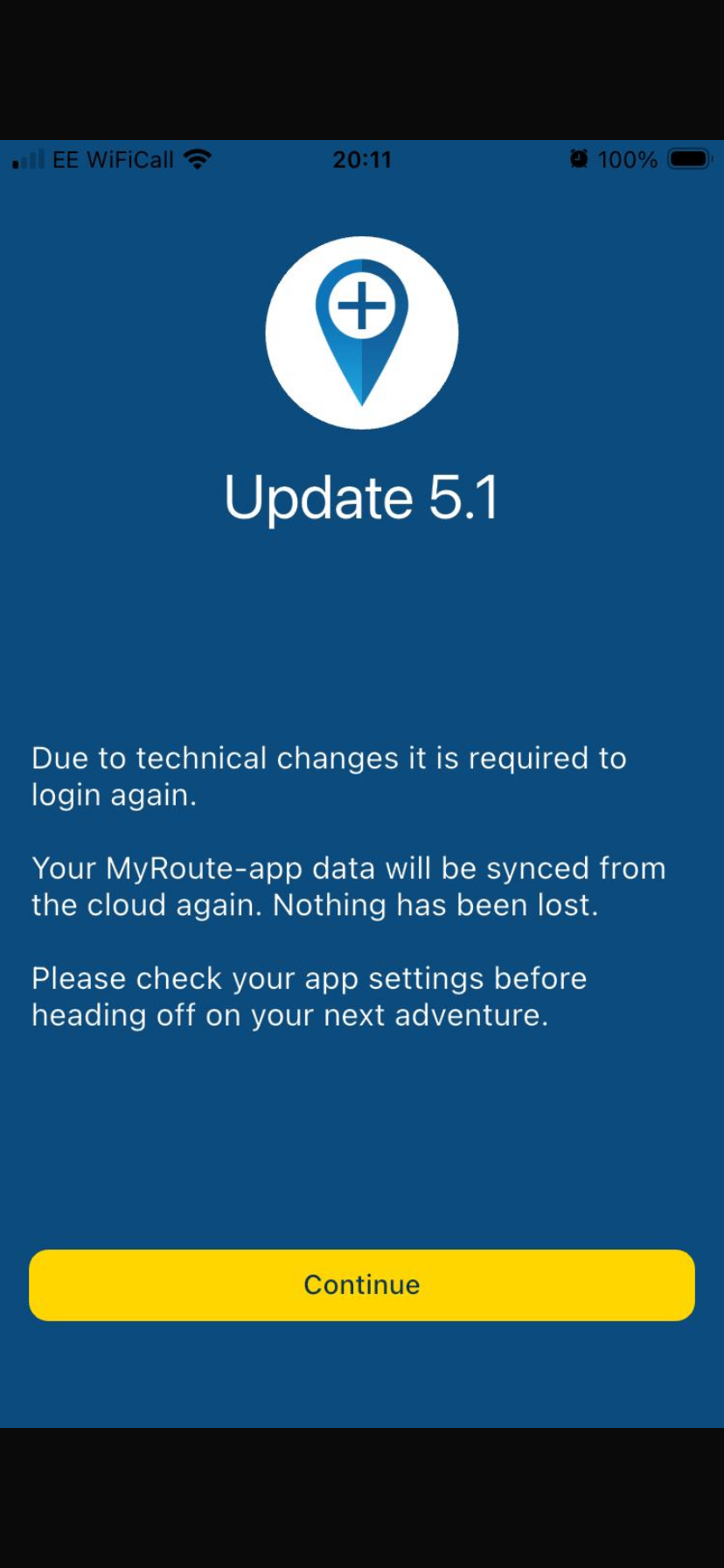
Hello! It looks like you're interested in this conversation, but you don't have an account yet.
Getting fed up of having to scroll through the same posts each visit? When you register for an account, you'll always come back to exactly where you were before, and choose to be notified of new replies (either via email, or push notification). You'll also be able to save bookmarks and upvote posts to show your appreciation to other community members.
With your input, this post could be even better 💗
Register Login








-
0473.7k
-
 028220
-
0476
-
011261
-
 0355
0355
-
0241
-
0267
-
0241