Problem with announcing via points
-

Thanks Nick!
Very clear!
Thanks again!
-
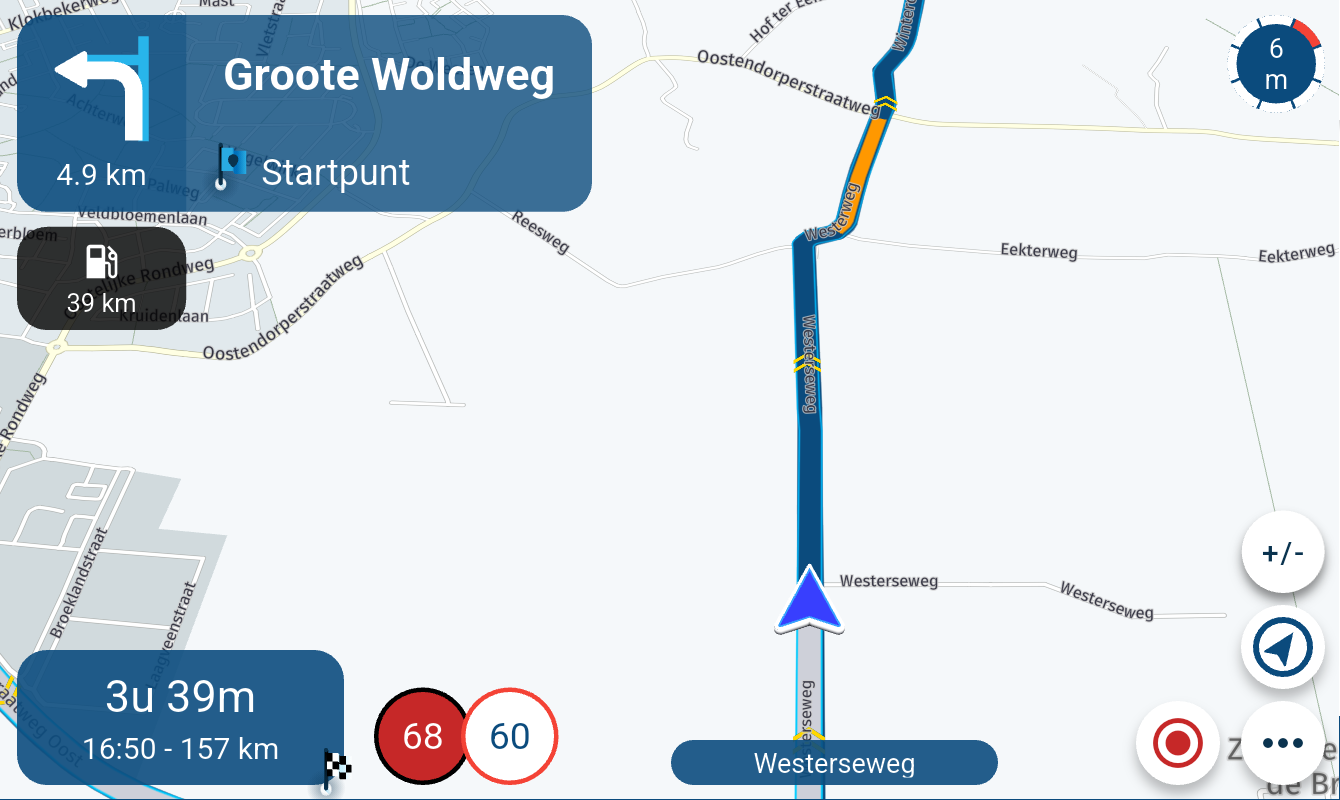
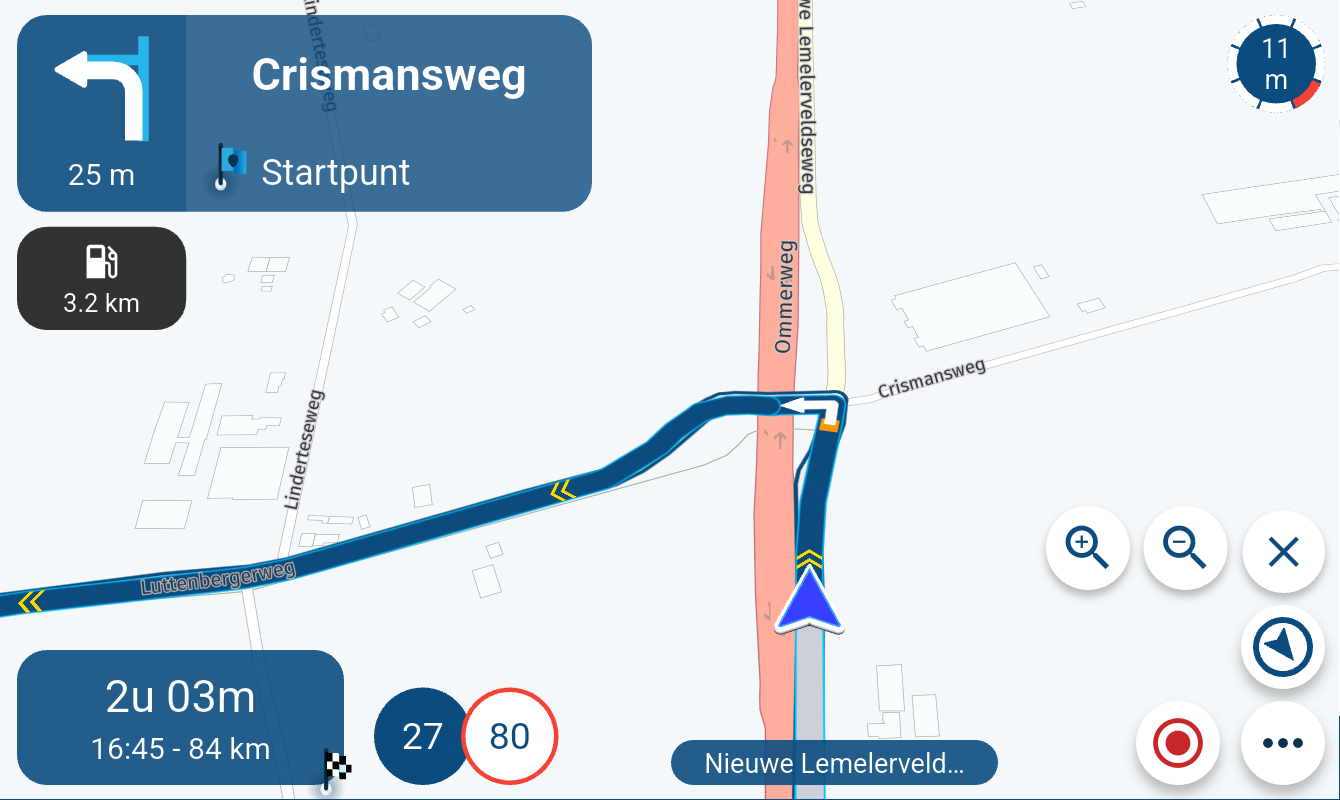
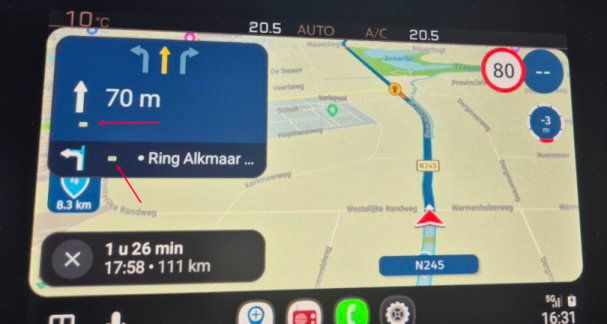
I tested it and noticed the following: when I place a shaping point, for example 500 meters before a via point, I would expect to hear the information about that via point only at that moment. However, I am already hearing the information at a distance of 2000 meters.
I have tried this with several different routes, and it does not seem to make any difference whether there is a shaping point before the via point or not. The announcement always starts at 2000 meters.
What could be causing this?
-
I tested it and noticed the following: when I place a shaping point, for example 500 meters before a via point, I would expect to hear the information about that via point only at that moment. However, I am already hearing the information at a distance of 2000 meters.
I have tried this with several different routes, and it does not seem to make any difference whether there is a shaping point before the via point or not. The announcement always starts at 2000 meters.
What could be causing this?

Hi @Gerard-van-der-Veer this post has some useful info on when announcements are made
https://forum.myrouteapp.com/topic/7504/text-to-speech-function-questions?_=1771278098552 -

@Gerard-van-der-Veer Your original problem was that you could not hear the announcements, now you can - problem solved

-
Hi Nick, totally agree — really great!
But I’m now wondering how it’s possible that I already hear the information at 2000 meters, even though I set a shaping point about 1000 meters before the via point. -
Hi Nick, totally agree — really great!
But I’m now wondering how it’s possible that I already hear the information at 2000 meters, even though I set a shaping point about 1000 meters before the via point.
@Gerard-van-der-Veer Yep, that’s a strange one. I must admit that it has been some time since I used this feature, and I do try to plan my routes accordingly, so it may have changed now. @Con-Hennekens is more up to date, he may be able to answer or offer a solution.
-
Okay Rick, thanks again so much. Maybe others know how this exactly works.
Talk to you sometime! -
@Gerard-van-der-Veer Yep, that’s a strange one. I must admit that it has been some time since I used this feature, and I do try to plan my routes accordingly, so it may have changed now. @Con-Hennekens is more up to date, he may be able to answer or offer a solution.

@Nick-Carthew said in Problem with announcing via points:
@Con-Hennekens is more up to date
Well I am not so certain of that

@Gerard-van-der-Veer, Are you saying that you hear the name and/or note of a via point at 2000 mtrs, while there still is a shaping point in between at 500 mtrs? It is my understanding that audible notes should wait until they are next in line. That is, in a route navigated as route. It might be different (it likely is) for routes navigated as track. There is a technical reason for this assumption, but that is beyond the scope here. So my question to you is: do you have "navigate route as track enabled" by any chance, or are you navigating a route planned on a map other than here (those are navigated as track by default, even without the feature enabled).
-
Hi Con-Hennekens, thanks for thinking along with us.
I simply navigate using the Here map and select navigation as a route, not as a track. I created a test route with two via points and placed a shaping point at different distances before each via point. In all cases, I already received the via point information at 2000 meters. Strange.., very strange..
-

I wiil perform a test today and report back
-
Just did the test drive
Made a ROUTE and followed it. It contained 3 viapoints and 5 shapingpoints, start, in between and end.
The viapoint in the middle was announced accoring to the plan aprox. 2 km in advance.
I put 2 shapingpoint less than 2 km before the end viapoint.
At 2 km before the end, nothing was announced
at the last shapingpoint before the end viapoint aprox 600 meter before the end viapoint the end Viapoint was announced.
Maybe @Gerard-van-der-Veer did not change the text in the Viapoints that he used and therefore nothing was announced. It is mandatory that you change the text of a viapoint into something else nothing using numbers in it.
During my test everything when according the plan so no problems there
Have fun -
I did some experimenting myself and went through all the settings again. I must have changed something along the way, because it’s working now!
I suspect — though I’m not completely sure — that the slider for “Use all route points” was set to the left. The strange thing is that this slider shows “Off” in both the left and right positions. I’m not entirely sure what its exact function is or whether it’s actually relevant in this case, but when riding a route now I can see the shaping points, which I couldn’t see before.
Long story short: I don’t know exactly what was wrong, but it’s working now.
Thanks again everyone for the tremendous help and for thinking along with me!
-
Hi Con-Hennekens, thanks for thinking along with us.
I simply navigate using the Here map and select navigation as a route, not as a track. I created a test route with two via points and placed a shaping point at different distances before each via point. In all cases, I already received the via point information at 2000 meters. Strange.., very strange..
@Gerard-van-der-Veer, I will repeat my earlier question: do you have "navigate route as track enabled" by any chance? (check at: Account-icon top right - Navigation settings (nearly at bottom) - Functional - Navigate routes as tracks (almost at bottom). Is that enabled or disabled?
-
Just did the test drive
Made a ROUTE and followed it. It contained 3 viapoints and 5 shapingpoints, start, in between and end.
The viapoint in the middle was announced accoring to the plan aprox. 2 km in advance.
I put 2 shapingpoint less than 2 km before the end viapoint.
At 2 km before the end, nothing was announced
at the last shapingpoint before the end viapoint aprox 600 meter before the end viapoint the end Viapoint was announced.
Maybe @Gerard-van-der-Veer did not change the text in the Viapoints that he used and therefore nothing was announced. It is mandatory that you change the text of a viapoint into something else nothing using numbers in it.
During my test everything when according the plan so no problems there
Have fun
@Marinus-van-Deudekom, great test thanks. It would be interesting to repeat that test with "Navigate route as track" enabled. I suspect that in that case the outcome is like @Gerard-van-der-Veer experiences.
I am just an enthusiastic MRA user, and hope you will be one too!
Most motorcycle problems are caused by the nut that connects the handlebar to the saddle.
Check out RideSleepRepeat.eu, a biker community for sharing stays across Europe
-
@Marinus-van-Deudekom, great test thanks. It would be interesting to repeat that test with "Navigate route as track" enabled. I suspect that in that case the outcome is like @Gerard-van-der-Veer experiences.
@Con-Hennekens I will do a similar test tonight as requested. Not the same route but with the same things in it
-
I did some experimenting myself and went through all the settings again. I must have changed something along the way, because it’s working now!
I suspect — though I’m not completely sure — that the slider for “Use all route points” was set to the left. The strange thing is that this slider shows “Off” in both the left and right positions. I’m not entirely sure what its exact function is or whether it’s actually relevant in this case, but when riding a route now I can see the shaping points, which I couldn’t see before.
Long story short: I don’t know exactly what was wrong, but it’s working now.
Thanks again everyone for the tremendous help and for thinking along with me!
@Gerard-van-der-Veer said in Problem with announcing via points:
I did some experimenting myself and went through all the settings again. I must have changed something along the way, because it’s working now!
I suspect — though I’m not completely sure — that the slider for “Use all route points” was set to the left. The strange thing is that this slider shows “Off” in both the left and right positions. I’m not entirely sure what its exact function is or whether it’s actually relevant in this case, but when riding a route now I can see the shaping points, which I couldn’t see before.
Use all waypoints is a setting associated with Navigate routes as tracks.
It shows both shaping points as well as via points when navigating a track and can only be selected if you have also selected Navigate routes as tracks. -
I did some experimenting myself and went through all the settings again. I must have changed something along the way, because it’s working now!
I suspect — though I’m not completely sure — that the slider for “Use all route points” was set to the left. The strange thing is that this slider shows “Off” in both the left and right positions. I’m not entirely sure what its exact function is or whether it’s actually relevant in this case, but when riding a route now I can see the shaping points, which I couldn’t see before.
Long story short: I don’t know exactly what was wrong, but it’s working now.
Thanks again everyone for the tremendous help and for thinking along with me!
@Gerard-van-der-Veer said in Problem with announcing via points:
The strange thing is that this slider shows “Off” in both the left and right positions.
If you mean that it is greyed out, you definitely have "Navigate route as track enabled". So you are riding a track after all... I am still not convinced that the announcements work like intended for a route, but if it is, that's very good to know.
-
I'll test that setting too, tomorrow and report back here.
-
Second test tonight
Using option ride route as a track
The first viapoint without shapingpoints in 2 km. The viapoint was vallen out as expected.
The end Viapoint with 2 shapingpoints in the 2 km before was never calédonien during the route. Just when ariving there it was called out. Just like you expected @Con-Hennekens
So the conclusion is that @Gerard-van-der-Veer most likely drive his route as a track
Hello! It looks like you're interested in this conversation, but you don't have an account yet.
Getting fed up of having to scroll through the same posts each visit? When you register for an account, you'll always come back to exactly where you were before, and choose to be notified of new replies (either via email, or push notification). You'll also be able to save bookmarks and upvote posts to show your appreciation to other community members.
With your input, this post could be even better 💗
Register Login
-
 81041.7k
-
07201
-
 0582
0582
-
1492
-
 0495
0495
-
04173
-
 0417
0417
-
0323