No navigation instructions
-

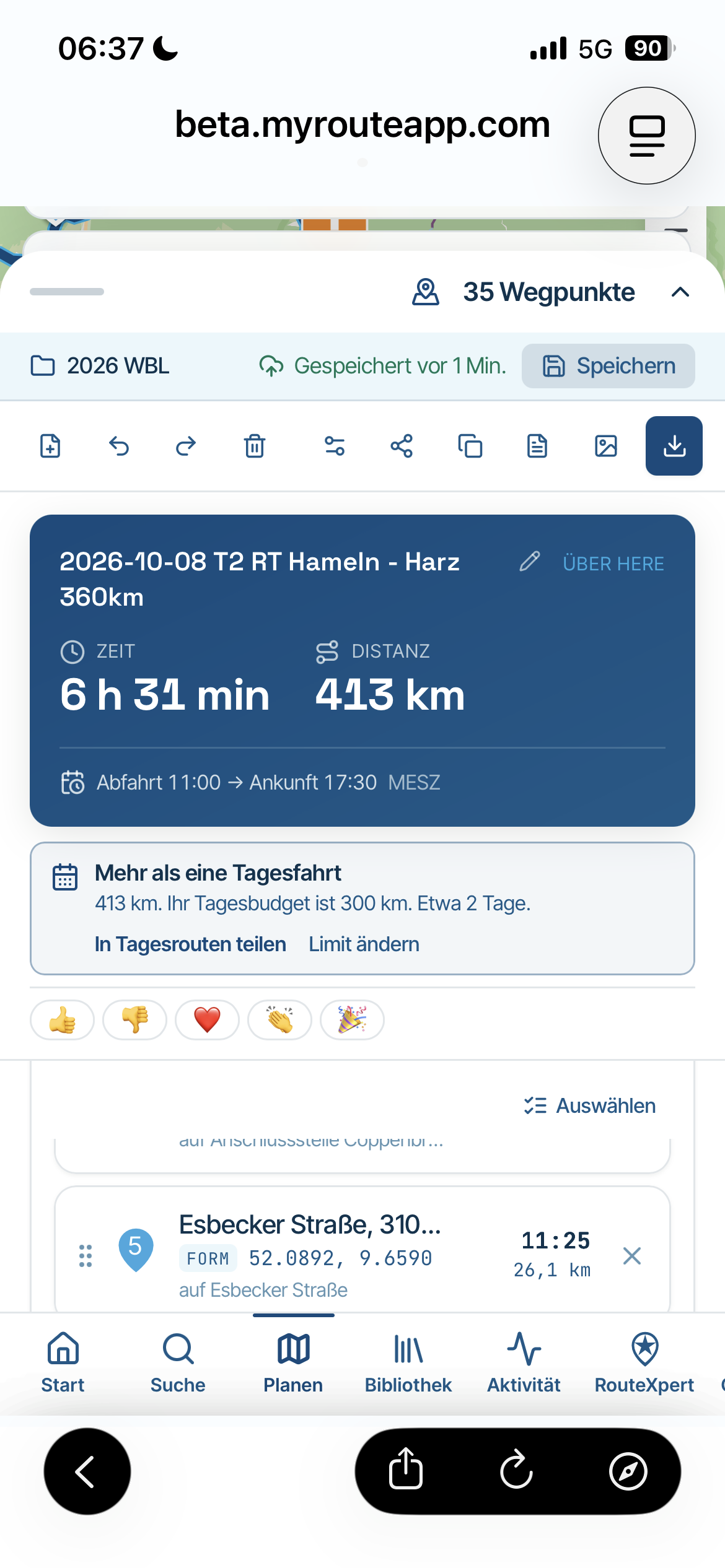
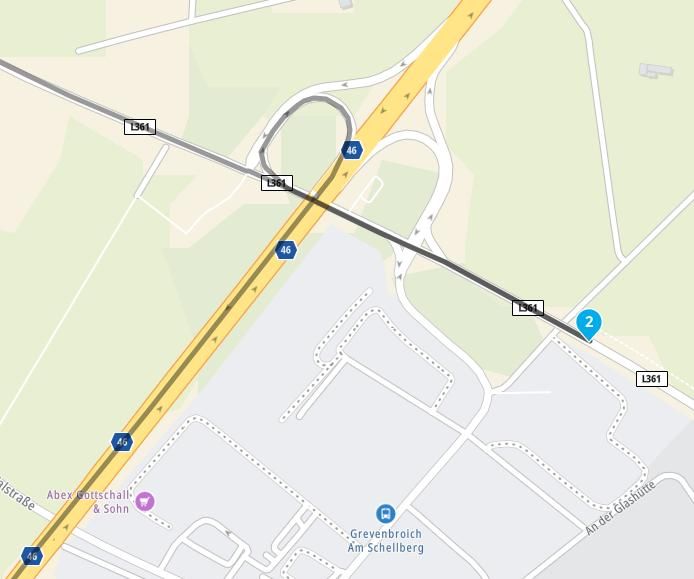
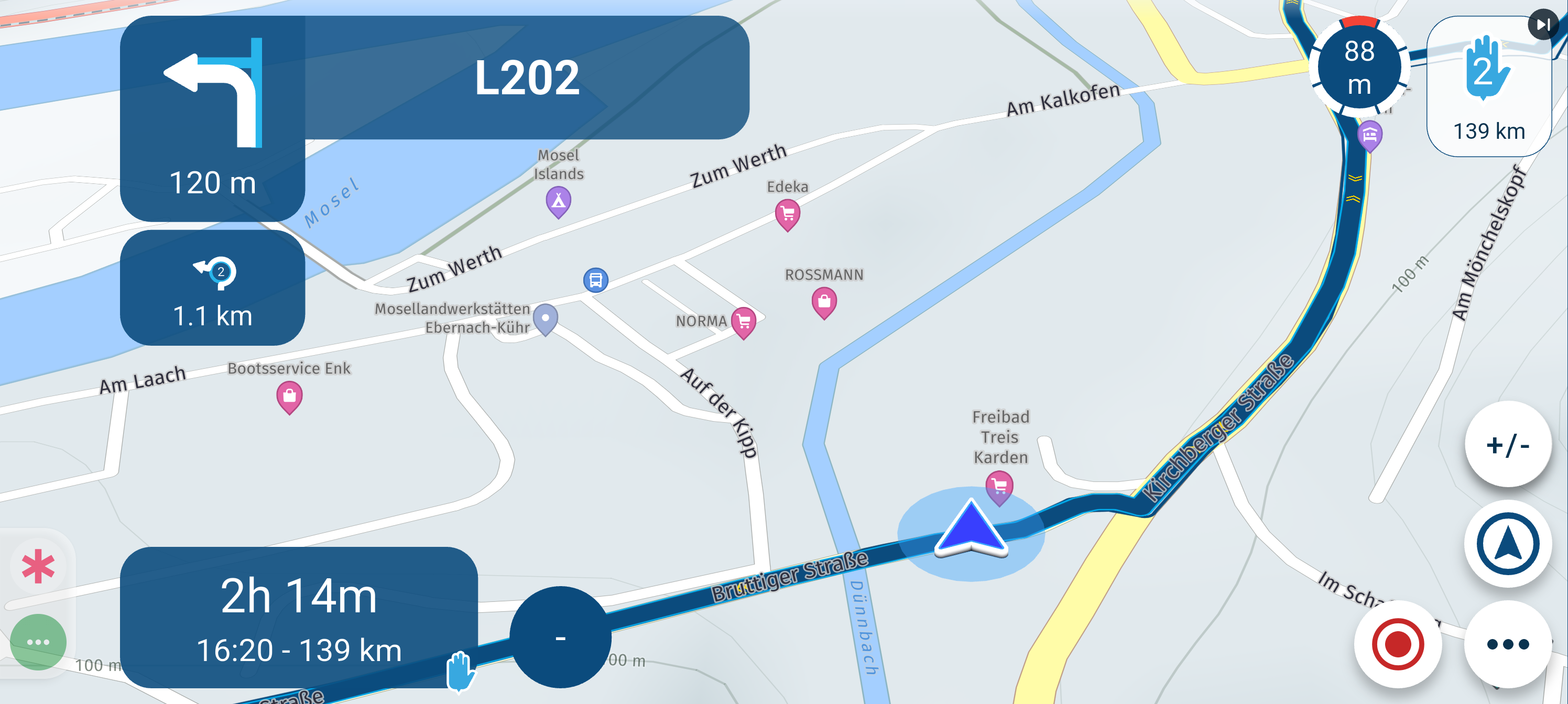
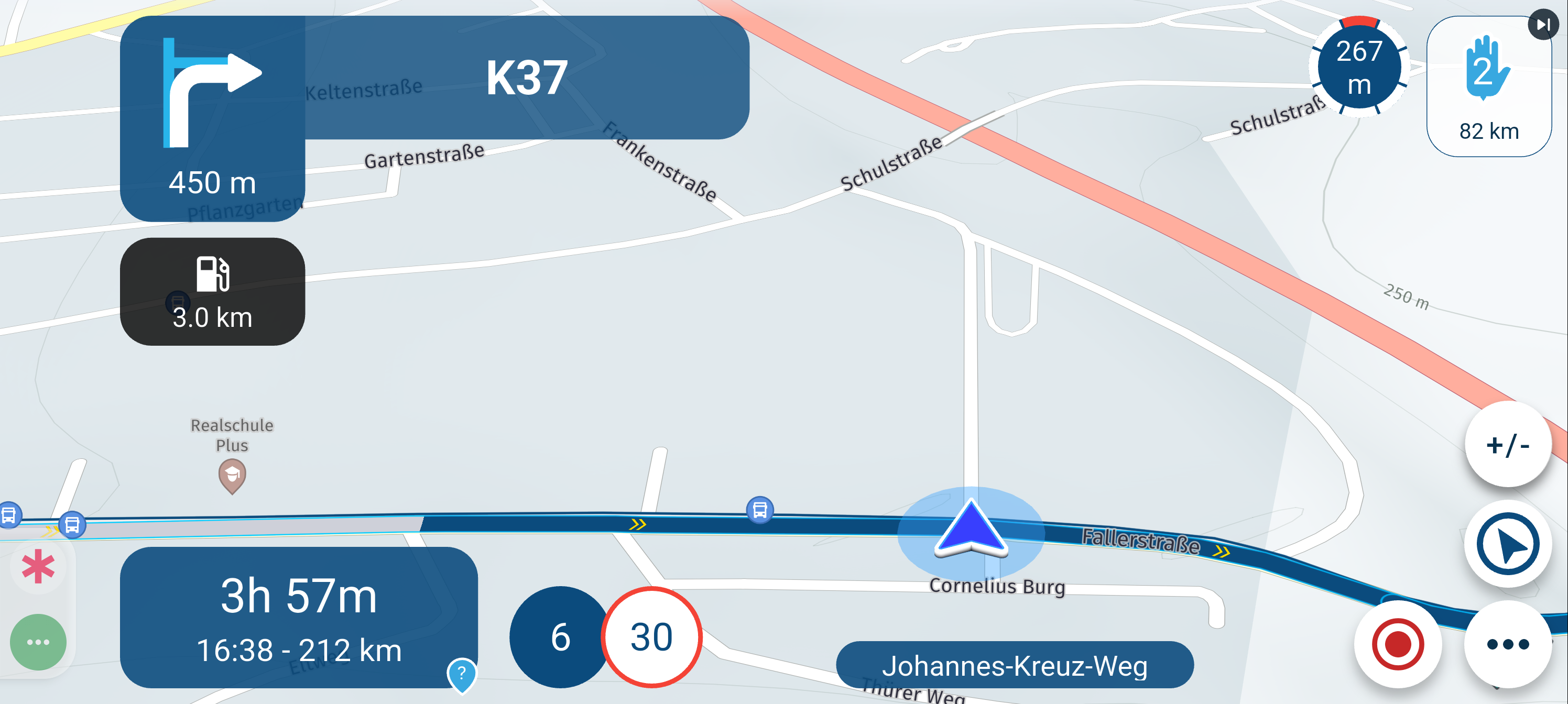
 Yesterday, I followed a route I had planned on my PC using MyRouteApp. While driving (using the route as a track), I received no new navigation instructions; the display remained stuck on the initial instruction. After 10 minutes, I stopped and restarted the navigation. I then received a new instruction, but that one also remained fixed on the screen. Later, I closed and restarted the entire app, but that didn't help either; it continued to show only the first instruction. Throughout this, the arrow moved normally along the route.
After about two hours—three kilometers before my first waypoint—the system recovered, and everything returned to normal.
 75194-screenshot_20260823-133150-resized.png)
 -
Yesterday, I followed a route I had planned on my PC using MyRouteApp. While driving (using the route as a track), I received no new navigation instructions; the display remained stuck on the initial instruction. After 10 minutes, I stopped and restarted the navigation. I then received a new instruction, but that one also remained fixed on the screen. Later, I closed and restarted the entire app, but that didn't help either; it continued to show only the first instruction. Throughout this, the arrow moved normally along the route.
After about two hours—three kilometers before my first waypoint—the system recovered, and everything returned to normal.
@Hans-Udo-Erdmenger it almost sounds as if the system is driving this route in the opposite direction - "after 2 hours - 3km before my first waypoint" !
& the distance shown to point 2 seems to have increased from 82km to 139kmnormally when I ride a route the distance to the next points comes down
-
@superg but the arrow on the track shows every time correctly the point where i was,
@brian-mcg MRA increased the distance after I closed and restard the app.
-

I am with Brian, you probably missed the first waypoint and MRA is sending you back, but that is the opposite direction. Therefore you see the arrow (that is your actual position coming from GPS) and has nothing to do with the driving direction.
-
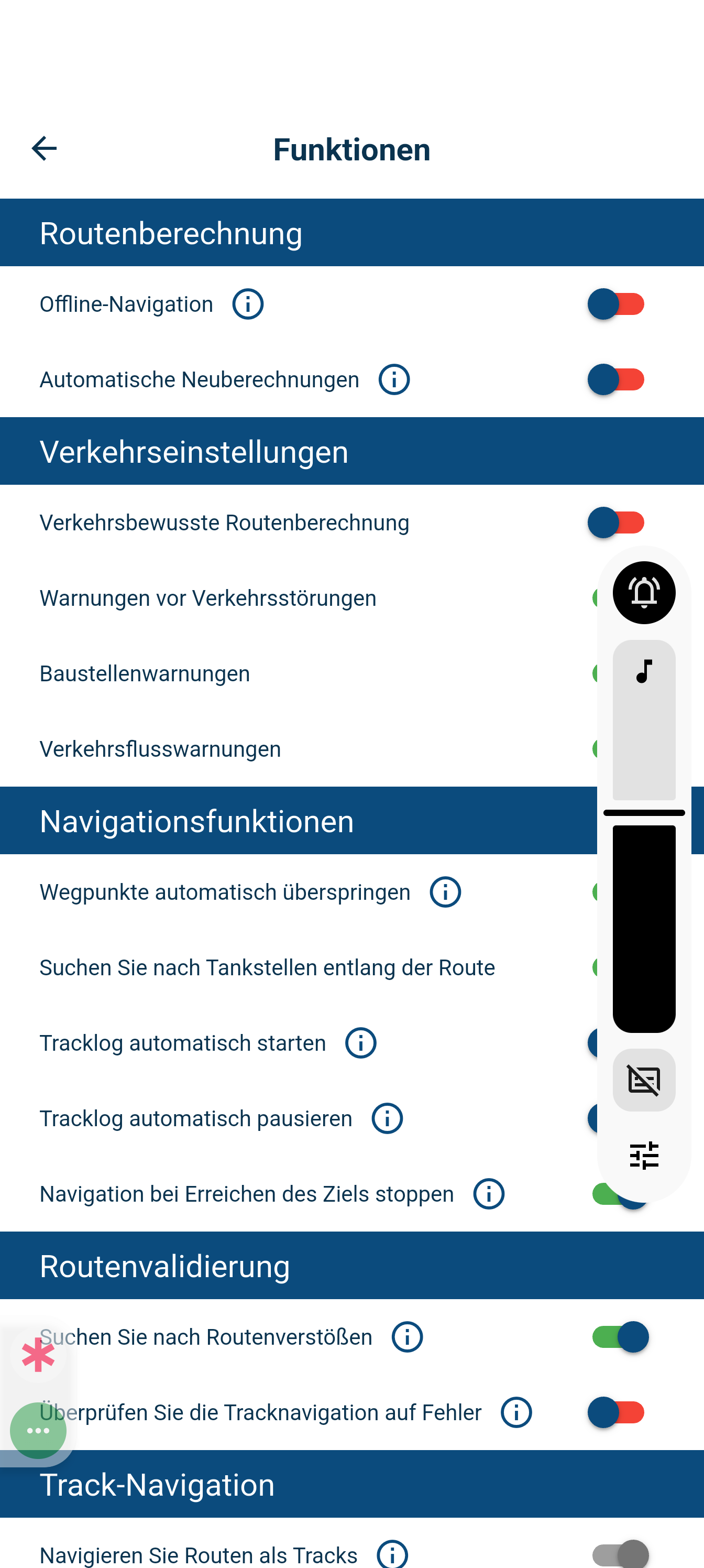
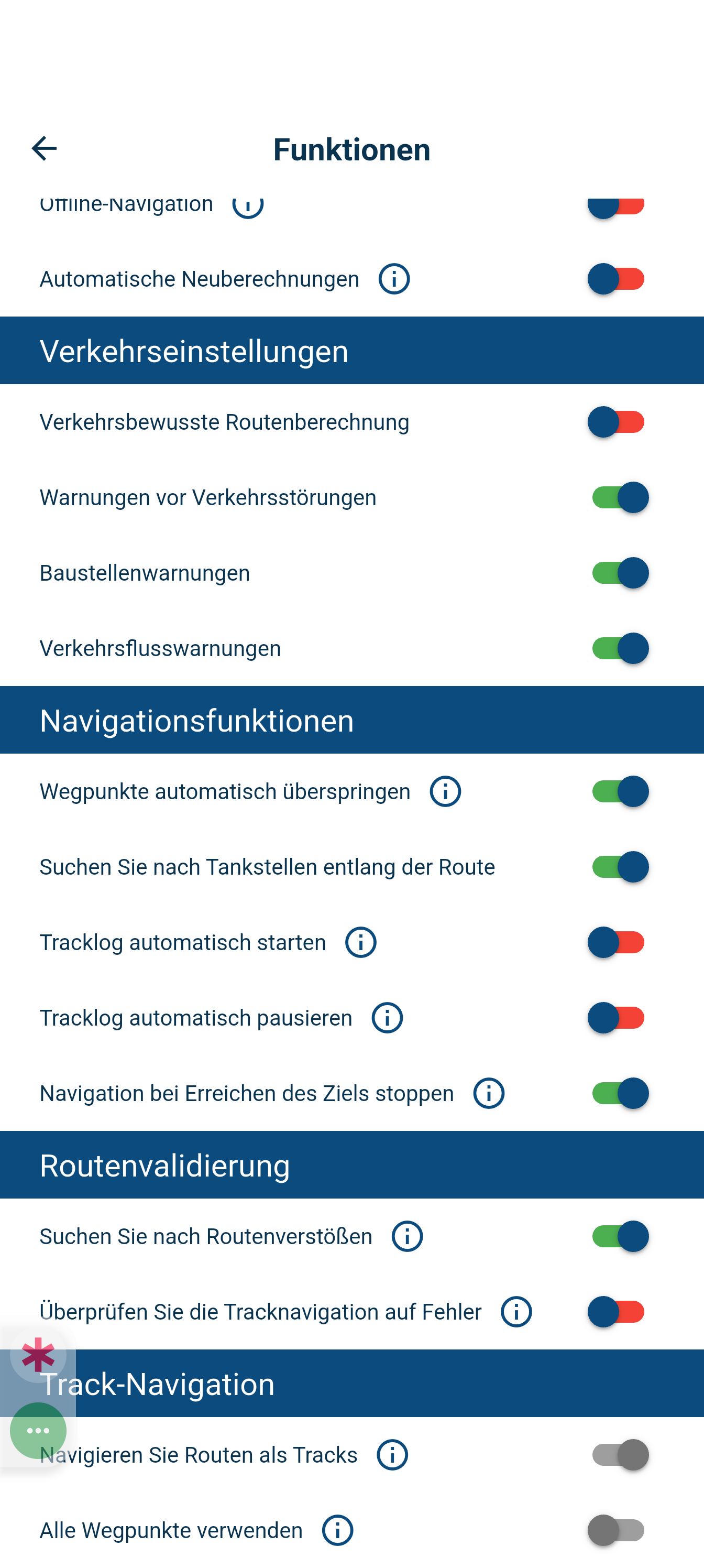
@travellexxie I switched of automatic recalculation and switched on Automatically skip waypoints
-
Nevertheless the app will always send you back when it is a viapoint (3 times when it is a shapingpoint) and you didn't "touch" it. In these cases you have to manually skip the waypoint.
-
I could not skip any waypoint, because the fault was between point 1 and 2.
Hello! It looks like you're interested in this conversation, but you don't have an account yet.
Getting fed up of having to scroll through the same posts each visit? When you register for an account, you'll always come back to exactly where you were before, and choose to be notified of new replies (either via email, or push notification). You'll also be able to save bookmarks and upvote posts to show your appreciation to other community members.
With your input, this post could be even better 💗
Register Login-
 01331
01331
-
0749
-
 0628
0628
-
09211
-
 0512
0512
-
 0419
0419
-
 1530
1530
-
 0319
0319