Skip to content
  • Categories
  • Recent
  • Popular
  • Support
  • MyRoute-app
Collapse
Brand Logo

MRA Community Forum

  1. Home
  2. [Beta] The MyRoute-app
  3. [Beta] Suggestions and Discussions
  4. ‘White line’ on skipped part

‘White line’ on skipped part

Scheduled Pinned Locked Moved [Beta] Suggestions and Discussions
3 Posts 2 Posters 34 Views
  • Oldest to Newest
  • Newest to Oldest
  • Most Votes
Reply
  • Reply as topic
Log in to reply
This topic has been deleted. Only users with topic management privileges can see it.
  • Jure Sirena 0undefined Offline
    Jure Sirena 0undefined Offline
    Jure Sirena 0
    wrote on last edited by
    #1

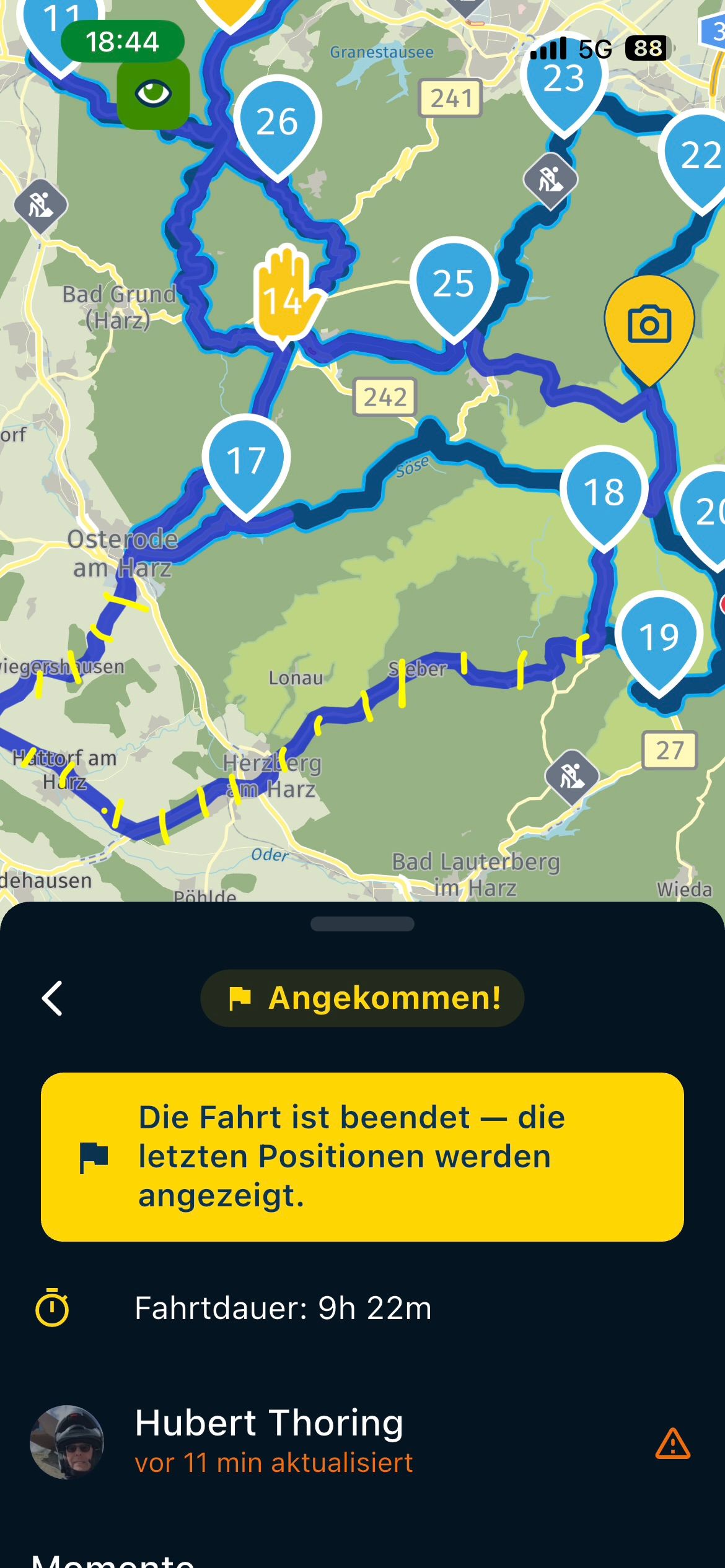
    Hi would it be possible to ‘cancel’ the white line? Example if you skip next or several waypoints the old route is displayed white while new route or guidance is blue.

    Its kind a confusing, if we decide to skip some parts or points we should not be confused, there should be only one way to go.

    Sometimes on smaller screens like phones this is really confusing

    Corjan Meijerinkundefined 1 Reply Last reply
    0
    • Jure Sirena 0undefined Jure Sirena 0

      Hi would it be possible to ‘cancel’ the white line? Example if you skip next or several waypoints the old route is displayed white while new route or guidance is blue.

      Its kind a confusing, if we decide to skip some parts or points we should not be confused, there should be only one way to go.

      Sometimes on smaller screens like phones this is really confusing

      Corjan Meijerinkundefined Offline
      Corjan Meijerinkundefined Offline
      Corjan Meijerink
      Developer
      wrote on last edited by
      #2

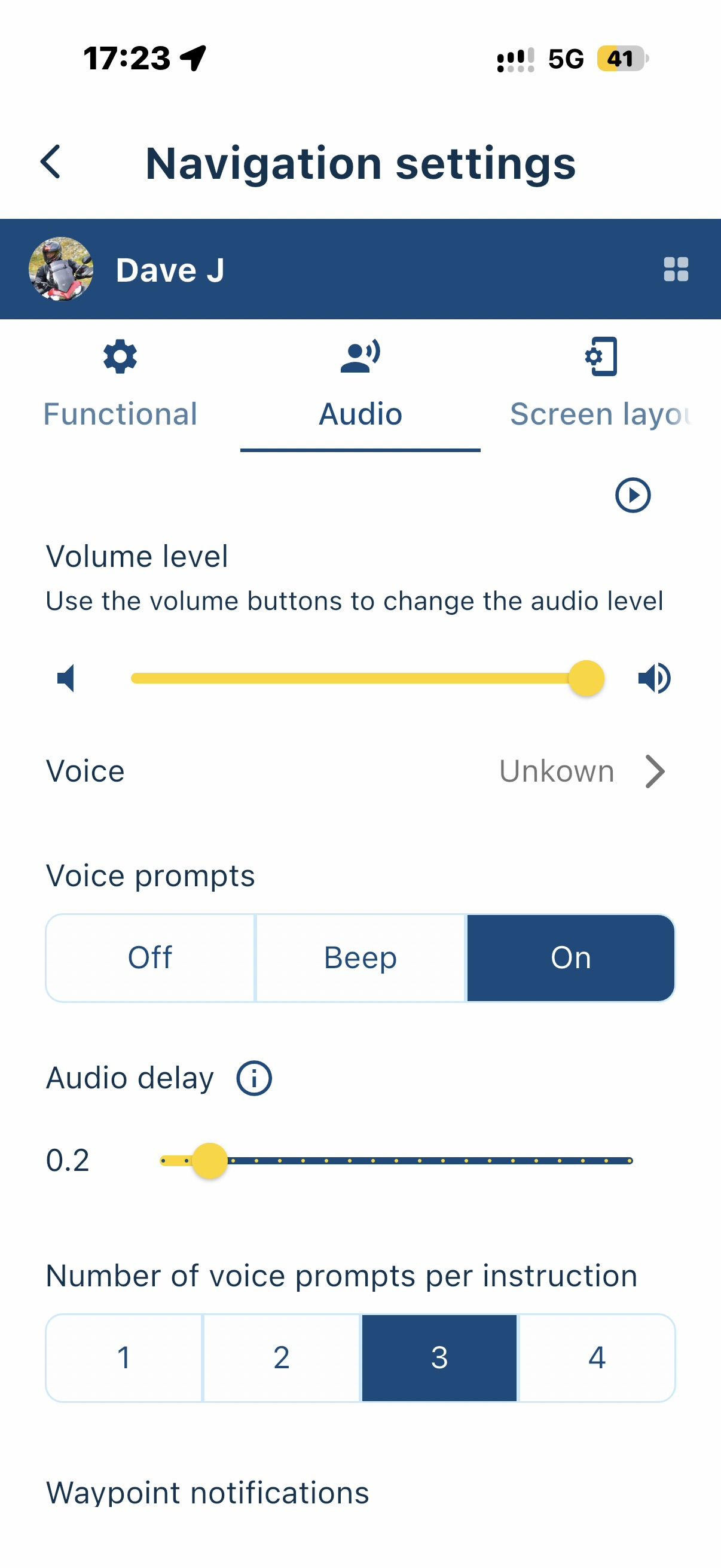
      @Jure-Sirena-0 the white line represents the original route as you intended to drive. You can turn this off in the navigation settings 🙂

      Jure Sirena 0undefined 1 Reply Last reply
      0
      • Corjan Meijerinkundefined Corjan Meijerink

        @Jure-Sirena-0 the white line represents the original route as you intended to drive. You can turn this off in the navigation settings 🙂

        Jure Sirena 0undefined Offline
        Jure Sirena 0undefined Offline
        Jure Sirena 0
        wrote on last edited by
        #3

        @Corjan-Meijerink thx

        1 Reply Last reply
        0
        Reply
        • Reply as topic
        Log in to reply
        • Oldest to Newest
        • Newest to Oldest
        • Most Votes


        ACTIVE USERS
        Corjan Meijerinkundefined
        Corjan Meijerink
        Jure Sirena 0undefined
        Jure Sirena 0
        POPULAR TOPICS
        • Vormingspunten worden niet overgeslagen bij navigeren
          Bouke Entundefined
          Bouke Ent
          0
          39
          1.3k

        • Adding Toilets as a POI
          white.mouseundefined
          white.mouse
          0
          4
          104

        • Anyone tried Ridernav R7M with MRA via AA yet?
          b0hd1undefined
          b0hd1
          0
          18
          361

        • Navigatie stelt onnodige omwegen
          Rob Verhoeffundefined
          Rob Verhoeff
          0
          3
          56

        • Vrij rijden
          white.mouseundefined
          white.mouse
          0
          13
          718

        • Does the Forum have a search feature? TIA
          Rob Verhoeffundefined
          Rob Verhoeff
          0
          2
          16

        • 1richtingsweg staat verkeerom in de App
          Peter Spaanundefined
          Peter Spaan
          0
          6
          173

        • batterij verbruik
          CD130undefined
          CD130
          0
          2
          108
        MY GROUPS
        • Login

        • Login or register to search.
        • First post
          Last post
        0
        • Categories
        • Recent
        • Popular
        • Support
        • MyRoute-app