Different Default Maps for Routeplanner and Navigation
-

Hi there,
Just wondering if an option for setting the default map for the routeplanner different to the actual navigation on the app.
I like to plan my routes using the "logistics" map as it gives more information, but when actually navigating I like to use the "roads only" as I feel it's more clean cut when glancing down whilst driving.I feel like it would be a good option to be able to set these independently
Cheers
Martin -
Hi there,
Just wondering if an option for setting the default map for the routeplanner different to the actual navigation on the app.
I like to plan my routes using the "logistics" map as it gives more information, but when actually navigating I like to use the "roads only" as I feel it's more clean cut when glancing down whilst driving.I feel like it would be a good option to be able to set these independently
Cheers
Martin
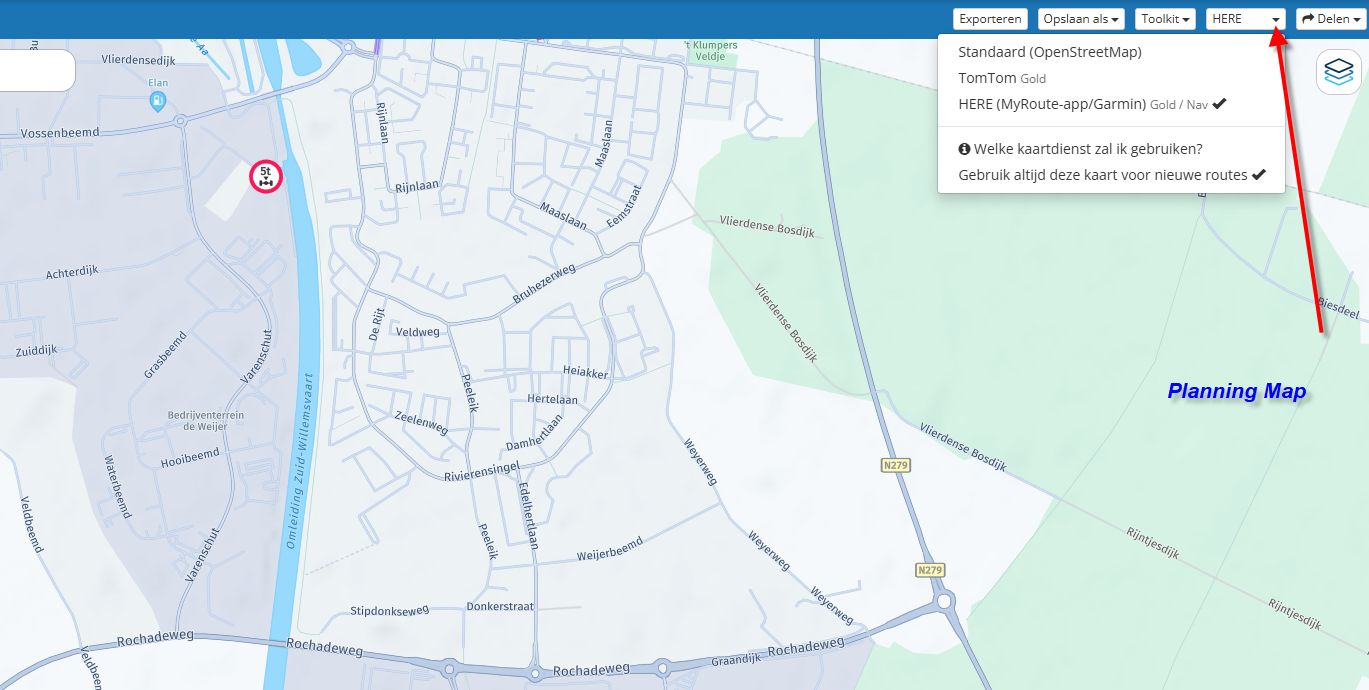
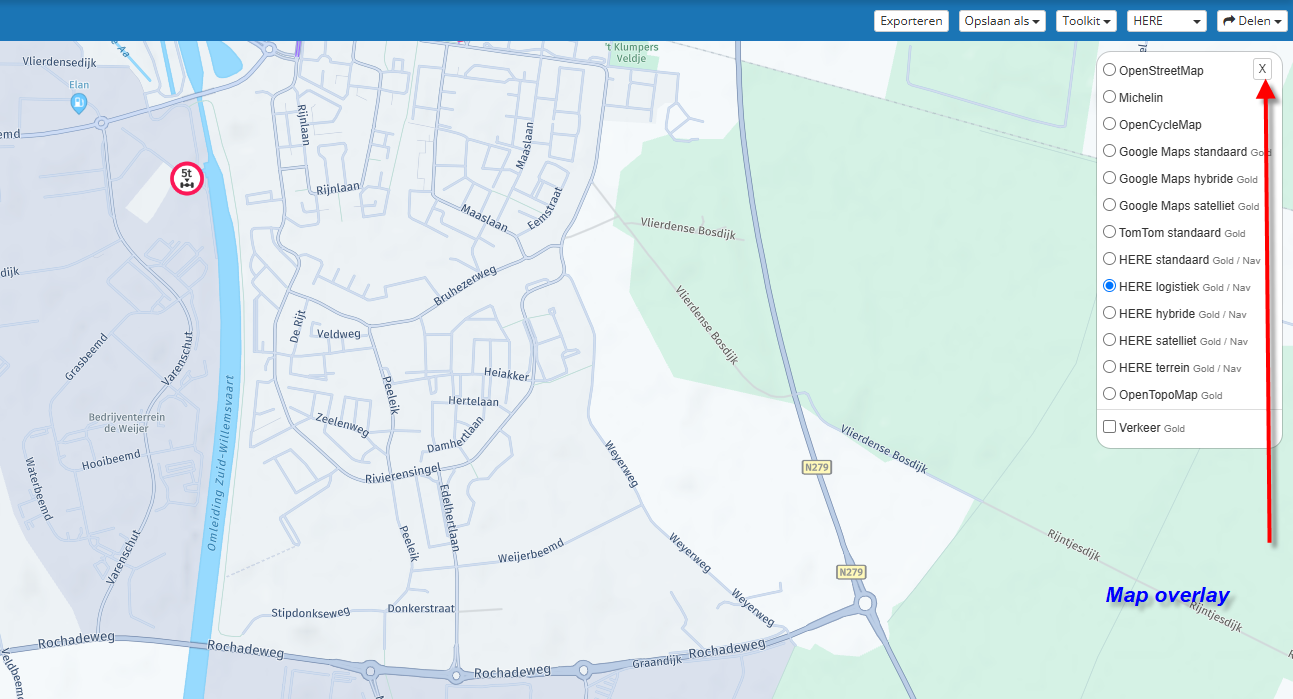
Navigation Next uses the Here-Map. You can use the map overlay you want, but use the Here-map for planning
-
Thanks for the reply, I should have been clearer though
 .
.
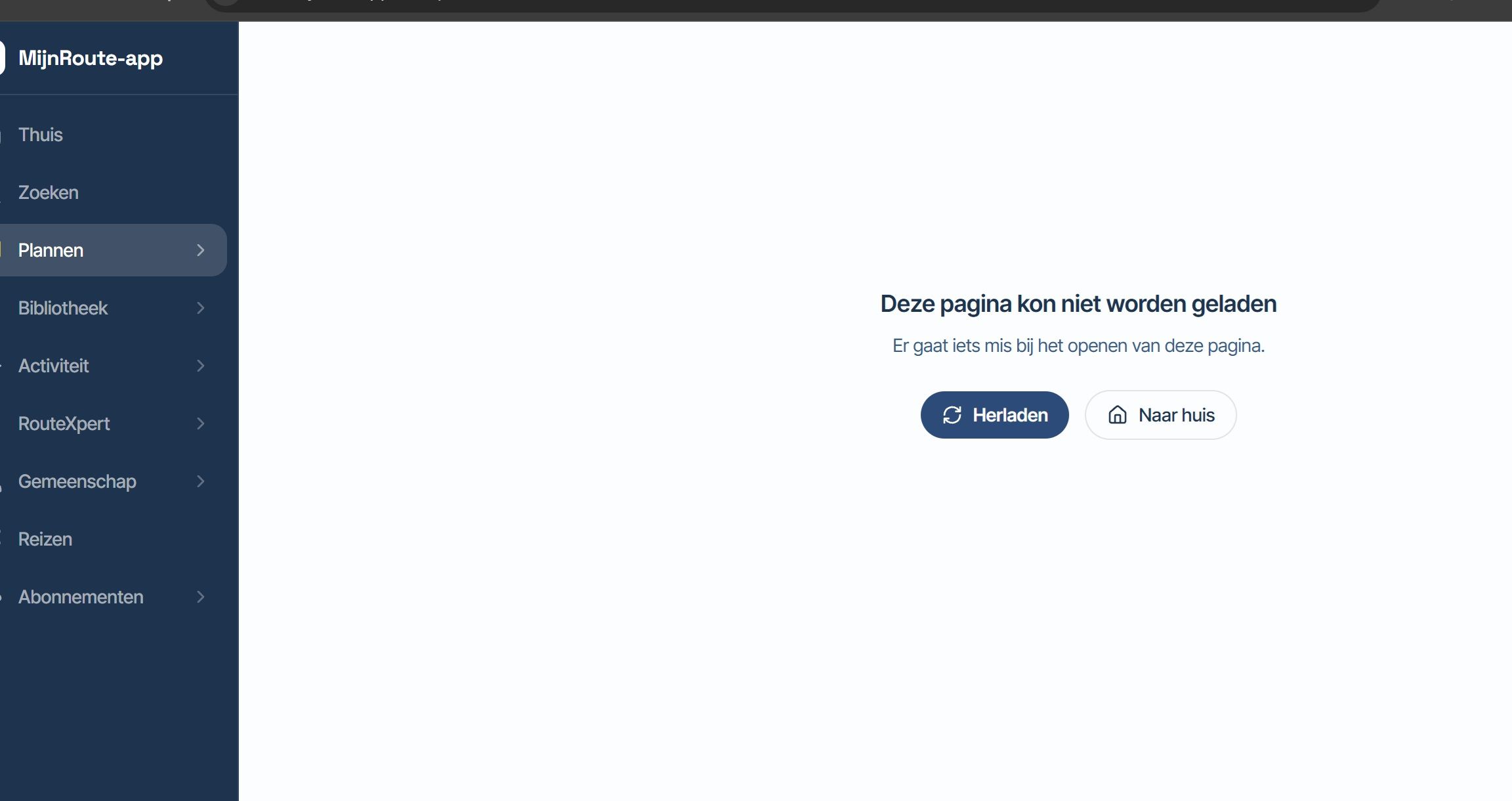
What I meant is when using the Routeplanner within the Myroute App (Android).
I tend to do all my planning on my mini tablet and then clip this to car for driving. I like the fact the app is an all in one tool, so much better than most Satnav app out there!Cheers!
-
Hi there,
Just wondering if an option for setting the default map for the routeplanner different to the actual navigation on the app.
I like to plan my routes using the "logistics" map as it gives more information, but when actually navigating I like to use the "roads only" as I feel it's more clean cut when glancing down whilst driving.I feel like it would be a good option to be able to set these independently
Cheers
Martin
@Next-Stop said in Different Default Maps for Routeplanner and Navigation:
I feel like it would be a good option to be able to set these independently
Yes, using the webplanner they are independant, but the app-planner uses the same map-style as the navigation mode indeed. I do not much planning on the device I use for navigating, so it is not a real problem for myself, but I agree with you that it is logical to have seperate map-style settings for the planner and the navigator.
Hello! It looks like you're interested in this conversation, but you don't have an account yet.
Getting fed up of having to scroll through the same posts each visit? When you register for an account, you'll always come back to exactly where you were before, and choose to be notified of new replies (either via email, or push notification). You'll also be able to save bookmarks and upvote posts to show your appreciation to other community members.
With your input, this post could be even better 💗
Register Login-
 0519
0519
-
 0521
0521
-
 0310
0310
-
0312
-
 0746
0746
-
0311
-
035
-
1265