Route doesn’t recalculate to my destination
-

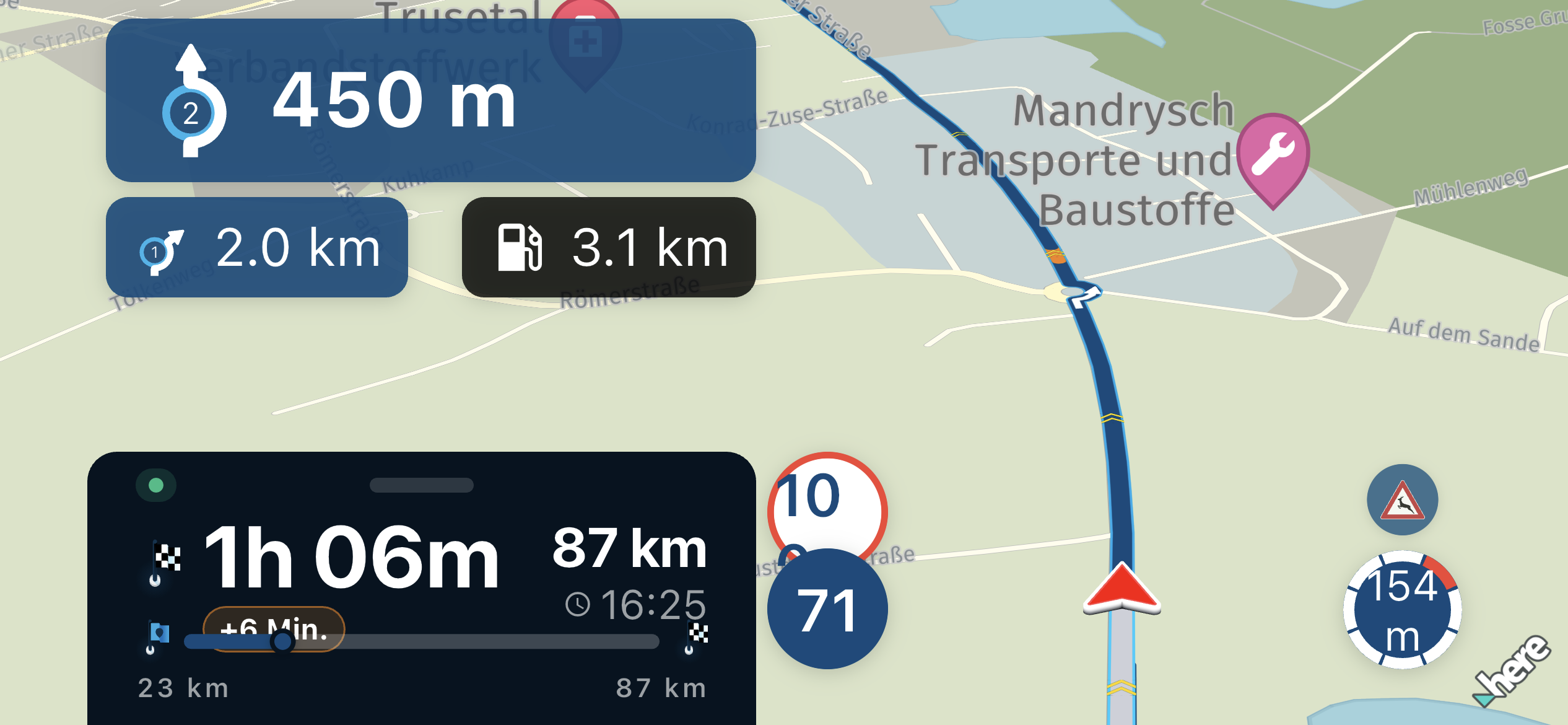
Hi guys I just created a simple route from a point 100 meters away from my initial point and another ending point. When I tried to navigate via Apple car play the original route stayed intact but the app didn’t recalculate me from my deviation point to reach my destination.. any clues ? Thanks
-
Hi guys I just created a simple route from a point 100 meters away from my initial point and another ending point. When I tried to navigate via Apple car play the original route stayed intact but the app didn’t recalculate me from my deviation point to reach my destination.. any clues ? Thanks

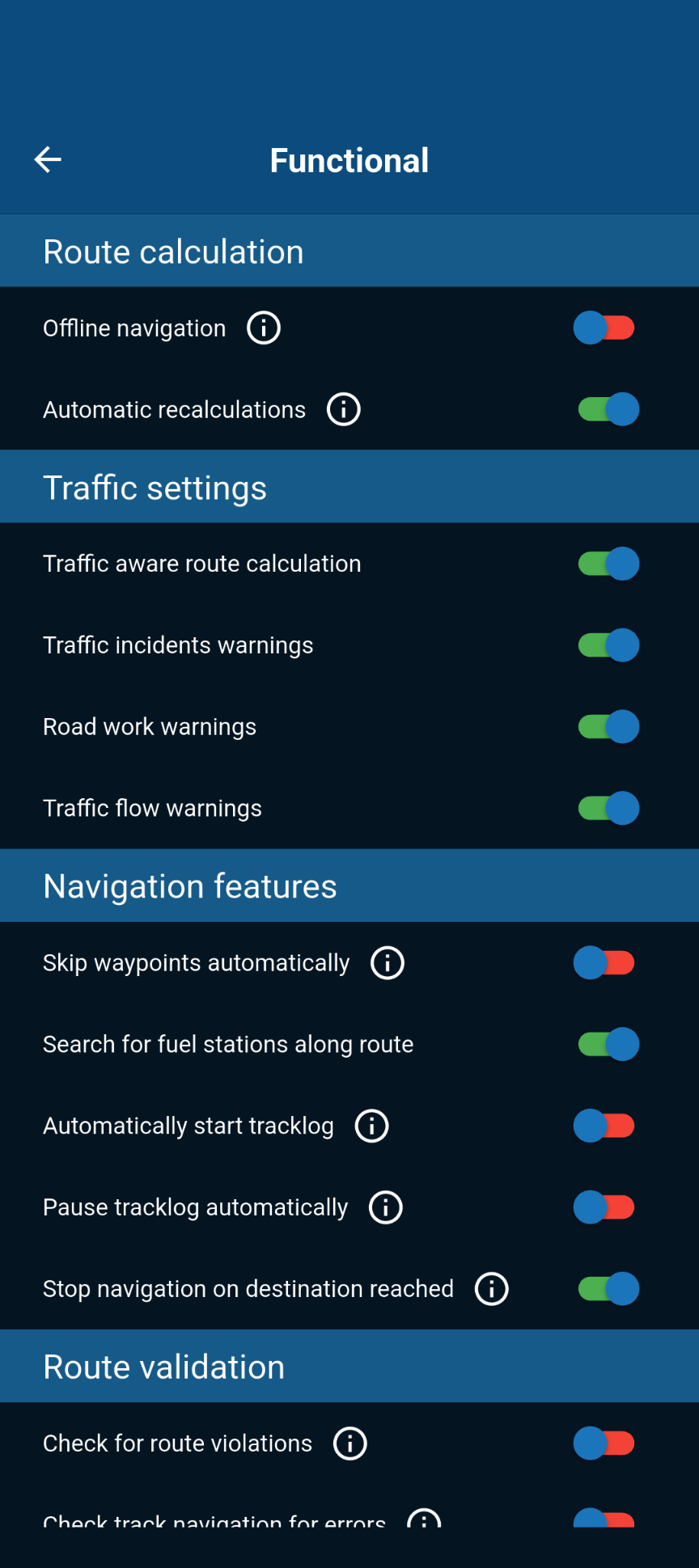
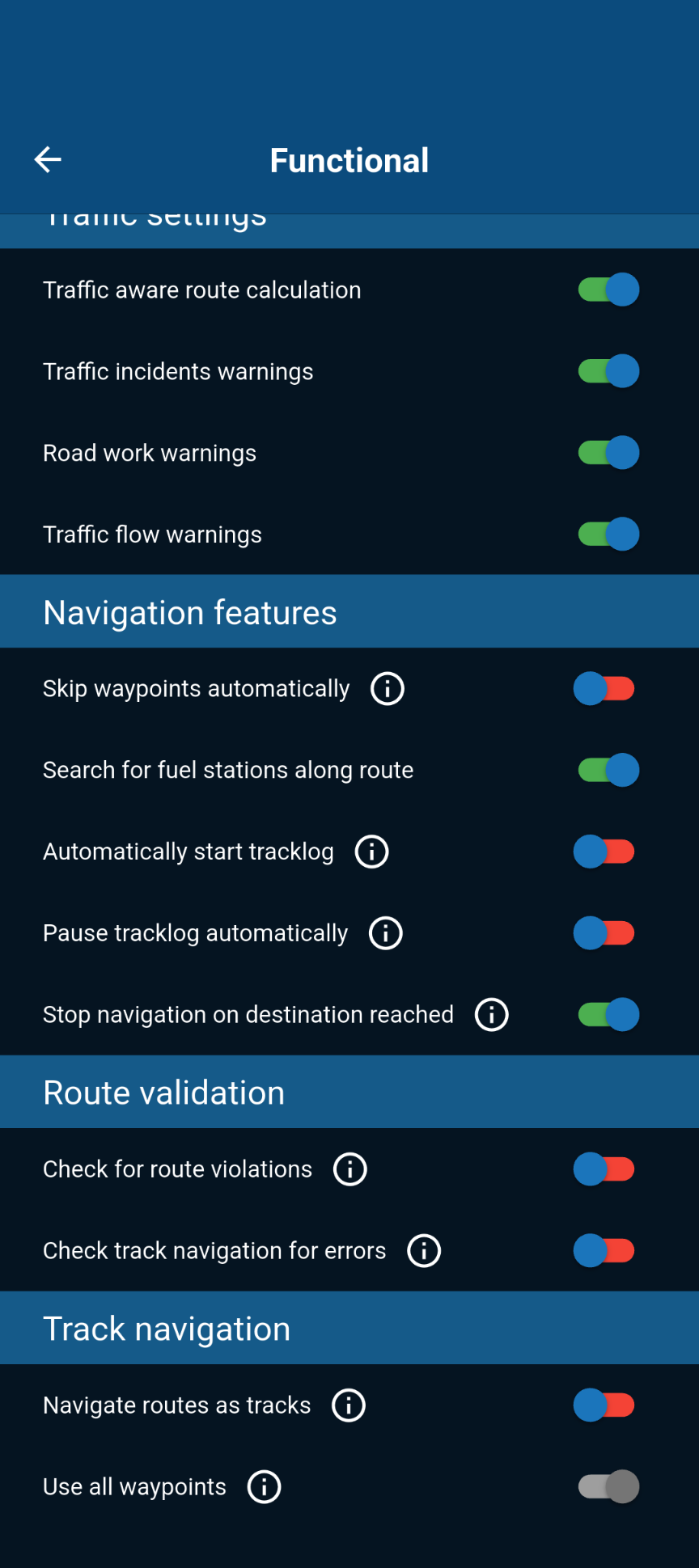
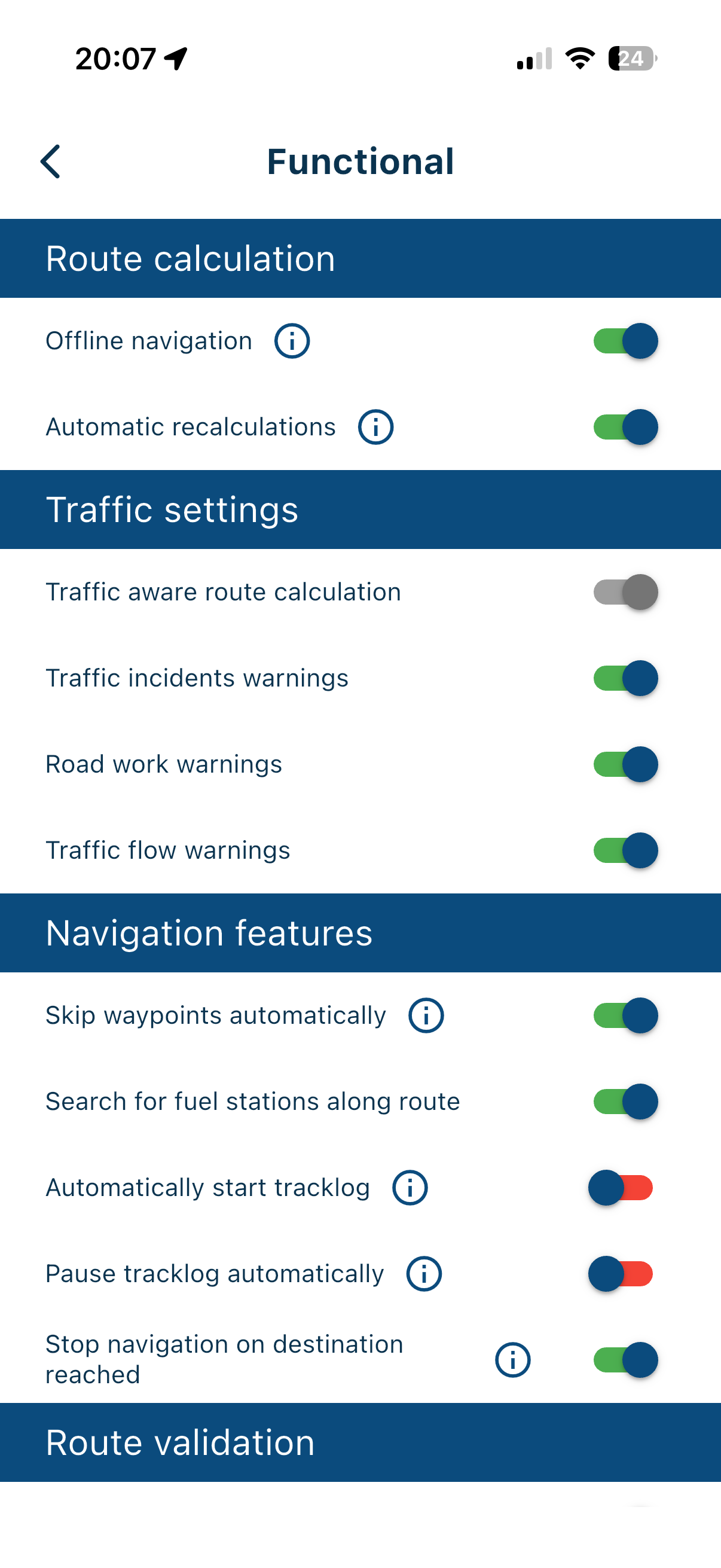
@Aggelos-Minoudis Have you enabled “Automatic Recalculation” in the settings?
-
-

Probably untick "Navigate routes as tracks"
-
@Aggelos-Minoudis Based on your settings, I can see that you're navigating offline using “Route as Track.”
I think this setting is the reason for the issue you mentioned.
Please try navigating using “Route as Route.”
Please try these settings.
-
I think I solved it. please the moderators or administrators can you make some small tutorial vids? and post them at your yt channel maybe?
-
I think I solved it. please the moderators or administrators can you make some small tutorial vids? and post them at your yt channel maybe?
@Aggelos-Minoudis It might be a good idea to take some time to read up here on how MRA works and what great features it includes.
BMW R 1250 GS
MRA Navigation & SilverFox C1 Controller
DMD-NOR7E 7"
SPC Universal mount
Motorola Edge 40 "offline"
Sena SLR 3
Sena 50 R -
@Aggelos-Minoudis It might be a good idea to take some time to read up here on how MRA works and what great features it includes.
@Aggelos-Minoudis It might be a good idea to take some time to read up here on how MRA works and what great features it includes.
Hi Peter. I would usually agree that the documentation for an app. should be your first port of call for learning about the app. However, in my experience, the documentation and videos published at the link you provided are not always up to date. Let me give a couple of examples:
- This is under the section
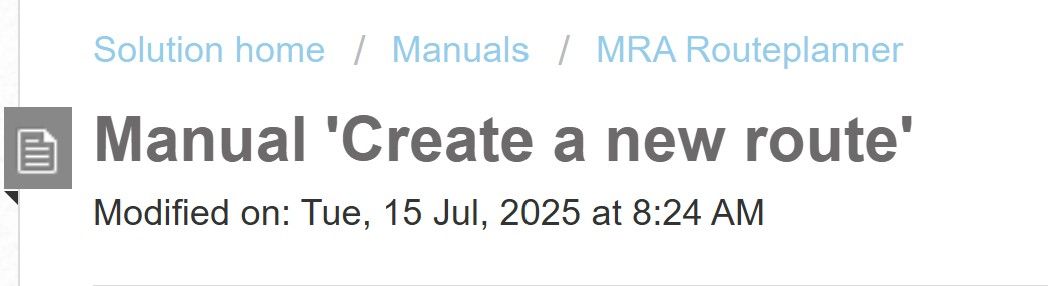
At the bottom of the page there is a video for creating routes. The video is 7 years old and does not reflect the user interface we have today. Many of the processes are the same as back then but we have to remember that many users of MRA will not be totally computer literate and are likely not to be able to follow instructions when the user interface and some processes have changed. Also at the bottom of the page, just above the video, there is a URL to a "switching service" which is supposed to include video instructions. This is what happens when you click on the "switching service" URL:

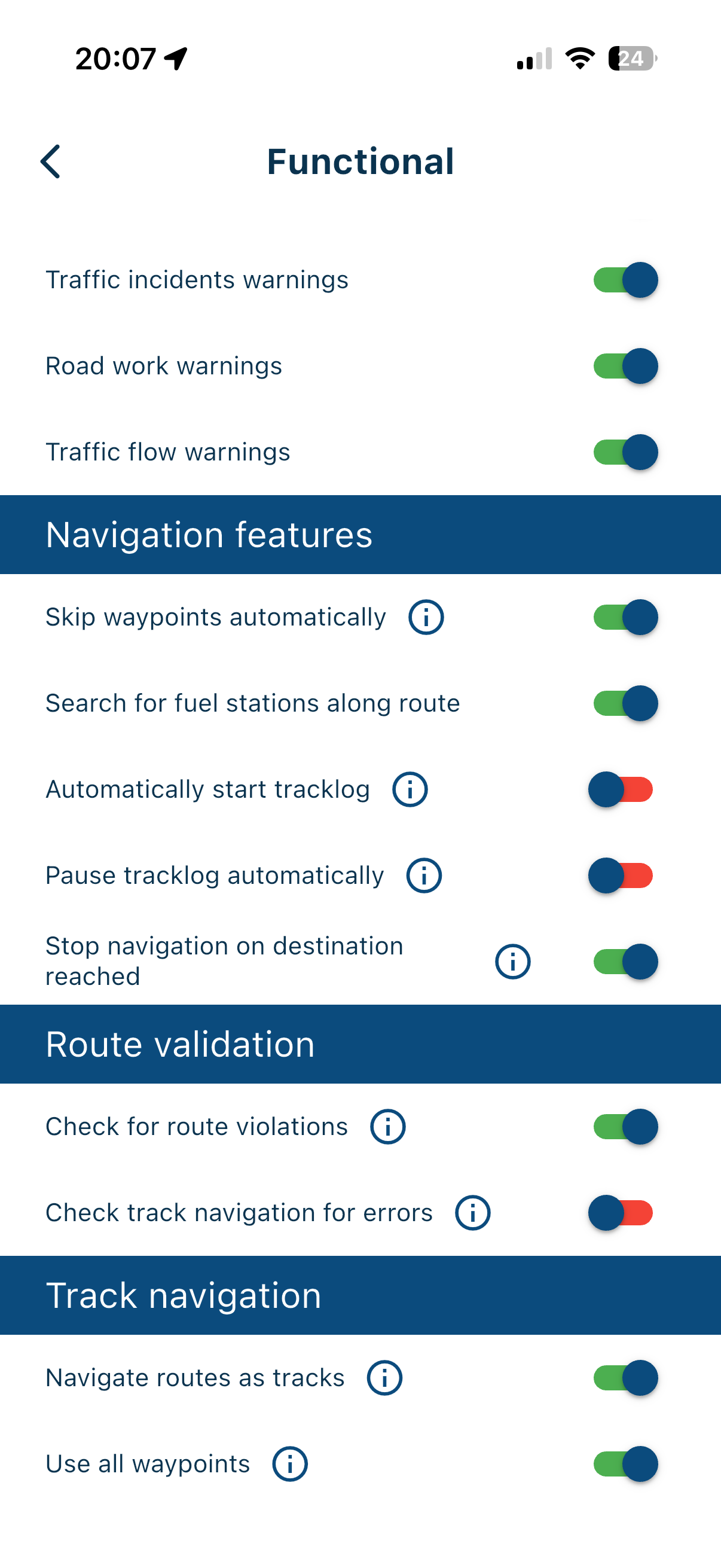
- This is what you can find under the Navigation functional setting for the app.
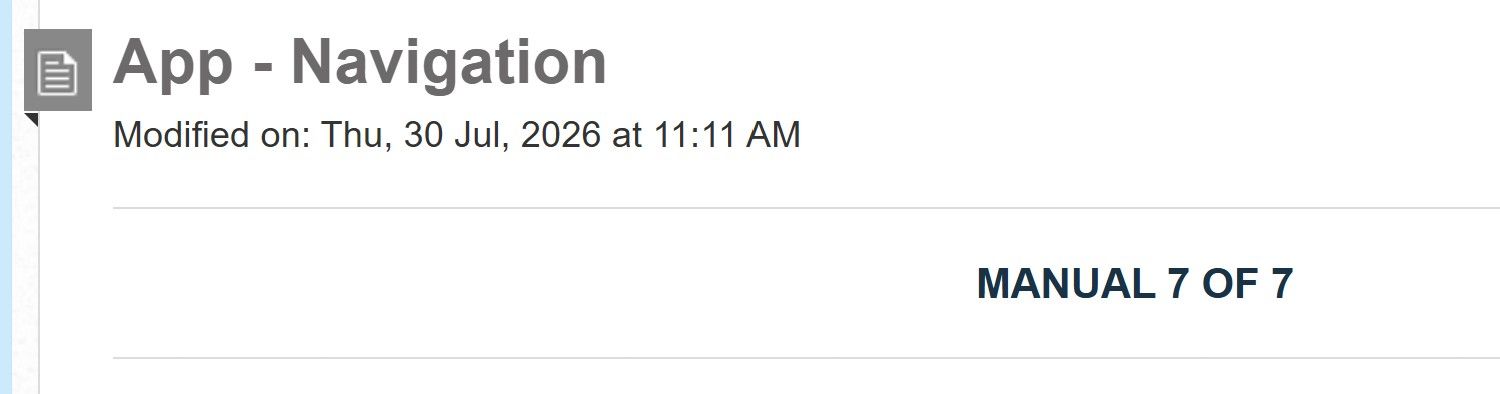
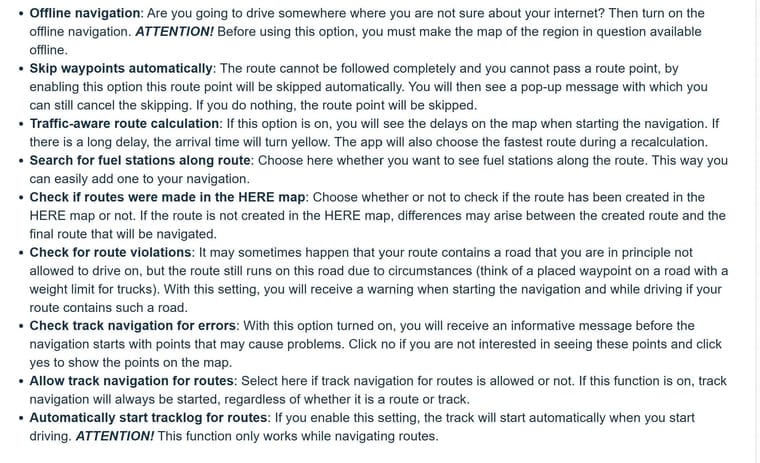
That list is not an accurate reflection of what's in the Next app today.
The documentation and videos need to be accurate (accepting that some minor errors may always exist) and up to date to truly be useful, especially to new users who may not be completely computer/app literate and also overwhelmed by the plethora of options.
To be clear, I'm not saying that the documentation has no value, it does. I'm saying that it needs to be accurate and up to date and should be considered an integral and valuable part of the overall solution.
PS yes, I know there are other videos on YouTube but those are not referenced in the documentation.
Hello! It looks like you're interested in this conversation, but you don't have an account yet.
Getting fed up of having to scroll through the same posts each visit? When you register for an account, you'll always come back to exactly where you were before, and choose to be notified of new replies (either via email, or push notification). You'll also be able to save bookmarks and upvote posts to show your appreciation to other community members.
With your input, this post could be even better 💗
Register Login-
 843426
-
 436365
-
 18261.8k
-
 67509
67509
-
1226233
-
0493
-
 0420
0420
-
08700