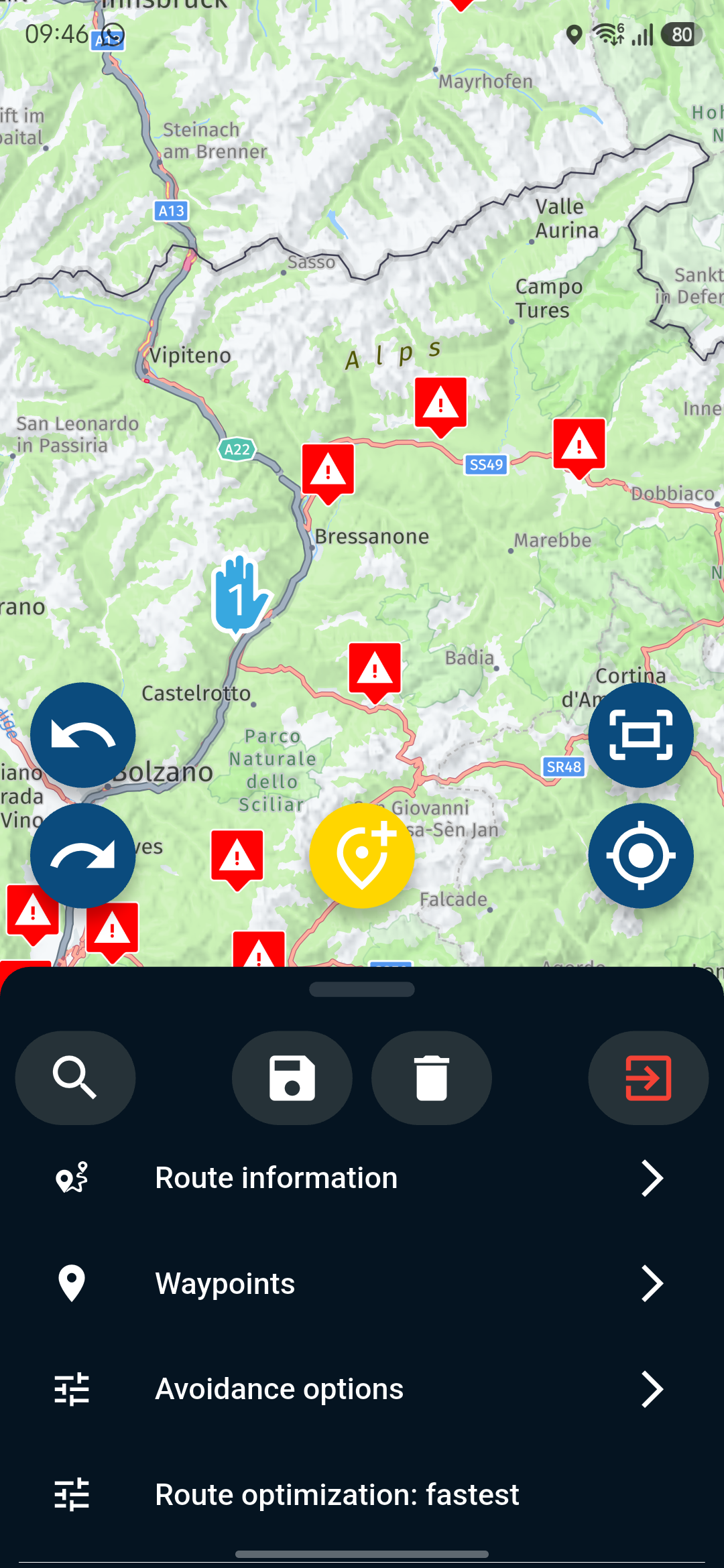
It is not possible to download multiple routes via the app (Routes Lab), but it works via the website
-
I have noticed the following:
When I open the My Route app on my Android phone, switch to the Route Lab via the app, open a folder containing routes, select several routes and try to download them, it unfortunately doesn’t work.However, if I open directly the My Route website, go to the Routes menu and open the folder from there, I can easily select up to 10 routes and save them as a ZIB file.
Could someone please test this in parallel?
Thanks in advance for your efforts.
-
Agreed. Not a lot to see in the public logs from Android Studio (3 files were selected for saving, 3 operations not permitted):
2026-04-01 15:09:11.380 14221-14266 ashmem com...pp.SandboxedProcessService0:0 E readlink(/proc/self/fd/77) failed: Operation not permitted
2026-04-01 15:09:11.381 14221-14266 ashmem com...pp.SandboxedProcessService0:0 E readlink(/proc/self/fd/121) failed: Operation not permitted
2026-04-01 15:09:11.381 14221-14266 ashmem com...pp.SandboxedProcessService0:0 E readlink(/proc/self/fd/99) failed: Operation not permittedA single route downloads fine.


Hello! It looks like you're interested in this conversation, but you don't have an account yet.
Getting fed up of having to scroll through the same posts each visit? When you register for an account, you'll always come back to exactly where you were before, and choose to be notified of new replies (either via email, or push notification). You'll also be able to save bookmarks and upvote posts to show your appreciation to other community members.
With your input, this post could be even better 💗
Register Login-
 312217
-
 112336
-
 09315
09315
-
0358
-
0383
-
 09190
09190
-
 04126
04126