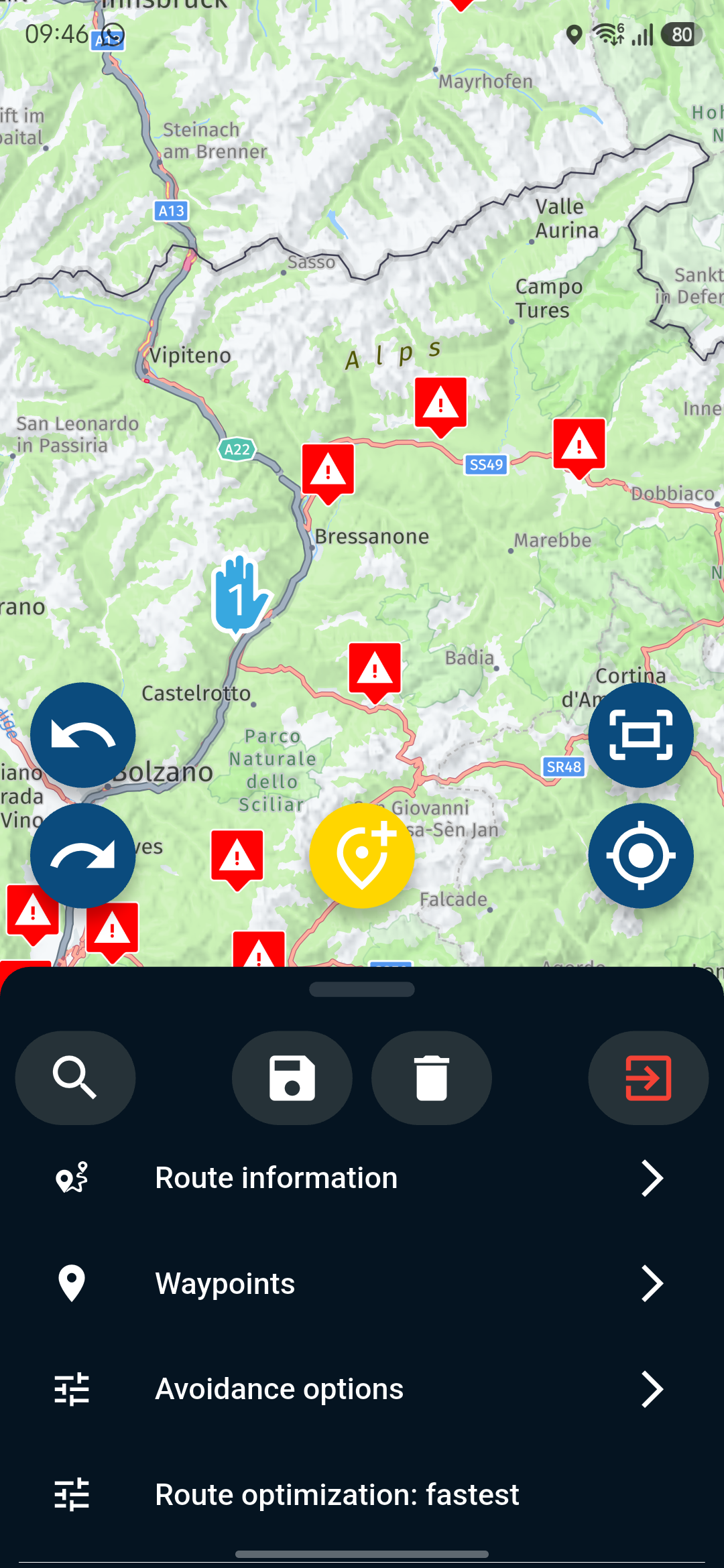
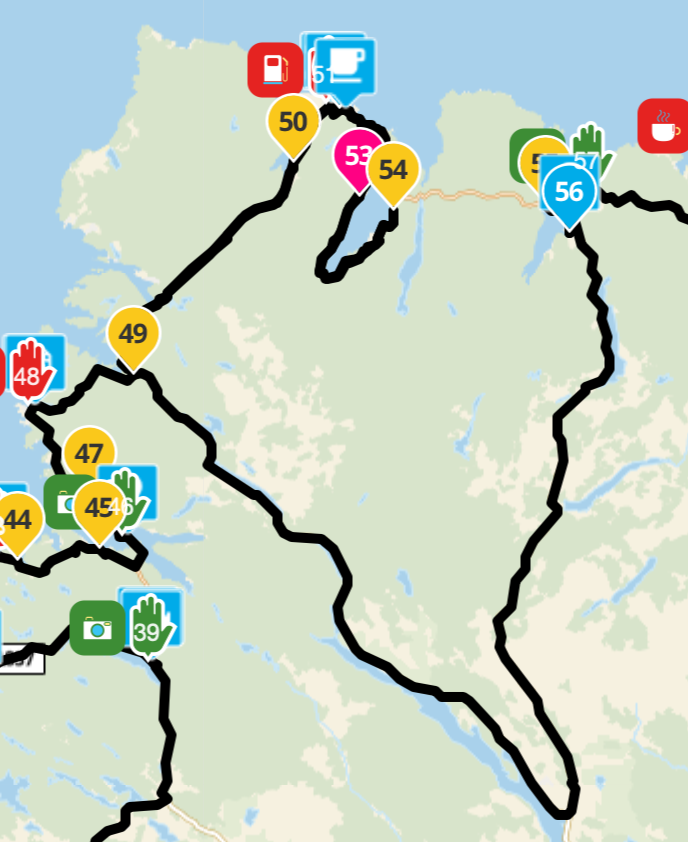
No choice of starting point..
-
I convinced a friend to buy Myroute App, the planning and navigation package, today we went on a weekend together, he has an Android, when he goes to open a route, these two screens that I'm showing you in the photo should appear, unfortunately however the second of the photos doesn't appear, from the first screen (photo) it goes directly to the navigation of the route, without giving him the possibility to choose where to start... we haven't been able to understand why... do you have an explanation
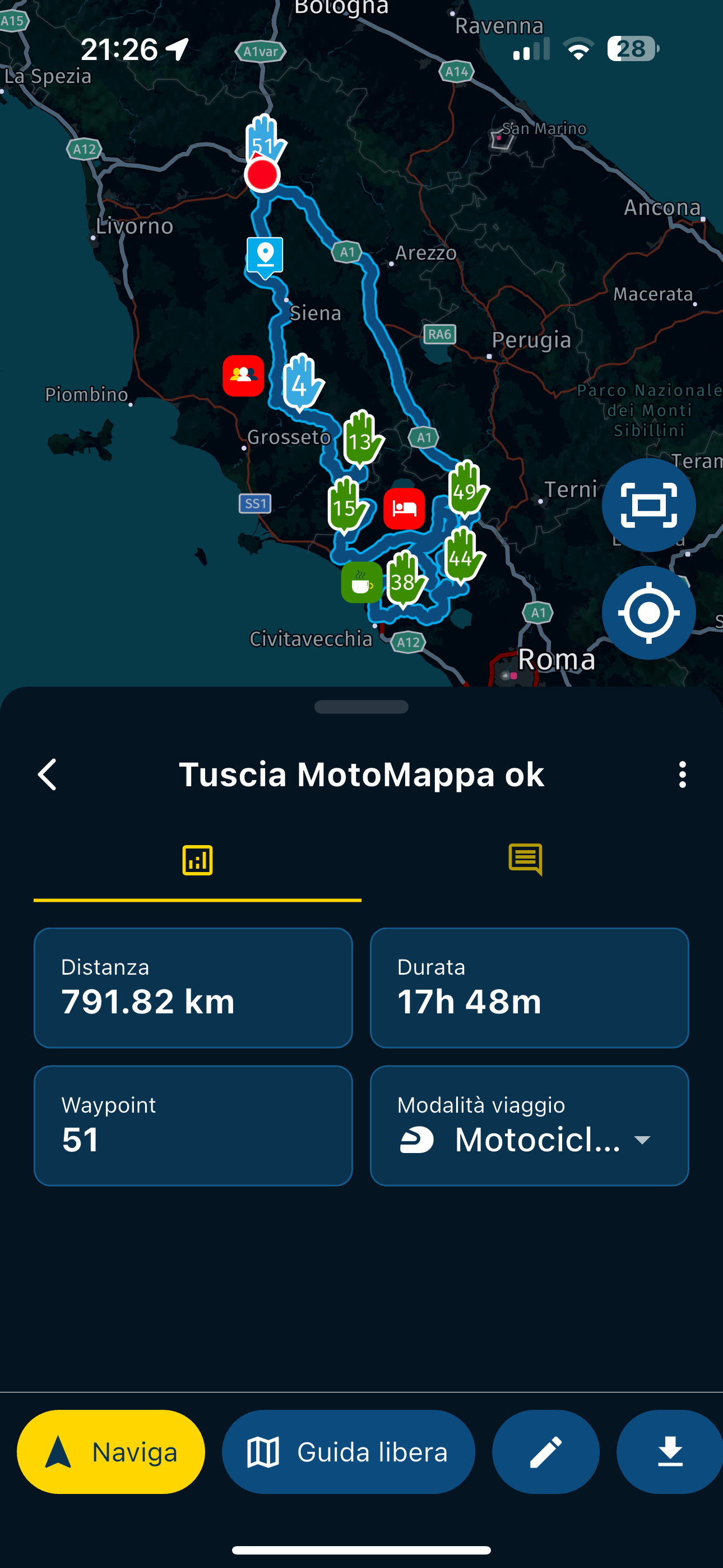
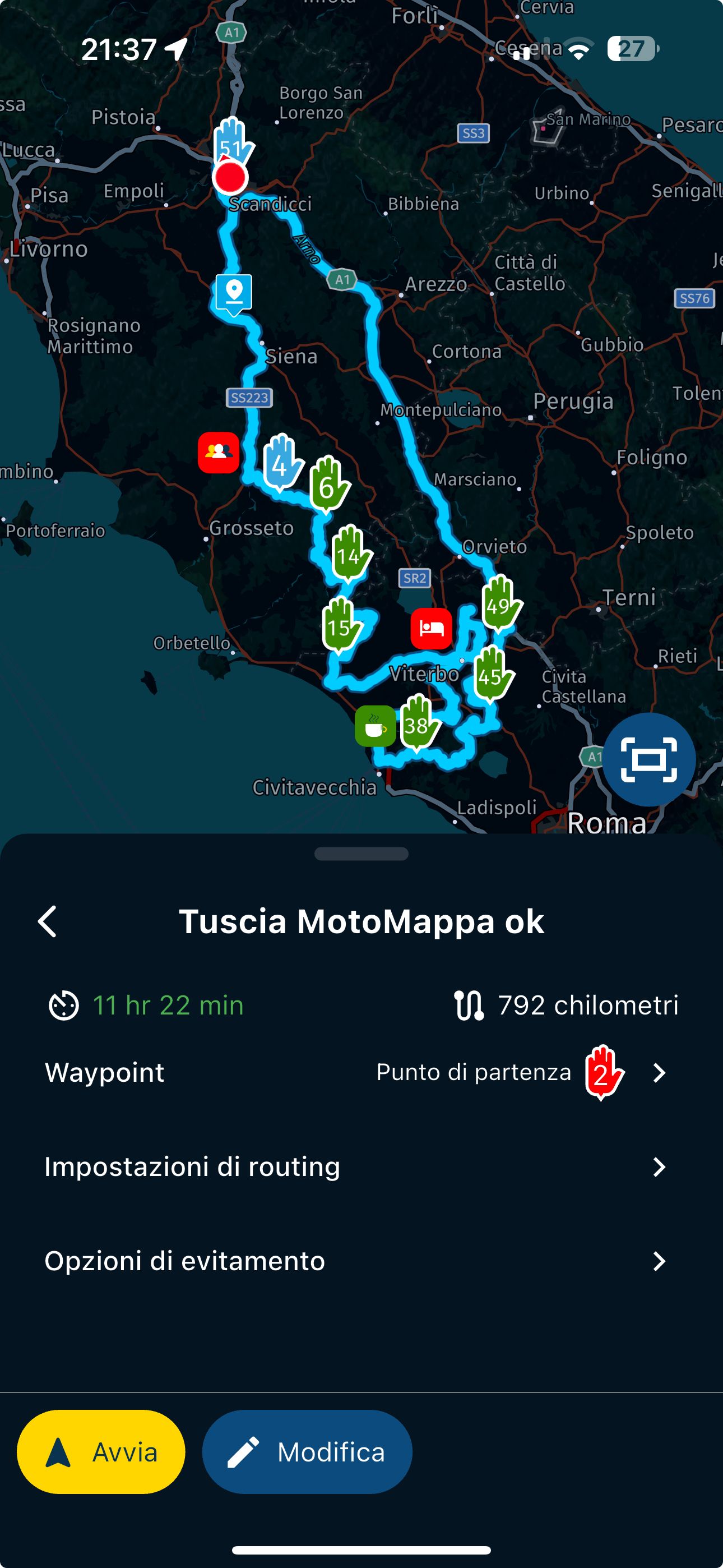
-
He probably has “navigate route as track” enabled
-
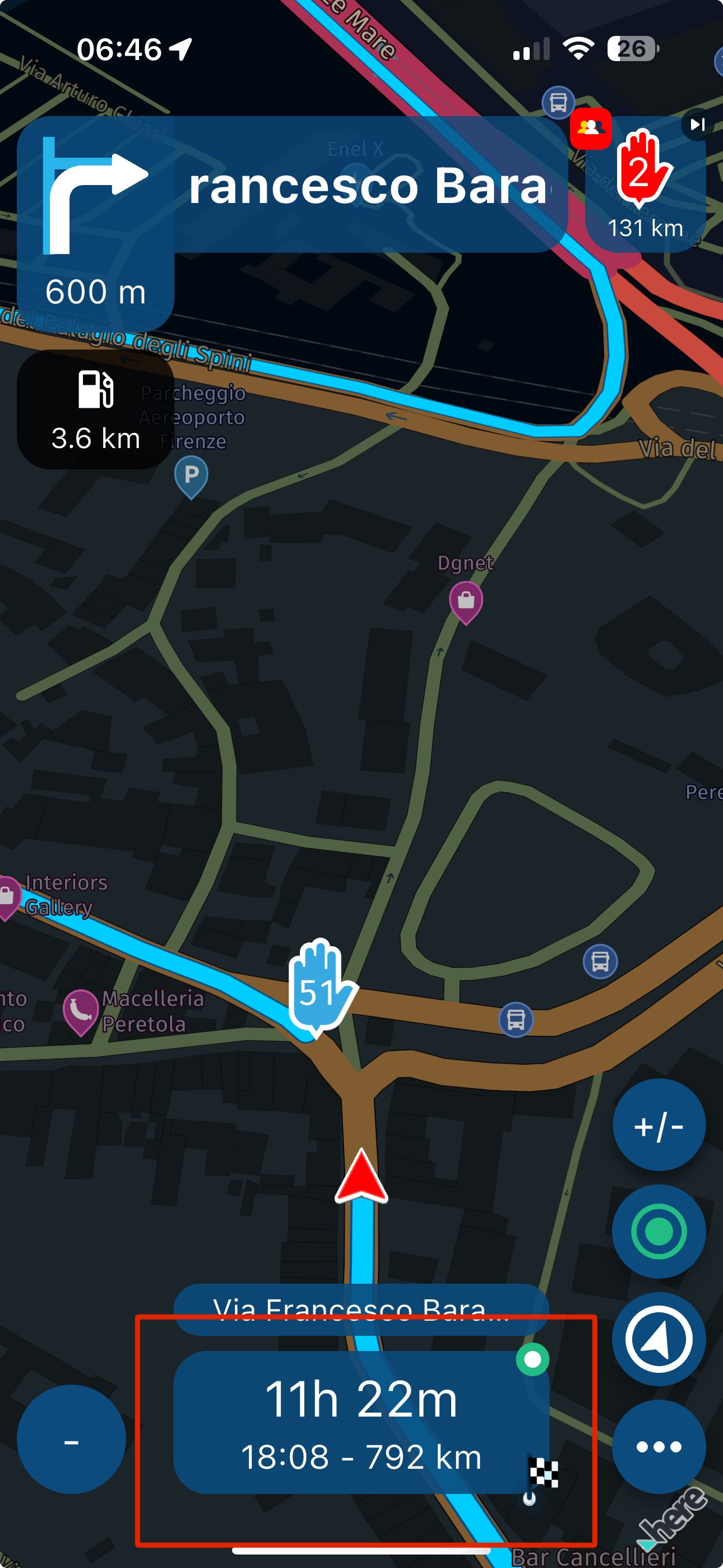
Thanks @Corjan-Meijerink in fact I remember that it had the function enabled, but I didn't think it could be that, while I disabled it...another question...he had the recalculation disabled, when we went off track and the app asked to do the recalcling, he clicked on the box in the photo but the app was like it crashes and nothing happens...then after 30-40 seconds it came back to answer...I state that there was a data connection...


Hello! It looks like you're interested in this conversation, but you don't have an account yet.
Getting fed up of having to scroll through the same posts each visit? When you register for an account, you'll always come back to exactly where you were before, and choose to be notified of new replies (either via email, or push notification). You'll also be able to save bookmarks and upvote posts to show your appreciation to other community members.
With your input, this post could be even better 💗
Register Login-
 312217
-
 112336
-
 09315
09315
-
0358
-
0383
-
 09190
09190
-
 04126
04126