Skip to content
  • Categories
  • Recent
  • Popular
  • Support
  • MyRoute-app
Collapse
Brand Logo

MRA Community Forum

  1. Home
  2. MyRoute-app Routeplanner
  3. [Web] Suggestions and Discussion
  4. Help: Want to add a waypoint but not go to it...

Help: Want to add a waypoint but not go to it...

Scheduled Pinned Locked Moved [Web] Suggestions and Discussion
3 Posts 2 Posters 625 Views 1 Watching
  • Oldest to Newest
  • Newest to Oldest
  • Most Votes
Reply
  • Reply as topic
Log in to reply
This topic has been deleted. Only users with topic management privileges can see it.
  • Tom Grzelinskiundefined Offline
    Tom Grzelinskiundefined Offline
    Tom Grzelinski
    wrote on last edited by
    #1

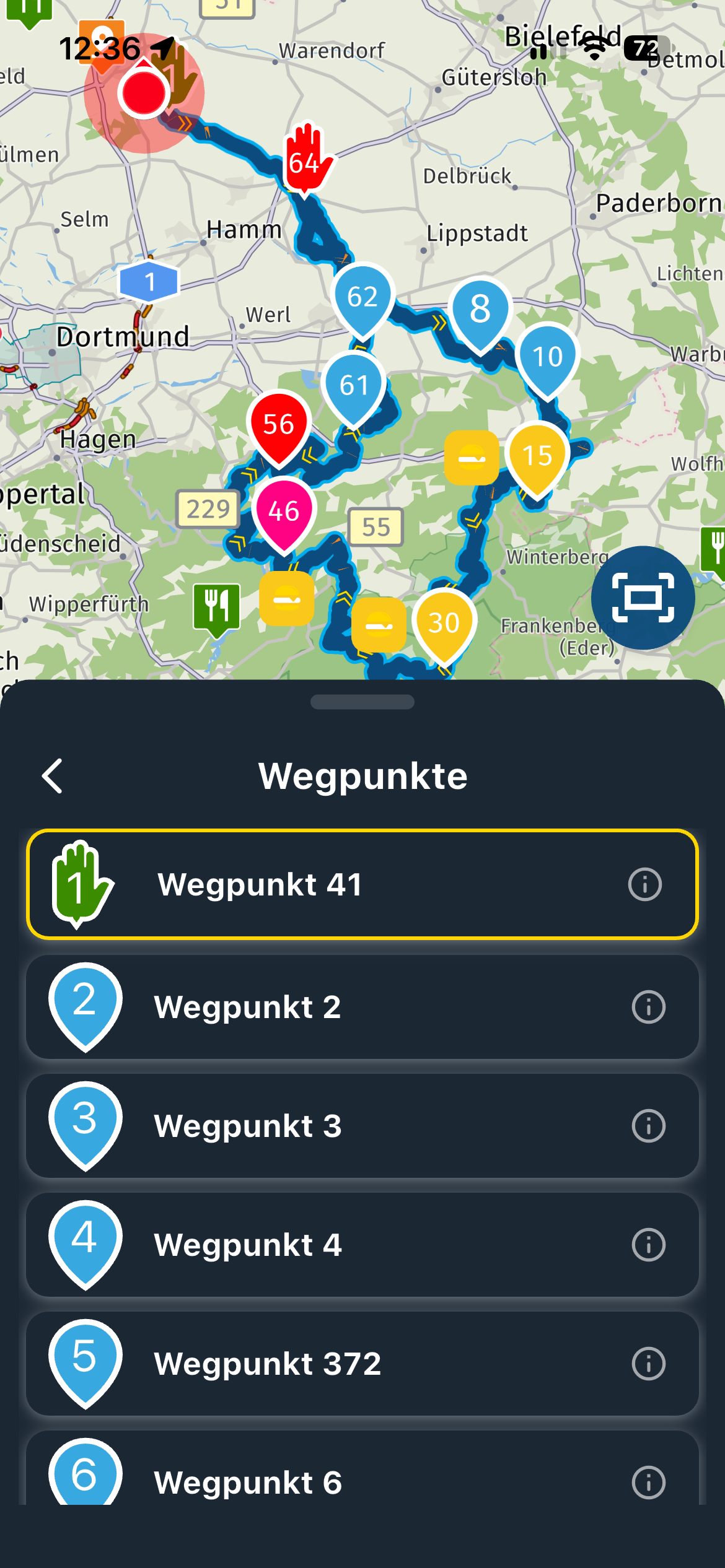
    Hi all, so, I am planning next year's trip and it will end with a stay in Venice. I have parking on the mainland for 3 days and will get the bus in to Venice and stay in a hotel in Venice.

    Can I add a waypoint or marker for the Venice hotel without it being part of the calculated route? Like a personal POI that is not part of the route.

    Is this possible?

    It is not very important but I like to have a master route with all stops on it before breaking the route into separate days.

    I have wanted this before when planning a drive where the road ends but then I want to mark where I am walking / hiking to.

    Porsche 911 and VW Transporter T6.1 running CarPlay.
    iPhone 17 Pro running Waze and MRA.
    MRA Routeplanner on web via Mac

    1 Reply Last reply
    0
    • Nick Carthewundefined Online
      Nick Carthewundefined Online
      Nick Carthew
      RouteXpert
      wrote on last edited by
      #2

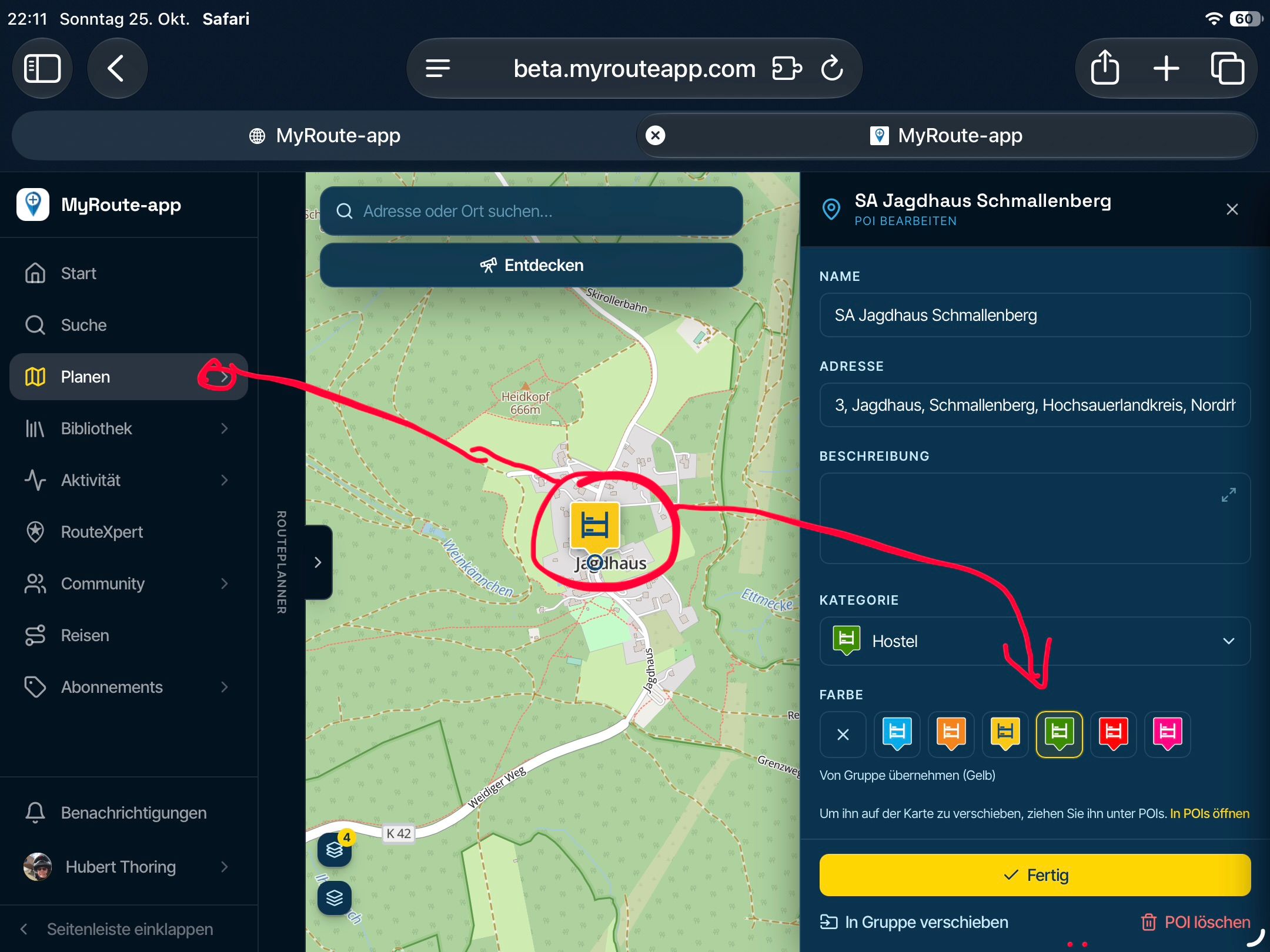
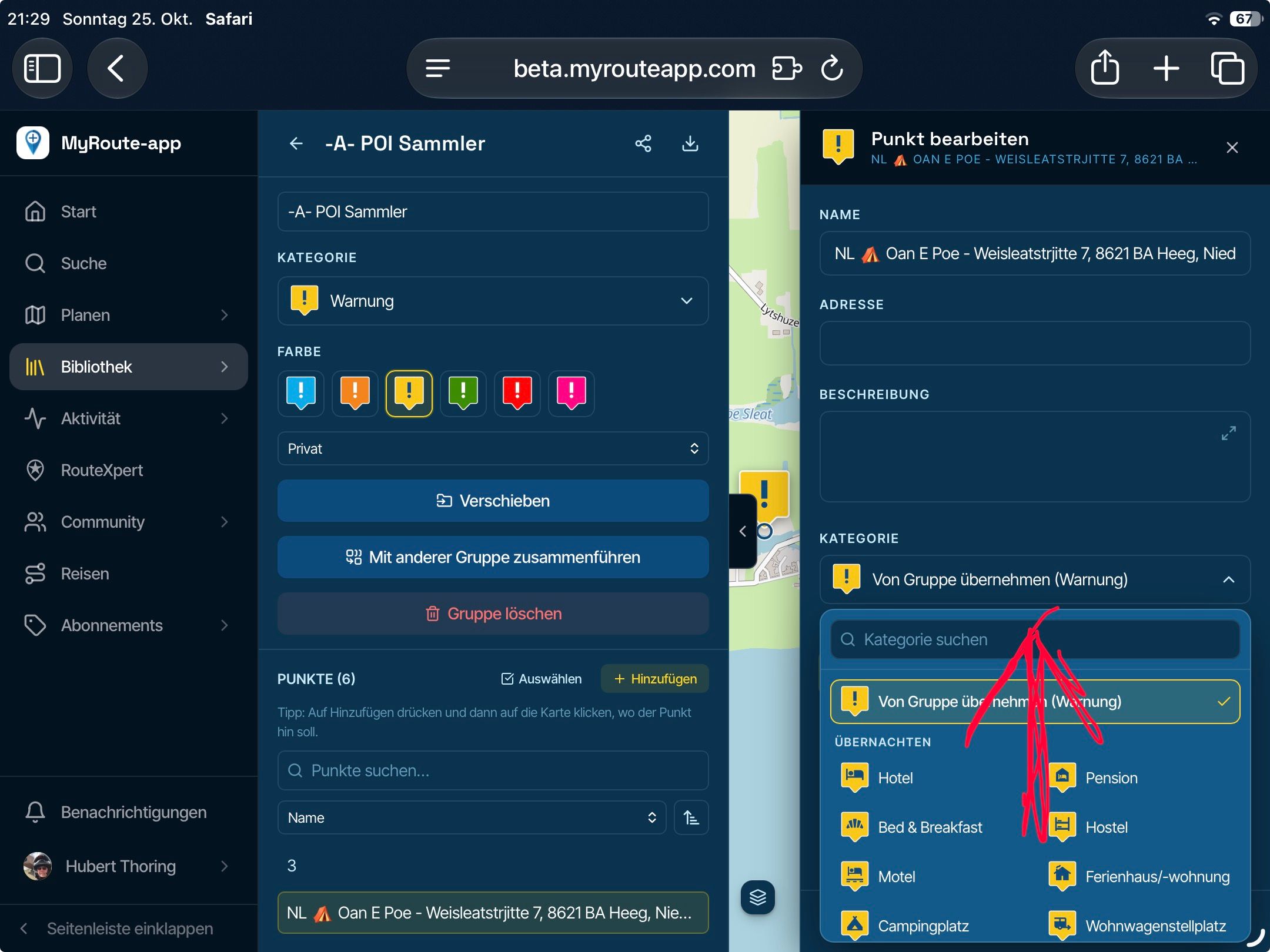
      @Tom-Grzelinski Yes, add a POI. Open the POI menu from the left column menu and use the Manage tab to insert your own POI.

      Always willing to help if I can.
      Triumph Tiger 1200 XRT called Tina.
      MRA Navigation Next and SilverFox BJ8

      Tom Grzelinskiundefined 1 Reply Last reply
      1
      • Nick Carthewundefined Nick Carthew

        @Tom-Grzelinski Yes, add a POI. Open the POI menu from the left column menu and use the Manage tab to insert your own POI.

        Tom Grzelinskiundefined Offline
        Tom Grzelinskiundefined Offline
        Tom Grzelinski
        wrote on last edited by
        #3

        @Nick-Carthew Perfect, thanks Nick, I couldn't figure out how to do that 👍

        Porsche 911 and VW Transporter T6.1 running CarPlay.
        iPhone 17 Pro running Waze and MRA.
        MRA Routeplanner on web via Mac

        1 Reply Last reply
        1

        Hello! It looks like you're interested in this conversation, but you don't have an account yet.

        Getting fed up of having to scroll through the same posts each visit? When you register for an account, you'll always come back to exactly where you were before, and choose to be notified of new replies (either via email, or push notification). You'll also be able to save bookmarks and upvote posts to show your appreciation to other community members.

        With your input, this post could be even better 💗

        Register Login
        Reply
        • Reply as topic
        Log in to reply
        • Oldest to Newest
        • Newest to Oldest
        • Most Votes


        ACTIVE USERS
        Nick Carthewundefined
        Nick Carthew
        Tom Grzelinskiundefined
        Tom Grzelinski
        POPULAR TOPICS
        • New enlarge fuelstation icon gone to soon or not?
          Bouke Entundefined
          Bouke Ent
          0
          7
          167

        • Best way to set my Garmin Zumo XT to play well with the MRA?
          Travellexxieundefined
          Travellexxie
          0
          16
          427

        • No altitude on Android Auto screen
          Lluis Arasanzundefined
          Lluis Arasanz
          0
          7
          162

        • Altitude does not match
          Corjan Meijerinkundefined
          Corjan Meijerink
          0
          11
          107

        • V5.1.0 - 462 New altitude/heading shows incorrect Data
          Jörgenundefined
          Jörgen
          0
          24
          610

        • Update 5.1 - CarPlay / Android Auto improvements and more!
          Hubert Thoringundefined
          Hubert Thoring
          18
          95
          7.6k

        • Seasonal closures affect not only seasonal road closures (mountain passes and the like) but also closures due to roadworks. This is why the route takes you through the closure even during planning, even though Here is actually aware of it.
          ginoginoundefined
          ginogino
          3
          12
          430

        • 5.1 update lost speed up in the corner
          Corjan Meijerinkundefined
          Corjan Meijerink
          0
          13
          566

        MY GROUPS
        • Login

        • Login or register to search.
        • First post
          Last post
        0
        • Categories
        • Recent
        • Popular
        • Support
        • MyRoute-app