Android Navigation App - Access to Duration and Distance Tabs?
-
Hi,
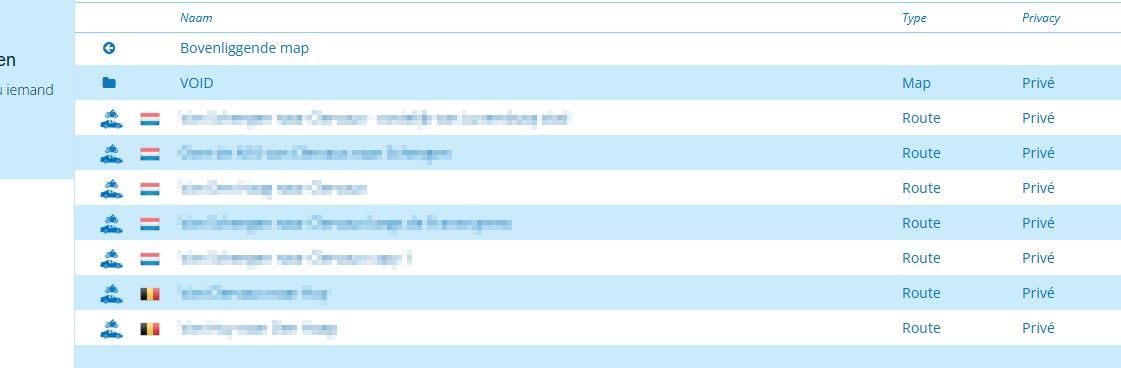
When accessing the Routes page via the Website Route Lab button, only the 'Name' sorting column is visible.
Even switching to landscape orientation doesn't bring the 'Distance' and 'Duration' tabs into view.
Is there any way to access the 'Distance' and 'Duration' tabs in this view, only it's useful to be able to find routes based upon travel time and distance?
I know these tabs can be accessed via a web browser on a PC, but it would be nice to be able to do this on your phone when out and about.
Thanks.
p.s. The search columns' width cannot be altered either, so there's no way to create more space for other columns to be brought into view.
-
 Corjan Meijerink moved this topic from [App] Problems, Bugs and other Issues on
-
Hi,
When accessing the Routes page via the Website Route Lab button, only the 'Name' sorting column is visible.
Even switching to landscape orientation doesn't bring the 'Distance' and 'Duration' tabs into view.
Is there any way to access the 'Distance' and 'Duration' tabs in this view, only it's useful to be able to find routes based upon travel time and distance?
I know these tabs can be accessed via a web browser on a PC, but it would be nice to be able to do this on your phone when out and about.
Thanks.
p.s. The search columns' width cannot be altered either, so there's no way to create more space for other columns to be brought into view.
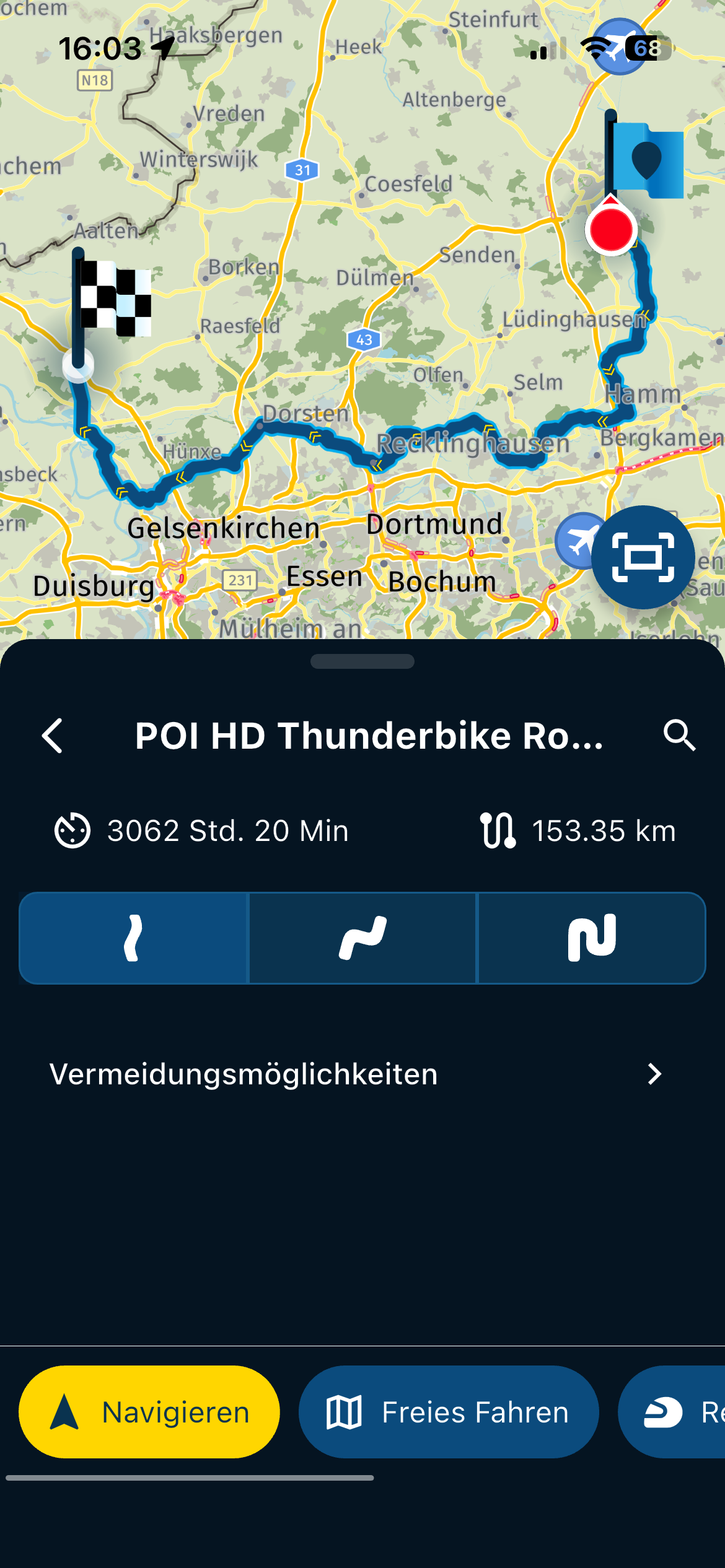
On a phone you would need to open the route by clicking on it then you will see the Distance, Duration, number of Waypoints and Travel Mode.
For a single 1 day route I would prep everything needed for that day.
If I’m on a Tour I always take my iPad Pro with me as i get the full benefit of the PC experience on the iPad Pro.

Hello! It looks like you're interested in this conversation, but you don't have an account yet.
Getting fed up of having to scroll through the same posts each visit? When you register for an account, you'll always come back to exactly where you were before, and choose to be notified of new replies (either via email, or push notification). You'll also be able to save bookmarks and upvote posts to show your appreciation to other community members.
With your input, this post could be even better 💗
Register Login-
 018192
-
022811
-
 0632
0632
-
 05112
05112
-
0410
-
 0435
0435
-
 013432
-
3171.5k