Skip to content

[App] Problems, Bugs and other Issues

1.2k Topics 10.7k Posts
  • Imported GPX file Waypoint Names

    10
    1 Votes
    10 Posts
    2k Views
    Thanks guys. Yes I am applying Garmin Explore structure to this and MRA doesnt quite have that level of flexibility. They treat things like a true relational database where you can mix and match everything into various collections. Where Waypoints, track, and even routes can all belong to multiple collections. Its just a different approach I am trying to get used to.
  • Bij Track loggen mis ik de kaart laag openstreet

    5
    0 Votes
    5 Posts
    810 Views
    Yes Komoot, that's probably the better alternative now , that's exactly how I've been doing it for hiking and cyclists for many years !!
  • Prendre l'itinéraire au plus près ou au début

    11
    0 Votes
    11 Posts
    1k Views
    You're welcome, have fun and have a nice party everyone
  • CarPlay and app not showing route

    5
    1
    1 Votes
    5 Posts
    1k Views
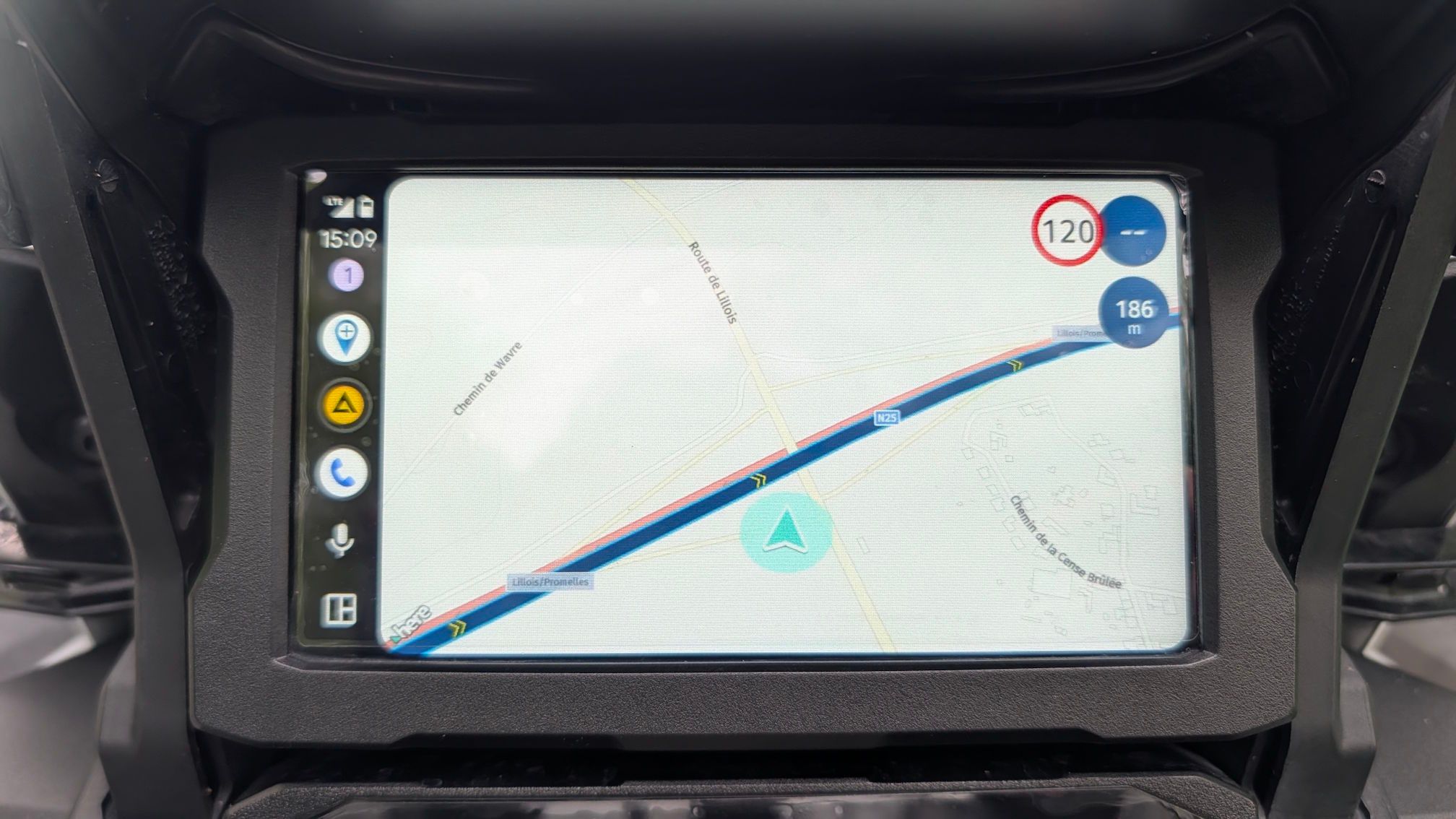
    The same thing happened to me 2 days ago... same exact behavior, first I displayed the screen as yours, you could no longer see the cursor position, then after closing the app several times, the cursor came back, but the position was wrong, it was hundreds of meters behind, in all this the voice directions were correct... maybe it is the case that the developers take a look at this post, I would not want it to be a problem of the new update... I always have the phone near the CarPlay on the handlebars, I doubt there were any disconnections... and the phone signal was constant...
  • Reverse route

    4
    0 Votes
    4 Posts
    884 Views
    @Fred-Gilbert, You placed your topic in the APP section, does that mean that you were planning in the in-app planner? I think you would be doing yourself a favor to do these kinds of changes on the web-planner in the browser on a large screen. There you can set a transparency to the route line, which makes it easier to see loops. As far as I know there is no single other planner dat replaces waypoints when you change direction. Intelligence is to avoid placing waypoints on one-way lanes in the planning phase (yes, that is not always possible, I know). I know from experience that navigating a reversed route is really no problem, if correctly reviewed.
  • Strange behavior

    4
    0 Votes
    4 Posts
    672 Views
    Not so long ago I had a similar problem. The final solution was restarting my phone. After that no problem any-more! It was not MRA this time that caused the problem but just my phone.
  • Android GO Edition with latest upgrade

    3
    0 Votes
    3 Posts
    620 Views
    @Corjan-Meijerink It is the Android 13 (Go edition). The app will install, but will not start up. On my primary phone using the standard Android Version 13 everything works great with the new MRA update. Something about the "Go Edition" does not seem compatible. Just curious if anyone else has reported this quirk. Thanks
  • Why does the current location finder disappear

    4
    0 Votes
    4 Posts
    731 Views
    @Fred-Gilbert Suggestion: Check your location settings. They may have been accidentally disabled for the app?
  • Myroute app no se instala en Google Pixel 9 Pro con Android 16

    5
    0 Votes
    5 Posts
    901 Views
    @Javi-Cabrerizo I recommend resetting your Pixel 9 to factory settings and setting everything up again. The MRA app runs perfectly on my Pixel 9.
  • Annoying "Can't calculate route"

    5
    0 Votes
    5 Posts
    1k Views
    @Con-Hennekens I am using MRA for years and 85'000km. I don't want to turn of recalculation, because I need that feature. its hard to make screenshots when you are on a trip, also this situations add a lot of stress and "fighting the system" is enough distraction I'll try to make notes next time.
  • Older Android versions

    14
    0 Votes
    14 Posts
    2k Views
    @Gijs-Jonker with this solution it seems to work on active 2
  • Waypoint names.

    14
    0 Votes
    14 Posts
    3k Views
    I understand now. And a quick test did show the waypoint name, plus the audio. And I was able to skip a waypoint. So, I think all my issues/concerns are addressed! I'm no longer afraid to use Via points Thanks again for the quick feedback. No Garmin XT2 for me - now I just have to decide on the right phone and mount
  • Routing Settings only partially visible.

    2
    0 Votes
    2 Posts
    370 Views
    Probably because the routing settings aren't available - most likely because you've selected "motor" as transport mode. The routes you load are maybe created for "car" and have routing settings.
  • Audio sur Mercedes

    9
    0 Votes
    9 Posts
    1k Views
    @Con-Hennekens merci d'avoir pris le temps
  • Disappearing keybord

    5
    0 Votes
    5 Posts
    934 Views
    Thanks Corjan, It is indeed fixed now
  • Can't edit favorite in portrait mode

    6
    0 Votes
    6 Posts
    1k Views
    Yep - can confirm, it’s working now in portrait mode! Landscape is still an issue, but that’s caused by the keyboard that covers far too much space. However, as mentioned, I don’t care.
  • Route naar bestemming

    18
    0 Votes
    18 Posts
    3k Views
    @Ad-l mooi! En anders kijk gerust eens naar die instellingen die ik deelde. Op een bepaald moment worden dit soort toestellen te oud inderdaad
  • Indicated route duration

    7
    0 Votes
    7 Posts
    1k Views
    @Stephan-21 said in Indicated route duration: @Corjan-Meijerink it had been a while, but is this something that is on the roadmap of improvement for MRA? Not sure about other users, but for me this really prphibits the use of the trip generator, becausr it is not a 5 minute difference, but 30 minutes to 45 for Some cases (the longen the route, the greater the difference) Hi Stephan, I usually don’t see such large differences, except in cases where the app starts the route with traffic checks enabled or detects a road closure on my originally planned route. Under normal conditions, the differences are about 15 minutes max.
  • Centering issue

    7
    0 Votes
    7 Posts
    1k Views
    @Corjan-Meijerink said in Centering issue: Interesting issue! Haven't seen it myself but will definitely keep an eye out. If you lock the screen while navigating (using the feature in our app, simply open the menu while navigating and it's right there) the orientation will remain fixed! Yeah I seen that lock feature, I suggested it some time ago against raindrops but forgot to use it for locking the orientation The loss of focus happens mostly after breaks and me using the phone for other stuff returning to navigation after. I am on a Oukitel WP22 as my primary Navi device and my Samsung A54 which I use as my normal phone and Navi Backup and , not Android Auto (I use that in my car). I nearly only use the dynamic mode. tapping the Compass does not solve the issue - it ried that serveral time, only quit MRA and restart solves the issue. I'll try to do a screen shot next time, but you know during a 400km day trip I am enough stressed about solving the issue instead of proper documenting it:
  • Problem seit Update 5.0.1

    6
    0 Votes
    6 Posts
    969 Views
    @Hubert-Thoring said in Problem seit Update 5.0.1: Ich habe festgestellt das die Meldung erst beim zweiten Mal nach dem Aufrufen der gleichen Route verschwindet Jup, das scheint es zu sein. Die Streckensperrungen hatte ich zunächst auch drin, dann aber deaktiviert und mich zunächst gewundert, dass die Meldung immer noch erscheint. Vielen Dank für Deine Hilfe
ACTIVE USERS POPULAR TOPICS MY GROUPS