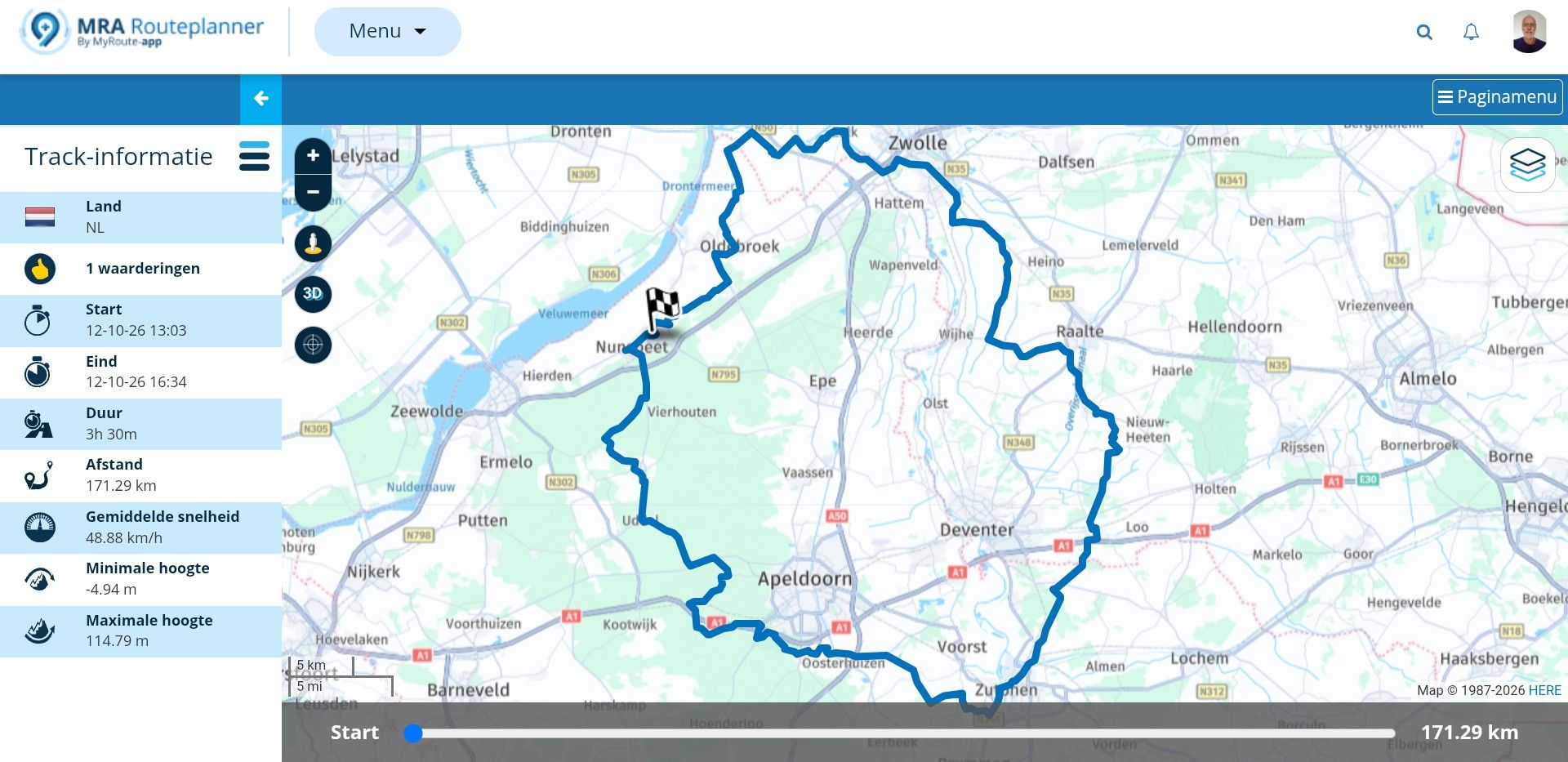
Waypoints on screen
-

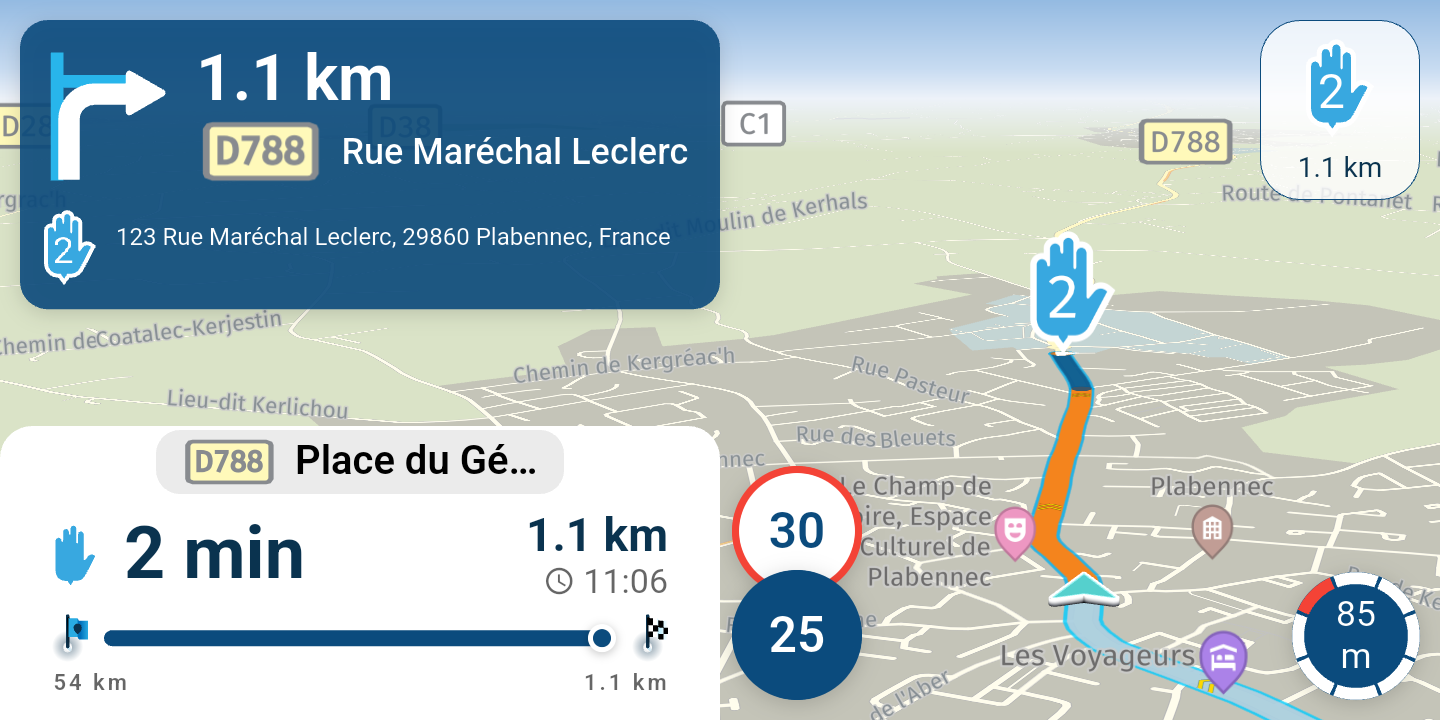
Hi; I create my route on the MRA website on my computer and use the app on my iPhone when on the road. When I'm travelling and using the app to navigate I can see the route I am being directed along but I don't see the waypoints along the route, only the start and end points.
Is this how it should be? I would have thought I should see each waypoint as I pass through it.
Any advice appreciated. -

Did you turn on Navigate a route as a track? Do you also have the option to use all waypoints turned off?
-
Thanks for replying. I'm quite new to this but I seem to have the same issues with my BMW Motorad NAV VI sat nav. I think it might be something to do with the programme used to export the route. but I'm not sure which to use; i.e; 1.0 / 1.1 / 1.2 / Old Garming 1.1 etc etc. Also, on the NAV VI I can't get the Skip Waypoints icon to show on the screen even thought it's selected.
-
Thanks for replying. I'm quite new to this but I seem to have the same issues with my BMW Motorad NAV VI sat nav. I think it might be something to do with the programme used to export the route. but I'm not sure which to use; i.e; 1.0 / 1.1 / 1.2 / Old Garming 1.1 etc etc. Also, on the NAV VI I can't get the Skip Waypoints icon to show on the screen even thought it's selected.

@David-Kelly Why do you export the route if you're using the MRA app to navigate anyway? It's completely unnecessary. You have access to all your created routes directly from the app. If you synchronize them in the app, I think your problem will be solved

🏍️ BMW K1600GT-P (2013) | Nolan N100-5 with Sena 30K
📱 iOS on iPhone 13 & 16 (mounted on Quadlock or AliExpress extention on BMW-cradle)
🚙 Apple CarPlay in VW T-Roc
💻 Routelab on MacBook Air & iMac (Golden Gate & Ventura) -
@David-Kelly Why do you export the route if you're using the MRA app to navigate anyway? It's completely unnecessary. You have access to all your created routes directly from the app. If you synchronize them in the app, I think your problem will be solved
@Rob-Verhoeff I use export when using my Nav VI sat nav on the bike. I think I might have resolved the issue if I export using the Old Garmin 1.0 option it seems to work. I had previously been using BMW 1.2
-
@Rob-Verhoeff I use export when using my Nav VI sat nav on the bike. I think I might have resolved the issue if I export using the Old Garmin 1.0 option it seems to work. I had previously been using BMW 1.2

@David-Kelly if you have solved it - fine.
But please consider: if you export as gpx file out of MRA, then in the file is both, your route and a track of it (hope, you know the difference between route and track).
I'm not familiar with BMW Navigator VI, but it's a branded Garmin. So, Garmins are importing your gpx file with both: the route and the track. You should be able to select, what (or both) should be visible on screen at Navigator VI.
In result: the route will be calculated by Navigator VI by internal algorithm. Means could be it's not exactly the same as you planned in MRA.
The track will be 100% the same.
You can select in Navigator VI different colours for route line and track line, then it becomes obvious, if the calculated route will really follow the original track.There is another hint: may be, Navigator is not importing/showing route points on screen, if you have used by planning in MRA only shaping points as route points. Try to use via points (hand icon) in routes, then you will see it later on at Navigator VI too
Nothing is impossible ;-)
In past: GARMIN Zumo 210->GARMIN Zumo 395->GARMIN XT=> now: DMD T865-X + MyRoute-App, LocusMaps, OsmAnd.
In past: GARMIN MapSource ->GARMIN BaseCamp->Tyre->Kurviger->Calimoto=> now: MRA-Routplanner. -
@David-Kelly if you have solved it - fine.
But please consider: if you export as gpx file out of MRA, then in the file is both, your route and a track of it (hope, you know the difference between route and track).
I'm not familiar with BMW Navigator VI, but it's a branded Garmin. So, Garmins are importing your gpx file with both: the route and the track. You should be able to select, what (or both) should be visible on screen at Navigator VI.
In result: the route will be calculated by Navigator VI by internal algorithm. Means could be it's not exactly the same as you planned in MRA.
The track will be 100% the same.
You can select in Navigator VI different colours for route line and track line, then it becomes obvious, if the calculated route will really follow the original track.There is another hint: may be, Navigator is not importing/showing route points on screen, if you have used by planning in MRA only shaping points as route points. Try to use via points (hand icon) in routes, then you will see it later on at Navigator VI too
@Guzzist Definitely solved my problem by saving to the Nav Vi using the option Garmin Old 1.0
Thanks for your reply. -
@Guzzist Definitely solved my problem by saving to the Nav Vi using the option Garmin Old 1.0
Thanks for your reply.
@David-Kelly, Like other already said, it is easier solved by just starting your navigation from the routes menu. It is a bit strange to start routes from a GPX when you already have them in your app.
Hello! It looks like you're interested in this conversation, but you don't have an account yet.
Getting fed up of having to scroll through the same posts each visit? When you register for an account, you'll always come back to exactly where you were before, and choose to be notified of new replies (either via email, or push notification). You'll also be able to save bookmarks and upvote posts to show your appreciation to other community members.
With your input, this post could be even better 💗
Register Login-
 02042
02042
-
 10733
10733
-
 013202
-
0732
-
1677
-
0629
-
 011736
-
 15140
15140