Skip to content
  • Categories
  • Recent
  • Popular
  • Support
  • MyRoute-app
Collapse
Brand Logo

MRA Community Forum

  1. Home
  2. The MyRoute-app
  3. [App] Android Auto & CarPlay
  4. Motorcycle “back button” ends the route navigation

Motorcycle “back button” ends the route navigation

Scheduled Pinned Locked Moved [App] Android Auto & CarPlay
carplayback buttonhondaafrica twinend navigation
8 Posts 7 Posters 3.0k Views 4 Watching
  • Oldest to Newest
  • Newest to Oldest
  • Most Votes
Reply
  • Reply as topic
Log in to reply
This topic has been deleted. Only users with topic management privileges can see it.
  • Siem van Malm Offline
    Siem van Malm Offline
    Siem van Malm
    wrote on last edited by
    #1

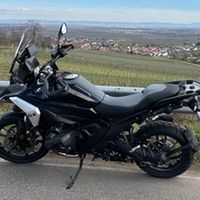
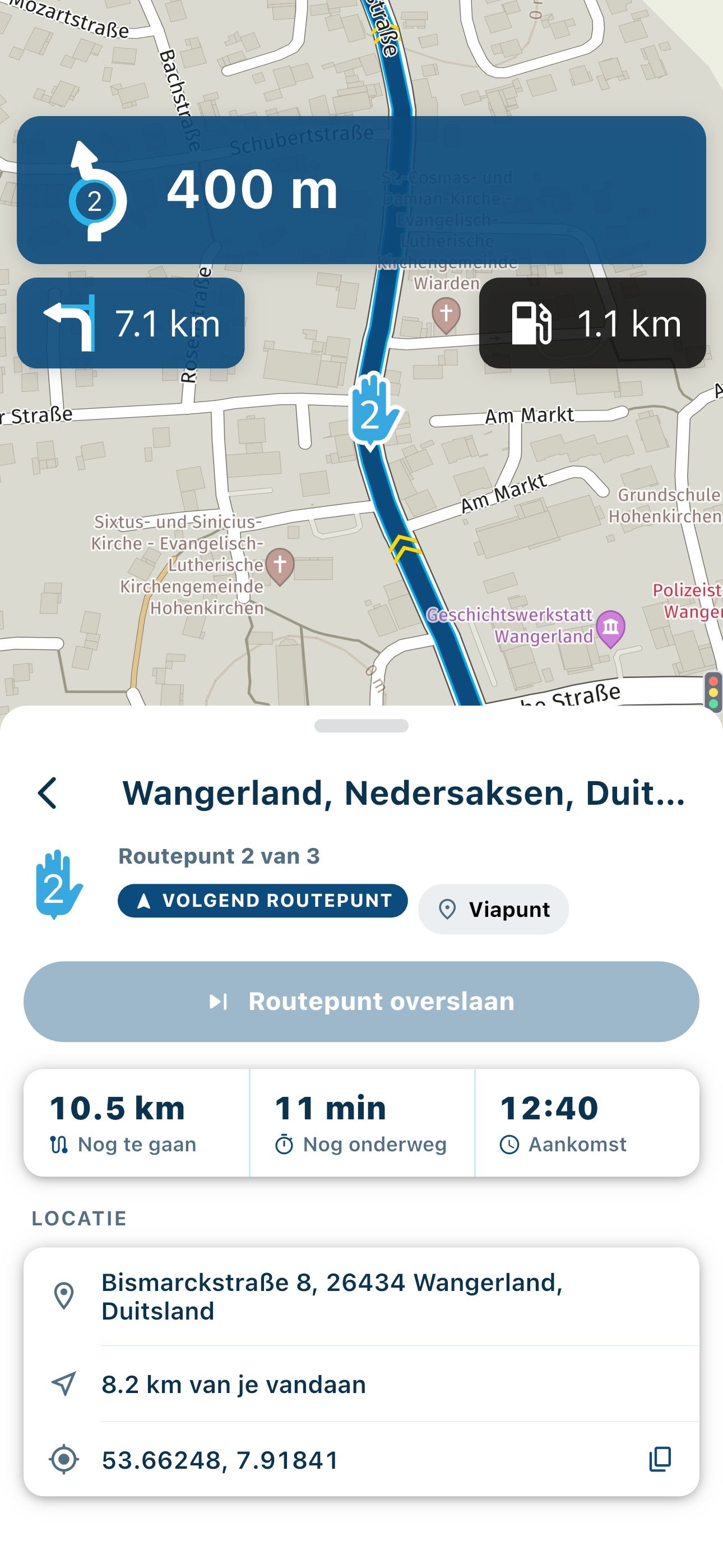
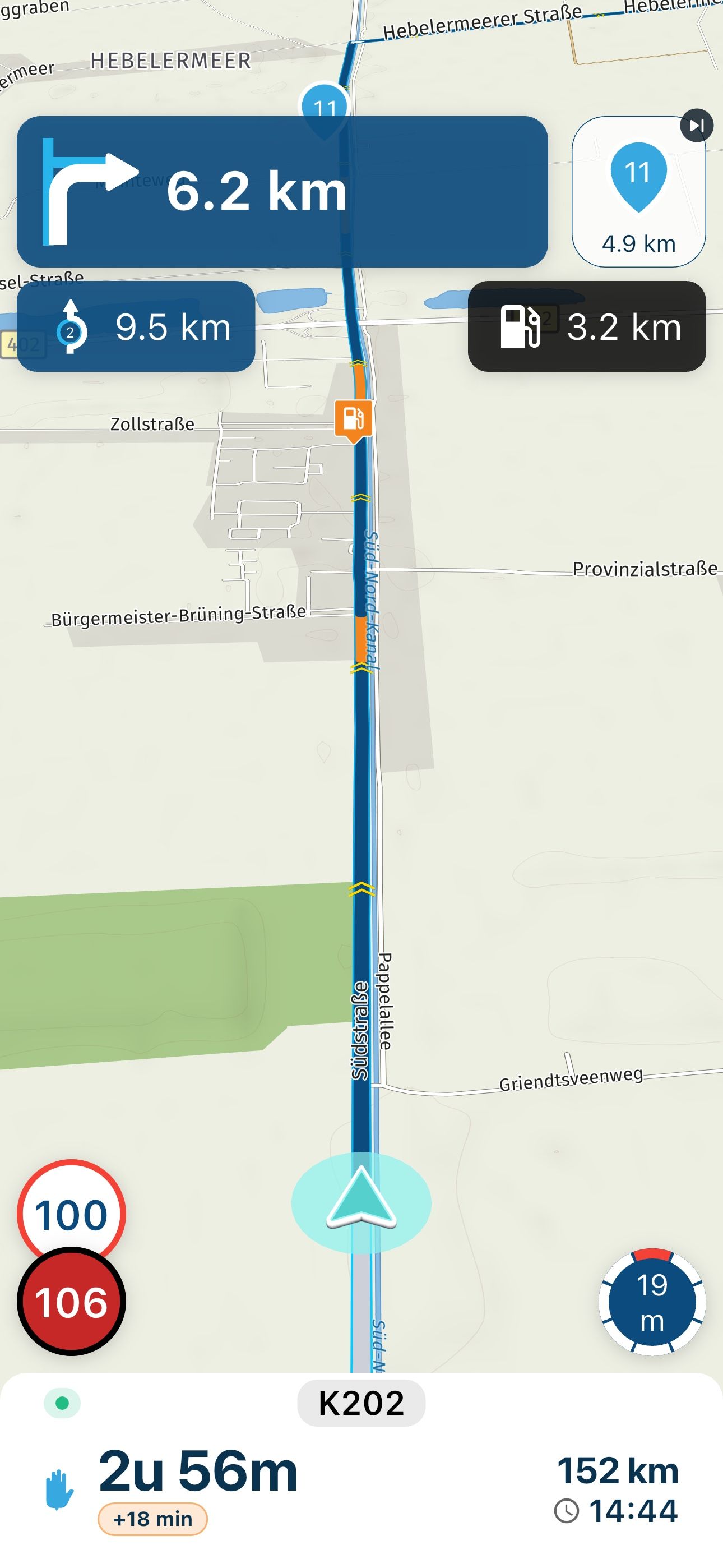
    In my case, whenever I press the “back button” on my motorcycle using CarPlay (Honda Africa Twin), it ends the navigation. This is very annoying.
    Would it be possible that whenever I press “back”, it just goes to the CarPlay homescreen while keeping the navigation active?
    I only want it to end the route when I specifically choose that option. alt text

    Con Hennekens 1 Reply Last reply
    2
    • M. Schrijver Offline
      M. Schrijver Offline
      M. Schrijver
      Valued contributor
      wrote on last edited by
      #2

      Are you sure the navigation really stops?
      I can only talk for Android Auto. But in many area's it is similiar to Apple Carplay.
      I believe you the app on your Carplay screen disappears but in Android Auto MRA does not stop navigating. When I put MRA back on the screen again it is like nothing happened

      If you want to stop the route you need to stop it with the onscreen button.

      Other question?
      Your Africatwin has touchscreen. Does this work when riding?

      (I use MRA Next only on Android Auto. Every comment, suggestion, etc will be based on my usage with Android Auto)

      Siem van Malm 1 Reply Last reply
      1
      • M. Schrijver M. Schrijver

        Are you sure the navigation really stops?
        I can only talk for Android Auto. But in many area's it is similiar to Apple Carplay.
        I believe you the app on your Carplay screen disappears but in Android Auto MRA does not stop navigating. When I put MRA back on the screen again it is like nothing happened

        If you want to stop the route you need to stop it with the onscreen button.

        Other question?
        Your Africatwin has touchscreen. Does this work when riding?

        Siem van Malm Offline
        Siem van Malm Offline
        Siem van Malm
        wrote on last edited by
        #3

        @M.-Schrijver unfortunately on Apple CarPlay it does indeed end the navigation. That’s my issues, I hope they can change that behaviour.

        To answer your second question, yes my screen is also a touchscreen, but it doesn’t work while moving, only when stationary.

        1 Reply Last reply
        0
        • Siem van Malm Siem van Malm

          In my case, whenever I press the “back button” on my motorcycle using CarPlay (Honda Africa Twin), it ends the navigation. This is very annoying.
          Would it be possible that whenever I press “back”, it just goes to the CarPlay homescreen while keeping the navigation active?
          I only want it to end the route when I specifically choose that option. alt text

          Con Hennekens Offline
          Con Hennekens Offline
          Con Hennekens
          Alpha tester
          wrote on last edited by
          #4

          @Siem-van-Malm said in Motorcycle “back button” ends the route navigation:

          whenever I press the “back button” on my motorcycle using CarPlay (Honda Africa Twin), it ends the navigation.

          Ending an active navigation requires pressing a confirmation button. If you did not see that, it does not come from within the app. Therefore your problem might be your (built in) AA/CP device specific.

          I am just an enthusiastic MRA user, and hope you will be one too!

          Most motorcycle problems are caused by the nut that connects the handlebar to the saddle.

          Check out RideSleepRepeat.eu, a biker community for sharing stays across Europe

          1 Reply Last reply
          0
          • Léon Hassing Offline
            Léon Hassing Offline
            Léon Hassing
            wrote on last edited by
            #5

            I also see that in AA. When I accidentally use the wrong button (on my BMW Wonderweel) I get the pop-up cancel or proceed navigation. I could select proceed, but then the tracking is not active anymore. You can only enable the tracking again on your phone. I know that is another issue, but it is caused by accidentally using the back button.

            1 Reply Last reply
            1
            • Rob Kelley Offline
              Rob Kelley Offline
              Rob Kelley
              wrote on last edited by
              #6

              yea I find the same on Apple Car Play, frustrating, there's no prompt, it just ends the nav.

              GSA1250
              HD Street Glide
              HD Sport Glide
              XT500 x 2

              1 Reply Last reply
              0
              • silberfuchs67 Offline
                silberfuchs67 Offline
                silberfuchs67
                wrote on last edited by
                #7

                I am using CP with the BMW WW and I am always asked to stop navigation or proceed via popup.

                If you think everything is under control you are driving to slow!

                1 Reply Last reply
                0
                • Jörgen Offline
                  Jörgen Offline
                  Jörgen
                  Valued contributor
                  wrote on last edited by
                  #8

                  @Siem-van-Malm

                  1. Check your Input setting (in MRA setup) what is selected?
                  2. Check what your back button is sending to MRA (you can open an text editor and push the buttons to see what letter is sent)

                  Hardware
                  iPhone 12 pro (iOS 26.2.1)
                  iPad (7.Gen.) 18.7.3
                  Oukitel RT3 Pro (Andr. 14)
                  Wireless CarPlay mit (Elebest C650)
                  Wired CarPlay (SEAT Arona - 2021)
                  MRA Workshops in Deutsch sind hier zu finden

                  1 Reply Last reply
                  1

                  Hello! It looks like you're interested in this conversation, but you don't have an account yet.

                  Getting fed up of having to scroll through the same posts each visit? When you register for an account, you'll always come back to exactly where you were before, and choose to be notified of new replies (either via email, or push notification). You'll also be able to save bookmarks and upvote posts to show your appreciation to other community members.

                  With your input, this post could be even better 💗

                  Register Login
                  Reply
                  • Reply as topic
                  Log in to reply
                  • Oldest to Newest
                  • Newest to Oldest
                  • Most Votes


                  ACTIVE USERS
                  Con Hennekens
                  Con Hennekens
                  M. Schrijver
                  M. Schrijver
                  Jörgen
                  Jörgen
                  silberfuchs67
                  silberfuchs67
                  Léon Hassing
                  Léon Hassing
                  Rob Kelley
                  Rob Kelley
                  Siem van Malm
                  Siem van Malm
                  POPULAR TOPICS
                  • The compas direction on the elevation circle is wrong
                    LennyO
                    LennyO
                    0
                    56
                    1.9k

                  • Er gaat hier iets mis melding
                    Martijn 8d 0
                    Martijn 8d 0
                    0
                    5
                    51

                  • MRA V5.2.1 (488) Kompass fest einstellbar auf „Dynamische Kamera“
                    white.mouse
                    white.mouse
                    1
                    3
                    39

                  • New update 5.2 - Avoid roadblocks, persistent map items, POI management and share
                    Nick Carthew
                    Nick Carthew
                    28
                    50
                    6.5k

                  • New update 5.2.1
                    white.mouse
                    white.mouse
                    16
                    24
                    1.1k

                  • route niet zichtbaar op audi scherm
                    Marinus van Deudekom
                    Marinus van Deudekom
                    0
                    7
                    272

                  • Blauwe routelijn lijft in Carplay wit
                    0
                    1
                    1

                  • Plannen van een rit met de elektrische auto
                    0
                    1
                    4

                  MY GROUPS
                  • Login

                  • Login or register to search.
                  • First post
                    Last post
                  0
                  • Categories
                  • Recent
                  • Popular
                  • Support
                  • MyRoute-app