maps not loading properly
-

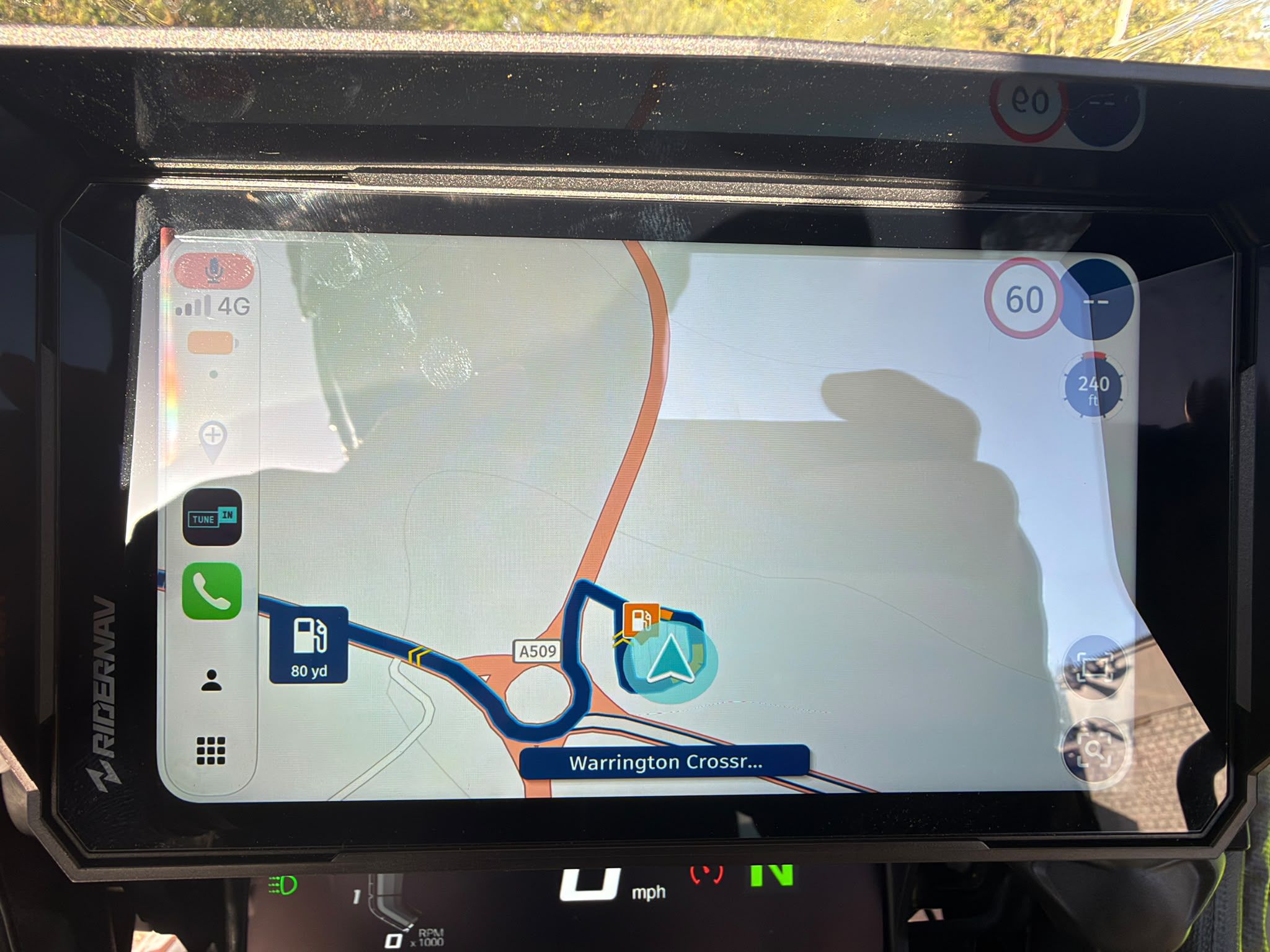
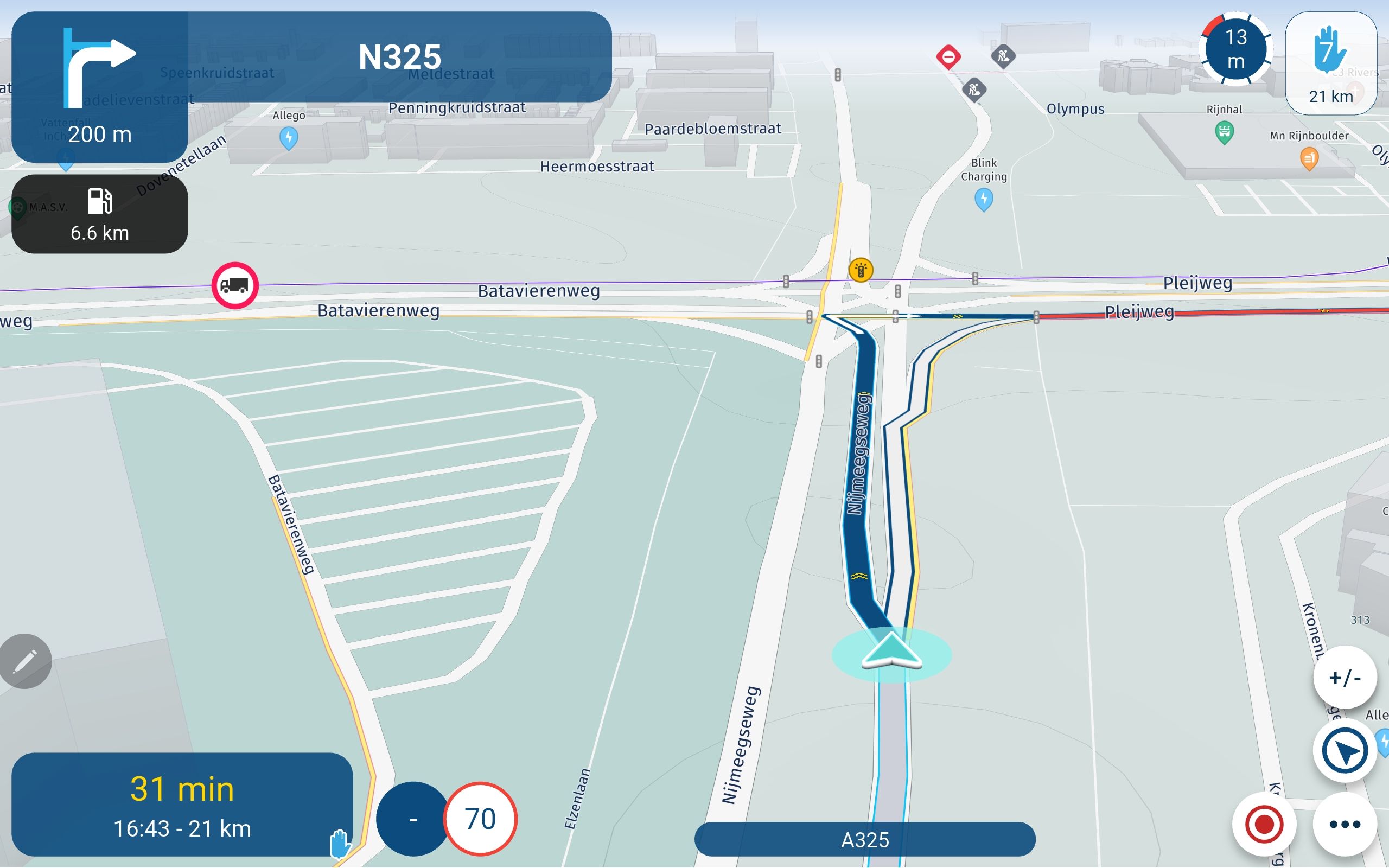
when I pull up saved routes, the maps are not fully loading and look blurry. Previously loaded up with no problems - help
-

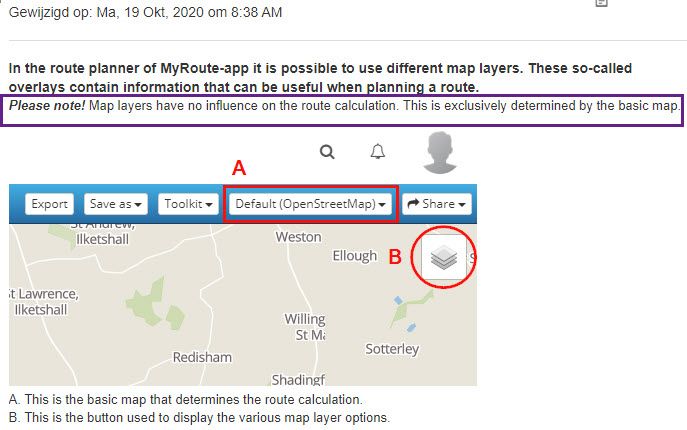
What is your default map (A in the help document below).
What is your overlay map (B in help doc below).https://support.myrouteapp.com/support/solutions/articles/12000074551-manual-map-layers-
What happens if you create a new route - do you experience same issue?
I recently posted an issue with HERE map loading very slow (will appear blurry as it slowly loads). The suggestions were to use a different "overlay" map such as Google maps overlay. That fixed my issue.
-
when I pull up saved routes, the maps are not fully loading and look blurry. Previously loaded up with no problems - help

@Phil-Stiver
Hi Phil,I am using the HERE algorithm an my default landing map in the browser is OSM. I don't have any issues.
No idea, why you are experiencing this issues.
I can change to and from any map and my loading speed is absolutely fine.You might have heard that several times and think it isn't worth trying it, but anyway:
Sometimes it is related to your current browser and it can help to reset the browser caches and/or cookies.This helped me from time to time using other web apps.
Greetings
Tom
Hello! It looks like you're interested in this conversation, but you don't have an account yet.
Getting fed up of having to scroll through the same posts each visit? When you register for an account, you'll always come back to exactly where you were before, and choose to be notified of new replies (either via email, or push notification). You'll also be able to save bookmarks and upvote posts to show your appreciation to other community members.
With your input, this post could be even better 💗
Register Login