Android Auto - Strange Display Behaviour
-

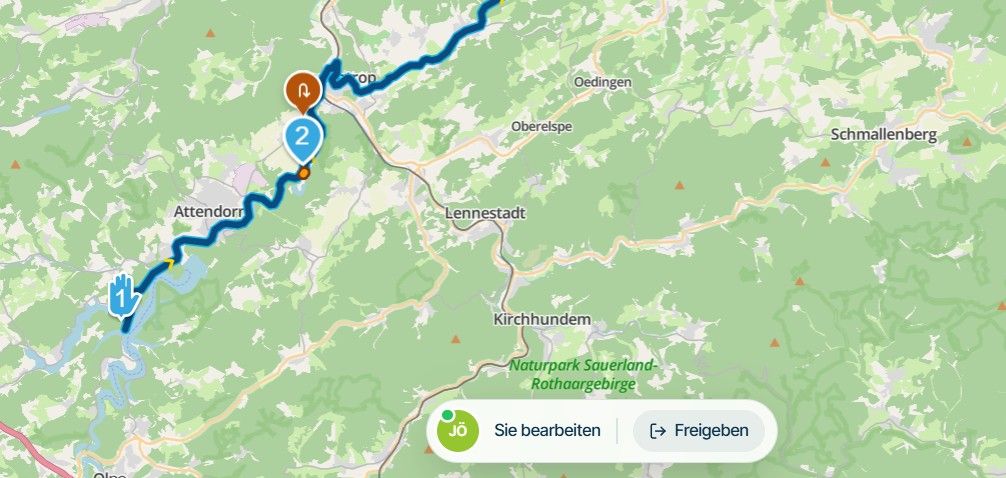
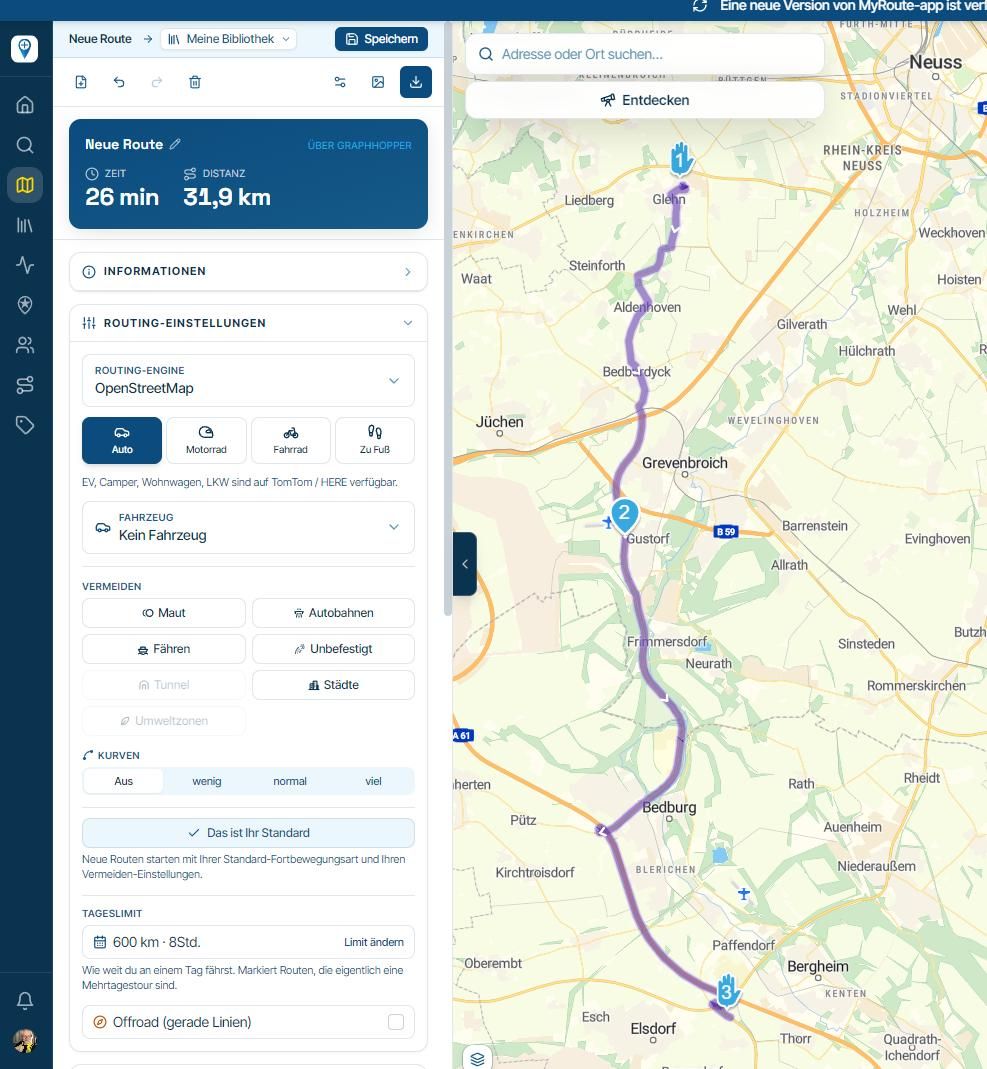
When I have connected my Android Phone for Android Auto (AA), everything appears to be ok for a few turns but then the icon displayed on both the phone and AA go strange with sideways tracking and going backwards!
Strange display behaviour on both phone and AA Display
I have tried to reset the view by using the compass button but this has no effect although a route recalculation by the app sometimes resolves the view. Moreover, when I remove the AA connection the display on my Android phone works without fault. The problem has happened every time I connect with AA.
Using Google Pixel 6 Pro with the latest updates.
Kind Regards. Help where I can.
Ducati Multistrada V4 Rally
iPhone 18 Pro
CHIGEE AIO-6 LTE
Google Pixel 6 Pro - mounted on SP Connect Plus
Ex Garmin XT2 and XT1 as well as Ex TomTom Rider User -
When I have connected my Android Phone for Android Auto (AA), everything appears to be ok for a few turns but then the icon displayed on both the phone and AA go strange with sideways tracking and going backwards!
Strange display behaviour on both phone and AA Display
I have tried to reset the view by using the compass button but this has no effect although a route recalculation by the app sometimes resolves the view. Moreover, when I remove the AA connection the display on my Android phone works without fault. The problem has happened every time I connect with AA.
Using Google Pixel 6 Pro with the latest updates.

@Dave-J-0 That is interesting indeed. It seems like the bearing just isn't respected but that information is read directly from GPS / device info. The fact that it works without AA connected is good but doesn't make sense as AA should have no influence on this at all

Anyhow, we would need to investigate. Thanks for sharing the video.
Hello! It looks like you're interested in this conversation, but you don't have an account yet.
Getting fed up of having to scroll through the same posts each visit? When you register for an account, you'll always come back to exactly where you were before, and choose to be notified of new replies (either via email, or push notification). You'll also be able to save bookmarks and upvote posts to show your appreciation to other community members.
With your input, this post could be even better 💗
Register Login-
 01543
01543
-
 911410.7k
-
0926
-
 0714
0714
-
 0612
0612
-
0621
-
 0731
0731
-
 0726
0726