Route changes inadvertedly in test flight
-

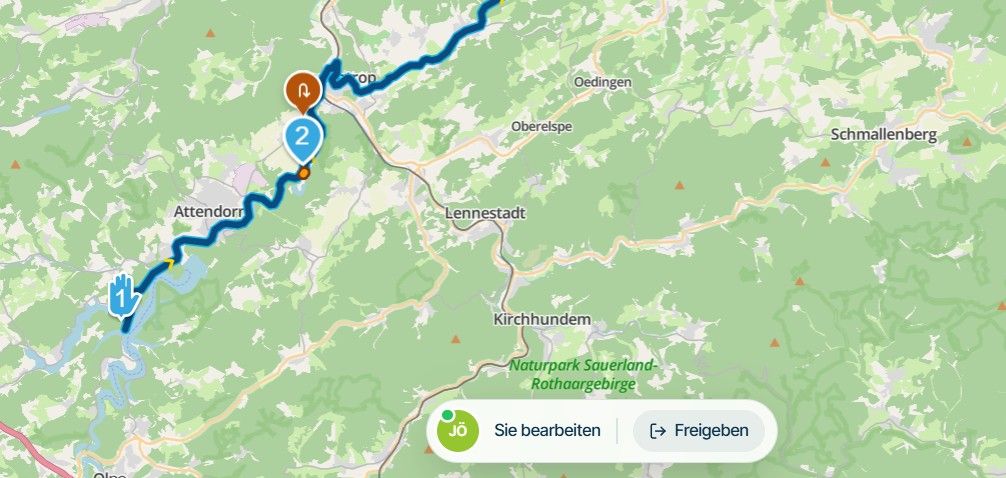
When I open a route with test flight it appears as i planned (pic.1)
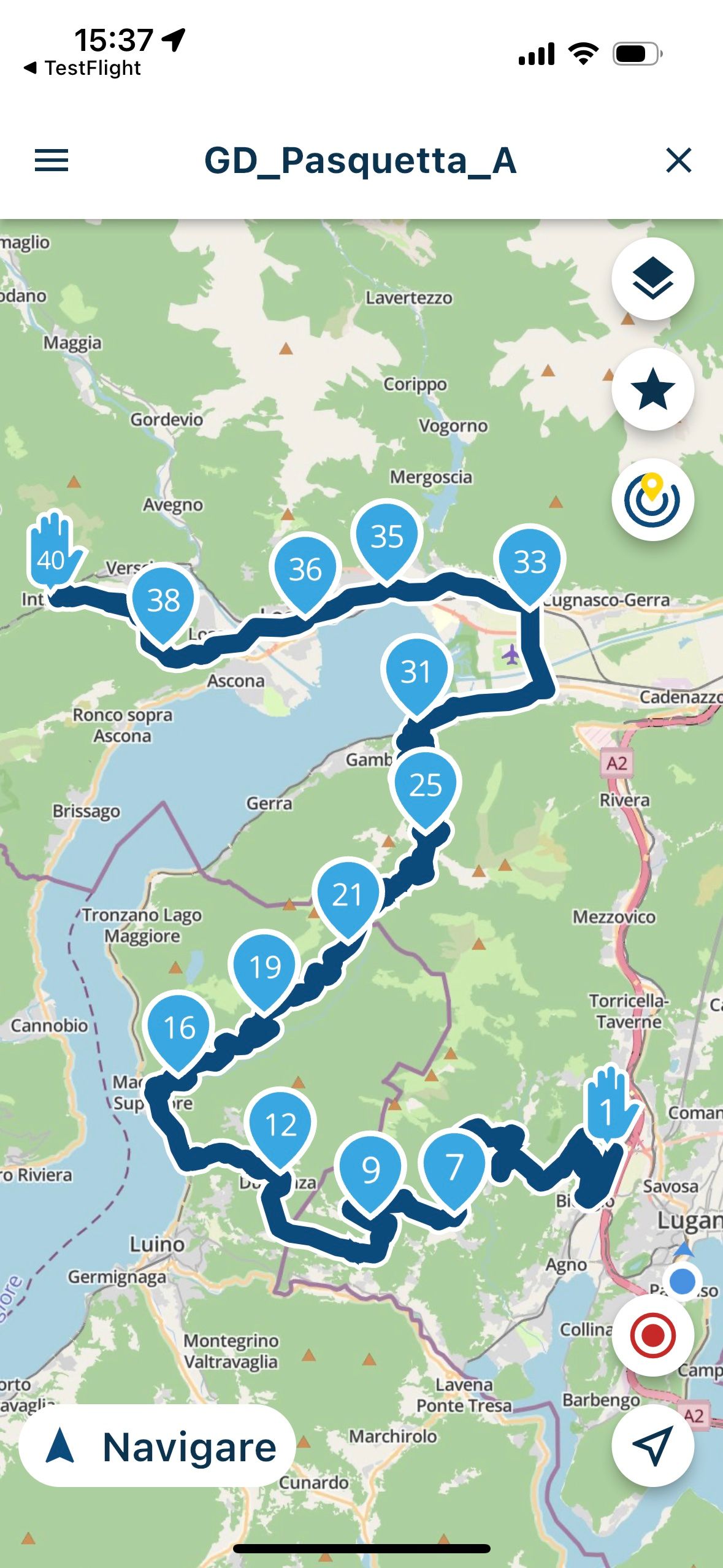
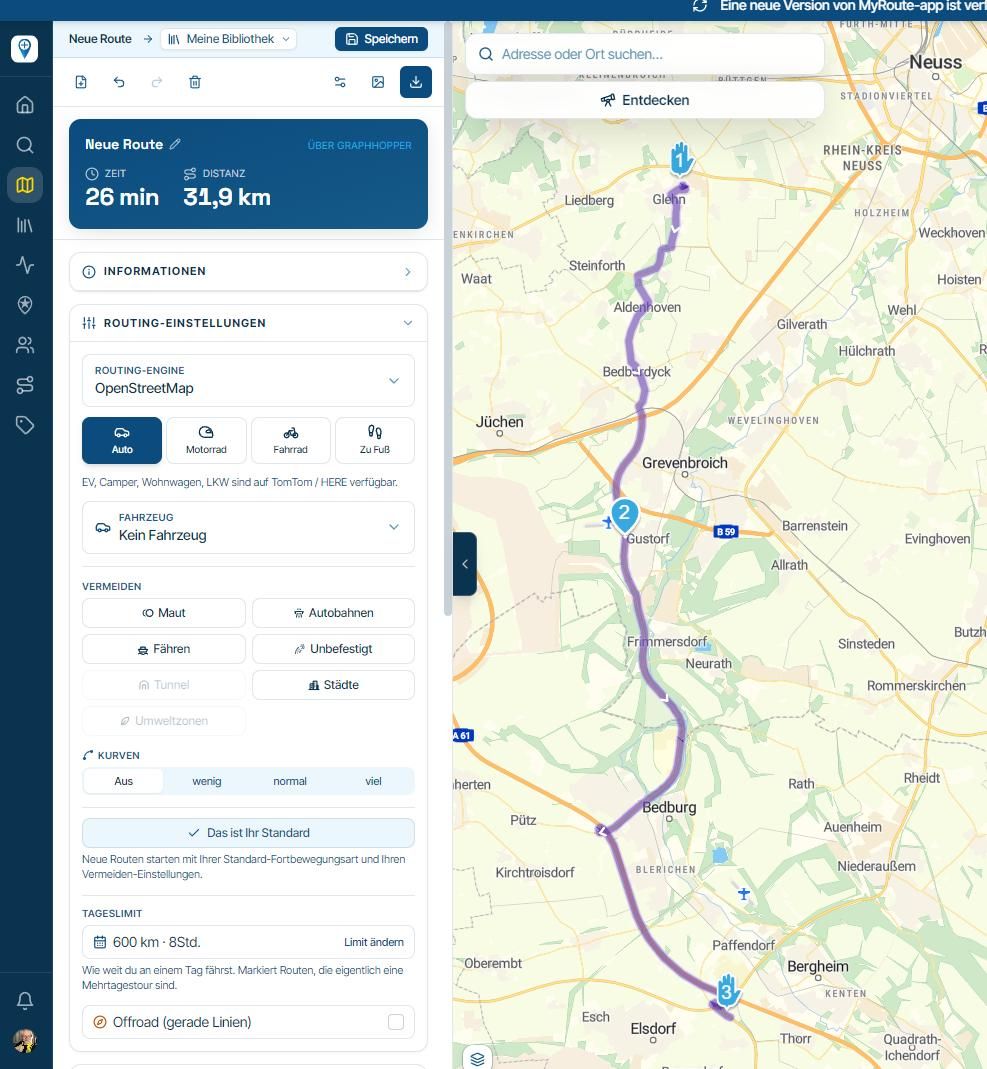
when I press navigate the route changes!!! (pic2).
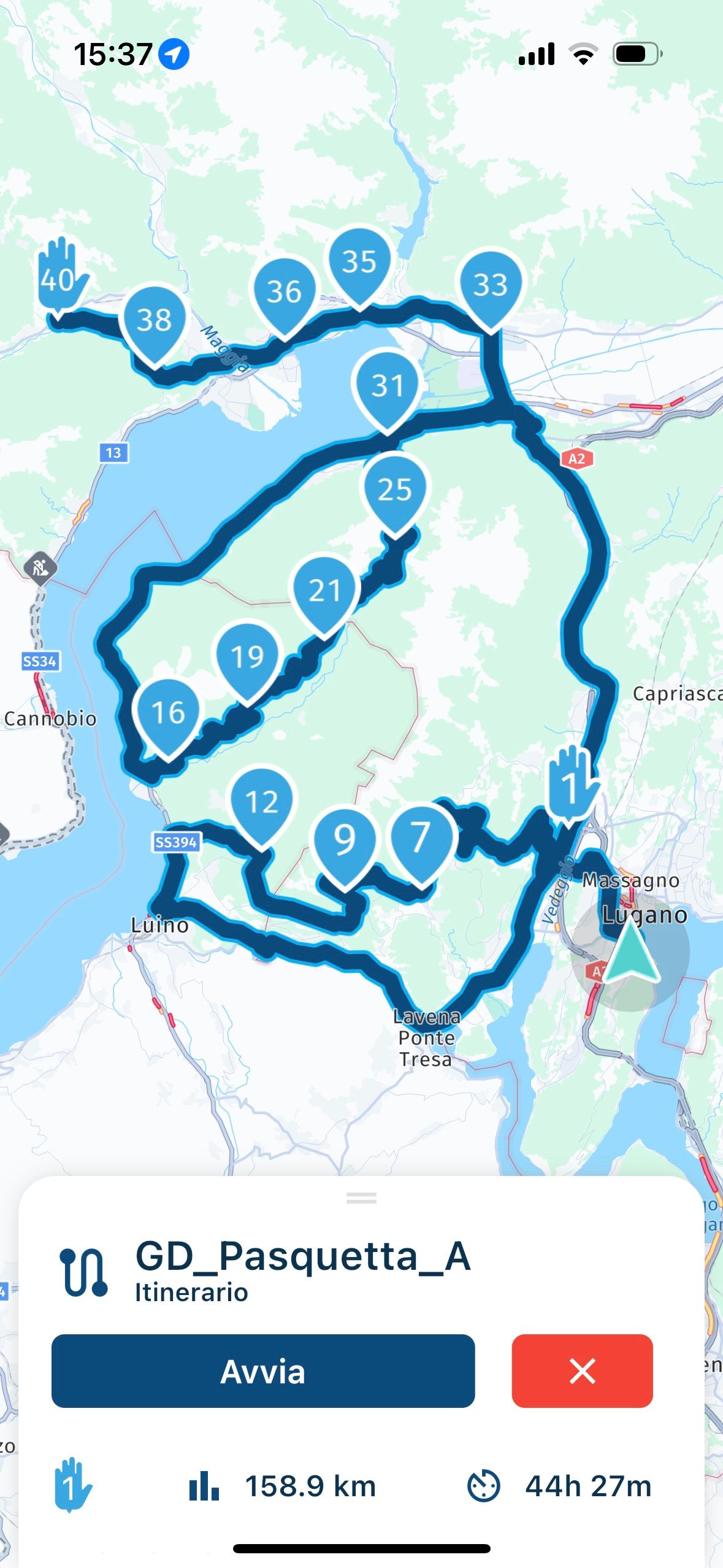
How to avoid this?
-
When I open a route with test flight it appears as i planned (pic.1)
when I press navigate the route changes!!! (pic2).
How to avoid this?

@Nicola-Hardmeier did you plan the route using the “here” map in route planner ? I had this when I planned a route with a different map as the navigation uses here so will be slightly different.
-
When I open a route with test flight it appears as i planned (pic.1)
when I press navigate the route changes!!! (pic2).
How to avoid this?

@Nicola-Hardmeier indeed as @Ian-foster-0 said. Routes must be planned with HERE too for a good result. The App does however take current information into account so if roads are closed due to accidents etc it might be that the app does something else than the website.
In most cases the planned HERE routes from the website are navigated identical in the app!

Hello! It looks like you're interested in this conversation, but you don't have an account yet.
Getting fed up of having to scroll through the same posts each visit? When you register for an account, you'll always come back to exactly where you were before, and choose to be notified of new replies (either via email, or push notification). You'll also be able to save bookmarks and upvote posts to show your appreciation to other community members.
With your input, this post could be even better 💗
Register Login-
 01538
01538
-
0924
-
 911210.5k
-
 0712
0712
-
 0726
0726
-
1520
-
1424
-
0413