Skip to content
  • Categories
  • Recent
  • Popular
  • Support
  • MyRoute-app
Collapse
Brand Logo

MRA Community Forum

  1. Home
  2. MRA Routeplanner Next Beta
  3. [Web-Beta] Suggestions and Discussions
  4. No waypoints on the map in the PDF

No waypoints on the map in the PDF
Scheduled Pinned Locked Moved [Web-Beta] Suggestions and Discussions
4 Posts 2 Posters 31 Views 2 Watching
  • Oldest to Newest
  • Newest to Oldest
  • Most Votes
Reply
  • Reply as topic
Log in to reply
This topic has been deleted. Only users with topic management privileges can see it.
  • Emanuele 5
    Emanuele 5
    Emanuele 5
    wrote last edited by
    #1

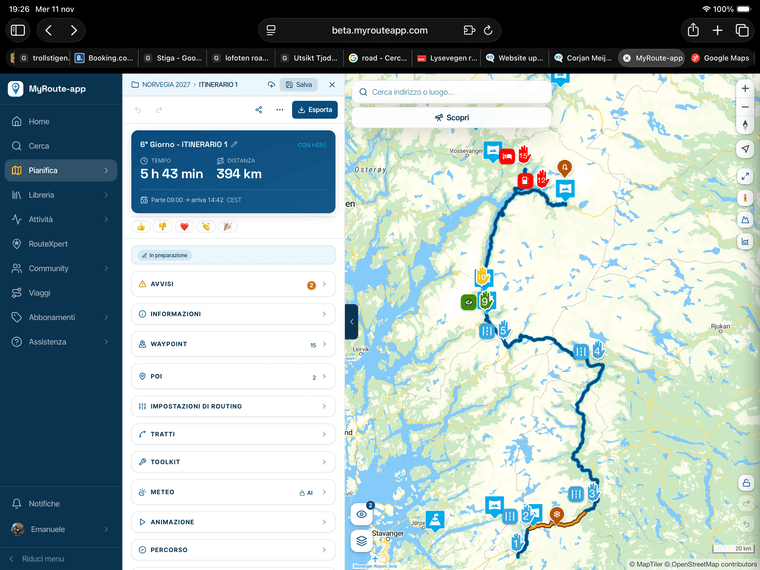
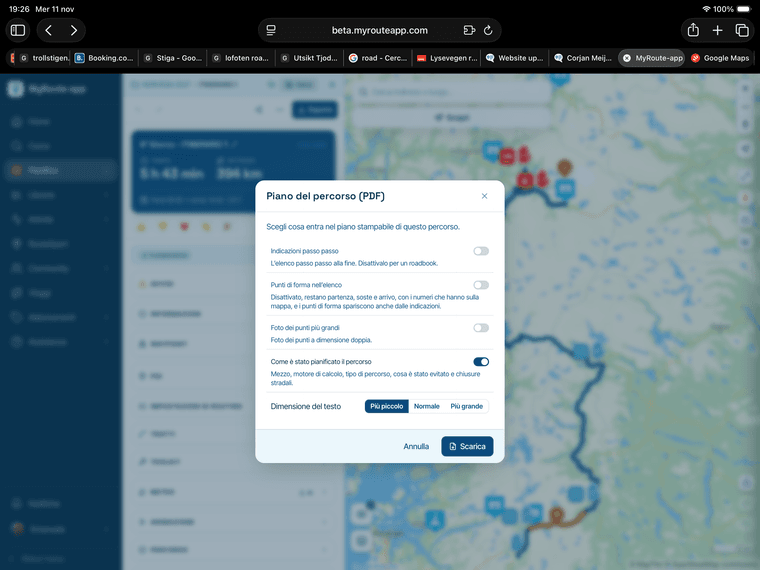
    Regarding the creation of a PDF for an itinerary:
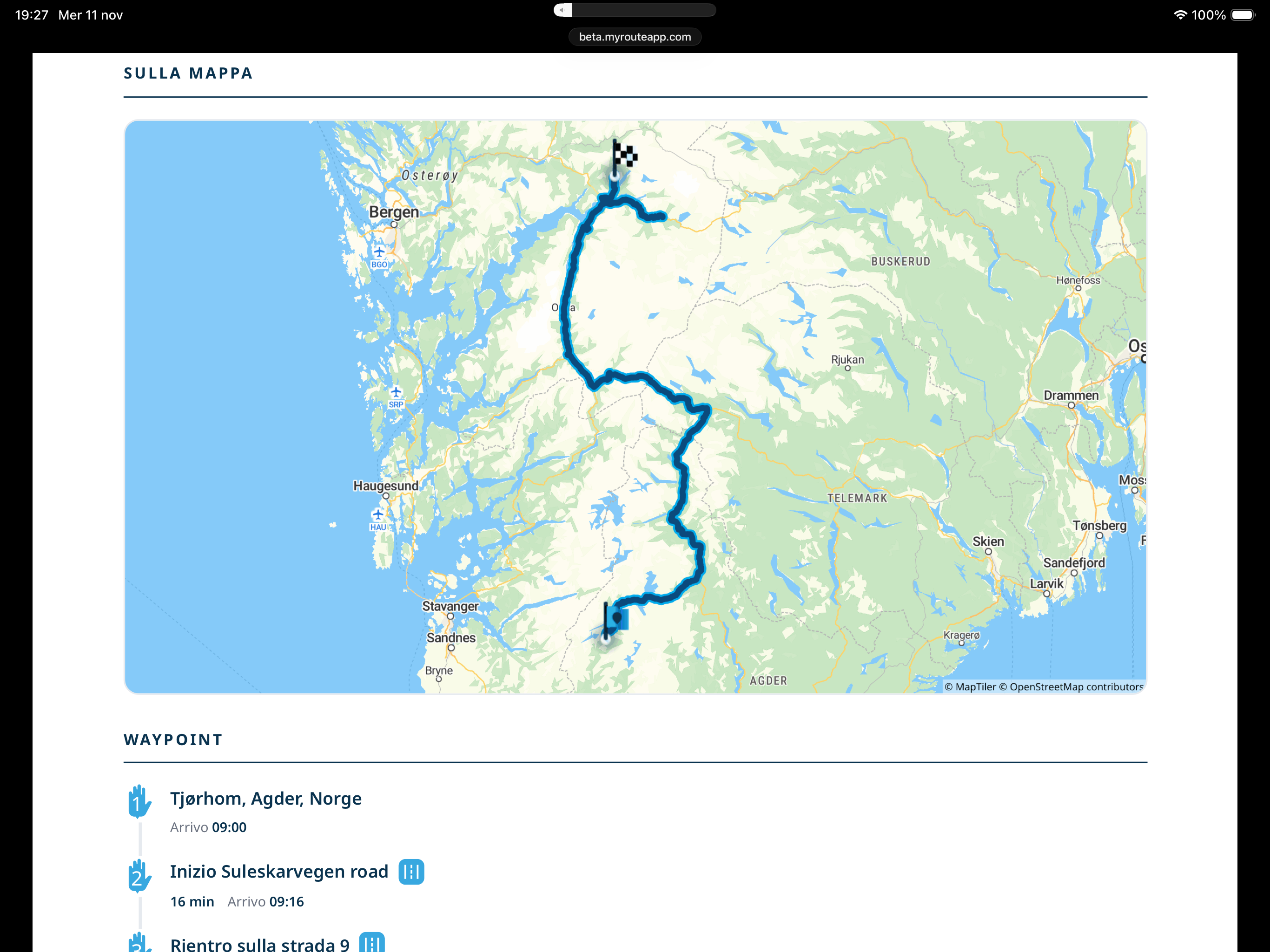
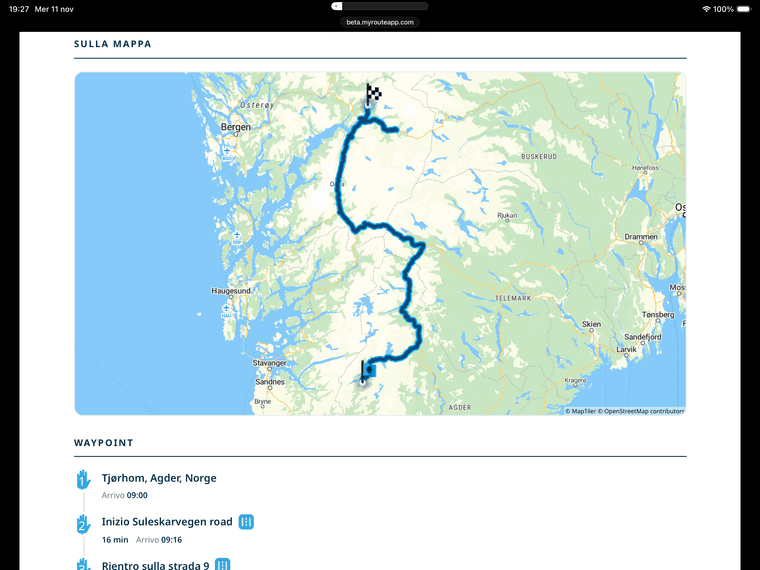
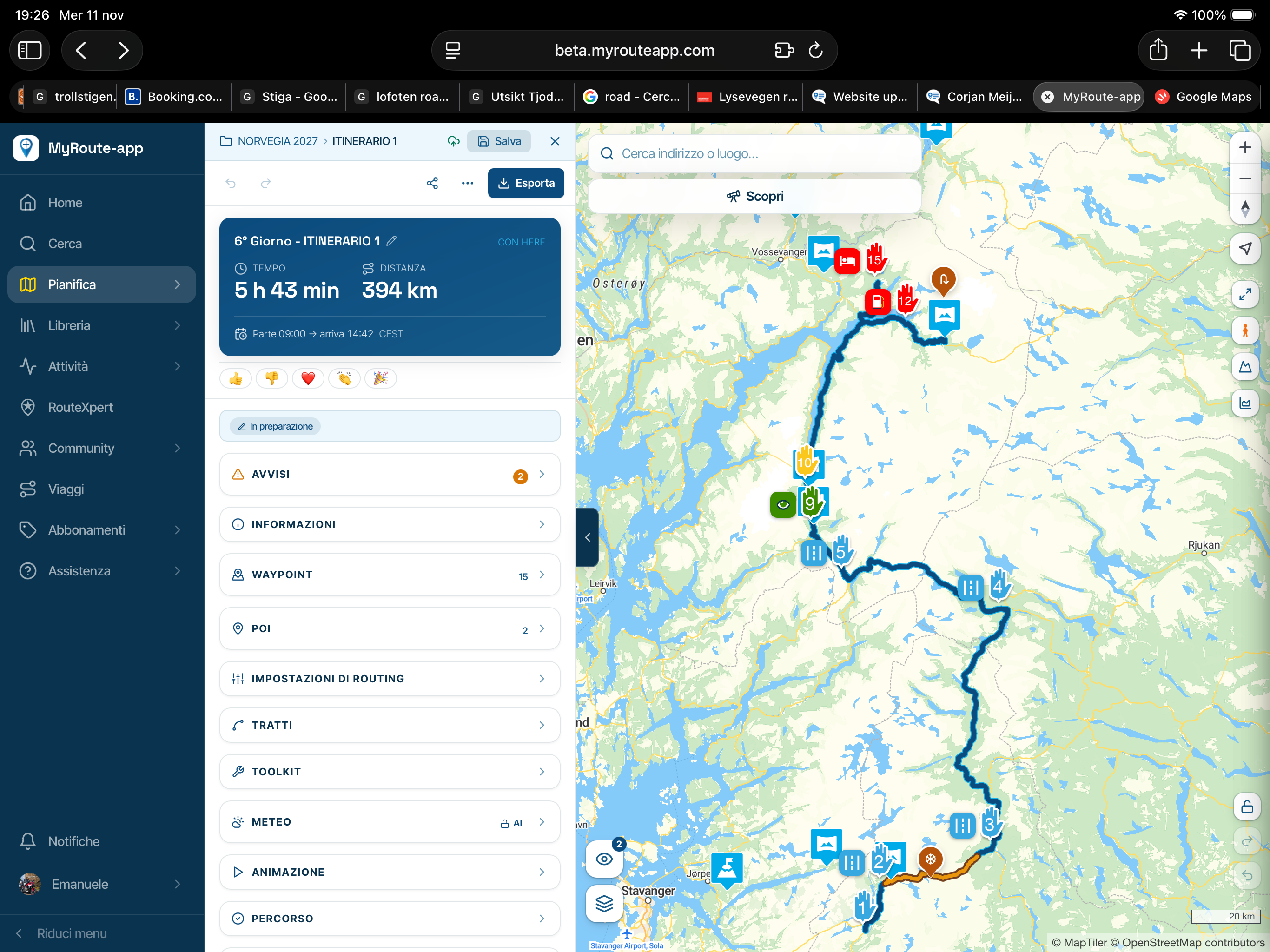
    Is it normal for the waypoints not to appear on the map, and instead only show up as a list?
    Is this a bug?

    I have attached some images.
    Keep up the good work, team!
    IMG_1076.png
    IMG_1077.png
    IMG_1078.png

    1 Reply Last reply
    1
    • Corjan Meijerink
      Corjan Meijerink
      Corjan Meijerink
      Developer
      wrote last edited by
      #2

      Thanks for the clear screenshots and the kind words!

      That's how it works right now, not a bug. The map in the PDF is a fixed overview picture of the whole route. It shows the line with the start and finish flags. The waypoints are listed underneath, each with the same number and icon it has on the planner map, along with arrival times.

      I've noted your request to show the numbered waypoints on the PDF map too. It's a good idea, especially for printed roadbooks, but it needs a different way of drawing the map. I can't promise when it will come.

      In the meantime, if you want a map picture with all waypoints on it, use the "Map image" tool in the planner (Toolkit). It lets you download an image of the route with numbered waypoints, which you can print beside the PDF.

      Have a great trip in Norway!

      Emanuele 5 1 Reply Last reply
      1
      • Corjan Meijerink Corjan Meijerink

        Thanks for the clear screenshots and the kind words!

        That's how it works right now, not a bug. The map in the PDF is a fixed overview picture of the whole route. It shows the line with the start and finish flags. The waypoints are listed underneath, each with the same number and icon it has on the planner map, along with arrival times.

        I've noted your request to show the numbered waypoints on the PDF map too. It's a good idea, especially for printed roadbooks, but it needs a different way of drawing the map. I can't promise when it will come.

        In the meantime, if you want a map picture with all waypoints on it, use the "Map image" tool in the planner (Toolkit). It lets you download an image of the route with numbered waypoints, which you can print beside the PDF.

        Have a great trip in Norway!

        Emanuele 5
        Emanuele 5
        Emanuele 5
        wrote last edited by
        #3

        @Corjan-Meijerink Thank you, Corjan, for considering the potential development of waypoints on the map.

        And thank you again for giving me the opportunity to plan my trip to Norway within this wonderful environment.

        1 Reply Last reply
        1
        • Corjan Meijerink
          Corjan Meijerink
          Corjan Meijerink
          Developer
          wrote last edited by
          #4

          Most welcome!

          1 Reply Last reply
          0
          • Corjan Meijerink Corjan Meijerink locked this topic

          Hello! It looks like you're interested in this conversation, but you don't have an account yet.

          Getting fed up of having to scroll through the same posts each visit? When you register for an account, you'll always come back to exactly where you were before, and choose to be notified of new replies (either via email, or push notification). You'll also be able to save bookmarks and upvote posts to show your appreciation to other community members.

          With your input, this post could be even better 💗

          Register Login
          Reply
          • Reply as topic
          Log in to reply
          • Oldest to Newest
          • Newest to Oldest
          • Most Votes


          ACTIVE USERS
          Corjan Meijerink
          Corjan Meijerink
          Emanuele 5
          Emanuele 5
          POPULAR TOPICS
          • Website update - Event trips, feed filters, arrange your sidebar and more
            Guzzist
            Guzzist
            9
            11
            88

          • I’ve just tried V6. A few suggestions.
            Marinus van Deudekom
            Marinus van Deudekom
            5
            24
            858

          • problem exporting from iphone to zumo xt using garmin drive?
            Andy Beviere
            Andy Beviere
            0
            10
            223

          • Trips in Commercial Clubs?
            Mike West
            Mike West
            0
            7
            64

          • The ‘Start route here’ option doesn’t seem to be working properly.
            Parantapa
            Parantapa
            0
            5
            17

          • Folder Synchroniseren met App
            Marcel Versluis
            Marcel Versluis
            0
            5
            30

          • Exporting GPX
            smfollen 0
            smfollen 0
            0
            5
            48

          • Na rit vanuit event geen tracklog
            Hanza 0
            Hanza 0
            0
            8
            71

          MY GROUPS
          • Login

          • Login or register to search.
          • First post
            Last post
          0
          • Categories
          • Recent
          • Popular
          • Support
          • MyRoute-app