Website update - Event trips, feed filters, arrange your sidebar and more
-

Hi everyone!

Another website update is live, and a few of your forum topics made it in again
 Here's what changed since yesterday's update.
New
- Event trips. An event of a commercial club can now make a trip: day by day, with its routes, nights and write-ups. Once it's published, everyone going to the event finds it in their own trips. The club gets a Trips tab, and under Who can do what the organisers decide who may write and add tracklogs, for all participants at once or per person.
- A trip looks the same everywhere. Its picture is the same on the trip page, the cards and the event. A trip without a picture shows its routes on navy, and an event trip's card names its club and event.
- Deleting a trip now asks you to type its name, and then it's gone for good. The routes and tracklogs on it stay in your library.
- Feed filters. Narrow the activity feed to a country, a recent period (past week, month, 3 months or year) and a travel mode. Your choice is remembered, and on a phone the filter bar scrolls away with the feed.
- Arrange sections. Move and hide the sections of the planner and tracklog sidebars to your liking. Drag a section to move it, use the eye to hide it, or reset to the default. It goes for all your routes or all your tracklogs.
- Turn a POI into a waypoint, so the route passes through it.
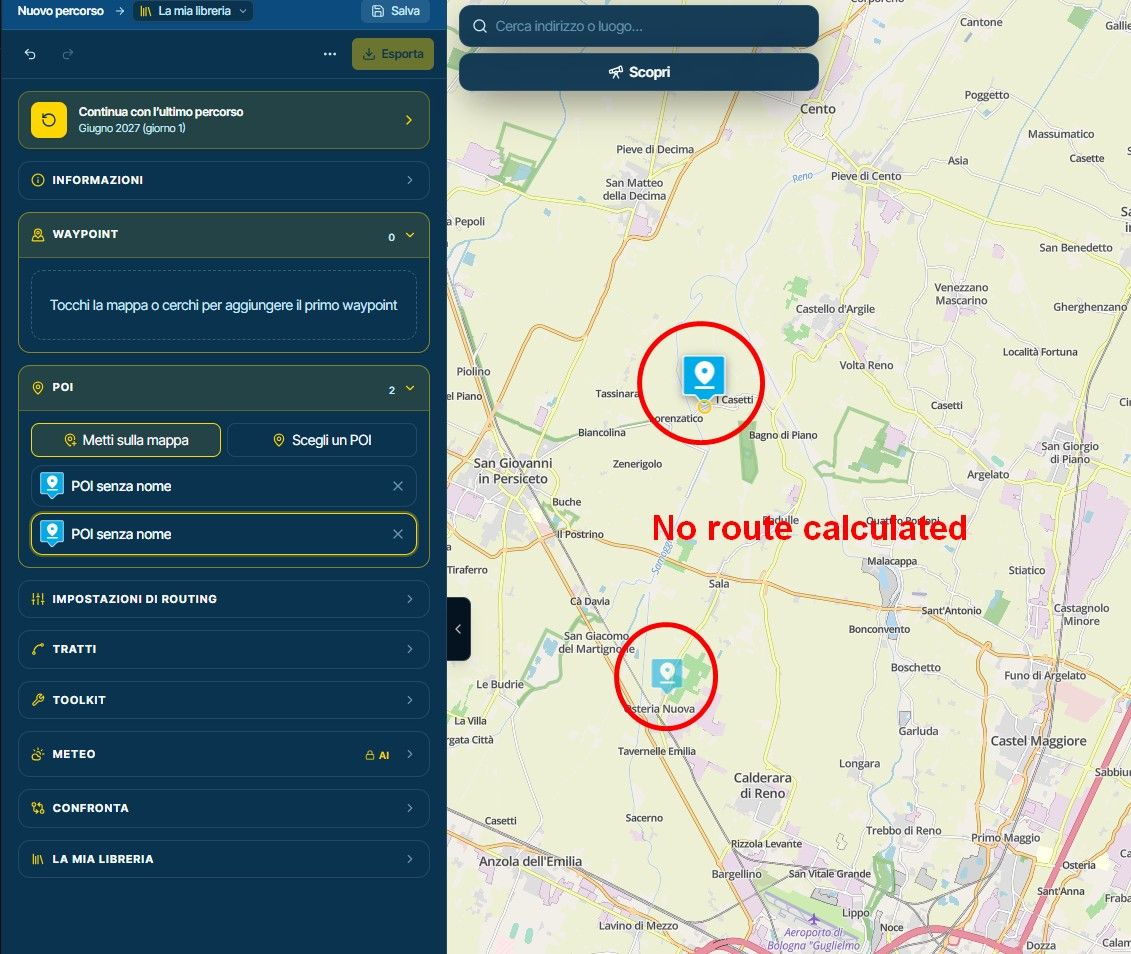
- Discover can add every place in its list to the route as POIs in one go, with one Undo.
- Discover's list follows the map: it shows what is in view, with Show all for the rest.
- Remove several POIs at once with the select mode in the planner's POI list (Shift, Ctrl or ⌘ click to pick more).
- The library's preview map shows a route's POIs, and Fit frames them too.
- A routetrack has its own violet icon in the library, so it no longer looks like the route it was made from, and on the map it shows only its start and finish flags.
- Clicking the open POI or waypoint again zooms the map back to it.
Improvements and changes
- Save to POIs opens at the top of your folders, with the group you last saved to offered first and ticked.
- A POI you save or star in the planner shows in My POIs right away.
- While you place POIs, the empty waypoint box says a click adds a POI, with a button to add waypoints instead. Opening the waypoints or folding the POIs also stops placing POIs.
- A waypoint stays visible over the POI it was added from.
- With Discover or My POIs open, the map style button sits beside the list instead of under it.
- Coming back to the planner opens on the map, without panels you left open last time.
- A waypoint's distance line says "from via point 3" when it counts from a via point.
- My clubs lists the active clubs first and the quiet ones apart, sorted by Most active or Name.
- On a black route line the direction arrows are white with a black edge, so they stand out.
- On a short map, such as Street View's split, undo and redo sit side by side.
- Opening a folded section in the waypoint panel scrolls it fully into view.
- The Stays filters in Discover take one row on a phone, and two lines with "+N more" on a bigger screen.
- The review editor has an Open full review button once the review is saved.
- The export dialog calls the road geometry GPX "GPX 1.2", like the app does.
- On a tablet the scenic route map only places a point when your finger holds still, and adding a moment to a tracklog ignores a drag, a pinch or a stopped glide.
Fixed
- The activity feed no longer stops after one page.
- A library row's details line no longer starts with a stray dot.
That's it! Thanks again for all your feedback

Cheers,
Corjan

 !
Hello! It looks like you're interested in this conversation, but you don't have an account yet.
Getting fed up of having to scroll through the same posts each visit? When you register for an account, you'll always come back to exactly where you were before, and choose to be notified of new replies (either via email, or push notification). You'll also be able to save bookmarks and upvote posts to show your appreciation to other community members.
With your input, this post could be even better 💗
Register Login
ACTIVE USERS
POPULAR TOPICS
MY GROUPS
-
 0858
-
 07158
-
0641
-
 0525
-
 517754
-
 0583
-
 0427
-
0418