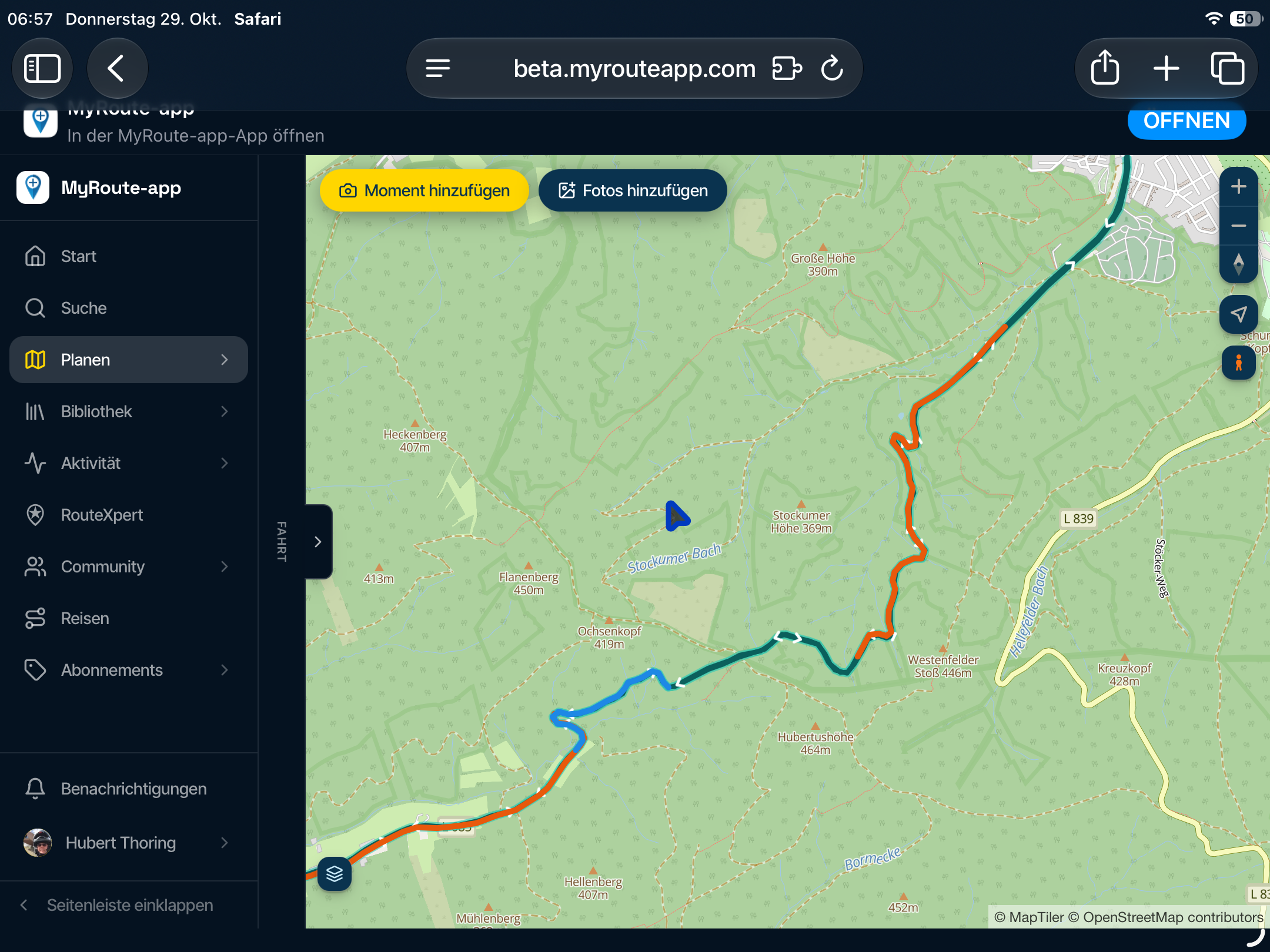
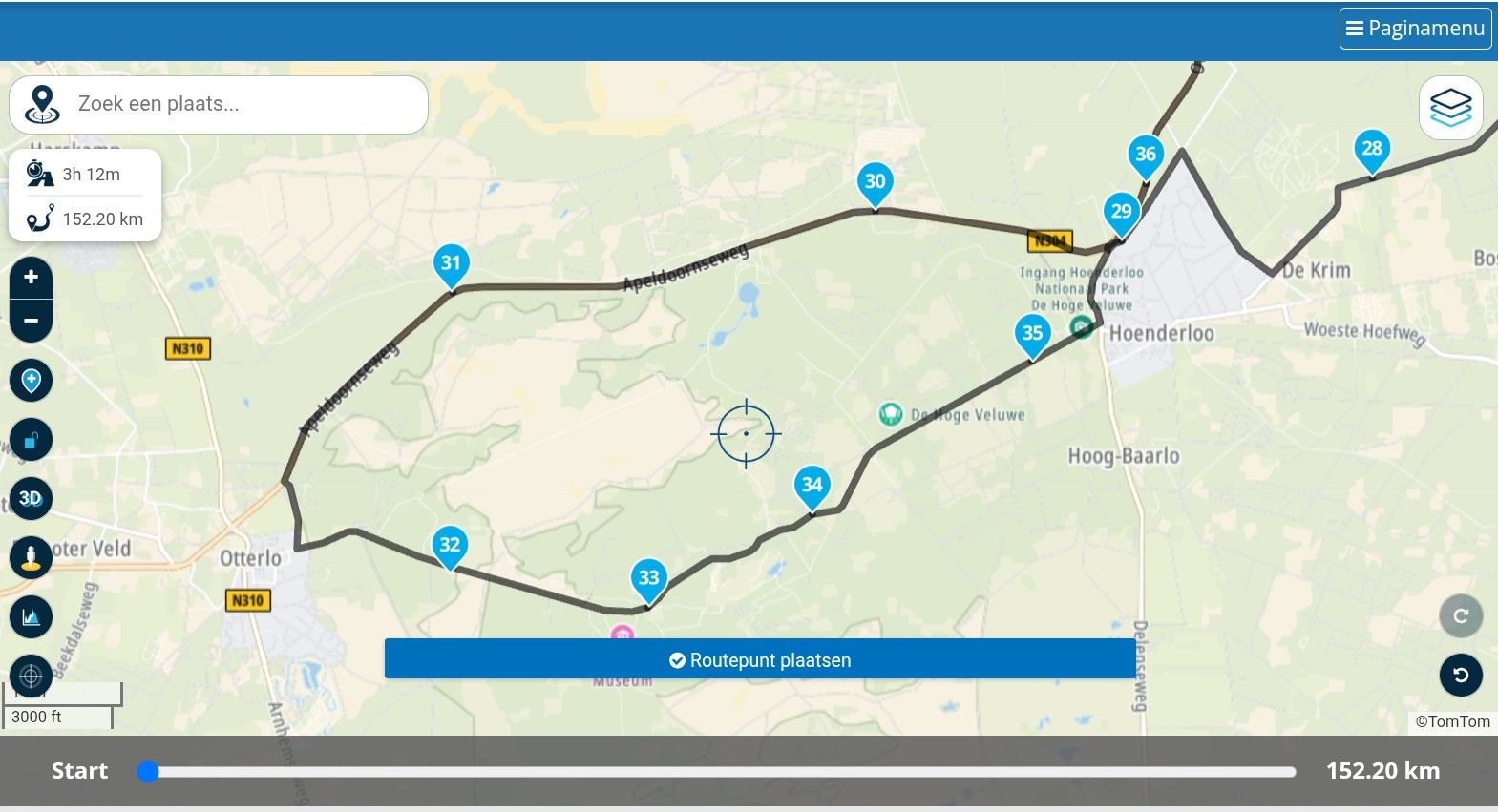
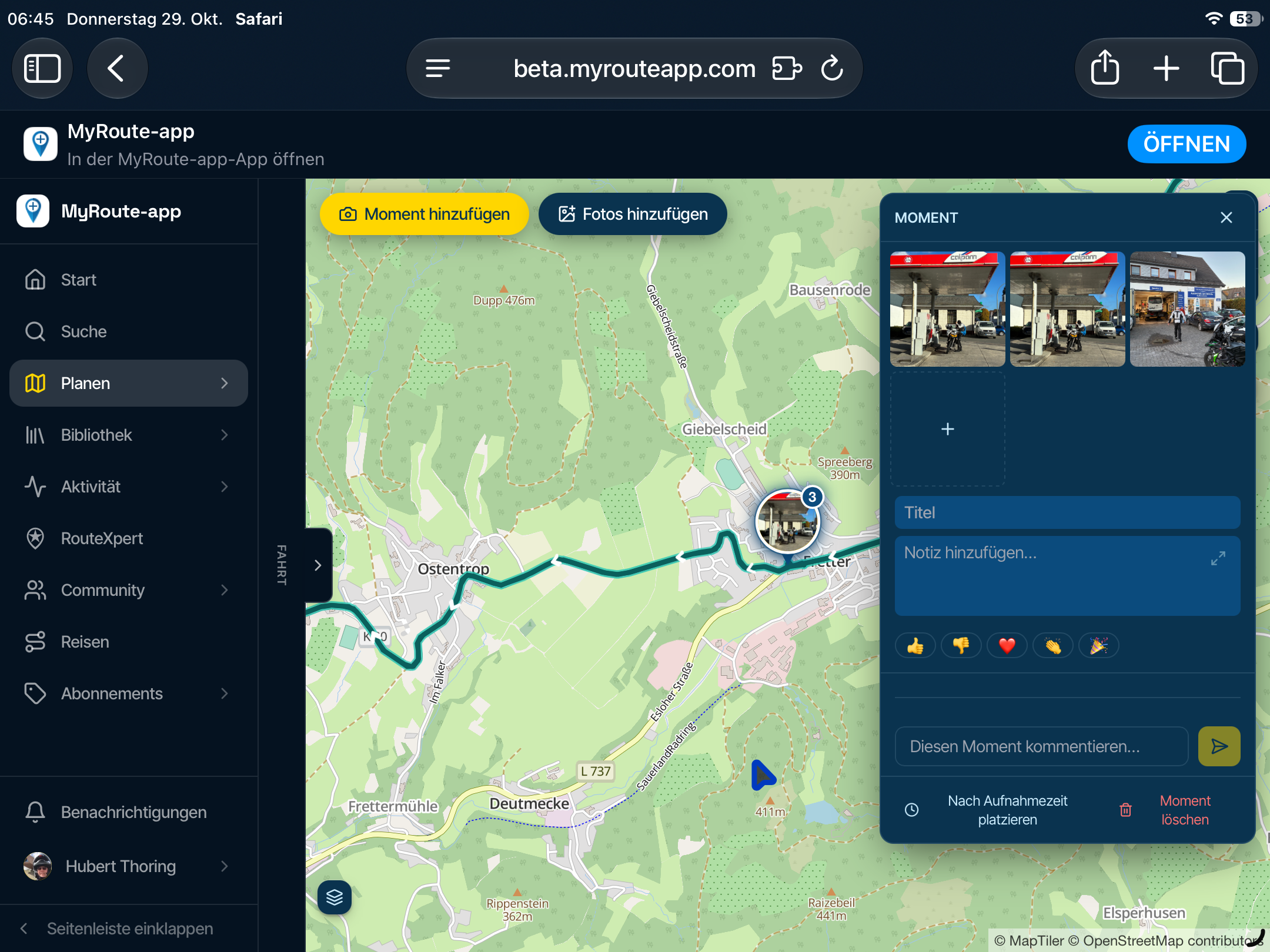
Which route is shown?
-

Hi,
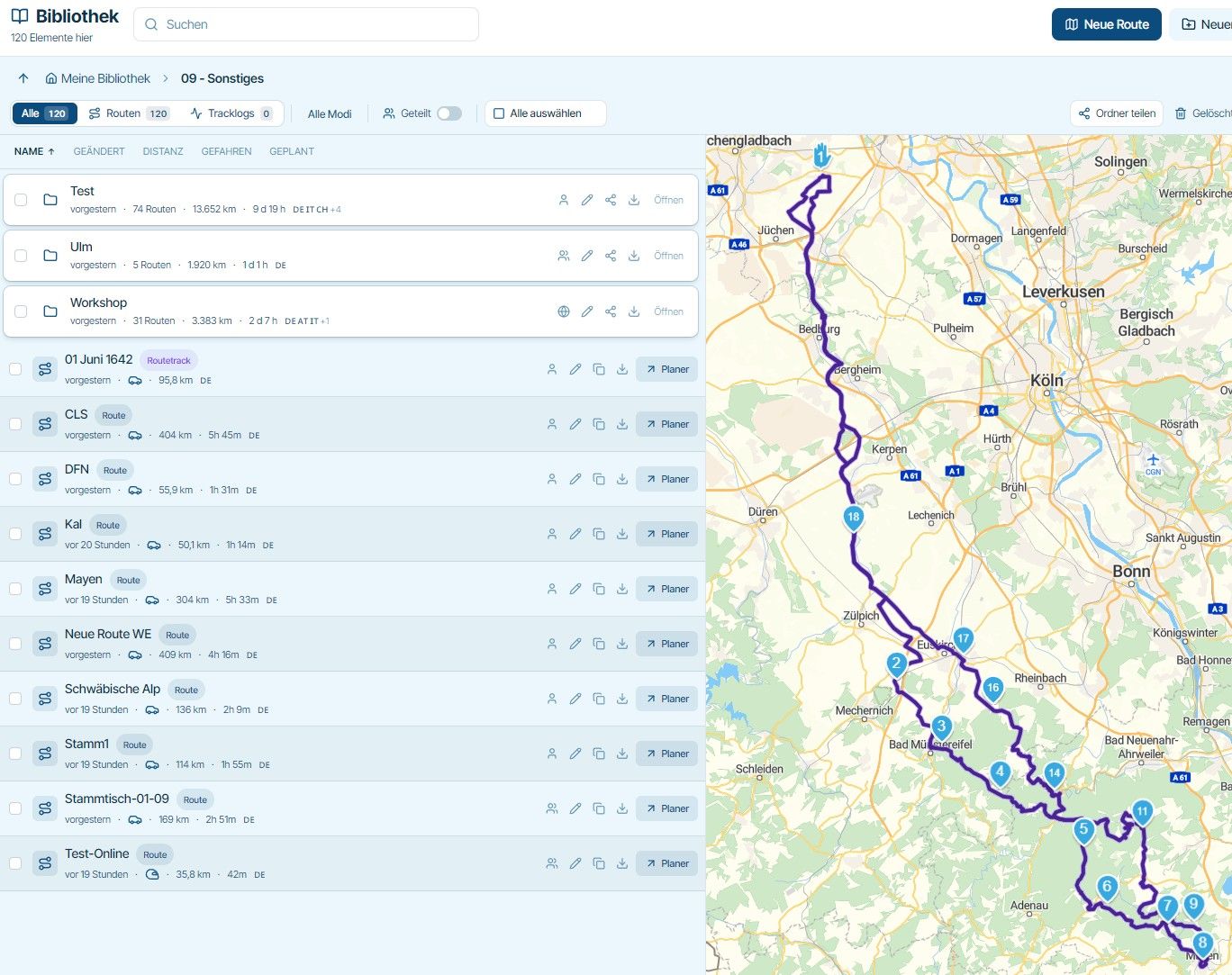
I open a directory and accidentally click on a route, which is then displayed on the right.
But which one is it?
I can’t see the row for the route, which may be highlighted.
And I can’t see the name of the route that’s open.Is it possible to either highlight the row for the route in color or display the name?
-

Good point; as it stands, you can't tell which route from the folder is currently being displayed—only the moment you click on it. After that, it's no longer visible.
Regarding Jörgen's suggestion, I think both of the following would be helpful:
- highlighting the route's row with a color
- highlighting and displaying the name as well
-

I noted that also, but @jörgen is faster than me writing
In my case there is light different stroke on route icons, but difficult to see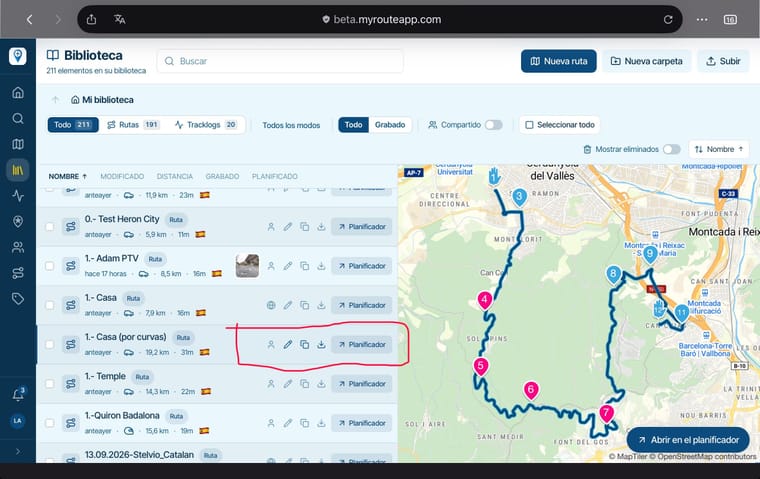
Regards
-

I'll improve this today
Hello! It looks like you're interested in this conversation, but you don't have an account yet.
Getting fed up of having to scroll through the same posts each visit? When you register for an account, you'll always come back to exactly where you were before, and choose to be notified of new replies (either via email, or push notification). You'll also be able to save bookmarks and upvote posts to show your appreciation to other community members.
With your input, this post could be even better 💗
Register Login-
5956
-
0836
-
 0718
0718
-
 0795
0795
-
 0558
0558
-
 014316
-
1530
-
0434