Upgrading from Zumo XT to XT2
-
I've been using a Garmin Zumo XT for several years with MRA. Generally I've had good luck. Recently my XT has been giving me problems, inventing bizarre routing from the MRA route, and failing to connect reliably using either the Drive app on my Pixel phone or USB cable to my Win11 computer. I'm frustrated, and considering replacing the XT.
I'm curious how the XT2 performs with MRA. If users have specific feedback I'd love to hear about it.
Thanks in advance!
Buy an XT3, It is much faster then the XT2 and works Well with MRA routes and you can keep your phone in your pocket
-
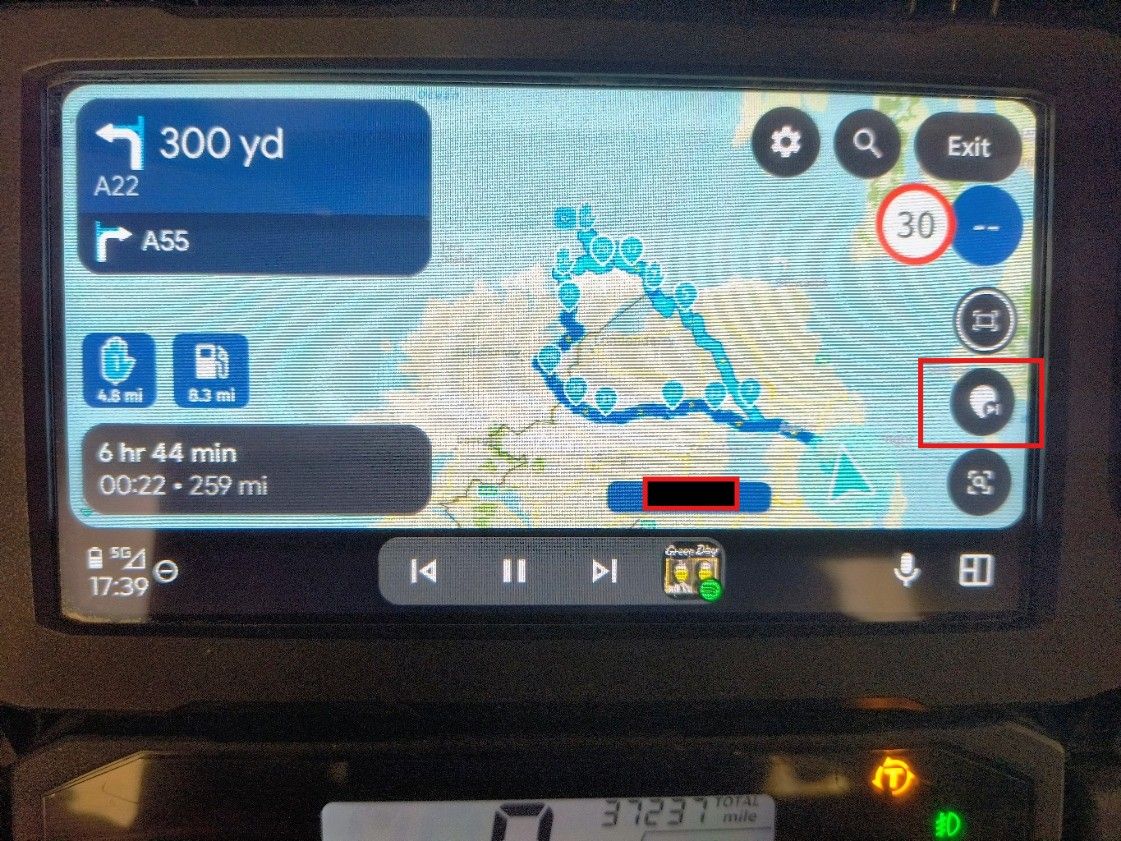
@Glenn.B als je een route actief hebt, Klik dan op het scherm en dan zie je onderaan rechts
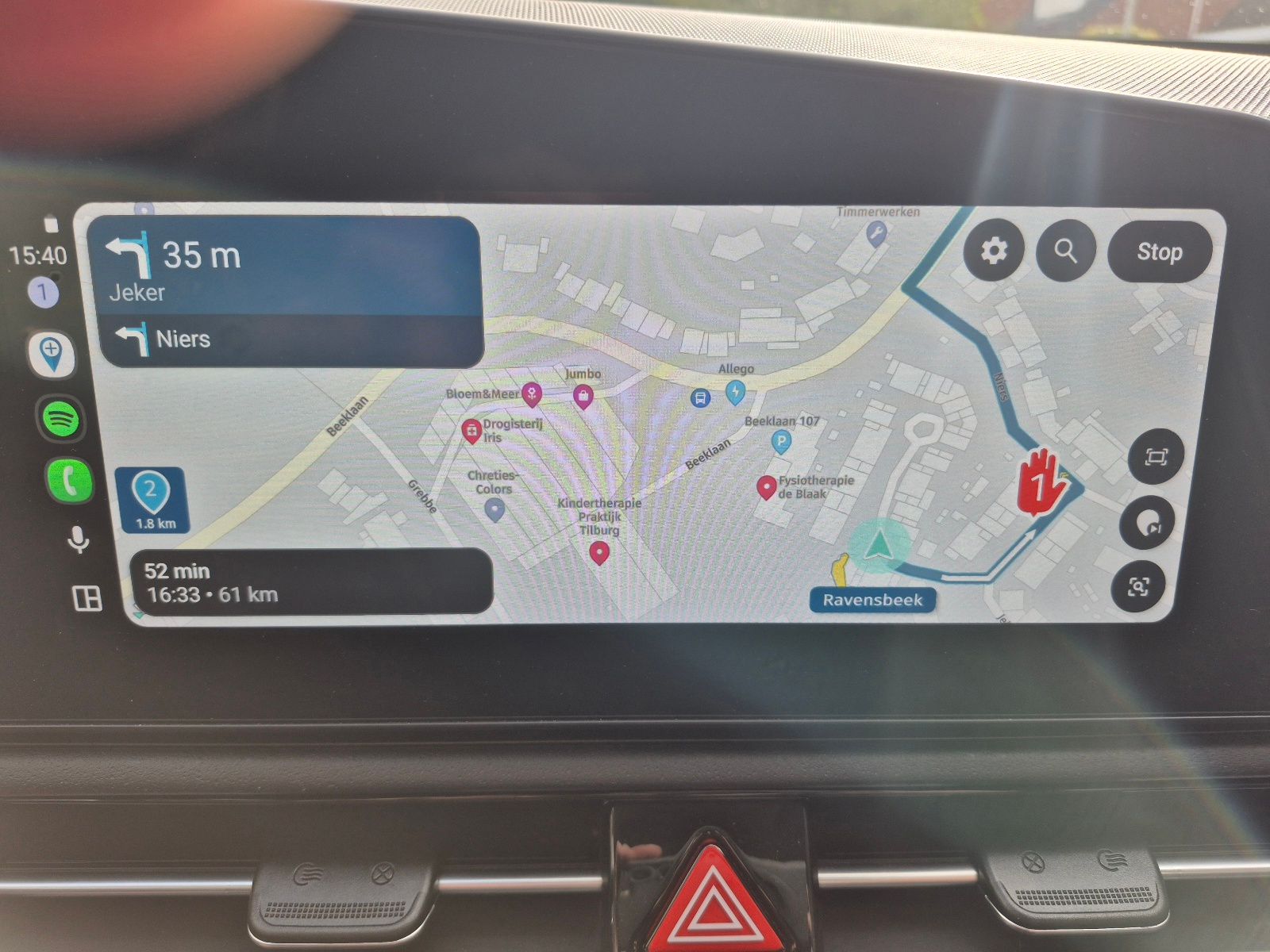
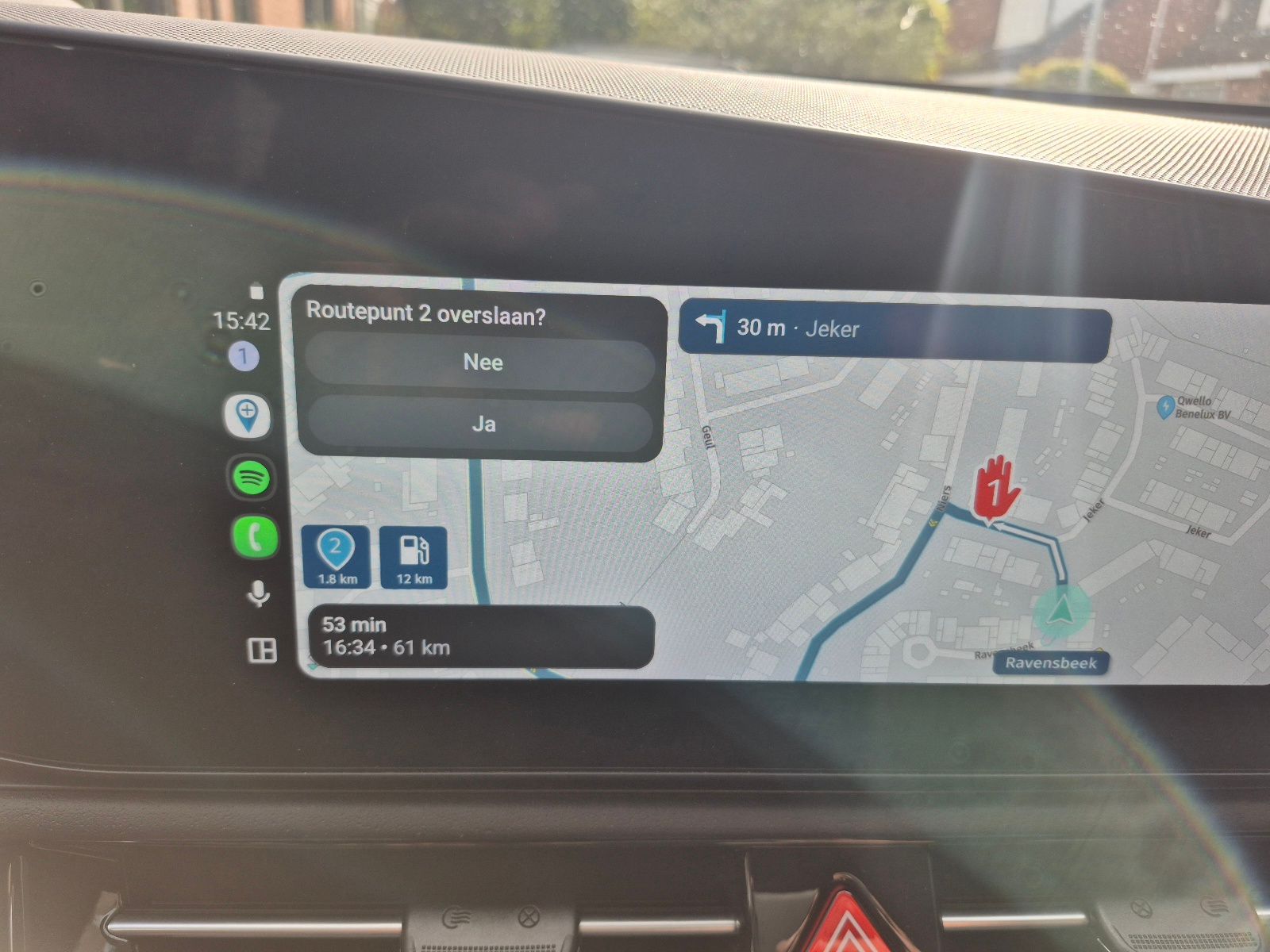
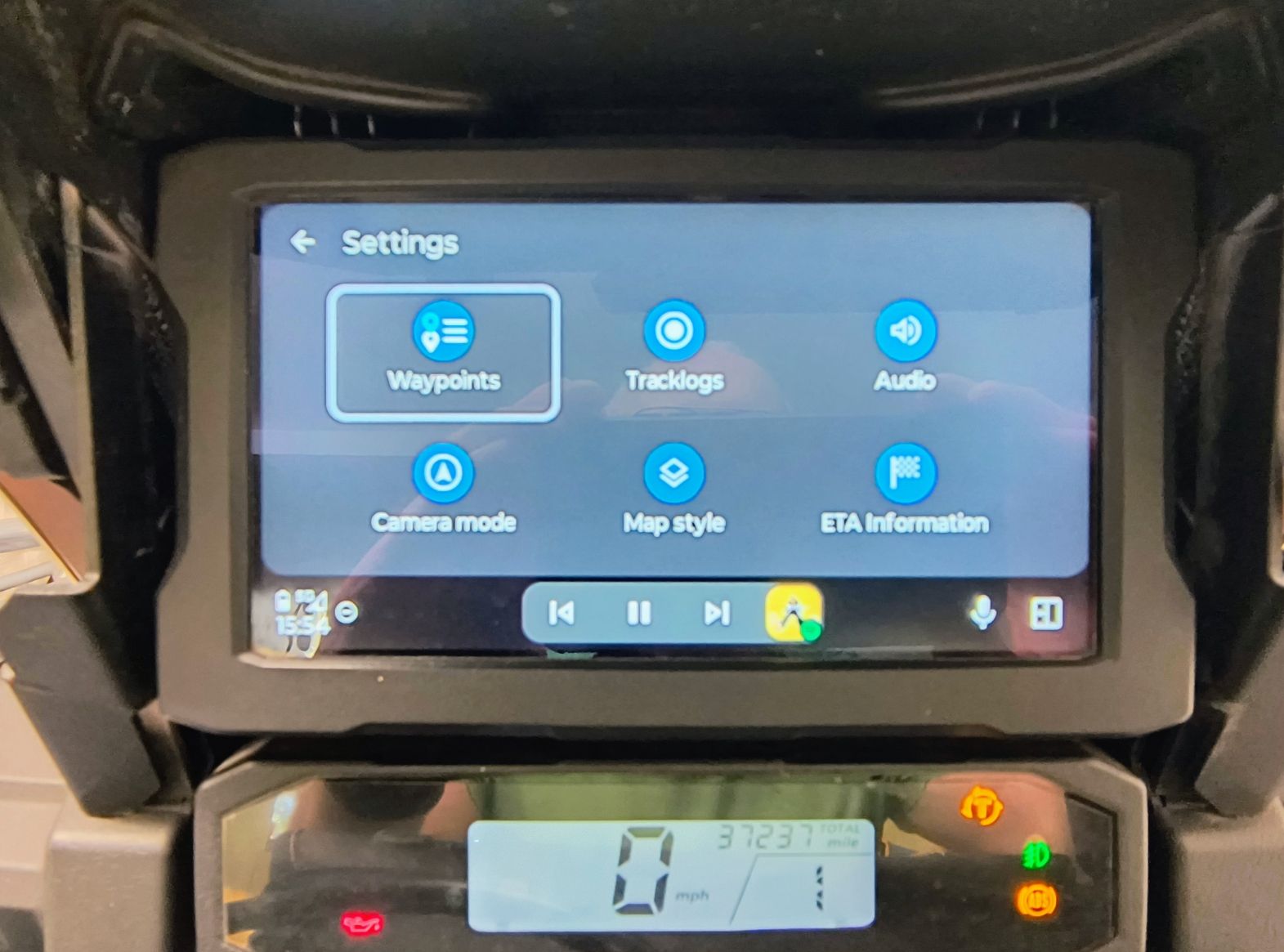
Klik dan op het route punt symbool en dan verschijnt links boven
Have fun
Sorry the wrong langues
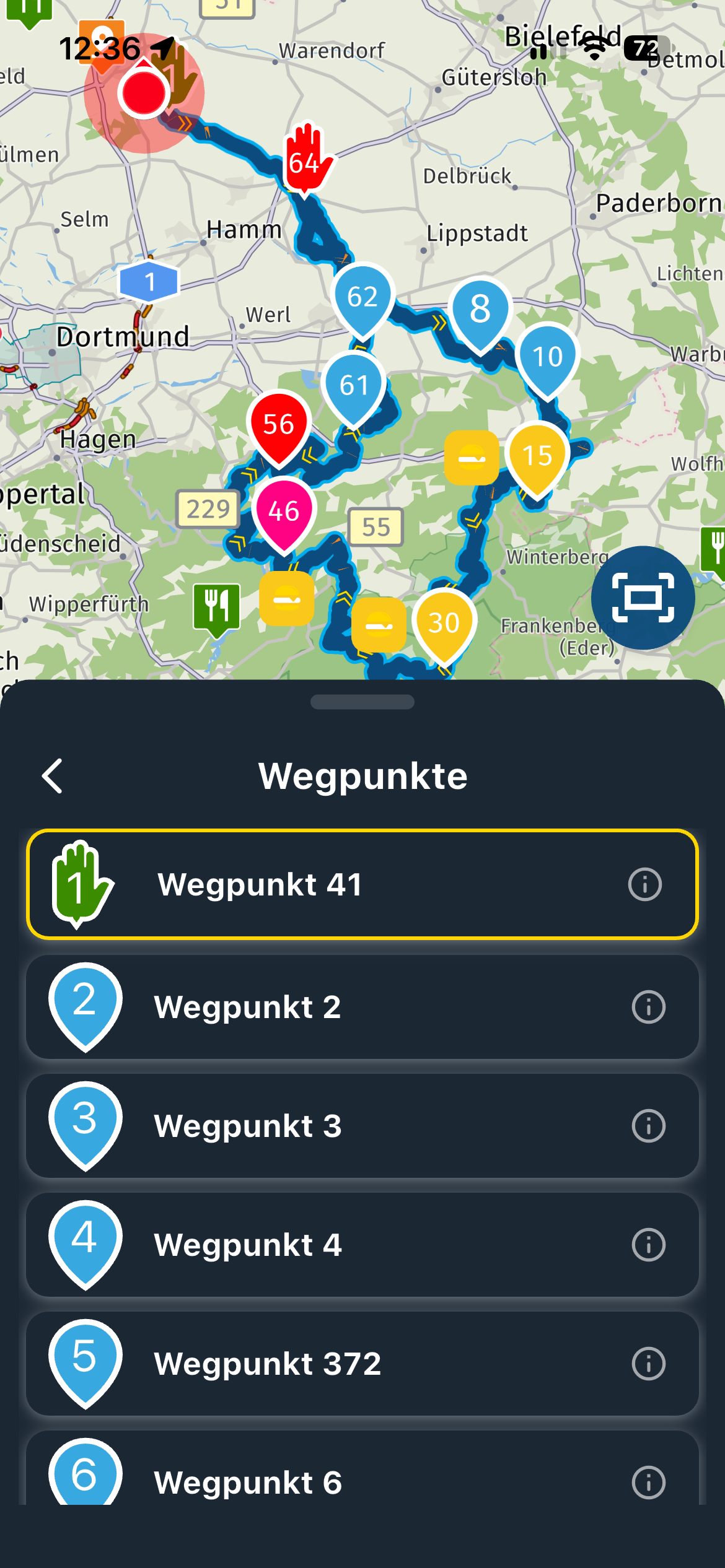
First picture, tap somewhere on the screen and you'll see on the bottom right
Second picture
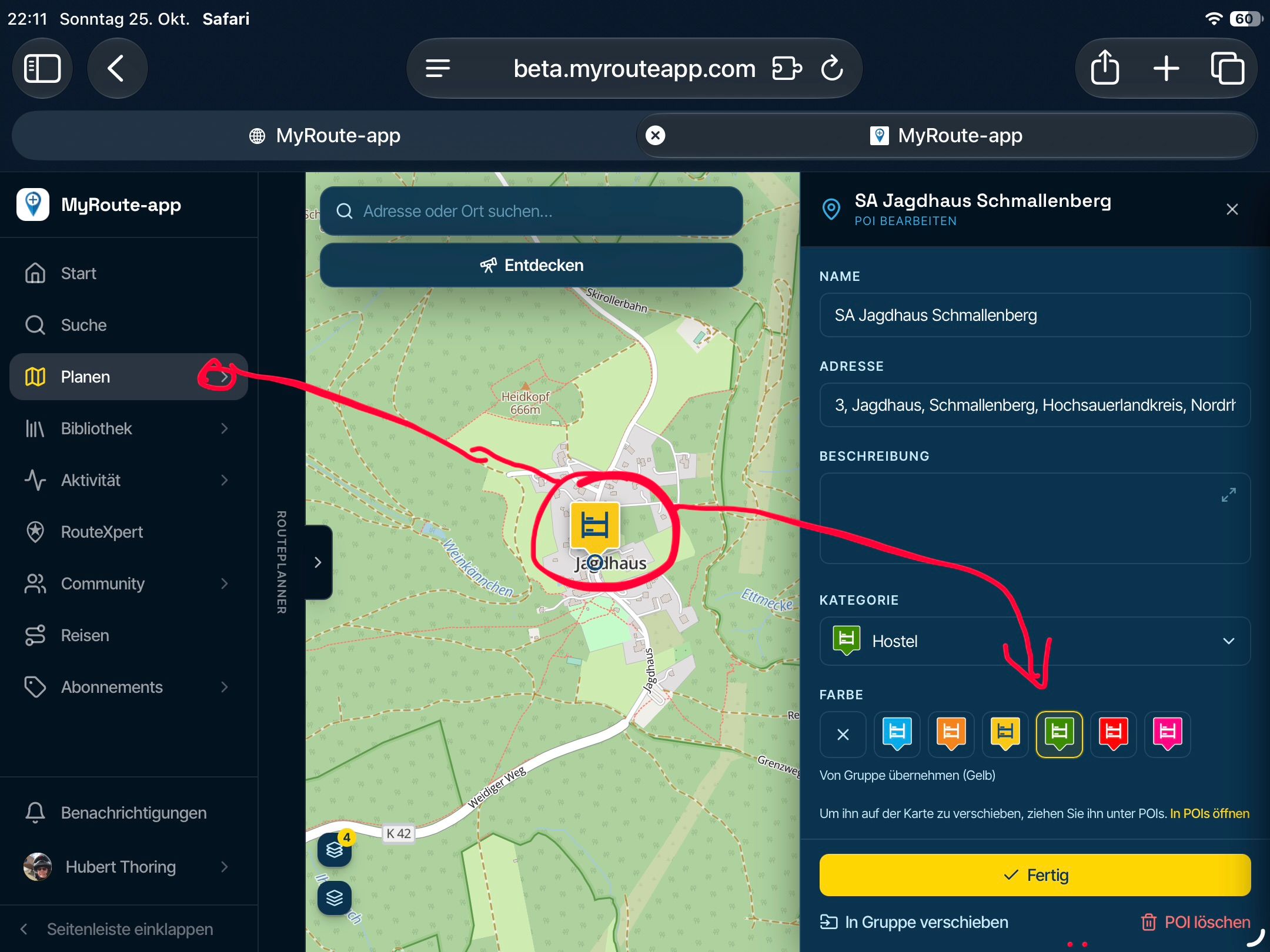
Click on the waypoint symbool and then you'll see in the top left corner -

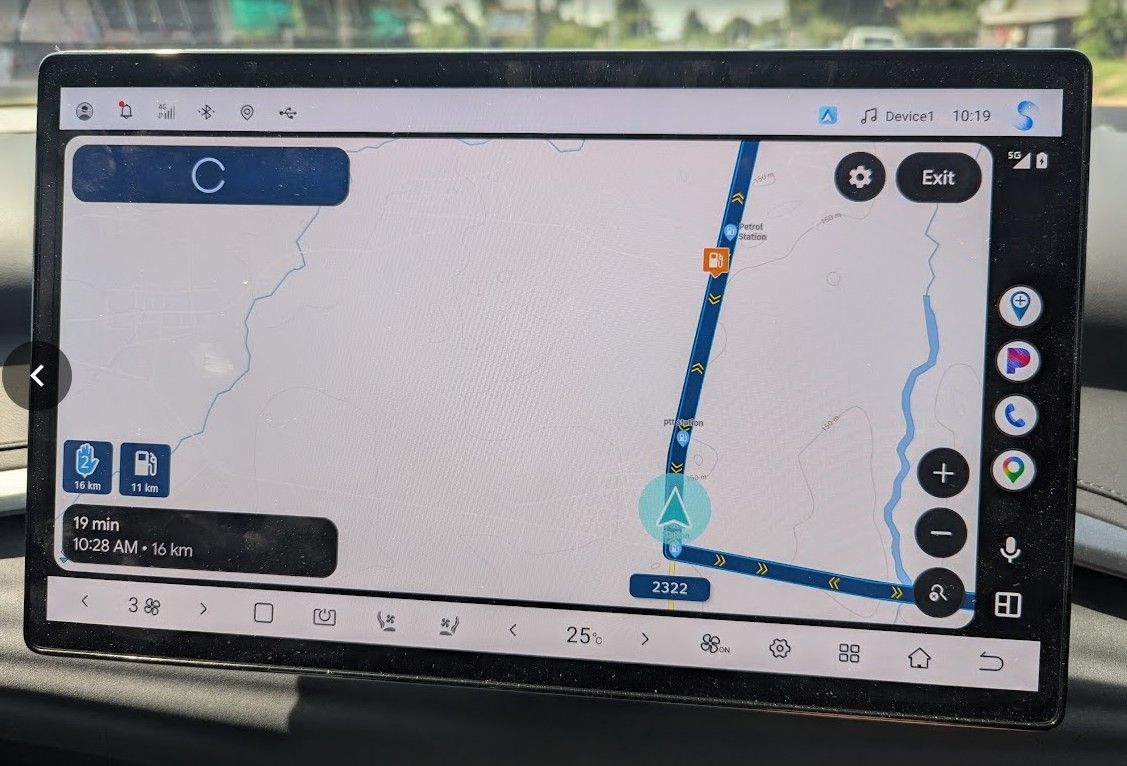
I tried this again today. Clicking on the screen, I did in fact get the additional menu with the "skip waypoint" icon and that worked correctly. However, it did not always work. Sometimes when a click the screen I get additional menu items, but not the "skip waypoint" item. It seemed that the "skip waypoint" item only appeared when I got close the the waypoint which would be skipped. Here is the alternate screen I get when I don't get that item.
-
I tried this again today. Clicking on the screen, I did in fact get the additional menu with the "skip waypoint" icon and that worked correctly. However, it did not always work. Sometimes when a click the screen I get additional menu items, but not the "skip waypoint" item. It seemed that the "skip waypoint" item only appeared when I got close the the waypoint which would be skipped. Here is the alternate screen I get when I don't get that item.

@Glenn.B, are you showing a route with only 2 route points by any chance?
There is not much to skip to if it is. -
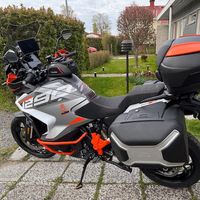
After six weeks, I still love my Garmin. It does what I expect. Can't be happier at the moment. Planning with MRA and enjoy riding with XT3. Unfortunately season is soon over in Finland. Regards
-
Buy an XT3, It is much faster then the XT2 and works Well with MRA routes and you can keep your phone in your pocket
Buy an XT3, It is much faster then the XT2 and works Well with MRA routes and you can keep your phone in your pocket
Upgrading to an XT2 or XT3 is one of the options I am considering. Unfortunately, I am in a country that doesn't sell or repair Garmin Zumo products. It would be possible to order one from the US or Europe, but it would take a long time to get here and the price after shipping and import taxes would likely double the cost.

Hello! It looks like you're interested in this conversation, but you don't have an account yet.
Getting fed up of having to scroll through the same posts each visit? When you register for an account, you'll always come back to exactly where you were before, and choose to be notified of new replies (either via email, or push notification). You'll also be able to save bookmarks and upvote posts to show your appreciation to other community members.
With your input, this post could be even better 💗
Register Login

-
 011818
-
 0418
0418
-
 09117
09117
-
 03103
03103
-
0317
-
 0292
0292
-
 05242
05242
-