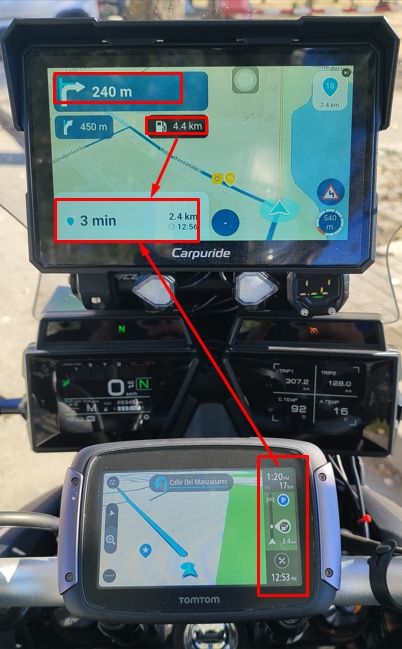
6.0.0-532 No Skip Waypoint Showing A to B Navigation with Added Stops
-

Love this new version but I have found that if I create an A to B navigation session through the app (iPhone for me) and then add stops before I start the navigation then the ‘Skip’ option for waypoints does not show on iPhone big buttons or on CarPlay.
Simple 3 stop navigation and, having reached the second via point, I then noticed that there was no option to skip Waypoint 3 to head for the final destination. Furthermore, I could drive to the finish and the ‘reached destination’ did not show as the navigation was, correctly, still taking me back to ‘3’ but with no option to skip. An exit and resume navigation did not solve the problem.
Screenshots:
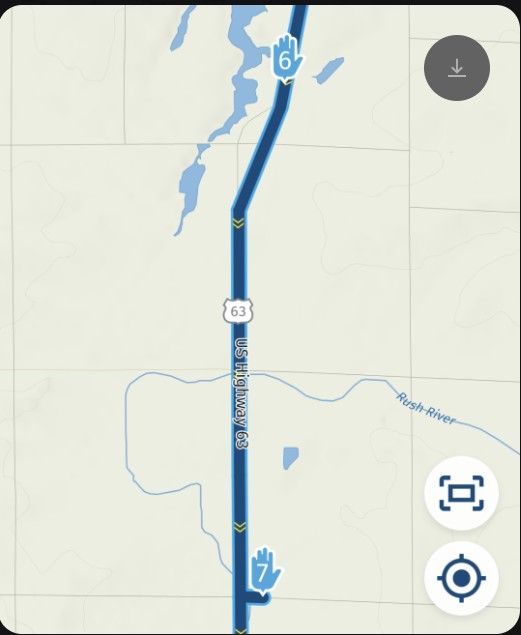
Example route similar to the one navigated:
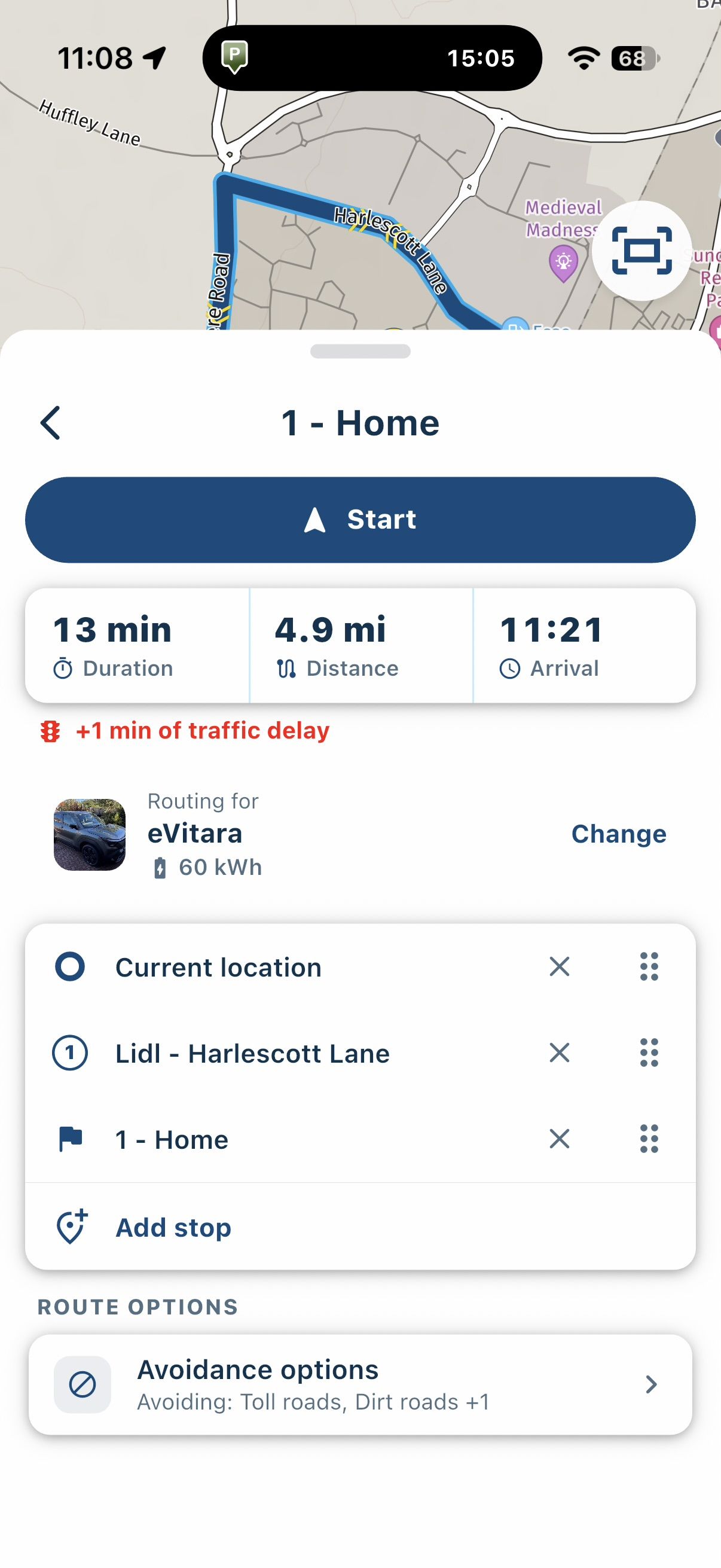
No Skip Option:
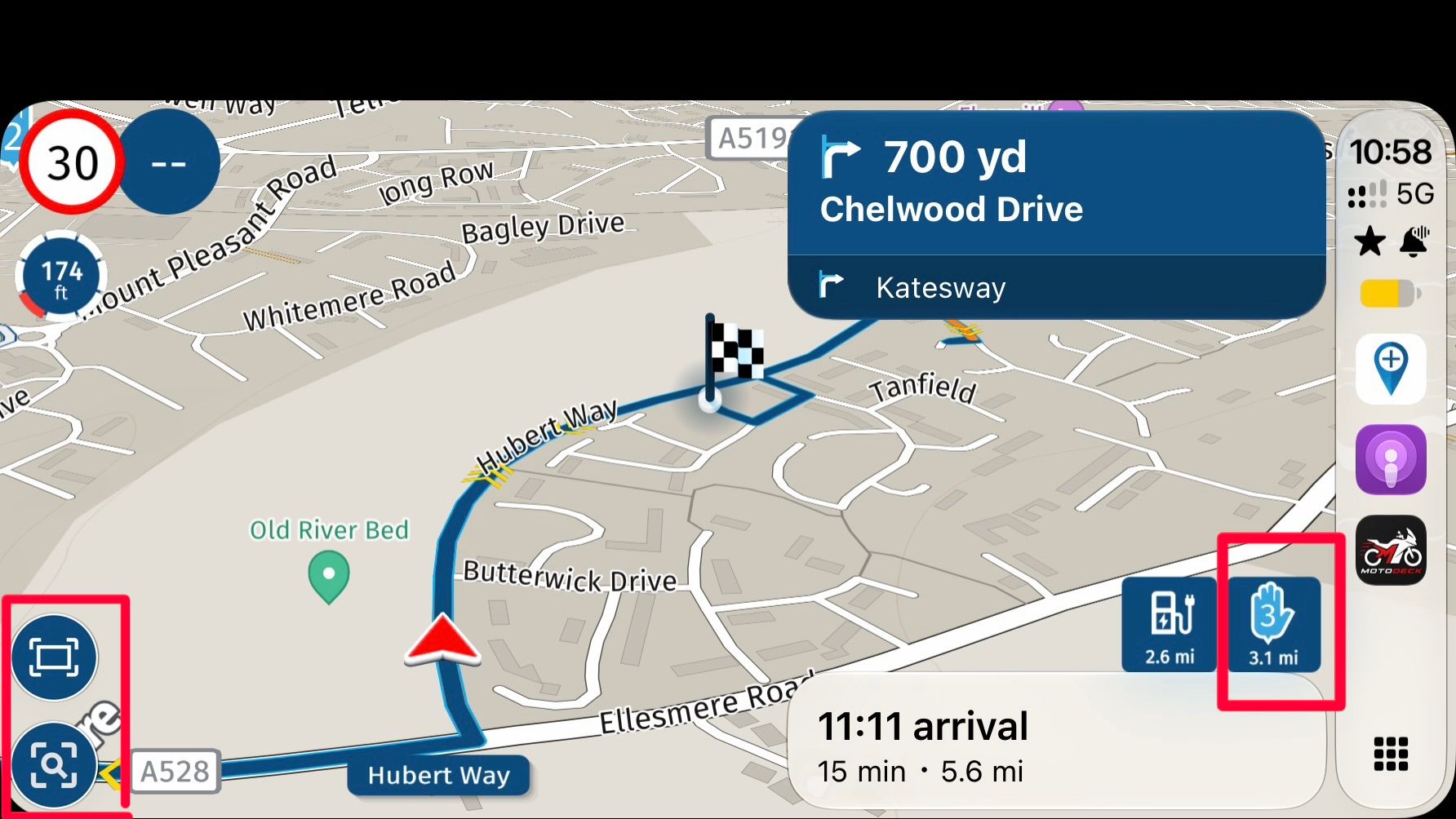
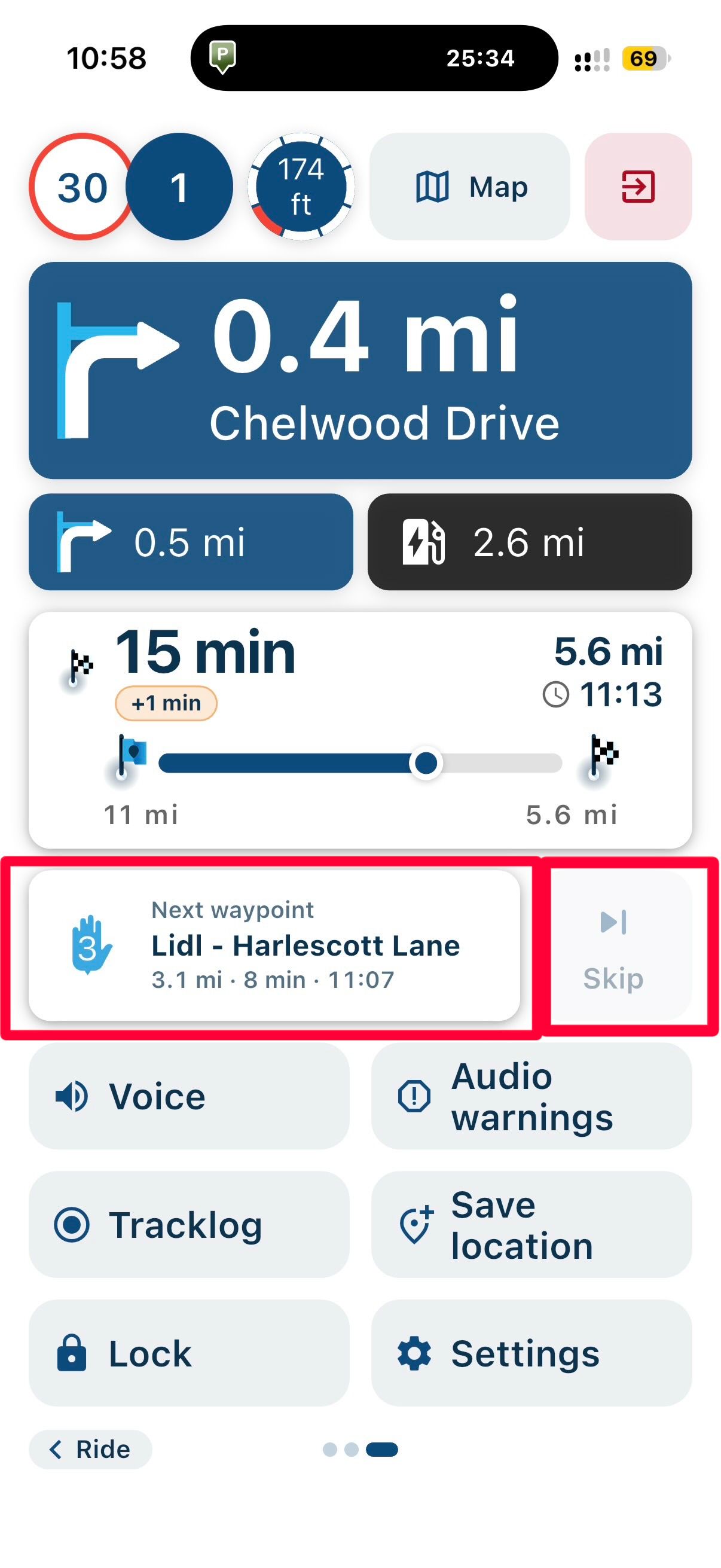
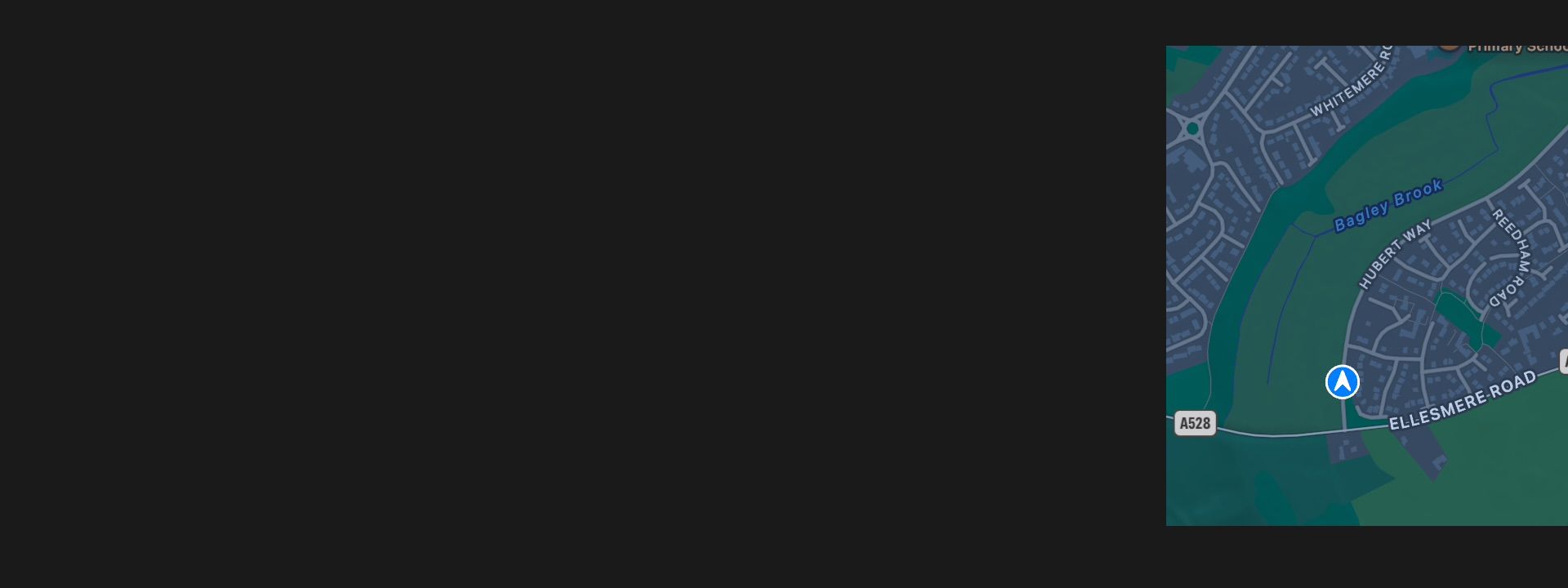
My EV has a small additional screen on the instrument cluster that will display Apple Maps or Google maps if selected previously in CarPlay. Not sure if this has any relevance to the problem:
Keep up the brilliant work.
Hello! It looks like you're interested in this conversation, but you don't have an account yet.
Getting fed up of having to scroll through the same posts each visit? When you register for an account, you'll always come back to exactly where you were before, and choose to be notified of new replies (either via email, or push notification). You'll also be able to save bookmarks and upvote posts to show your appreciation to other community members.
With your input, this post could be even better 💗
Register Login-
 517712
-
 0645
-
 0542
-
016537
-
 05137
-
 06209
-
 0414
-
0428