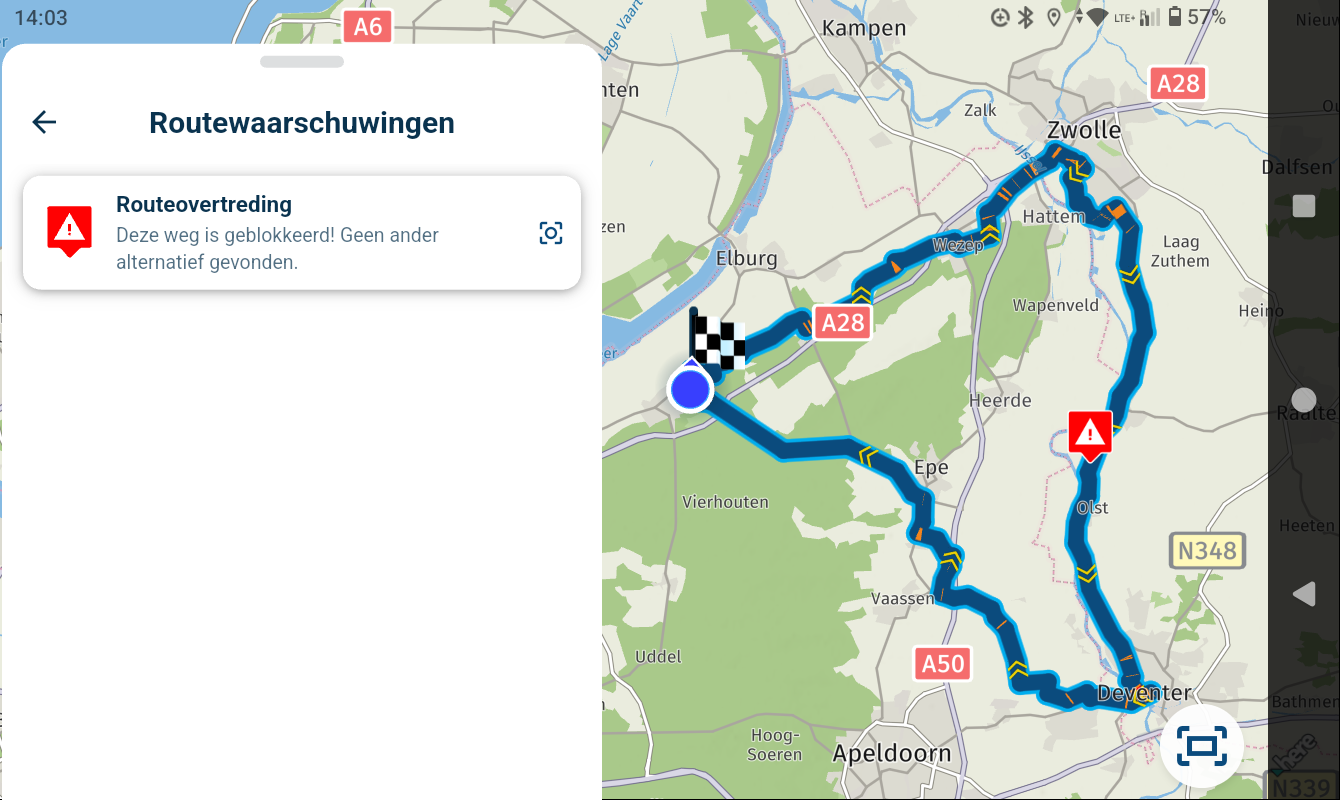
problem exporting from iphone to zumo xt using garmin drive?
-

HI , i have a problem , i plan routes on my laptop using MRA then use the MRA app on my iphone to send to my Garmin zumo xt in the following order
- open MRA app on phone
2)open routes - click download
- choose GPX1.0 as the download format
- click export
6)click on garmin drive app
this used to work but now when i click on the garmin drive app to export it to i get " NO ADDRESS FOUND" .I have spoken to garmin uk support and they say the fault is with MRA not garmin?
can any one help with this as it appears to be a very common problem from what i have read on the internet
- open MRA app on phone
-
HI , i have a problem , i plan routes on my laptop using MRA then use the MRA app on my iphone to send to my Garmin zumo xt in the following order
- open MRA app on phone
2)open routes - click download
- choose GPX1.0 as the download format
- click export
6)click on garmin drive app
this used to work but now when i click on the garmin drive app to export it to i get " NO ADDRESS FOUND" .I have spoken to garmin uk support and they say the fault is with MRA not garmin?
can any one help with this as it appears to be a very common problem from what i have read on the internet

@Andy-taylor-0 It’s been widely reported that the last update that the Garmin Drive app received a few days ago is the problem. It’s being discussed in this topic. You’ll need to translate unless you can read Dutch:
- open MRA app on phone
-
You're not alone, actually one of many. It's an issue that is reported to Garmin by iPhone users in combination with a Garmin Zumo XT. Garmin is aware of the problem and is working on it. You could use the Connector app and connect your device with an usb cable to your computer.
-
You're not alone, actually one of many. It's an issue that is reported to Garmin by iPhone users in combination with a Garmin Zumo XT. Garmin is aware of the problem and is working on it. You could use the Connector app and connect your device with an usb cable to your computer.
You're not alone, actually one of many. It's an issue that is reported to Garmin by iPhone users in combination with a Garmin Zumo XT. Garmin is aware of the problem and is working on it. You could use the Connector app and connect your device with an usb cable to your computer.
This isn't the first time that Garmin has broken the Drive app, resulting in connection problems to the XT. And it likely won't be the last...
Using the wired USB cable from your computer to the XT is the best alternative. In my view, it's the best option of all. Doing a GPX file copy is simple, and if you do it manually, you can copy directly to an SD Card inserted in your XT. It's beyond the scope of this topic, but an SD Card has advantages vs. internal storage.
Moving on to the XT2/XT3, Garmin is making it more unreliable to copy routes via their app. The Tread app is used for the XT2/XT3, and using the app for transfer can cause problems for route re-calculation. If you want to continue with Garmin's beyond the original XT, it's a good idea to get used to wired transfers now.
Hello! It looks like you're interested in this conversation, but you don't have an account yet.
Getting fed up of having to scroll through the same posts each visit? When you register for an account, you'll always come back to exactly where you were before, and choose to be notified of new replies (either via email, or push notification). You'll also be able to save bookmarks and upvote posts to show your appreciation to other community members.
With your input, this post could be even better 💗
Register Login-
 0763
-
1416153
-
0560
-
018126
-
0424
-
 0443
-
 0424
-
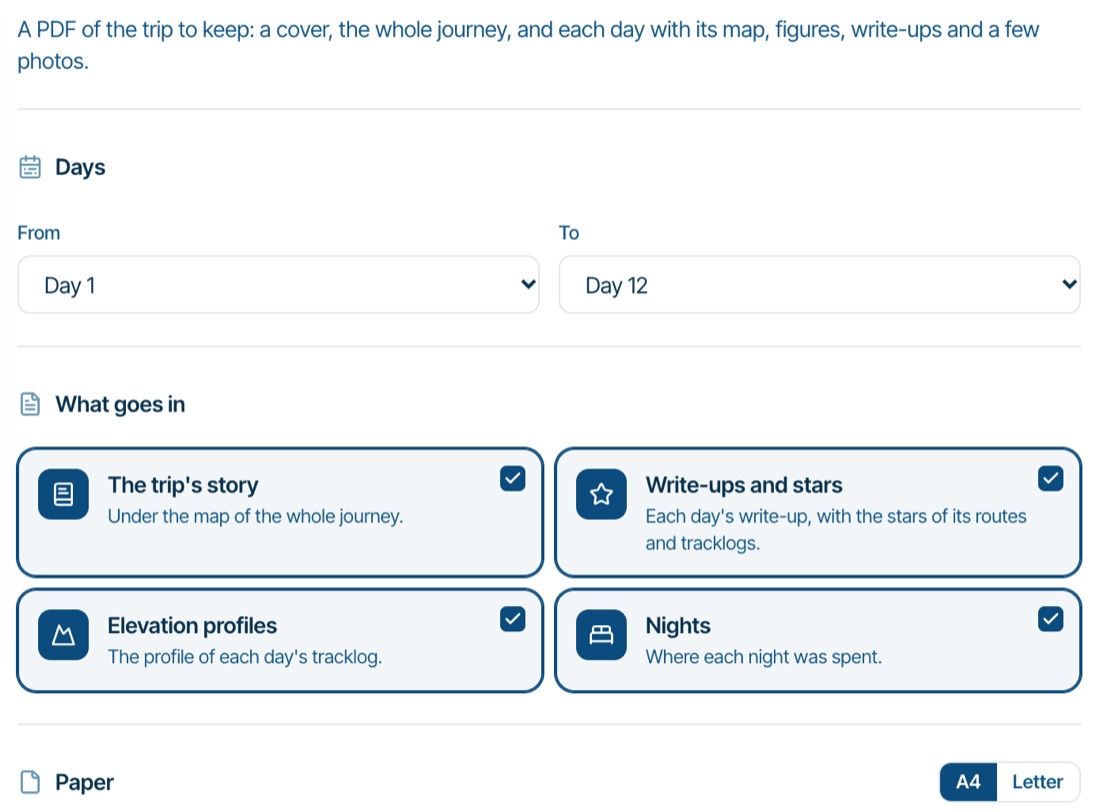
Website update - Trip book PDF, route lock for collaborators, a close button in the planner and more
 5436