scrollwiel gebruiken om in en uit te zoomen
-

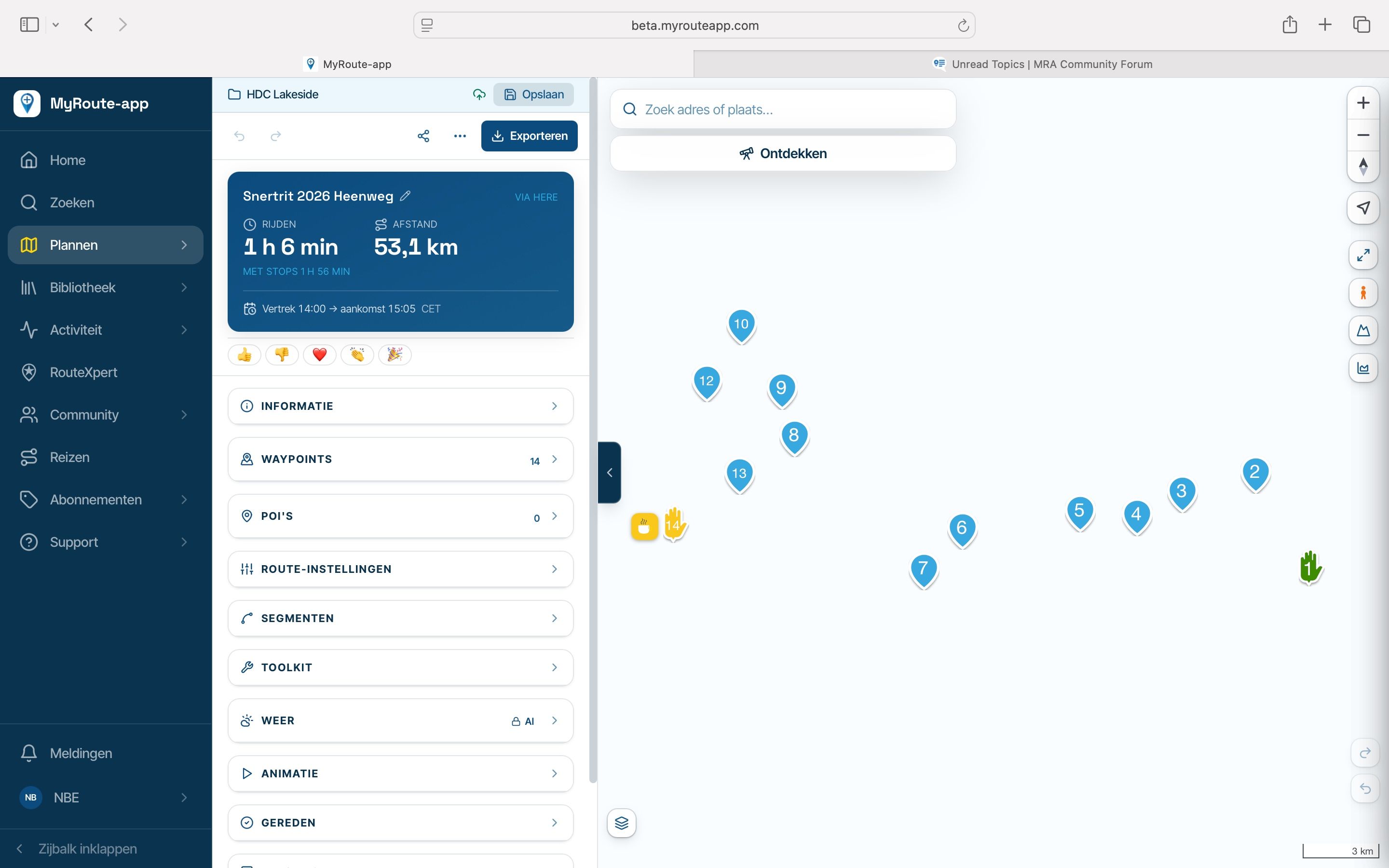
in de vorige planner kon ik met het scrollwieltje van de muis in-en uitzoomen. Nu kan ik dit alleen nog met de + en de - op het scherm.
Is dit nog ergens in te stellen? -

Je kan absoluut met je scrollwiel inzoomen / uitzoomen
-
OK, maar dat lukt dus niet in Firefox. Ik heb het in Opera geprobeerd en inderdaad daar werkt het. En ook in Google Chrome lukt het maar dus niet in Mozilla Firefox (159.0).
Zou ja daar nog naar willen kijken! -

Mozilla Firefox (159.0) scrolls OK for me on windows 11

-
Waarom dan bij mij niet?
Then why not for me? -
Have you firefox extensions?
Try
In Firefox, press Ctrl+Shift+P to open a Private Window.
Open MyRoute-app there.
Try the wheel zoom.Private mode disables most extensions by default, which quickly reveals whether one is the cause.
-
Ja, dan werkt het inderdaad wel! Nu dus uitvinden waarom het in een normaal venster niet werkt! Bedankt!
Yes, this did work. Now find out why it didn't work in a normal screen; Thanks. -
Gevonden! bleek dat de extensie van Logitech (setpoint) roet in het eten gooide! Deze uitgeschakeld en nu werkt het zoals het moest!

Found it! It turned out that the Logitech extension (SetPoint) was causing the problem! I disabled it and now it’s working as it should!

-

Goed gevonden! En bedankt voor de terugkoppeling.
-
Yes, maybe that way I’ll be helping someone else too!
Ja, misschien dat ik zo een ander mee help!
Hello! It looks like you're interested in this conversation, but you don't have an account yet.
Getting fed up of having to scroll through the same posts each visit? When you register for an account, you'll always come back to exactly where you were before, and choose to be notified of new replies (either via email, or push notification). You'll also be able to save bookmarks and upvote posts to show your appreciation to other community members.
With your input, this post could be even better 💗
Register Login-
 034217
-
01153
-
 11070
-
21158
-
0829
-
 0720
-
0856
-
 2241383