Issues about using planner in tablet
-

Hi,
Product has a fresh apperance and is very dinamyc… great job! It’s different from older planner but looks easy to use.I’m using the web via iPad, and I noted some issues:
-
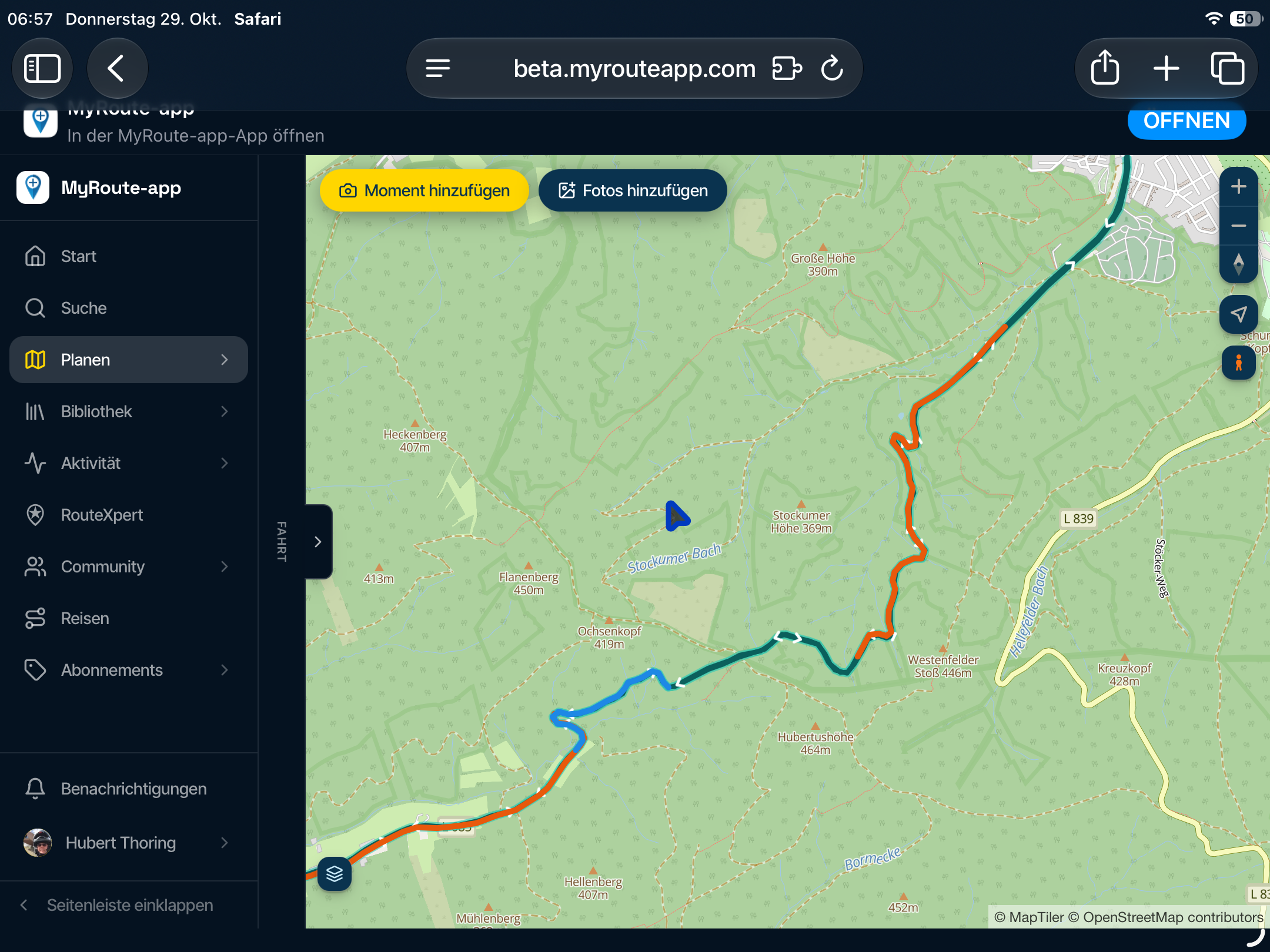
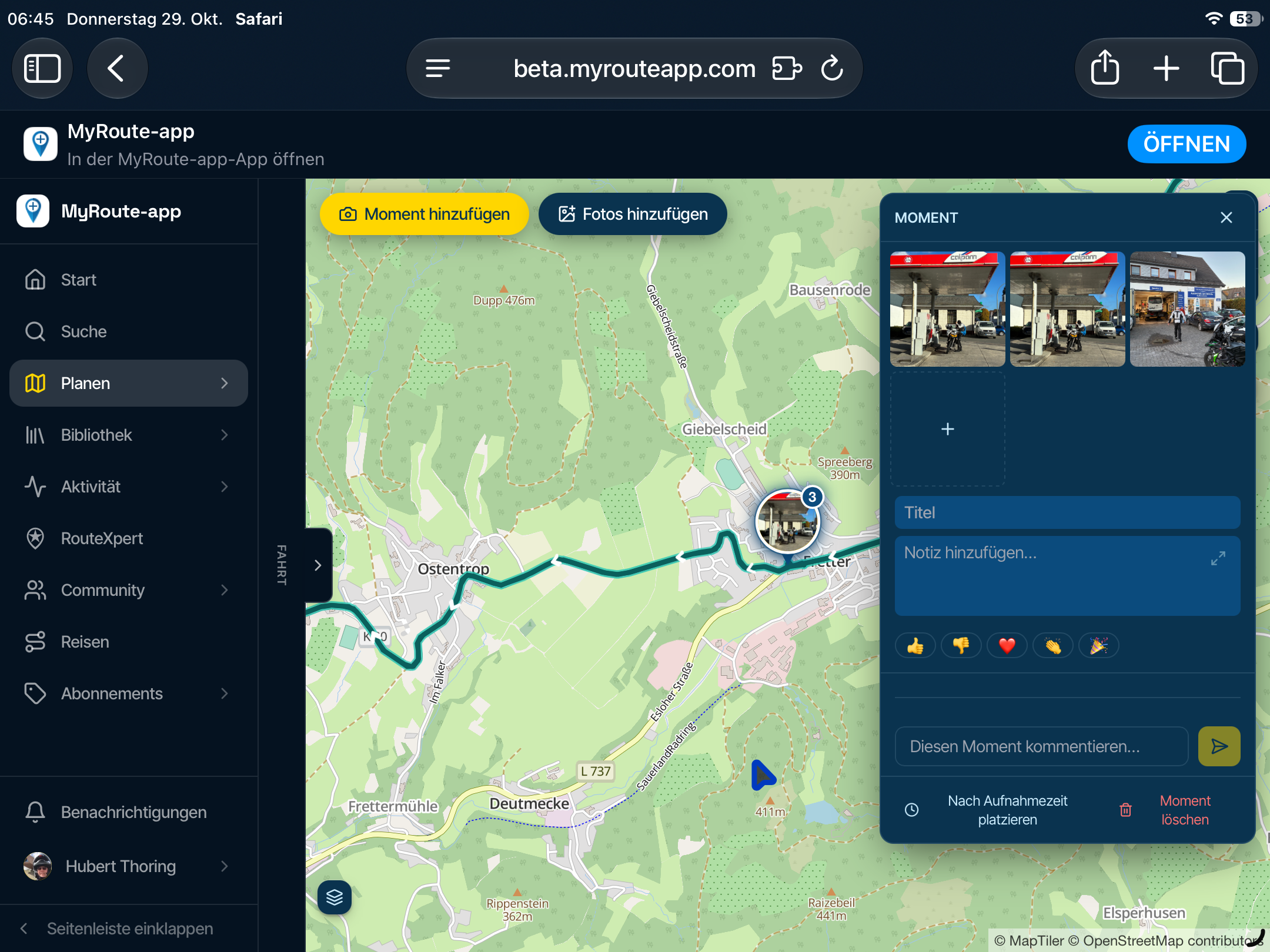
In side menu options with submenus, like “community”, submenus are not shown and defaults data to first item of non show menu ( in same example, defaults to friends , so I can’t access to clubs or forum options)
-
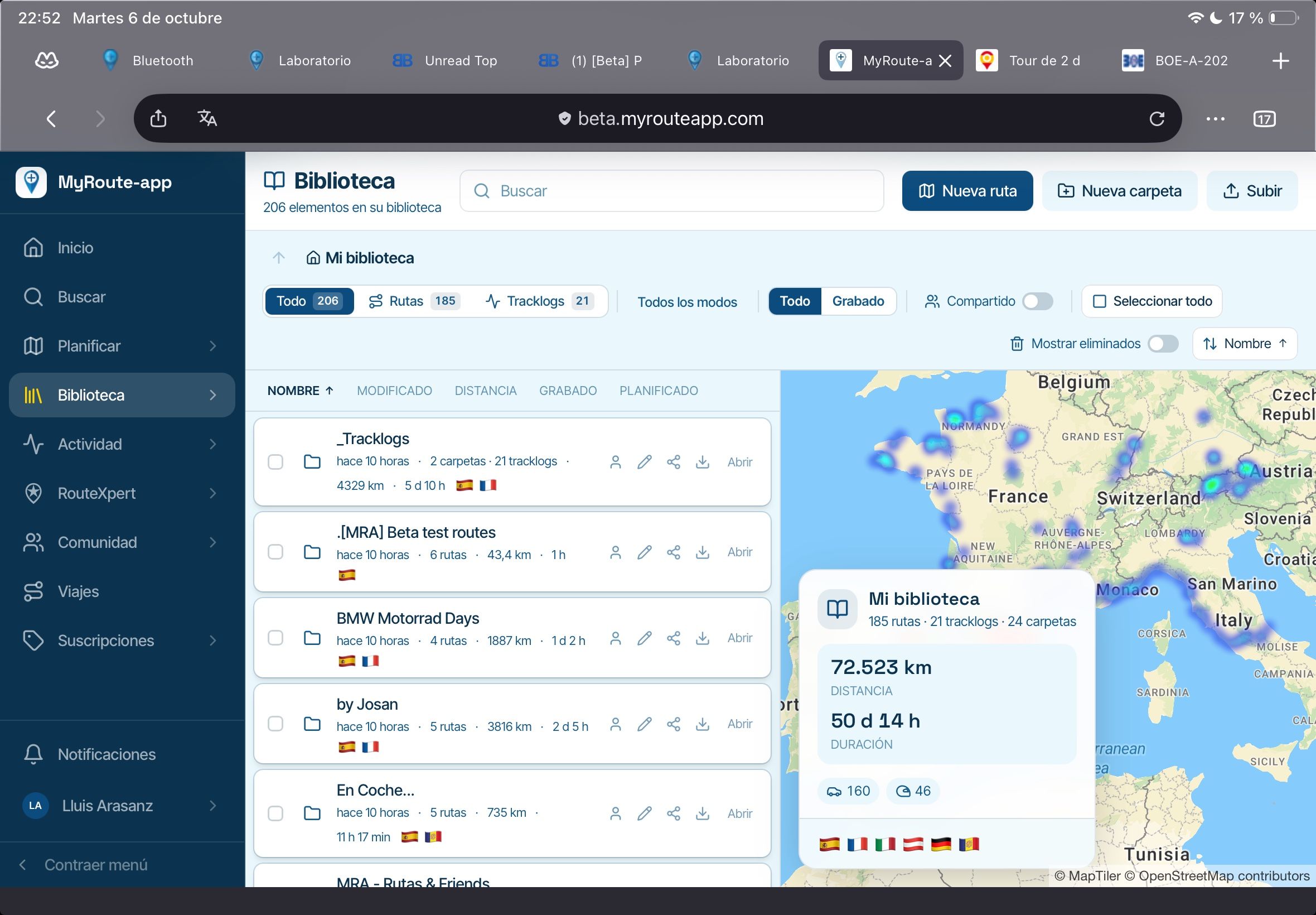
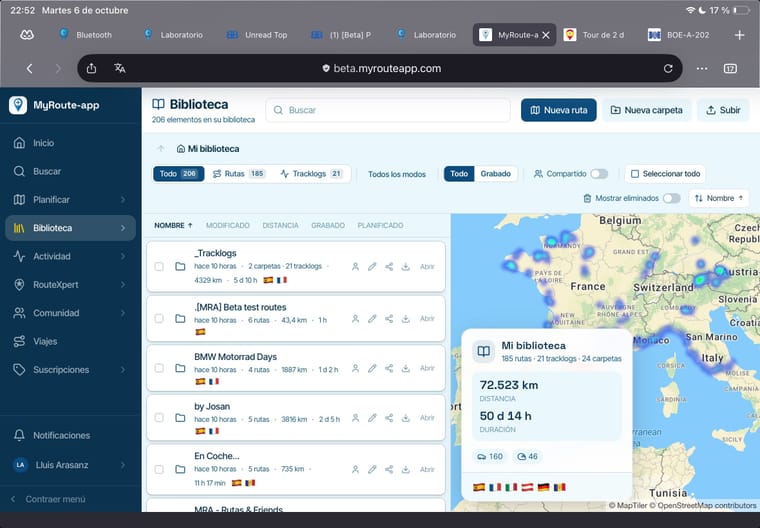
Side option “Library” shows a heat map with routes (great!), but summary window covers more than a quarter of map space, so is not usable. Also map can’t be zoomed or moved
-
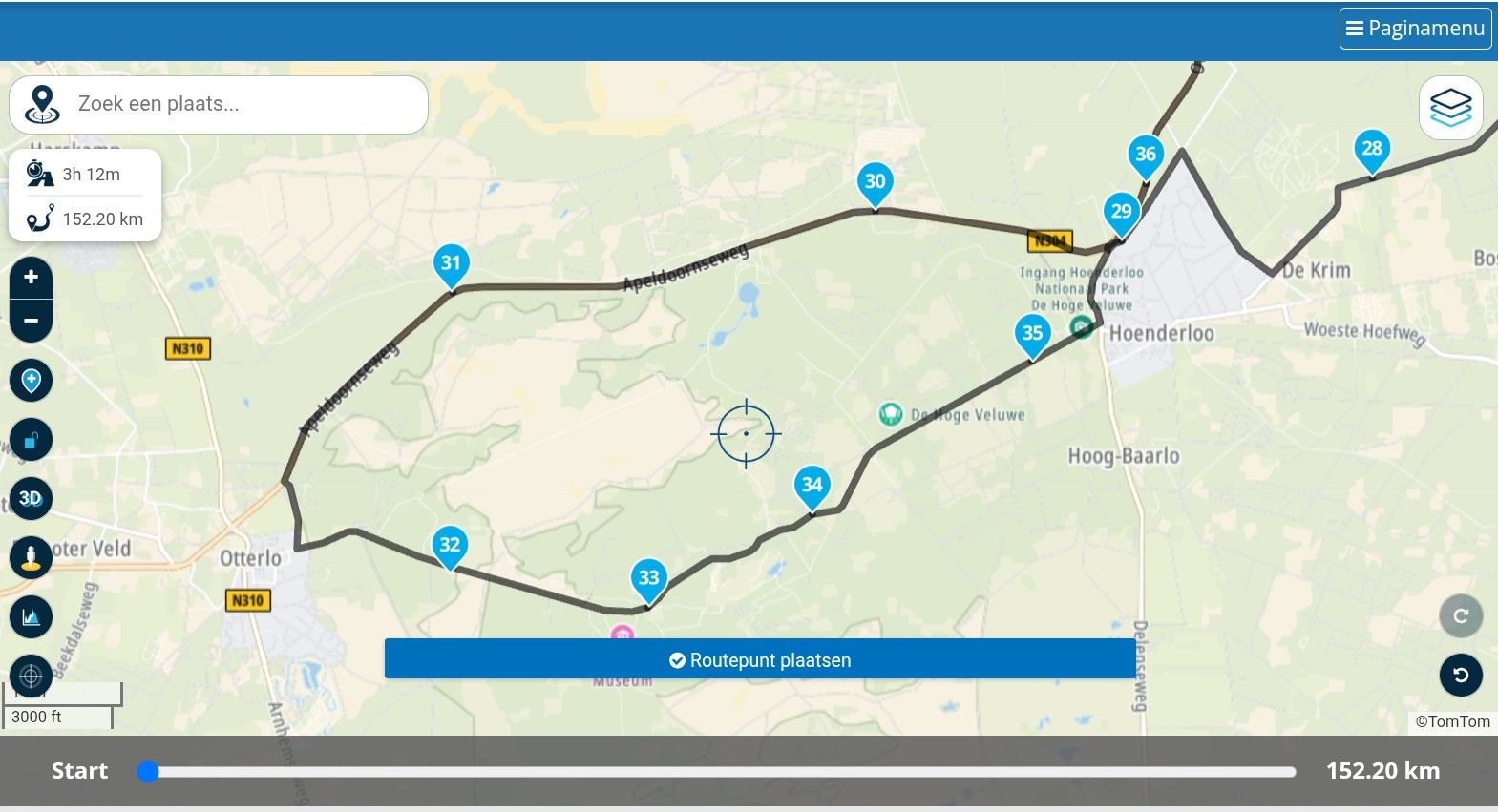
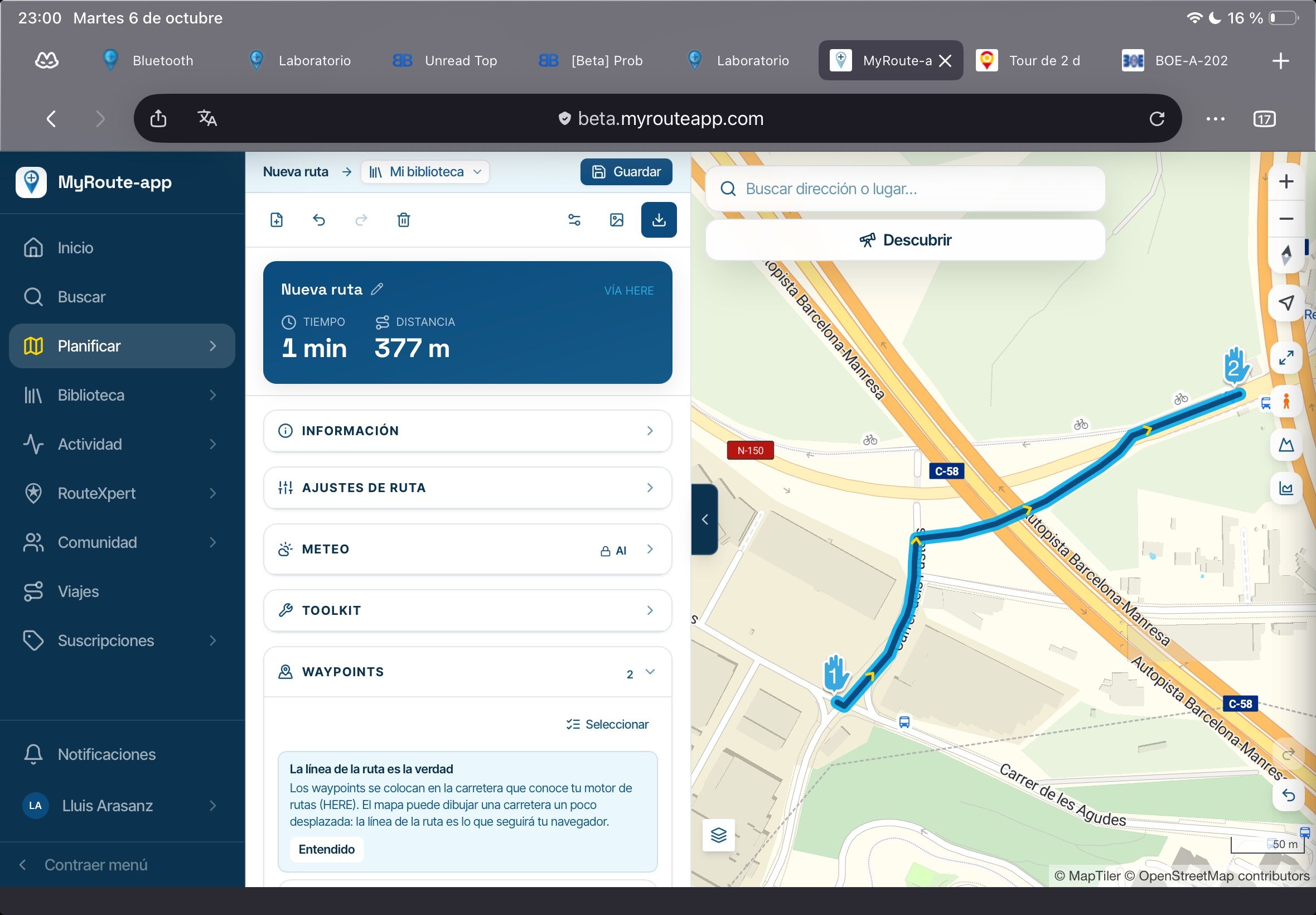
In planner window, overlay layers “street” has a lack of roads that are not shown. The route is over a street, but street layer is plain
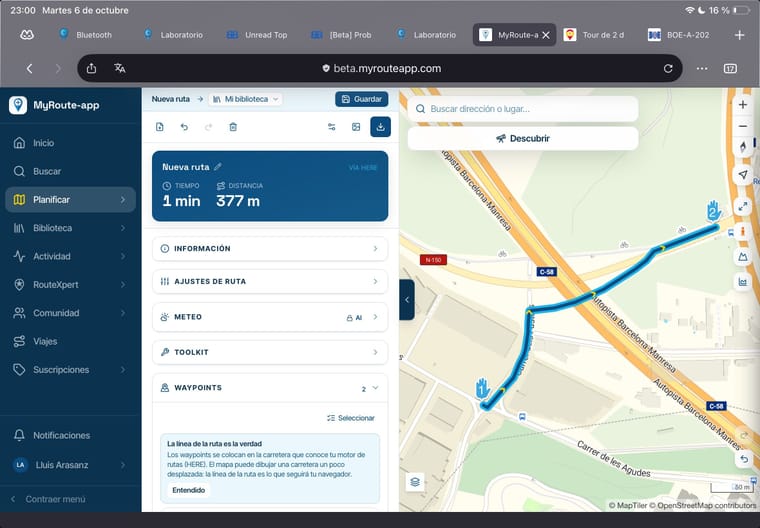
I’ll continue to test it
Regards
-
-

That's a good test to do!
How easy does it work with a touch screen?
I had not thought of it, but I think I need to charge up my tablet to
I am just an enthusiastic MRA user, and hope you will be one too!
Most motorcycle problems are caused by the nut that connects the handlebar to the saddle.
Check out RideSleepRepeat.eu, a biker community for sharing stays across Europe
-
That's a good test to do!
How easy does it work with a touch screen?
I had not thought of it, but I think I need to charge up my tablet to
@Con-Hennekens
Almost as easy as using a PC. I still have to test deeper.
But first impression is good. Is better to config waypoints in landscape than portrait.
And I noted that side submenu options are not shown on any option with ">". Heartmap on tablet can't be neither zoomed or moved and there is no options.I tested on Firefox and Safari, on both display modes: Desktop and mobile
We continue....
-

Fixed
Hello! It looks like you're interested in this conversation, but you don't have an account yet.
Getting fed up of having to scroll through the same posts each visit? When you register for an account, you'll always come back to exactly where you were before, and choose to be notified of new replies (either via email, or push notification). You'll also be able to save bookmarks and upvote posts to show your appreciation to other community members.
With your input, this post could be even better 💗
Register Login-
5847
-
 0835
0835
-
 0714
0714
-
 0791
0791
-
 014309
-
 0555
0555
-
1528
-
0430