






Skip to content

[Web-Beta] Problems, Bugs and other Issues

124 Topics 513 Posts
  • Map layers

    5
    3 Votes
    5 Posts
    42 Views
    Hubert Thoring
    On the map below on the left you can find maps or what do you mean? With me I always see the map whether on the mobile phone or PC in the WebPlaner .. [image: IMG_2752.png]
  • Tracklog shows incorrect time

    1
    0 Votes
    1 Posts
    8 Views
    No one has replied
  • Michelin kaart

    3
    0 Votes
    3 Posts
    21 Views
    Cleo
    Links onder in [image: afbeelding.jpeg]
  • Aantal apparaten waarop je de app mag gebruiken klopt in mijn geval niet

    7
    0 Votes
    7 Posts
    25 Views
    Cleo
    @roland-herremans said: ik ben mijn weg even kwijt ,waar kan ik in de planner de michelin kaart kiezen In de planner links onder in [image: afbeelding.jpeg]
  • scrollwiel gebruiken om in en uit te zoomen

    2
    0 Votes
    2 Posts
    13 Views
    Corjan Meijerink
    Je kan absoluut met je scrollwiel inzoomen / uitzoomen
  • Start en finish poi

    5
    0 Votes
    5 Posts
    8 Views
    Jack 13
    Ik zie het niet in de planner wel in navigatie next app
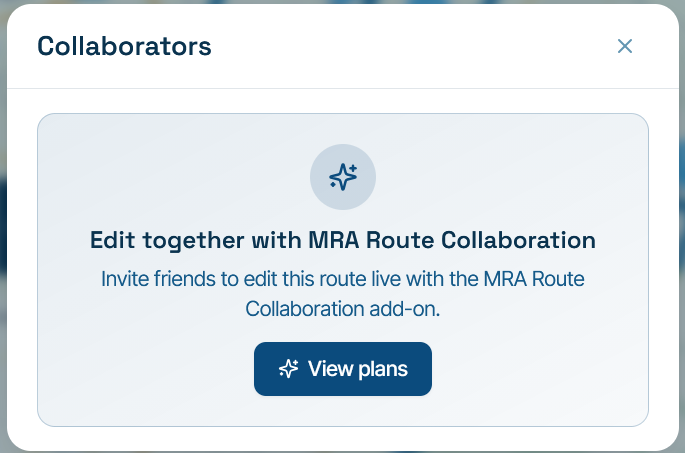
  • Cannot collaborate on a club route

    2
    1
    0 Votes
    2 Posts
    16 Views
    MotoCon
    I think this is by design. It's just the popup not really accurate. Routes in clubs are intended to be complete and ready. Else members will see incomplete routes. So you move a route into the club only when it is finished editing.
  • Foto's toevoegen aan bestaande Tracklog

    2
    0 Votes
    2 Posts
    23 Views
    MotoCon
    Zojuist geprobeerd, maar het werkt gewoon. Ook op d ejuiste plek en zo. Kan ik alsnog leuke filmpjes maken van oude motorvakanties!
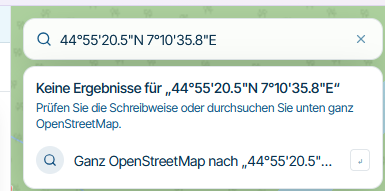
  • Searching by coordinates isn’t working!

    2
    2
    1 Votes
    2 Posts
    10 Views
    Hubert Thoring
    The Beta WebPlaner unfortunately has a problem with this now, the app V6.0.0 finds it Colle Lazzarà 10065 Pramollo TO, Italien 44°55'20.5"N 7°10'35.8E WebPlaner [image: IMG_2750.jpeg] In der App V6.00 [image: IMG_2751.jpeg] [image: IMG_2748.png]
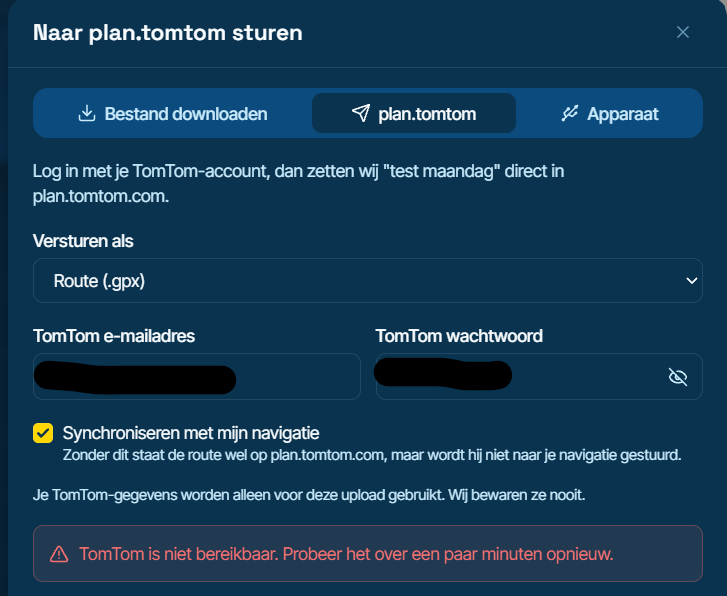
  • Kan route niet niet exporteren naar plan.tomtom

    3
    1
    0 Votes
    3 Posts
    27 Views
    a white mouse on the motorbike
    Hier ook hetzelfde probleem! Kennelijk is er een koppeling die niet (goed) werkt!
  • Privacy, Clubs and Friends

    2
    0 Votes
    2 Posts
    31 Views
    MotoCon
    @Andy-Nicholson, Within the club settings, an admin can choose what activity to reflect: Activity of members Activity of club only [image: image.jpeg] The first option is default
  • Importeren van HEIC afbeelding wordt niet ondersteund.

    4
    0 Votes
    4 Posts
    29 Views
    MotoCon
    Daarvoor zit je hier op de juiste plek
  • Migration of my data

    17
    1 Votes
    17 Posts
    131 Views
    Solo1138
    @Nick-Dawson
  • Vergelijk route met spoor

    4
    0 Votes
    4 Posts
    32 Views
    RoadGliderNL
    Ik heb precies hetzelfde probleem. Ik wil een route vergelijken met de track. Dit was in classic heel makkelijk. Je opende de route en in de zijbalk ging je naar tracks. Opende de track en die zag je in een andere kleur over of naast de route liggen. Heel makkelijk, nu duidleijk niet
  • waar vind ik mijn Favorieten in de nieuwe planner?

    3
    0 Votes
    3 Posts
    20 Views
    a white mouse on the motorbike
    Ja, Marcel Bedankt! Ze zijn dus te vinden onder de POI's
  • Cursor position misaligned on screen in Route Planner

    1
    1
    0 Votes
    1 Posts
    13 Views
    No one has replied
  • 0 Votes
    5 Posts
    35 Views
    Corjan Meijerink
    Nog even geduld
  • Camper instellingen

    2
    0 Votes
    2 Posts
    10 Views
    Marinus van Deudekom
    @Ro-3 ja bij je voertuig specificaties
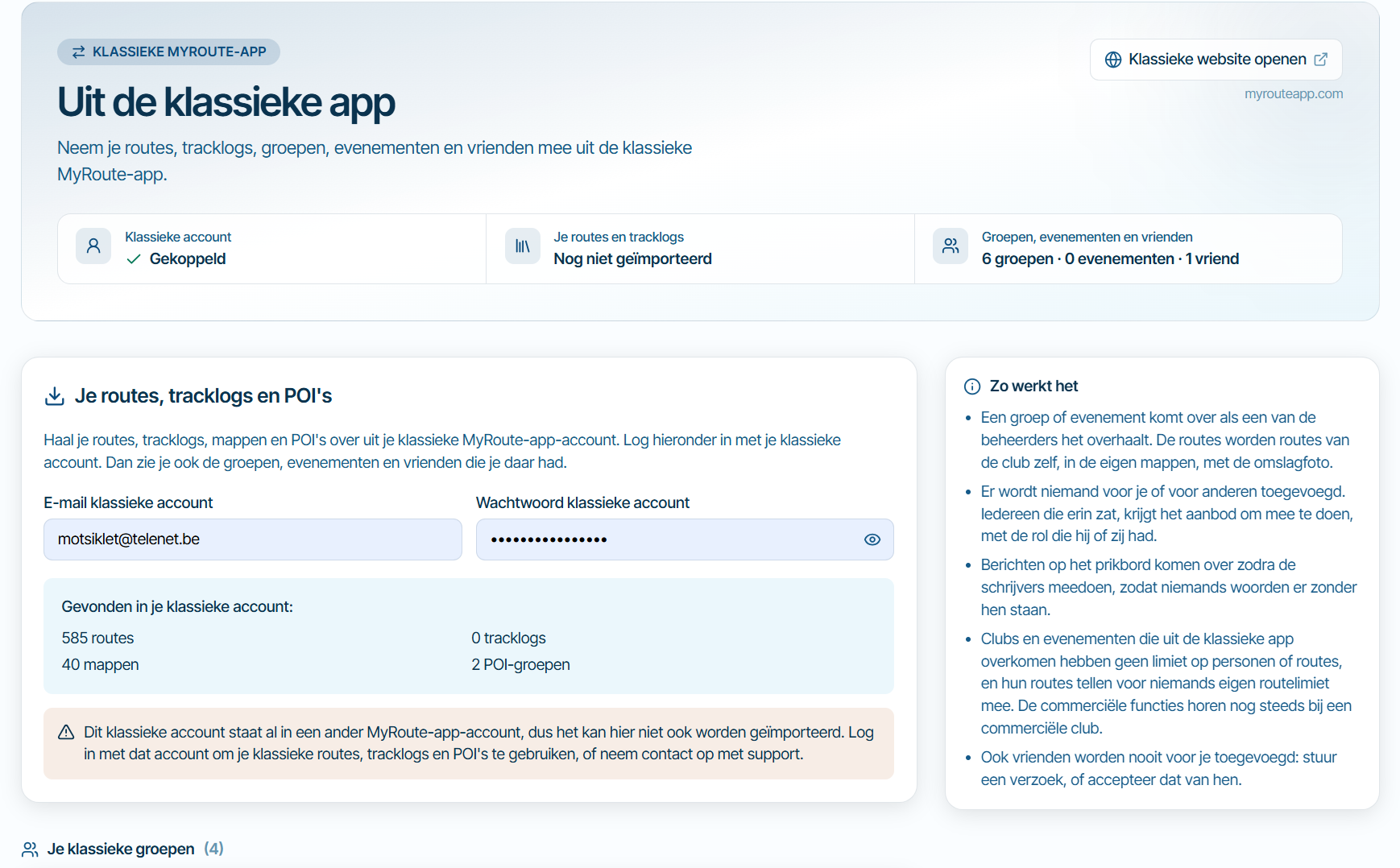
  • Synchronisatie tussen bèta en classic

    4
    0 Votes
    4 Posts
    28 Views
    Corjan Meijerink
    https://beta.myrouteapp.com/classic
  • Day Limit - Drive Time Flag

    1
    0 Votes
    1 Posts
    19 Views
    No one has replied
ACTIVE USERS POPULAR TOPICS MY GROUPS