Skip to content

[App] Android Auto & CarPlay

279 Topics 2.1k Posts
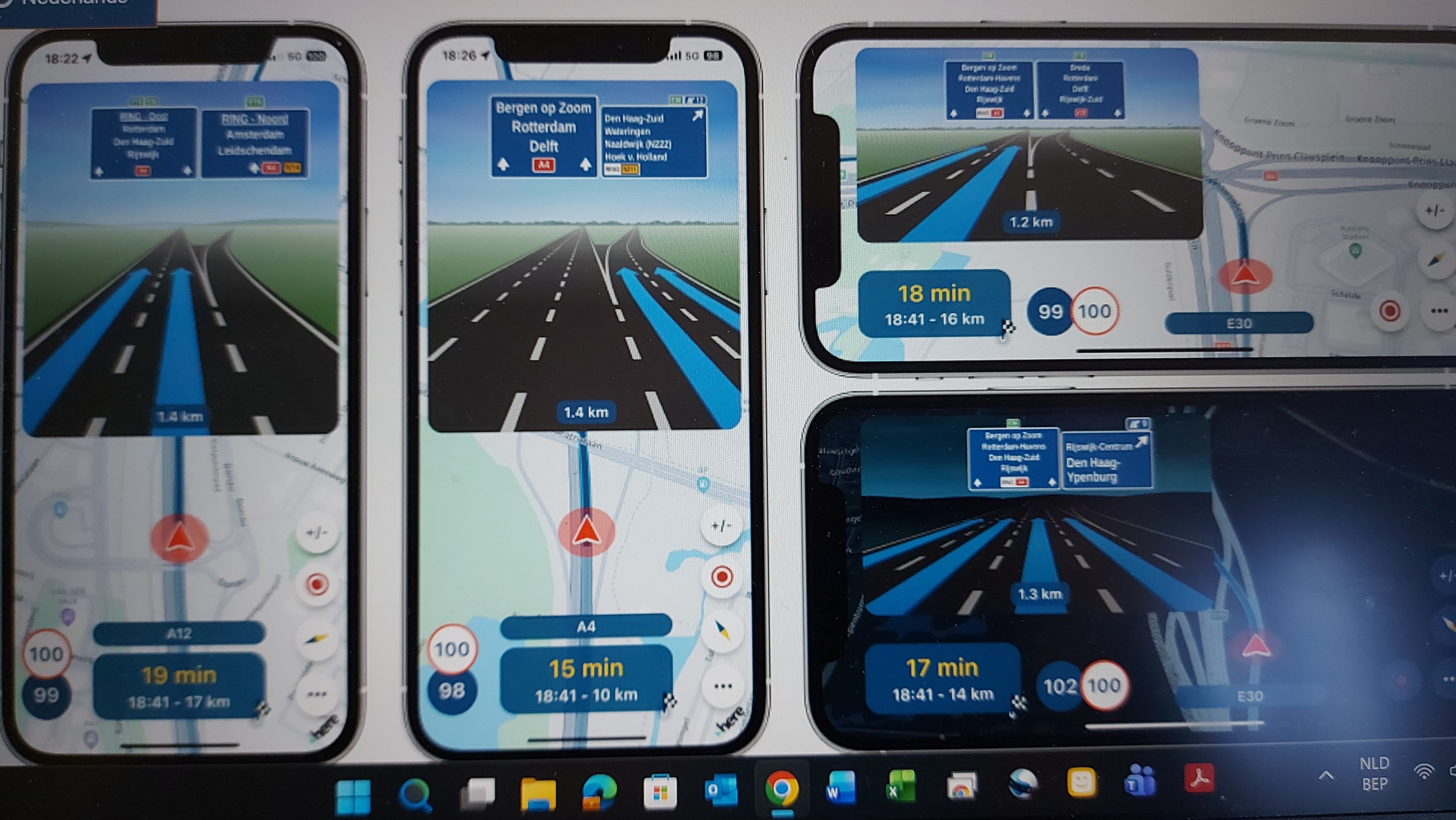
  • Lane view in Android Auto

    3
    1
    0 Votes
    3 Posts
    146 Views
    denWINNE
    @Corjan-Meijerink OK, thx Corjan voor de vlugge response en BIG thx voor AL het werk dat je doet.
  • Autozoom on Android Auto stange behaviour.

    3
    1 Votes
    3 Posts
    201 Views
    MotoCon
    I have been navigating with some friends this weekend, and have seen nothing of the sort. Could you make a screenrecording showing this problem?
  • Sharing live location with friends on Android Auto problem

    4
    0 Votes
    4 Posts
    325 Views
    Corjan Meijerink
    That was exactly what I needed. You did everything right: an invite-only group ride is enough, and the WhatsApp link isn't needed. You found a real bug. The phone did pass your friends to the Android Auto screen, but in a form the car screen couldn't receive, so they never appeared there, whatever you set on the phone. It's fixed for the next beta, and it'll show your group on Android Auto and CarPlay. On the time lag: positions update every few seconds, so when you're riding close together, someone can briefly look a little behind. Thanks for the idea about the lead rider keeping an eye on a group of 10, that's just what this is meant for.

  • Android Auto op TFT scherm BMW

    5
    0 Votes
    5 Posts
    466 Views
    John S Parry
    @a-white-mouse-on-the-motorbike said: I am now looking for more user experiences before I start working on this. Are there others who already have experience with this? Check out this thread on K1600forum.com: https://www.k1600forum.com/threads/new-tft-app-rabi-auto.214491/?post_id=2791799#post-2791799
  • Difference between a phone and Apple carplay

    1
    0 Votes
    1 Posts
    137 Views
    No one has replied
  • MRA CarPlay mit Remotek One

    55
    0 Votes
    55 Posts
    24k Views
    Hubert Thoring
    Sorry, now the video is also available, it was still on private. Should go now Link zum Video
  • Route punt en zoomen bij android auto

    5
    0 Votes
    5 Posts
    410 Views
    a white mouse on the motorbike
    a-white-mouse-on-the-motorbike said: En inzoomen kun je via het scherm met de + en de - door op het scherm te tikken en (en nu weet ik niet meer welke) op een van de drie knopjes aan de rechter (onder)zijde te klikken. Nu weet ik het weer; Het is het knopje met het vergrootglas
  • CarPlay: Feeding next direction to car’s system

    5
    0 Votes
    5 Posts
    2k Views
    Ad V
    I use MRA in my Audi Q5 from 2020. It only uses the main screen and not the dashboard screen, that the inbuilt navigation uses as well. Pity
  • Detailed personal feedback on version 6.0.0-532 using Android Auto

    8
    5 Votes
    8 Posts
    684 Views
    Òscar
    @Corjan-Meijerink [image: image.jpeg]
  • Feature request: support voor kaartview op kleinere schermen

    5
    1
    0 Votes
    5 Posts
    366 Views
    Ruud Bijkerk
    Ik moet zeggen dat ik het zeer veelbelovend vindt op dit moment. Het vervangt de BMW app en het navigatiescherm van de BMW. Je kan ze niet gelijktijdig gebruiken maar wel voor de rit bepalen welke je zou willen gebruiken. Dus vooraf start ik de app, sluit ik de BMW app af en dan wordt Android Auto verzonden in het scherm waar voorheen de navi zichtbaar was. Controle via de wonderwheel werkt snel en gemakkelijk (je hebt immers geen touchscreen tot je beschikking) De ontwikkelaar van de app wil ook ride data van de BMW gaan tonen in de app, dus een volwaardige vervanger gaan bieden. Er is nu ook al een info scherm beschikbaar (naast android auto) met allerlei bmw data waaronder de lean angle data.
  • ETA icon not displayed in Android Auto

    Locked
    24
    1
    0 Votes
    24 Posts
    2k Views
    Corjan Meijerink
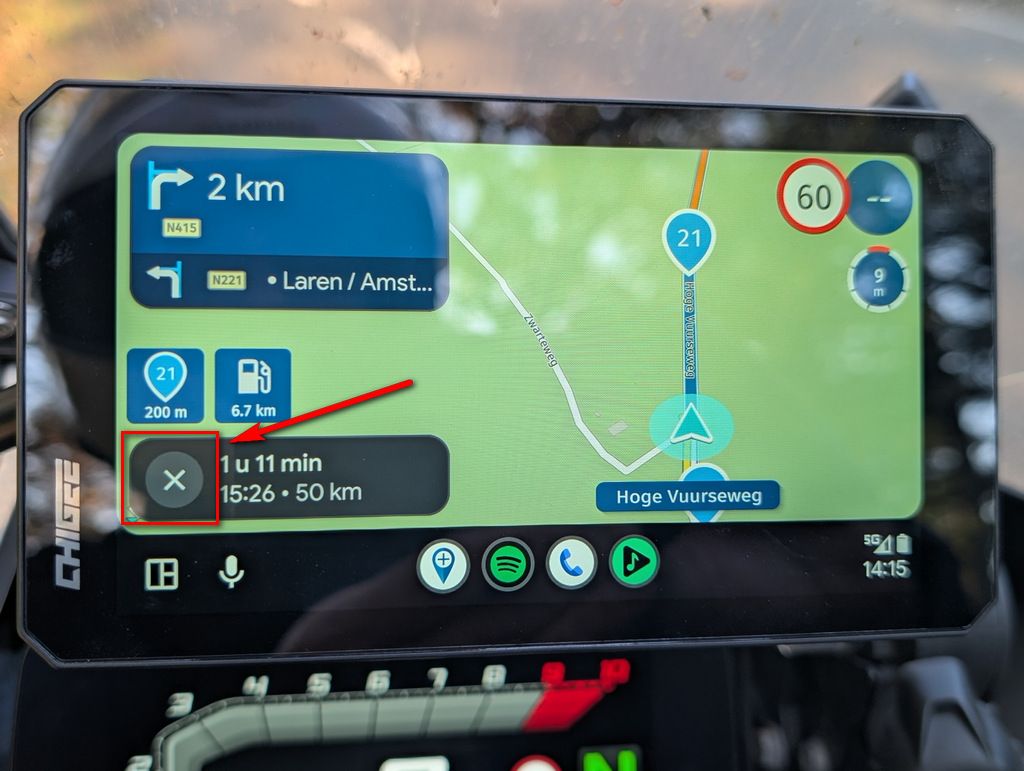
    Can confirm no changes will be made. Google Maps has access to more features as they are the developers of Android Auto. Other apps not not having the ETA close button means they haven't updated. More communities complain about the close button so perhaps Google will change it in the future.
  • Navigatie via android auto wil niet over de veerpont

    Moved
    11
    0 Votes
    11 Posts
    2k Views
    KurtvPoucke
    Hallo, ik had donderdag een kleine verwarring in de Myroute app. Als cruiseterminal Zeebrugge in typte geeft de Myroute app Viveweg Brugge als resultaat en als ik het zelfde in Waze gaf kwam ik uit op Zweedse kaai Zeebrugge uit. Heeft er iemand hier ervaring mee?
  • CarPlay view of roundabouts

    4
    0 Votes
    4 Posts
    351 Views
    Òscar
    @Corjan-Meijerink Thank you!
  • Android v6 app Autozoom Android Auto

    5
    0 Votes
    5 Posts
    538 Views
    Léon Hassing
    @Corjan-Meijerink said: Topdown is indeed not auto zooming by design @Corjan-Meijerink What is the reasoning behind this? Auto zooming is available for all other views and for people who don't want it they can disable it in the already available automatic zoom setting.
  • Eerste AA rit met split screen

    1
    1 Votes
    1 Posts
    167 Views
    No one has replied
  • Message when deleting tracklog missing in Android Auto

    2
    1
    0 Votes
    2 Posts
    206 Views
    Corjan Meijerink
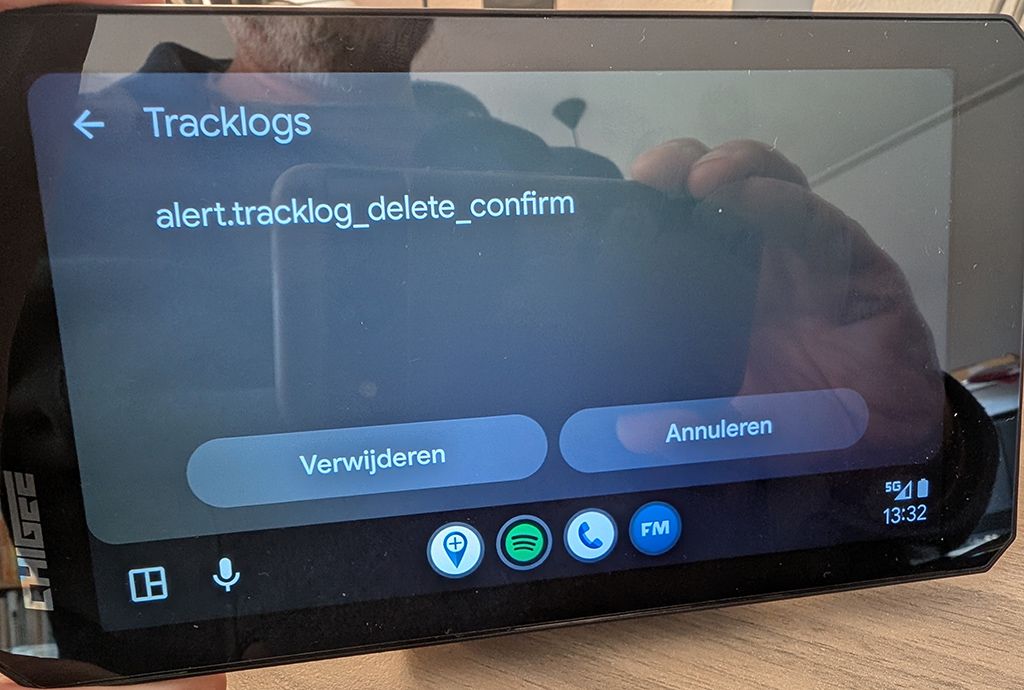
    Thanks! Fixed
  • Carplay Suggestion - Option for alternative method for map zooming

    2
    0 Votes
    2 Posts
    198 Views
    Leike Lodiers
    That's a setup from AA it self. MRA can't do anything about that.
  • Always show screen speed in AA

    4
    2
    0 Votes
    4 Posts
    626 Views
    Òscar
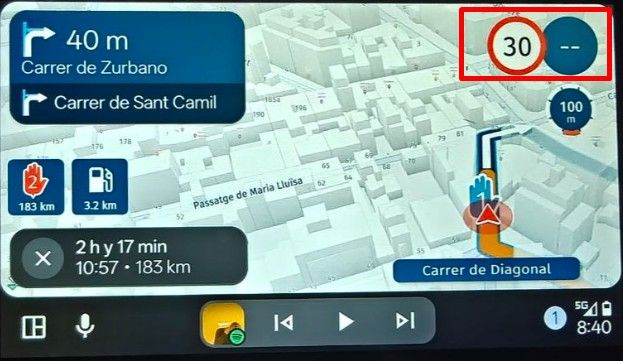
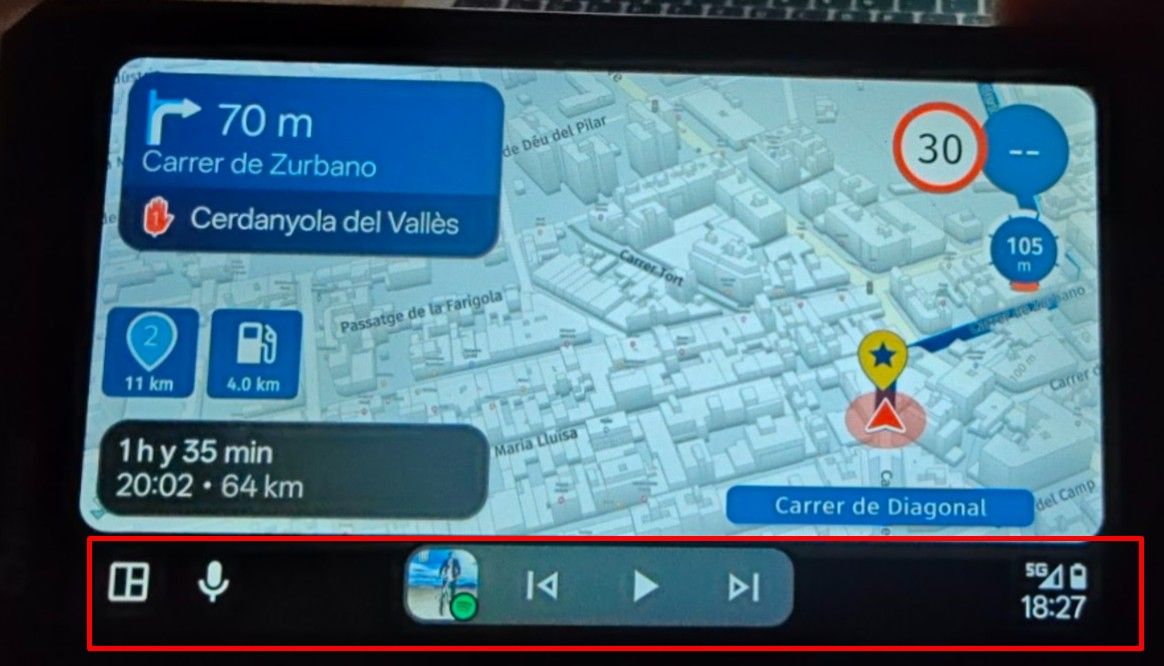
    I just checked, and the speeds keep disappearing. I believe that if they could be placed where I’ve indicated in the photo, the "problem" would be solved. [image: image.jpeg] [image: image.jpeg] Regards
  • Incorrect Android Auto display on 6-inch screens

    10
    3
    0 Votes
    10 Posts
    1k Views
    Òscar
    @Corjan-Meijerink I haven’t said anything about it yet because I haven’t ridden the motorcycle yet. I was planning to do so this week and give it a try. I’m really looking forward to seeing that improvement. Thanks, Corjan!!!
  • Waypoints are not displayed in CarPlay/Android Auto.

    6
    1
    0 Votes
    6 Posts
    704 Views
    Òscar
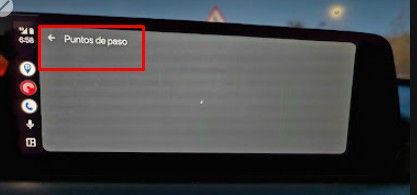
    @Corjan-Meijerink I’ve been able to check it using version 6, and the points now appear correctly on the routes where they previously didn’t show up. Great work!! As a suggested improvement: in the smartphone version, I can select any point—whether it’s a previous or a subsequent one. In the AA (Android Auto) version, however, I can only select subsequent points. Sometimes, it’s necessary to go back. AA: [image: image.jpeg] SMARTPHONE: [image: image.jpeg] Regards!
ACTIVE USERS POPULAR TOPICS MY GROUPS