Skip to content
  • Categories
  • Recent
  • Popular
  • Support
  • MyRoute-app
Collapse
Brand Logo

MRA Community Forum

  1. Home
  2. The MyRoute-app
  3. [App] Android Auto & CarPlay
  4. Autozoom on Android Auto stange behaviour.

Autozoom on Android Auto stange behaviour.

Scheduled Pinned Locked Moved [App] Android Auto & CarPlay
1 Posts 1 Posters 15 Views 1 Watching
  • Oldest to Newest
  • Newest to Oldest
  • Most Votes
Reply
  • Reply as topic
Log in to reply
This topic has been deleted. Only users with topic management privileges can see it.
  • M. Schrijver
    M. Schrijver
    M. Schrijver
    Valued contributor
    wrote last edited by
    #1

    The settings for the screen like tilt, etc works in Android Auto. Autozoom also now works. But not that nice.

    Onscreen there is almost no visible difference between 1000 meter from a junction or only 200 meters. This means that you have no clue where you are onscreen compared to the real world.
    I.e
    You get a notice you need to turn right over 1000 meters. Onscreen it looks also about that. After roughly 900 meters you´ll get a notice to turn right. I see the side street but on the map it still seems 500 meter further compared to the 1000 meter notice.

    I've been looking at the screen at lot. Just figure out how autozoom works and behave. What i saw. Is that for the last 500 meter or so the distance between position indicator and the junction doesn't change. Also the size of the position indicator and the width of road doesn't change . So that means there is no visible indication there you are getting closer to the junction.

    (I use MRA Next only on Android Auto. Every comment, suggestion, etc will be based on my usage with Android Auto)

    1 Reply Last reply
    0

    Hello! It looks like you're interested in this conversation, but you don't have an account yet.

    Getting fed up of having to scroll through the same posts each visit? When you register for an account, you'll always come back to exactly where you were before, and choose to be notified of new replies (either via email, or push notification). You'll also be able to save bookmarks and upvote posts to show your appreciation to other community members.

    With your input, this post could be even better 💗

    Register Login
    Reply
    • Reply as topic
    Log in to reply
    • Oldest to Newest
    • Newest to Oldest
    • Most Votes


    ACTIVE USERS
    M. Schrijver
    M. Schrijver
    POPULAR TOPICS
    • Walking achievements are locked how to get unlocked?
      Cleo
      Cleo
      0
      6
      28

    • Migrate routes to final release
      Nick Elsom 0
      Nick Elsom 0
      0
      4
      32

    • Next: Ich brauche Hilfe zu POI und Favoriten!
      Hubert Thoring
      Hubert Thoring
      0
      3
      19

    • MRA AI Routeplanner - Improvement
      Corjan Meijerink
      Corjan Meijerink
      0
      3
      40

    • Android Auto op TFT scherm BMW
      John S Parry
      John S Parry
      0
      5
      327

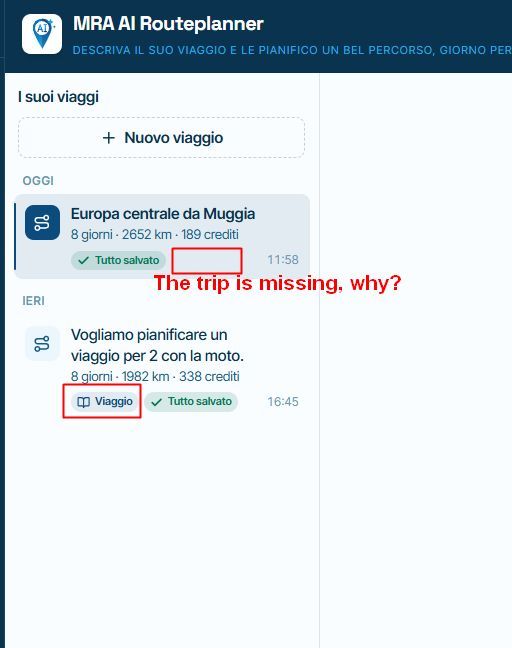
    • AI planner: The trip is missing
      Corrado Miniati
      Corrado Miniati
      0
      3
      19

    • 0 van 15 klaar
      Mark Vroomen
      Mark Vroomen
      0
      3
      28

    • Ability to hide all waypoints at once after planning?
      Corjan Meijerink
      Corjan Meijerink
      0
      2
      26

    MY GROUPS
    • Login

    • Login or register to search.
    • First post
      Last post
    0
    • Categories
    • Recent
    • Popular
    • Support
    • MyRoute-app