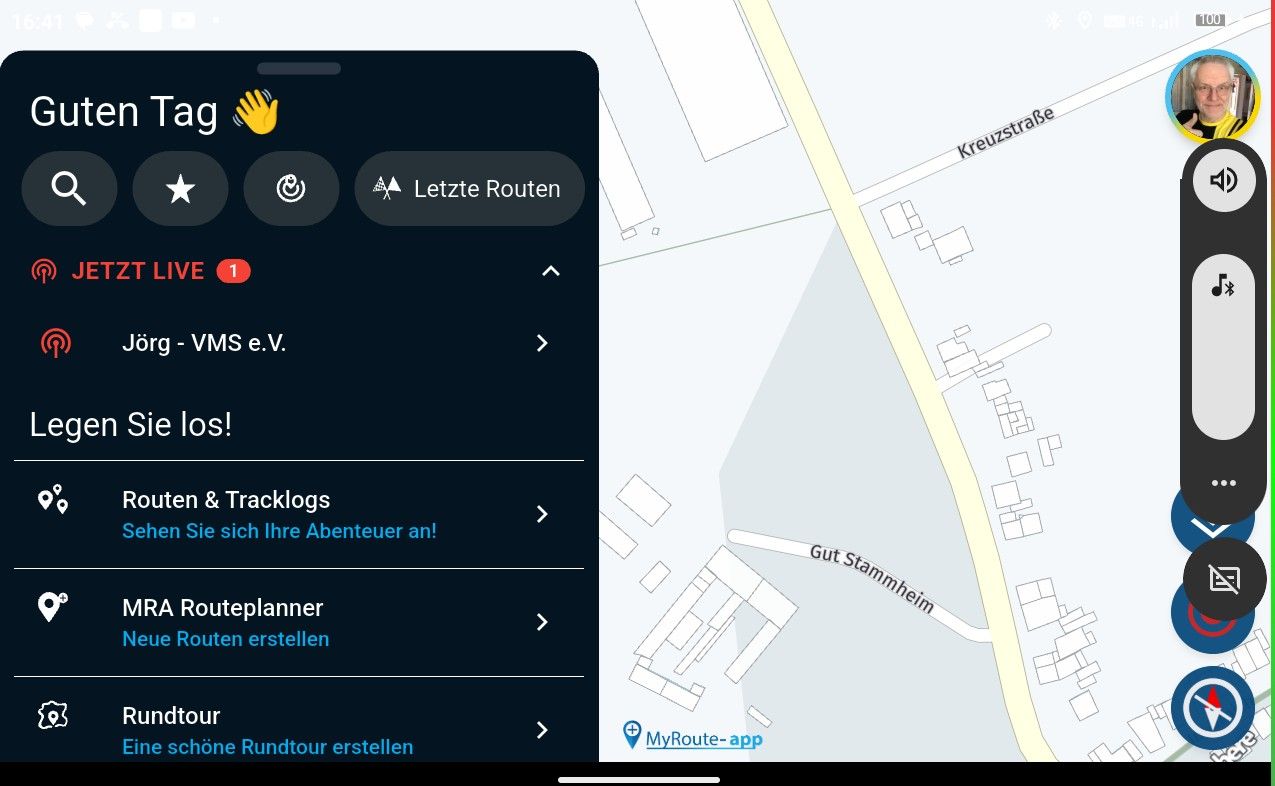
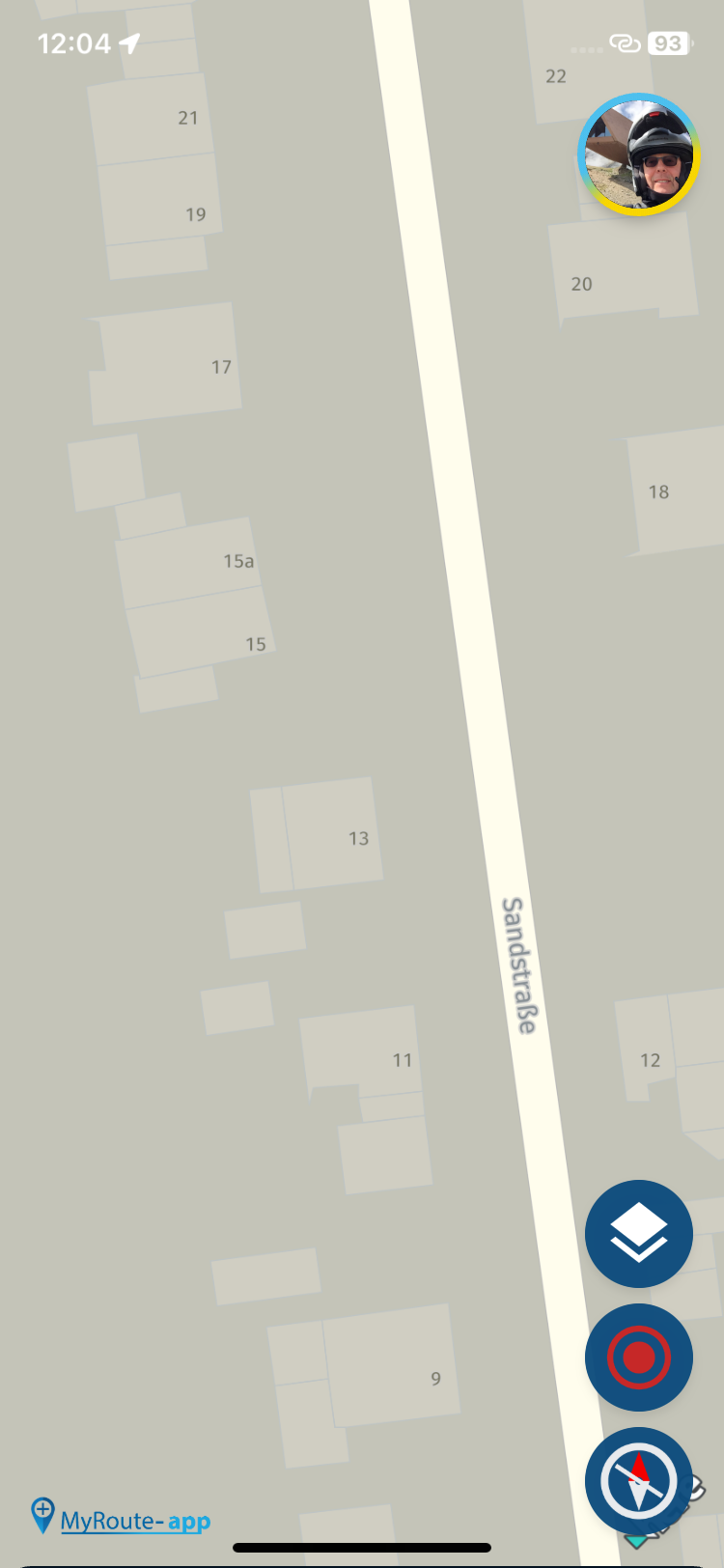
Yes, it is looked locked at first glance. But when you really start a route, it switches to (i assume) the last used zoom view. So the lock disappears at that moment. At least that is what I saw the last few times i used the app.
@Hubert-Thoring, no it is not synced indeed. It's best to remove the profile setting on all categories of POI in the web planner. You can still use the local checkmark for visibility in the planner. Then you can select and deselect all POI categories for visibility from the app itself.
To add to myself
Very clever would be a feature that loads POI only within let's say 50 or 100km centered from your position, and it get's refreshed every minute or 5. I cannot imagine that to be more than a few 100, under normal circumstances, and they refresh pretty quick I guess.
I do not share that experience. For me also curvy routes work fine, in online as well as offline mode. Could it be that you are missing map segments? Or try to start from a location too far from a public road?
Hi Corjan, after taking a second look at the logic behind the display, I don't think there's a mistake.
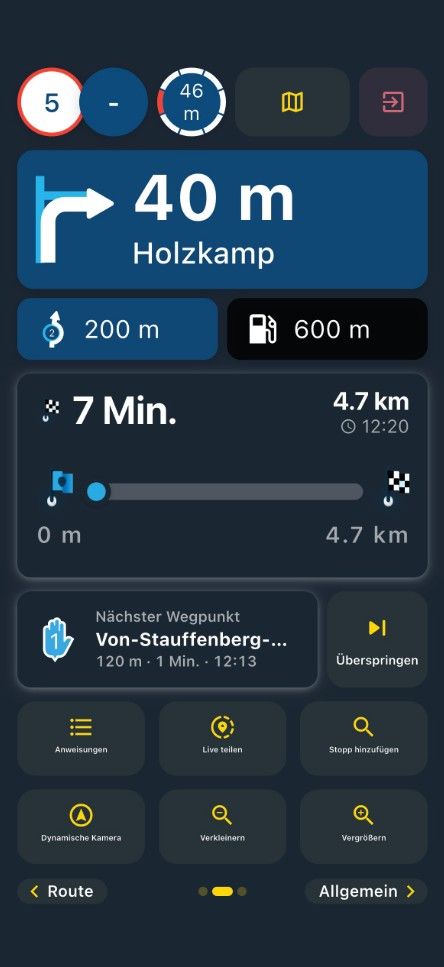
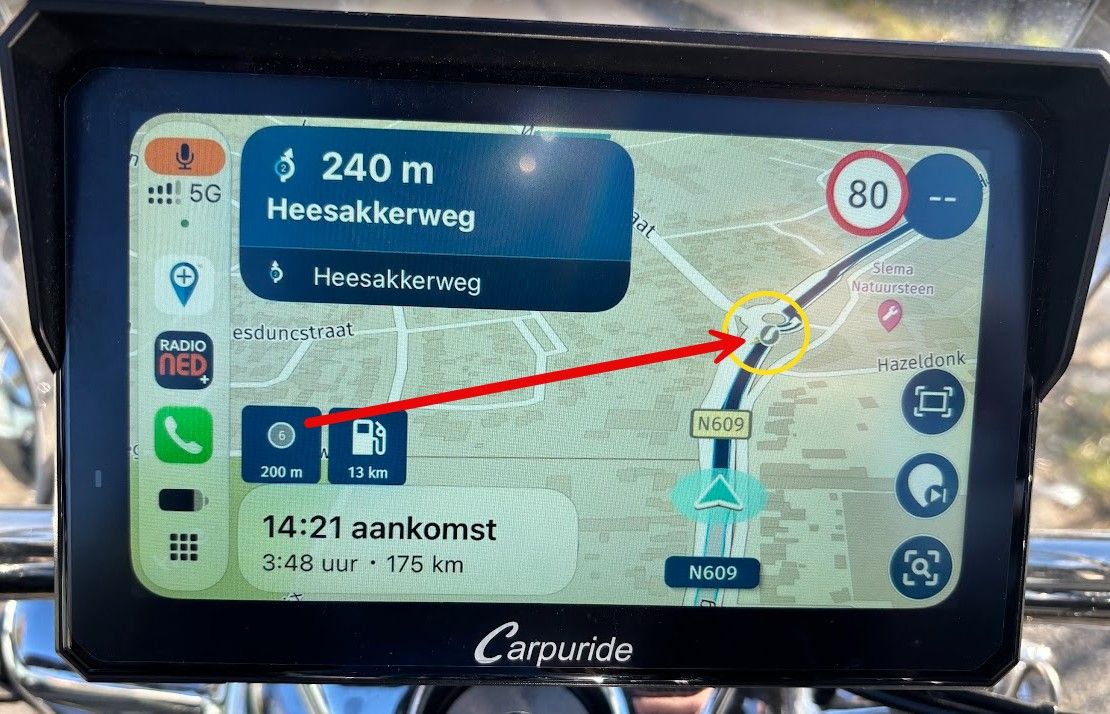
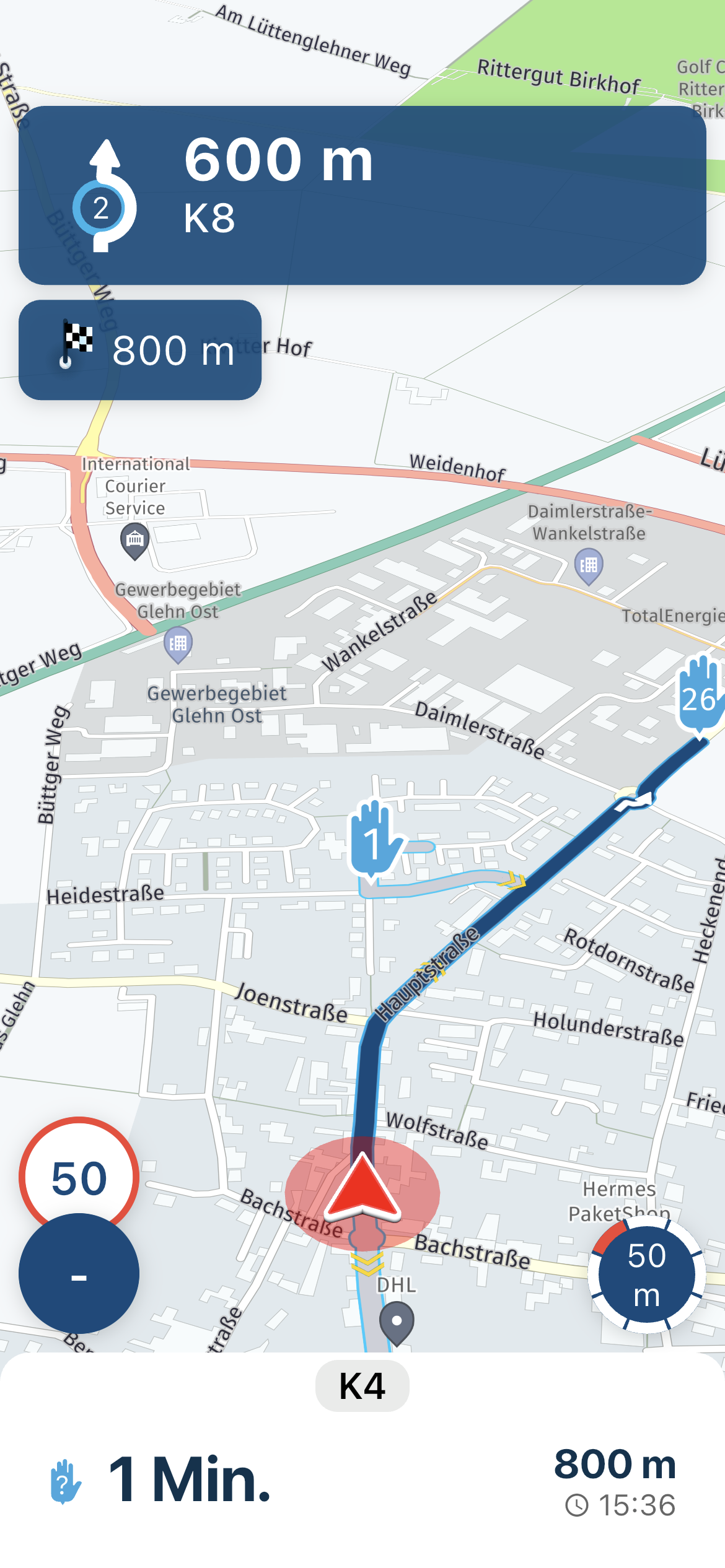
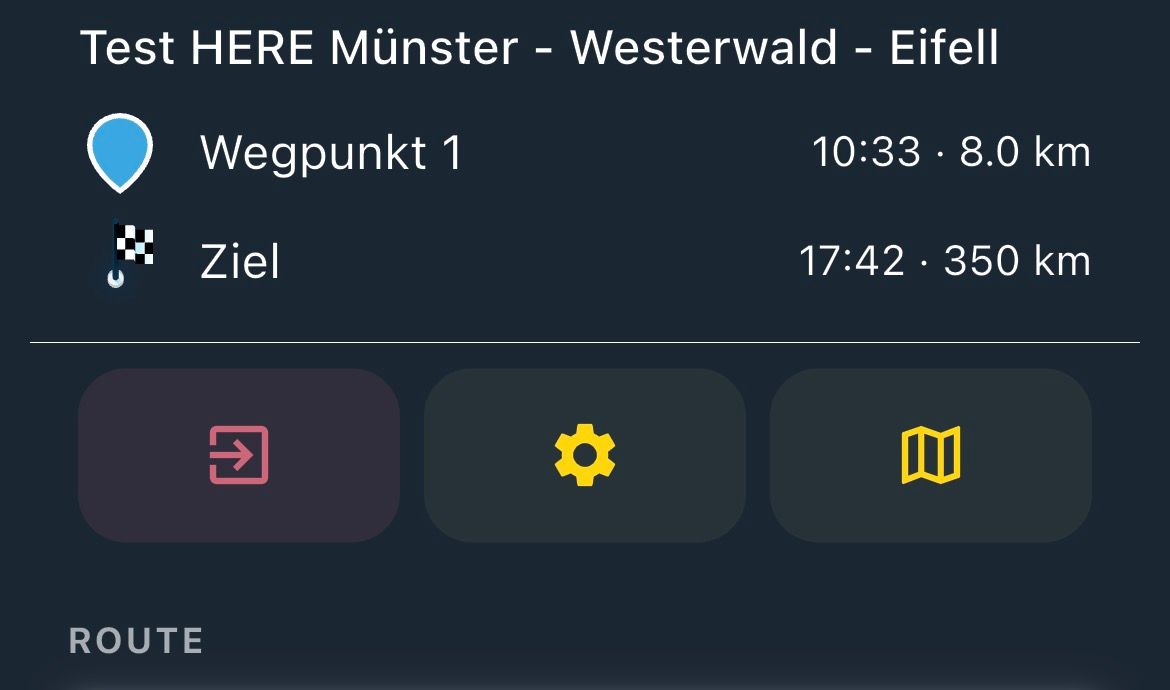
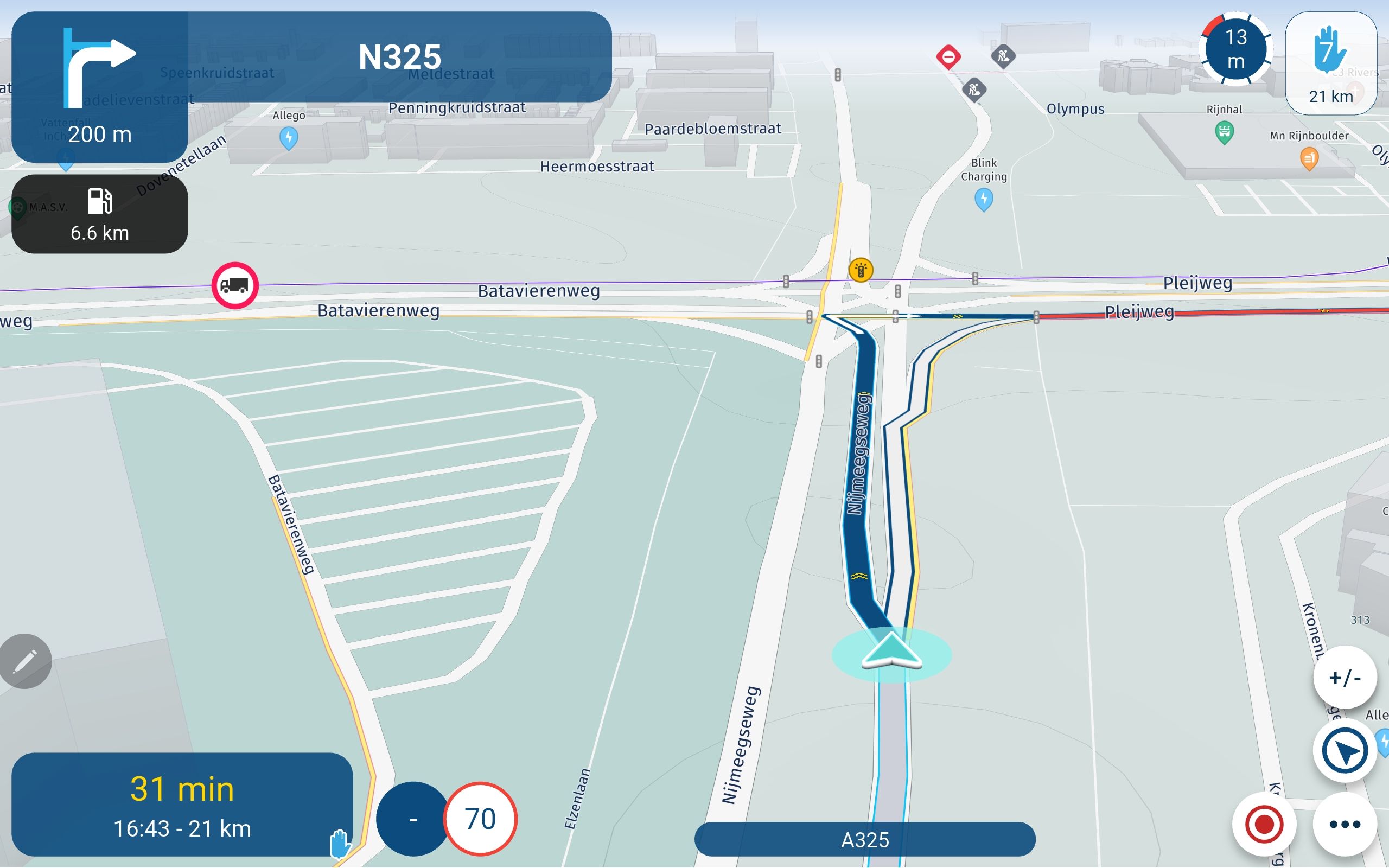
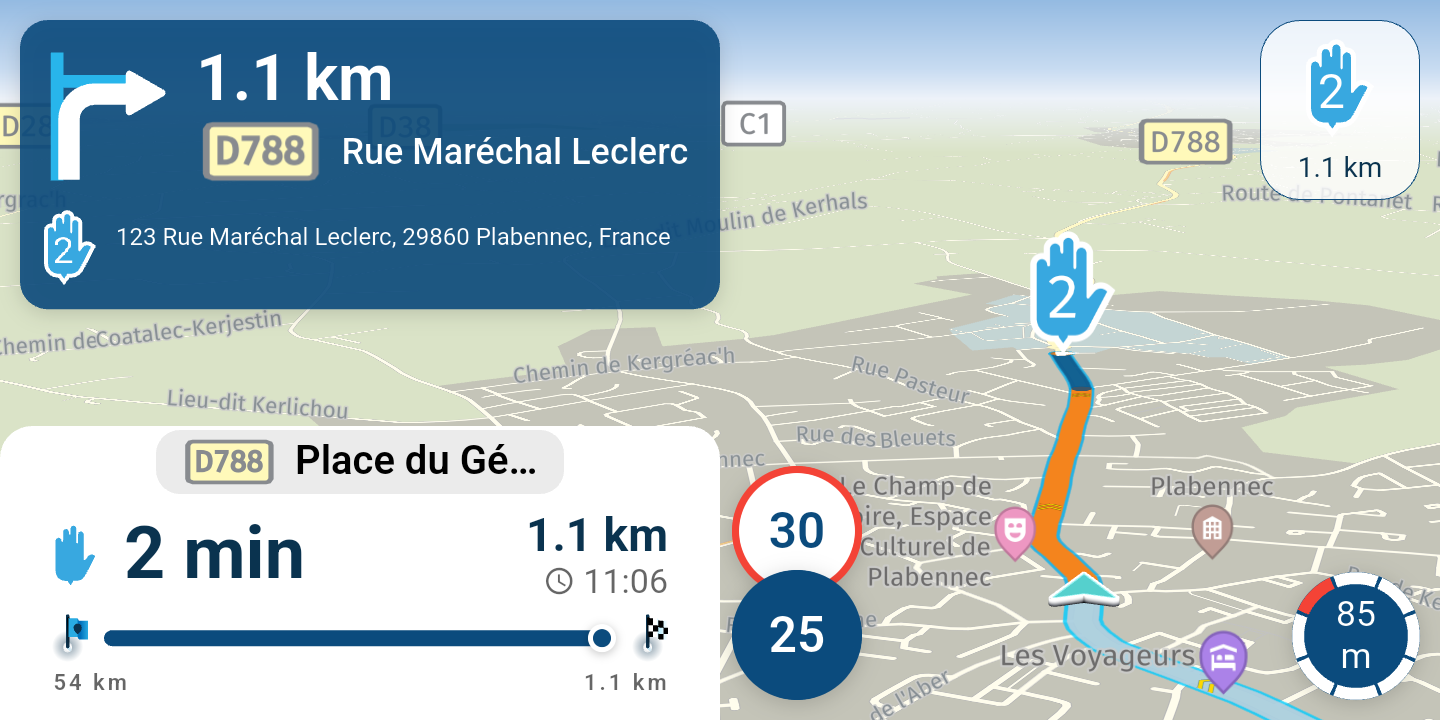
Display (normal): remaining time and distance to the destination (no color, just a black-and-white checkered flag)
Display: Remaining time and distance to the next shaping point (the correct color is shown as an inverted drop)
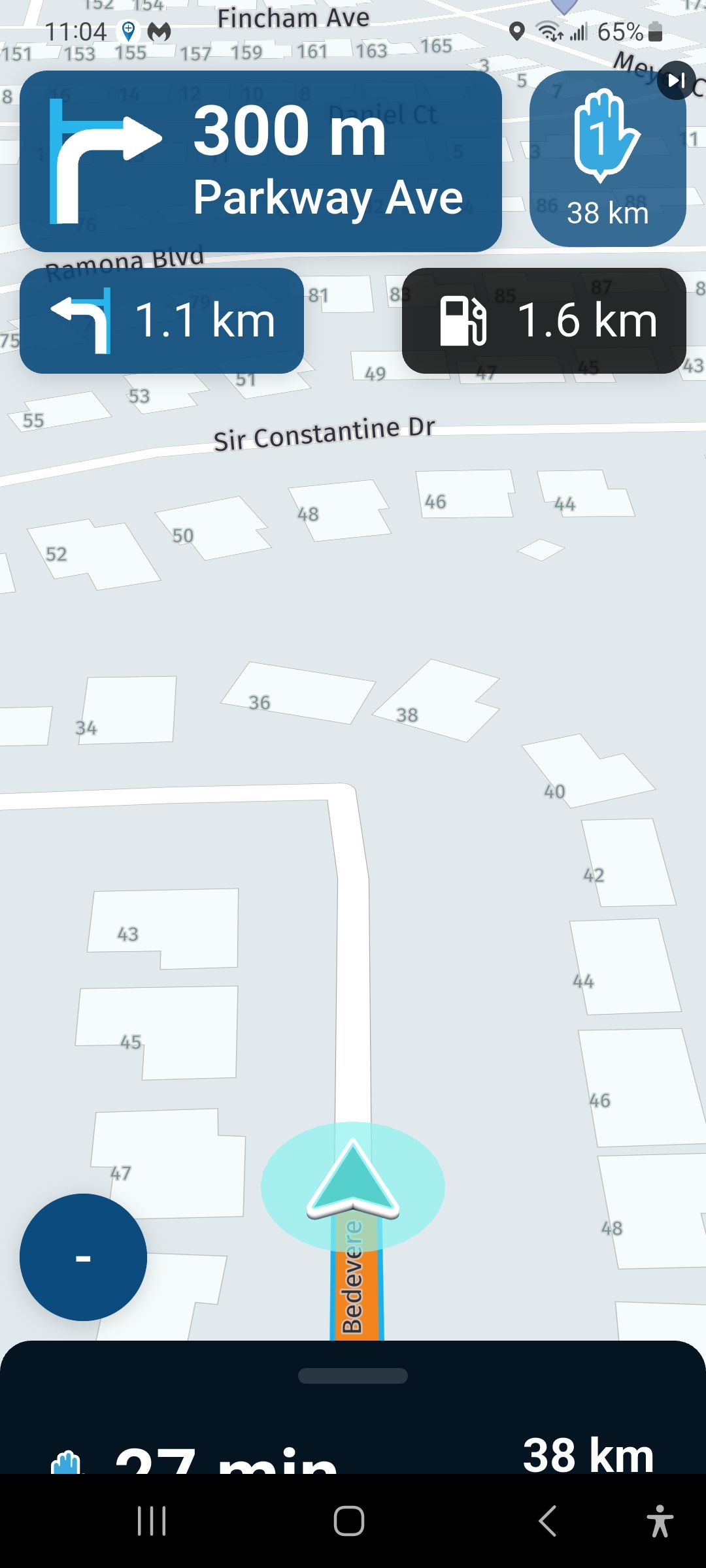
Display: Remaining time and distance to the next via point. (the correct color is shown as a hand)
If shaping and via points are mixed on the route it will show only the next coming one (with the right color) depending on the setting 2. or 3.
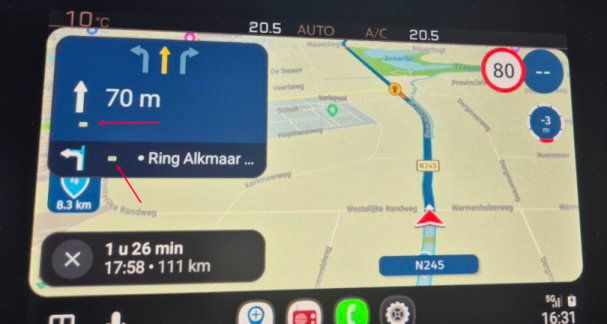
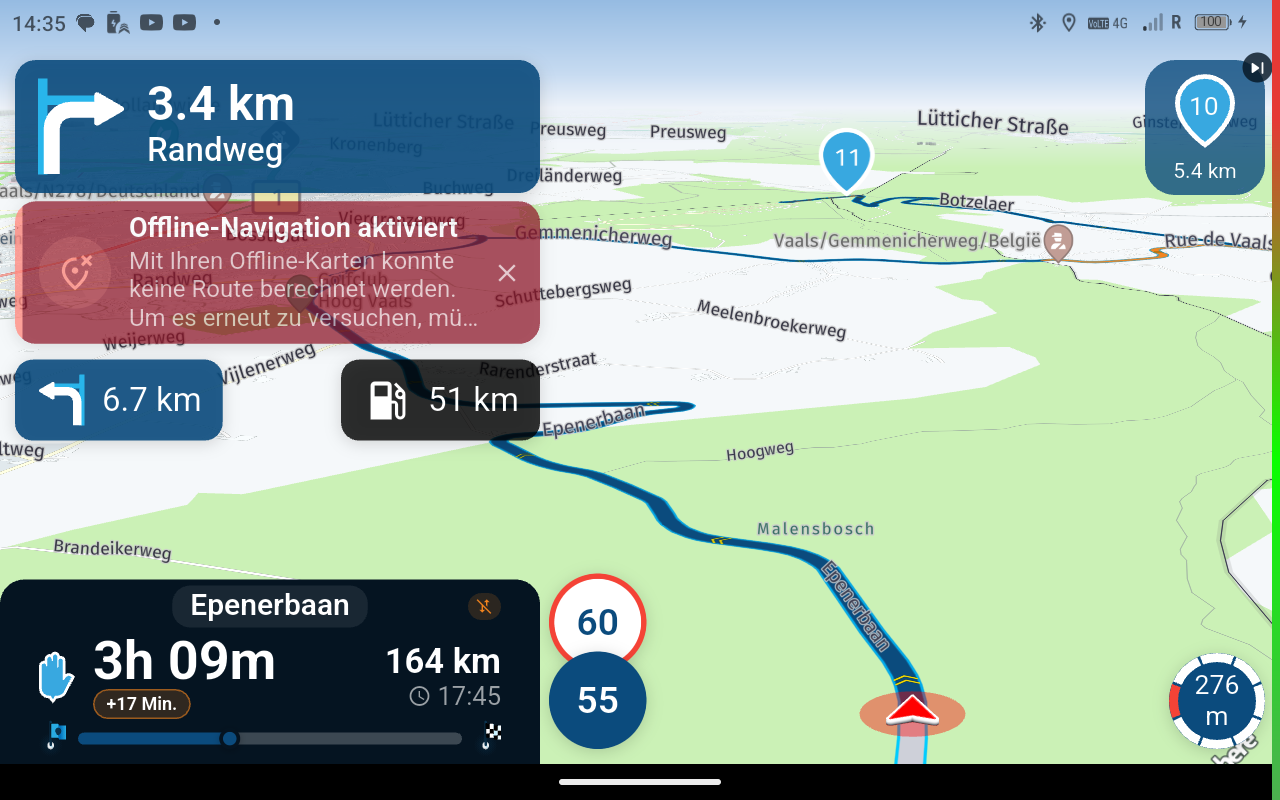
Aanvulling: Vandaag online gereden en in diverse tunnels GSM verbinding kwijtgeraakt waardoor herberekenen startte. Eenmaal weer buiten de tunnel werd de route acuut weer opgepakt op CarPlay. Online wordt het blijkbaar dus wel opgepakt na een onderbreking van GSM dekking. Offline wil je juist onafhankelijk zijn van GSM. Waarom start dan herberekenen als je het GSM signaal kwijt raakt? Klinkt niet logisch toch?
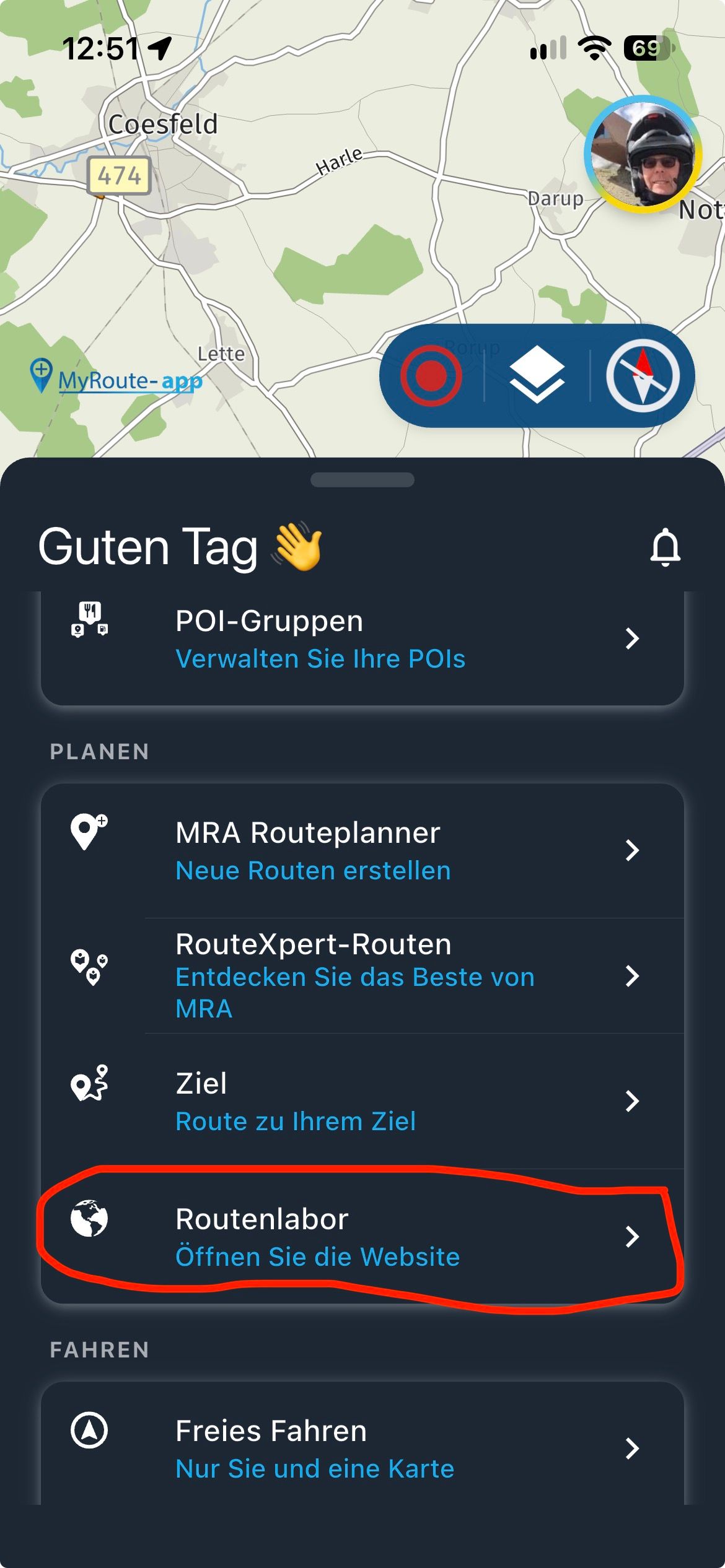
Ja, bij gebrek aan internet, of bereikbaarheid van het platform. Alles wat eerder al gesynct was, blijft uiteraard beschikbaar, en als je nogmaals in het route menu gaat, synct hij meestal keurig weer opnieuw.
@Hubert-Thoring said:
... If you have a favorite in the Web Planner and edit its name there, the change isn't immediately synchronized with the app...
hmmm - in my case, it has been synched immediately from updating a favorites name in MRA to MyRoute-App