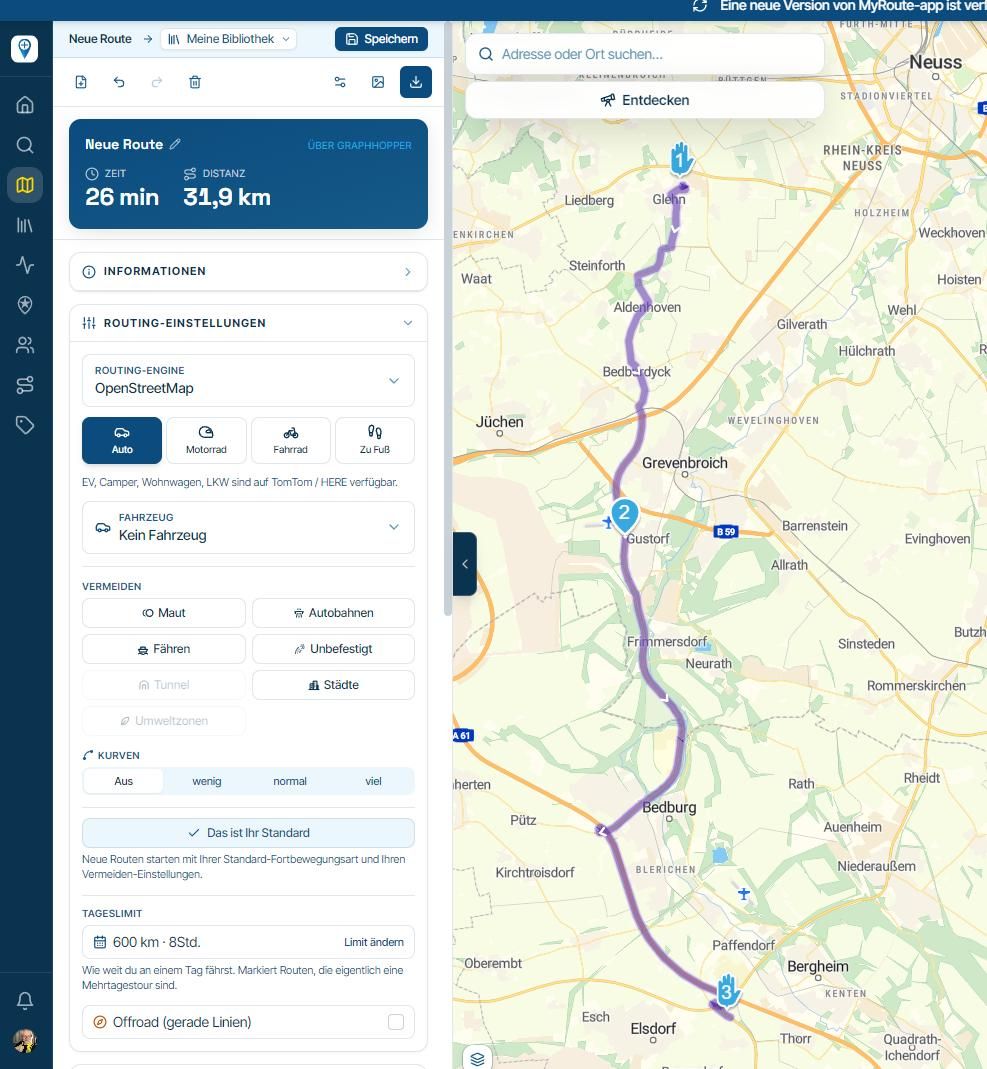
Standard / Satelite view in-app route planner
-

I do most route planning while traveling, in the in-app route planner (not the in-app web based planner).
What I miss there is a quick way to switch the map from standard to satellite view and back. I takes about 3 clicks in Kurviger and Google but 7 in MRA (Menu, Map style, etc ). I hope a quicker way can be provided in the future. Ideally a 1 click operation. -
I do most route planning while traveling, in the in-app route planner (not the in-app web based planner).
What I miss there is a quick way to switch the map from standard to satellite view and back. I takes about 3 clicks in Kurviger and Google but 7 in MRA (Menu, Map style, etc ). I hope a quicker way can be provided in the future. Ideally a 1 click operation.
@Herman-Veldhuizen said in Standard / Satelite view in-app route planner:
but 7 in MRA
On iOS in 5 steps: Once the route is on your screen, click Menu > Map style > Satellite > Back button (top left) > Close menu.
🏍️ BMW K1600GT-P (2013) | Nolan N100-5 with Sena 30K
📱 iOS on iPhone 13 & 16 (mounted on Quadlock or AliExpress extention on BMW-cradle)
🚙 Apple CarPlay in VW T-Roc
💻 Routelab on MacBook Air & iMac (Golden Gate & Ventura) -
@Herman-Veldhuizen said in Standard / Satelite view in-app route planner:
but 7 in MRA
On iOS in 5 steps: Once the route is on your screen, click Menu > Map style > Satellite > Back button (top left) > Close menu.
@Rob-Verhoeff nice for you but its 5 plus 2 times scrolling down on my screen. these 2 are the most annoying ones. It would have been better already if the options for map style and map layer were a bit further on the top.
Hello! It looks like you're interested in this conversation, but you don't have an account yet.
Getting fed up of having to scroll through the same posts each visit? When you register for an account, you'll always come back to exactly where you were before, and choose to be notified of new replies (either via email, or push notification). You'll also be able to save bookmarks and upvote posts to show your appreciation to other community members.
With your input, this post could be even better 💗
Register Login-
 0815
0815
-
 0720
0720
-
 1514
1514
-
0615
-
 0524
0524
-
 0464
0464
-
0420
-
 24114
24114