Problem with Apple CarPlay display
-
I have iPhone 11P, iOS version 17.6.1. Recently I have rented the car, and used the Apple CarPlay for the first time.
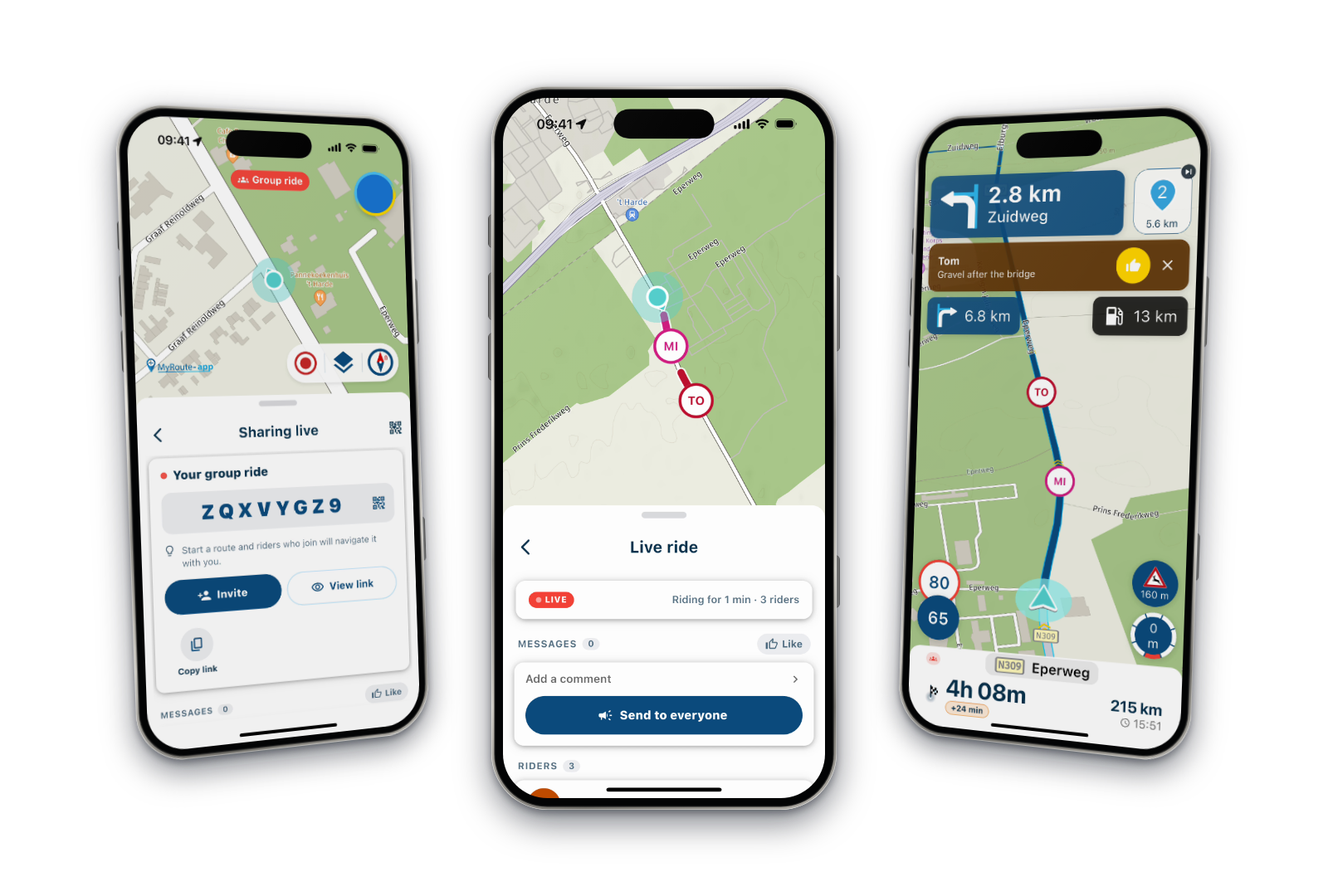
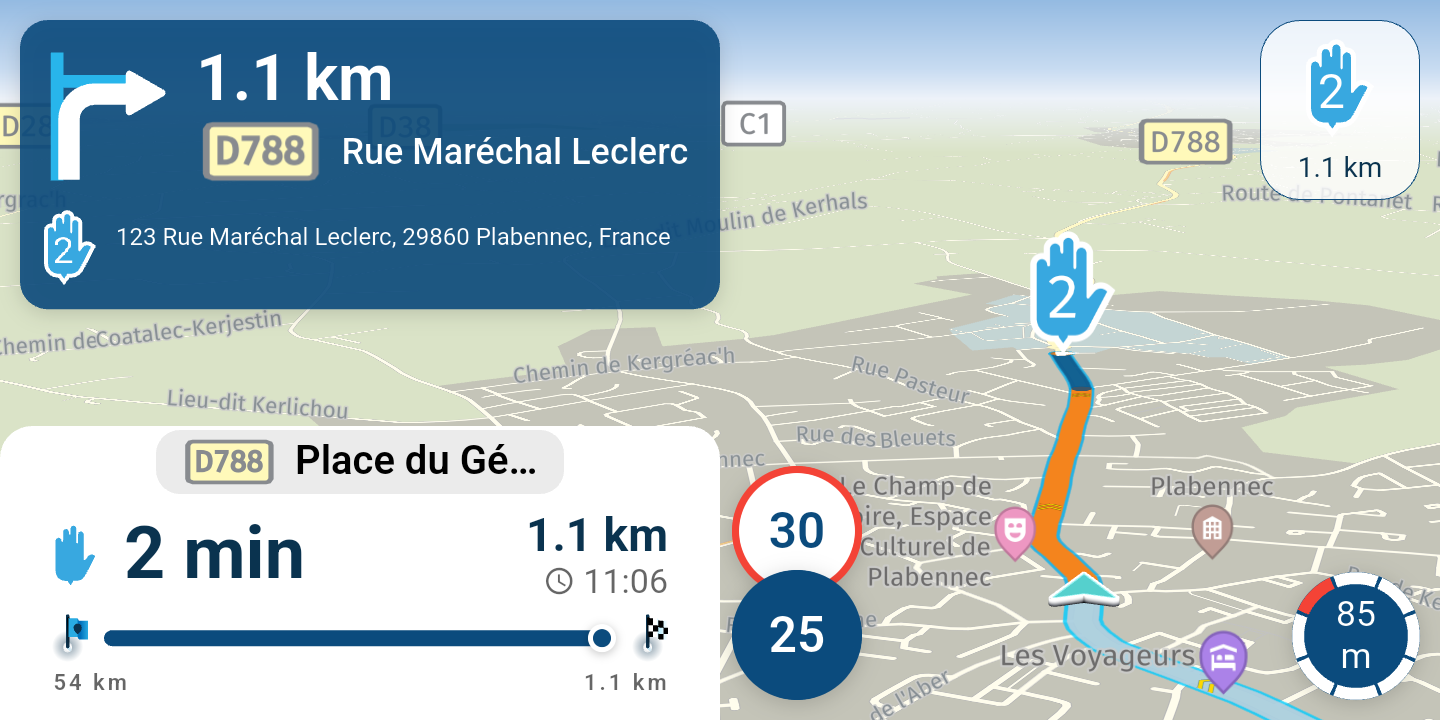
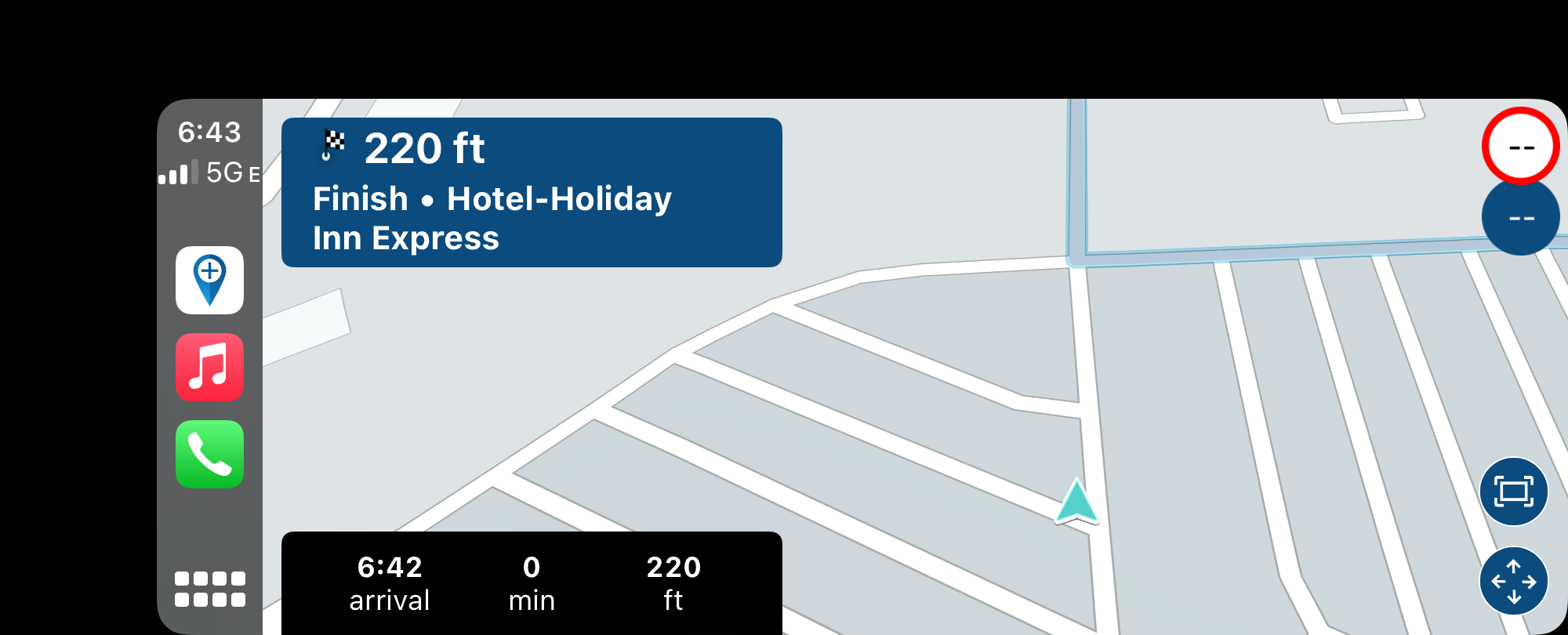
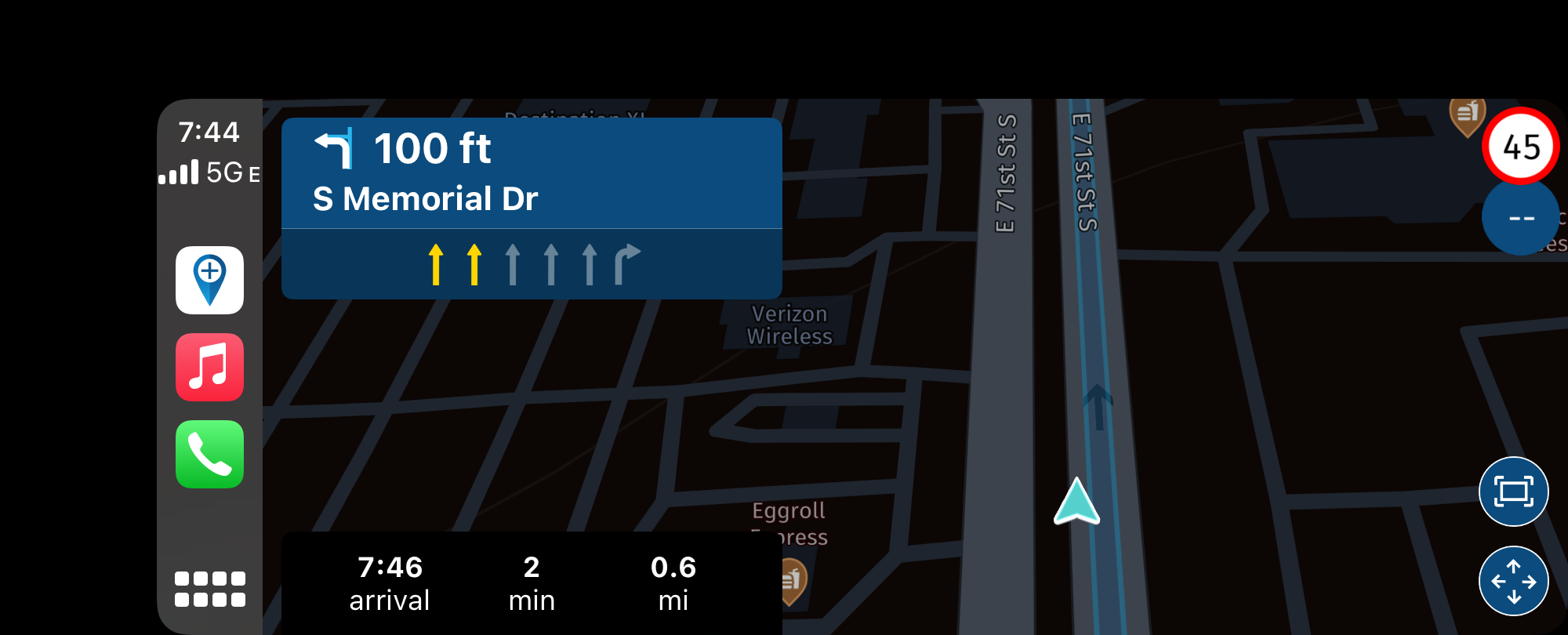
I have started the route that I have prepared previously in MyRoute app Routeplanner. A while after starting a route, the car display was getting out of sync. The position marker was way behind the current location. The phone display was all fine. That happened to me on multiple occasions.
Car display:
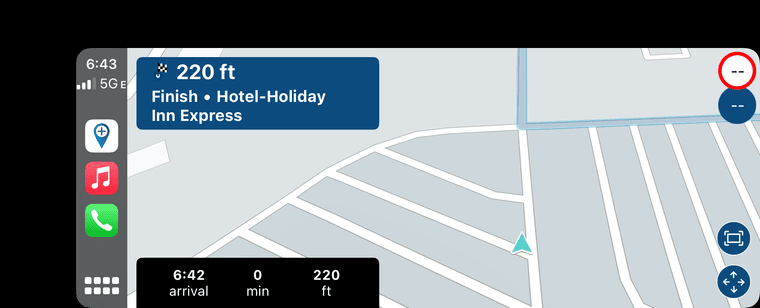
Phone display:
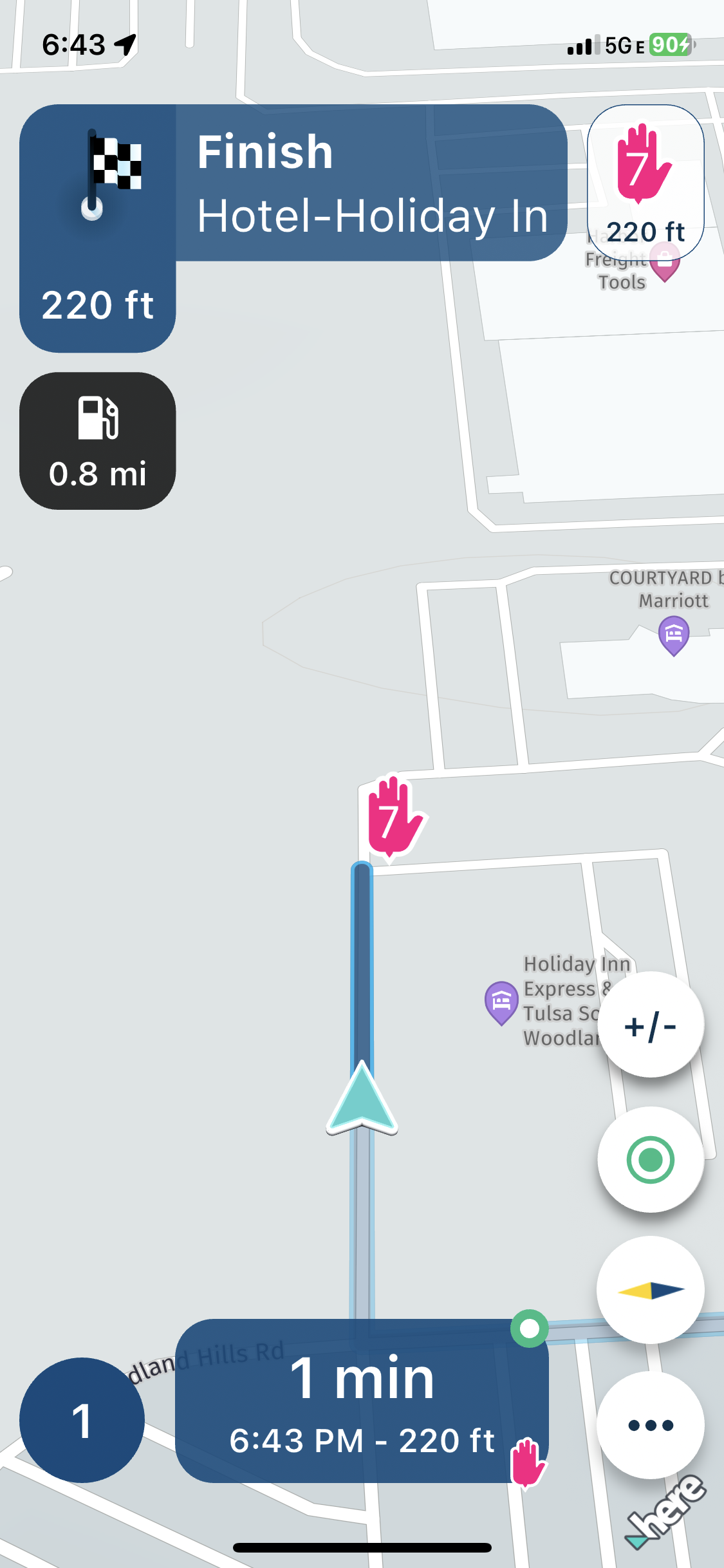
Car display:
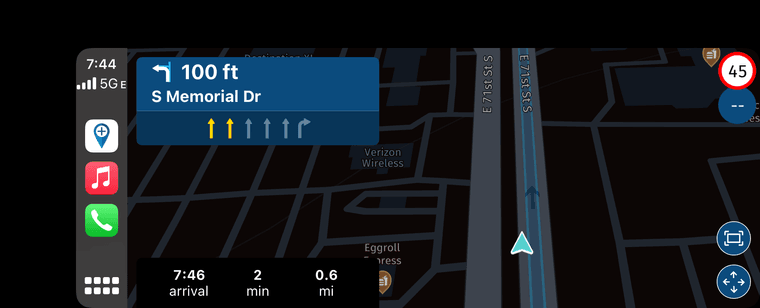
Phone display:
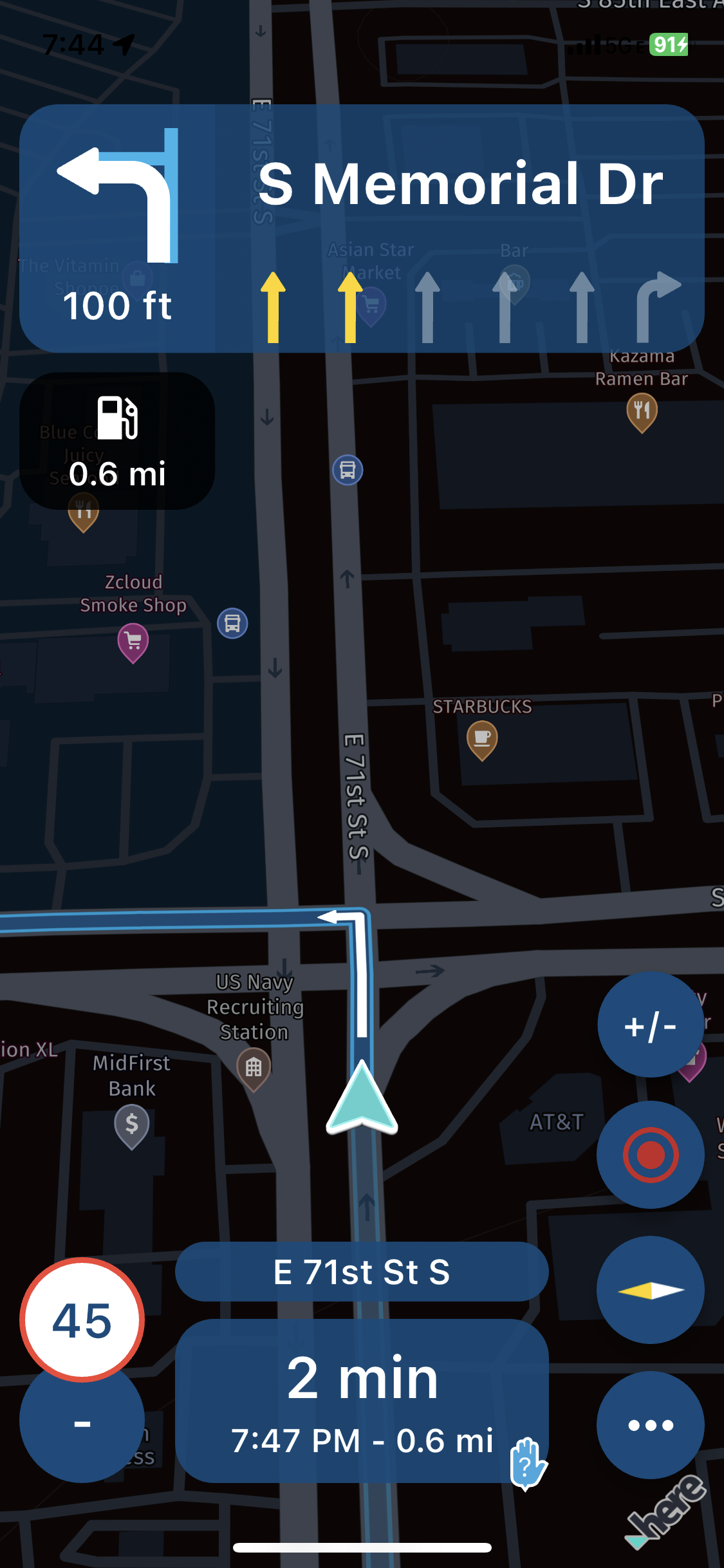
Also, if you look at the video (sorry, it is little bit shaky,) there is something wrong with the display of the distance to the next turn. It slides to the left and the readings jump randomly. in ex.: it displays 0.8 mi, then 0.7 mi, then - just for a second, the display rectangle slides to the left, and new display shows 1.9 mi, and immediately jumps back to 0.7 miles. That also happened to me on multiple occasions.
Oops, I do not have enough privileges to upload a video. -
I have iPhone 11P, iOS version 17.6.1. Recently I have rented the car, and used the Apple CarPlay for the first time.
I have started the route that I have prepared previously in MyRoute app Routeplanner. A while after starting a route, the car display was getting out of sync. The position marker was way behind the current location. The phone display was all fine. That happened to me on multiple occasions.
Car display:
Phone display:
Car display:
Phone display:
Also, if you look at the video (sorry, it is little bit shaky,) there is something wrong with the display of the distance to the next turn. It slides to the left and the readings jump randomly. in ex.: it displays 0.8 mi, then 0.7 mi, then - just for a second, the display rectangle slides to the left, and new display shows 1.9 mi, and immediately jumps back to 0.7 miles. That also happened to me on multiple occasions.
Oops, I do not have enough privileges to upload a video.
@UltraStar have you seen the announcement about the 3D elevation?
I’d recommend turning that the elevation difference off for now (map style settings)

-
@UltraStar have you seen the announcement about the 3D elevation?
I’d recommend turning that the elevation difference off for now (map style settings)
@Corjan-Meijerink Thanks. I have seen that, and done that. I'll test it next time.
Hello! It looks like you're interested in this conversation, but you don't have an account yet.
Getting fed up of having to scroll through the same posts each visit? When you register for an account, you'll always come back to exactly where you were before, and choose to be notified of new replies (either via email, or push notification). You'll also be able to save bookmarks and upvote posts to show your appreciation to other community members.
With your input, this post could be even better 💗
Register Login-
 1418368
-
 112187
-
01488
-
 0516
0516
-
 1522
1522
-
0417
-
 0315
0315
-
 0363
0363