Skip to content
  • Categories
  • Recent
  • Popular
  • Support
  • MyRoute-app
Collapse
Brand Logo

MRA Community Forum

  1. Home
  2. General Discussion
  3. Navigation ignoring route settings

Navigation ignoring route settings

Scheduled Pinned Locked Moved General Discussion
3 Posts 3 Posters 574 Views
  • Oldest to Newest
  • Newest to Oldest
  • Most Votes
Reply
  • Reply as topic
Log in to reply
This topic has been deleted. Only users with topic management privileges can see it.
  • Richard 41
    Richard 41
    Richard 41
    wrote on last edited by
    #1

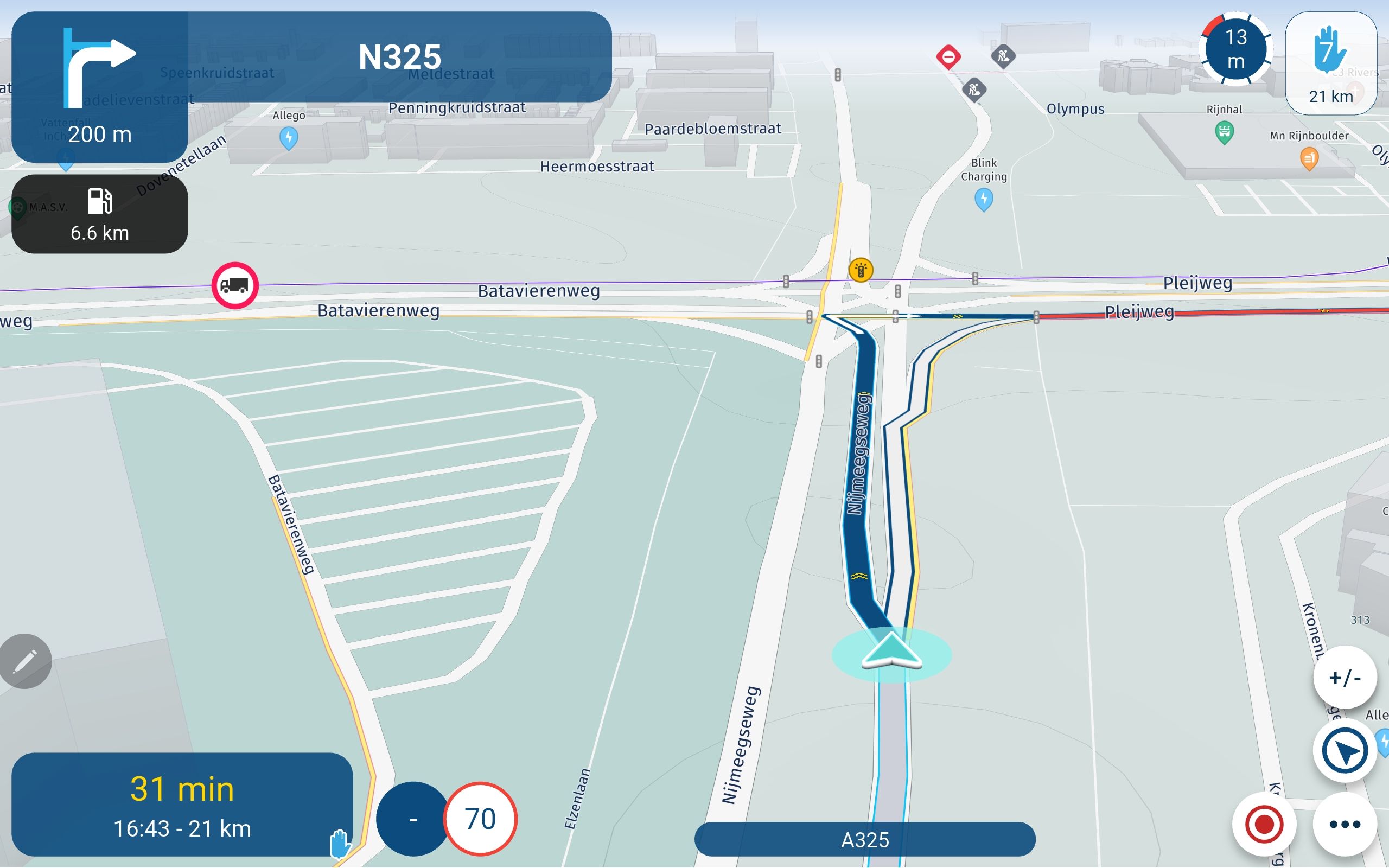
    I have just downloaded the latest version of Navigate and have noticed that route settings such as "Avoid Highways" which have been set in MRA Planner are ignored by Navigate and have to be reset every time I open the route.
    Is that a bug with the latest update of Navigate or has it always done this and I have not noticed before?

    Corjan Meijerink 1 Reply Last reply
    0
    • Richard 41 Richard 41

      I have just downloaded the latest version of Navigate and have noticed that route settings such as "Avoid Highways" which have been set in MRA Planner are ignored by Navigate and have to be reset every time I open the route.
      Is that a bug with the latest update of Navigate or has it always done this and I have not noticed before?

      Corjan Meijerink
      Corjan Meijerink
      Corjan Meijerink
      Developer
      wrote on last edited by
      #2

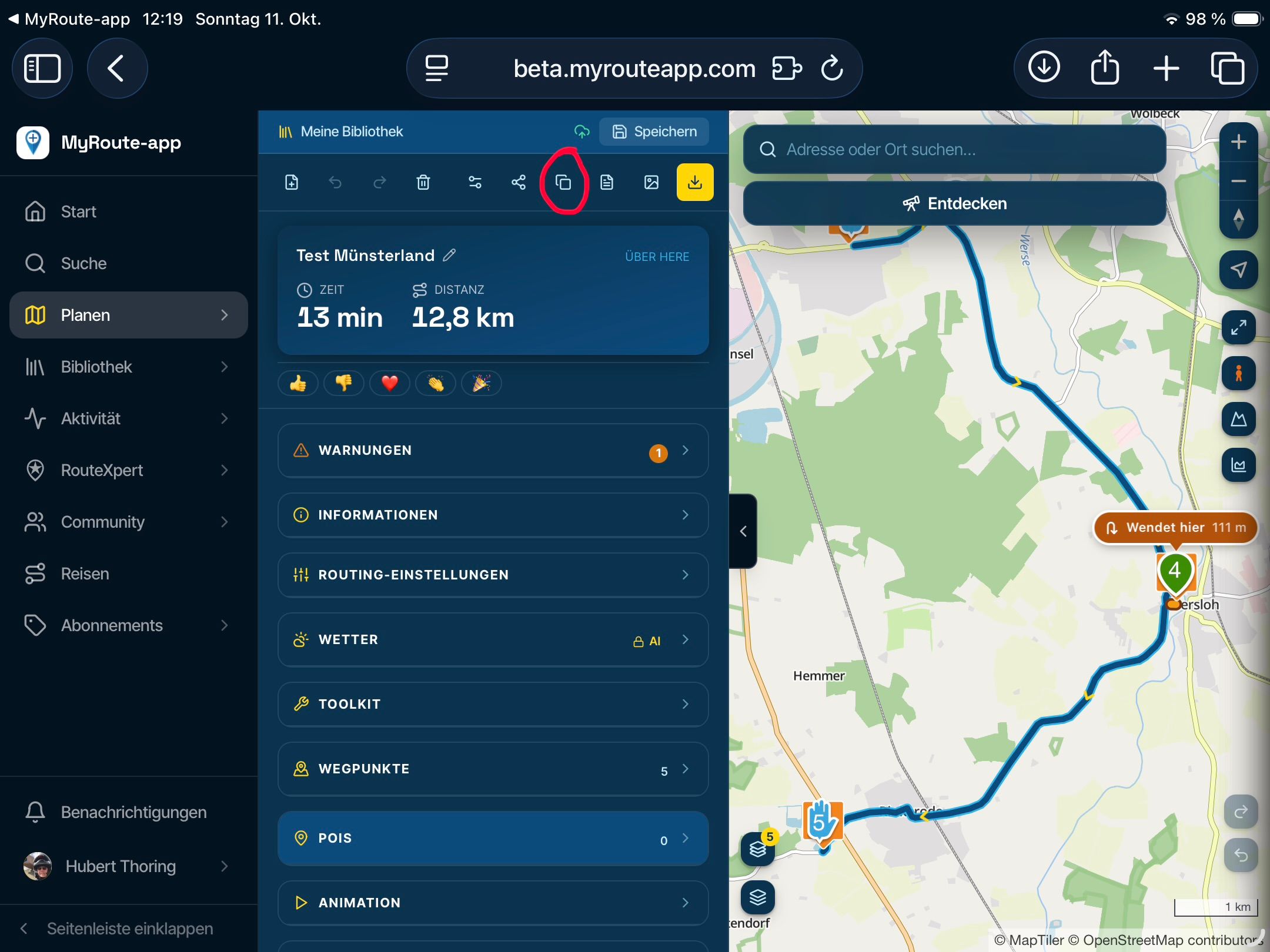
      @Richard-41 That hasn't changed in the MRA Navigation app - it has always been like that 😞 Within the new app we are now developing and that is Beta, it works perfectly!

      1 Reply Last reply
      0
      • Laura l
        Laura l
        Laura l
        wrote on last edited by
        #3
        This post is deleted!
        1 Reply Last reply
        0

        Hello! It looks like you're interested in this conversation, but you don't have an account yet.

        Getting fed up of having to scroll through the same posts each visit? When you register for an account, you'll always come back to exactly where you were before, and choose to be notified of new replies (either via email, or push notification). You'll also be able to save bookmarks and upvote posts to show your appreciation to other community members.

        With your input, this post could be even better 💗

        Register Login
        Reply
        • Reply as topic
        Log in to reply
        • Oldest to Newest
        • Newest to Oldest
        • Most Votes


        ACTIVE USERS
        Corjan Meijerink
        Corjan Meijerink
        Laura l
        Laura l
        Richard 41
        Richard 41
        POPULAR TOPICS
        • Custom POI color and icons
          Hubert Thoring
          Hubert Thoring
          0
          12
          43

        • File en omrijden
          Rob Verhoeff
          Rob Verhoeff
          0
          4
          45

        • [EN] MyRoute-app Routeplanner Next (Beta)
          Corjan Meijerink
          Corjan Meijerink
          9
          126
          12.7k

        • A11 Making the Algorithm More Visible – Overview and Planner File
          Hubert Thoring
          Hubert Thoring
          0
          3
          8

        • File / Creation date
          Jörgen
          Jörgen
          1
          3
          22

        • Drive restriction for vehicle
          Robineke
          Robineke
          0
          33
          308

        • F003 POI Folder & group missing in the app
          Corjan Meijerink
          Corjan Meijerink
          0
          4
          27

        • F005 Menu covered
          Hubert Thoring
          Hubert Thoring
          0
          3
          20

        MY GROUPS
        • Login

        • Login or register to search.
        • First post
          Last post
        0
        • Categories
        • Recent
        • Popular
        • Support
        • MyRoute-app