No more list of countries/maps to download on screen?
-

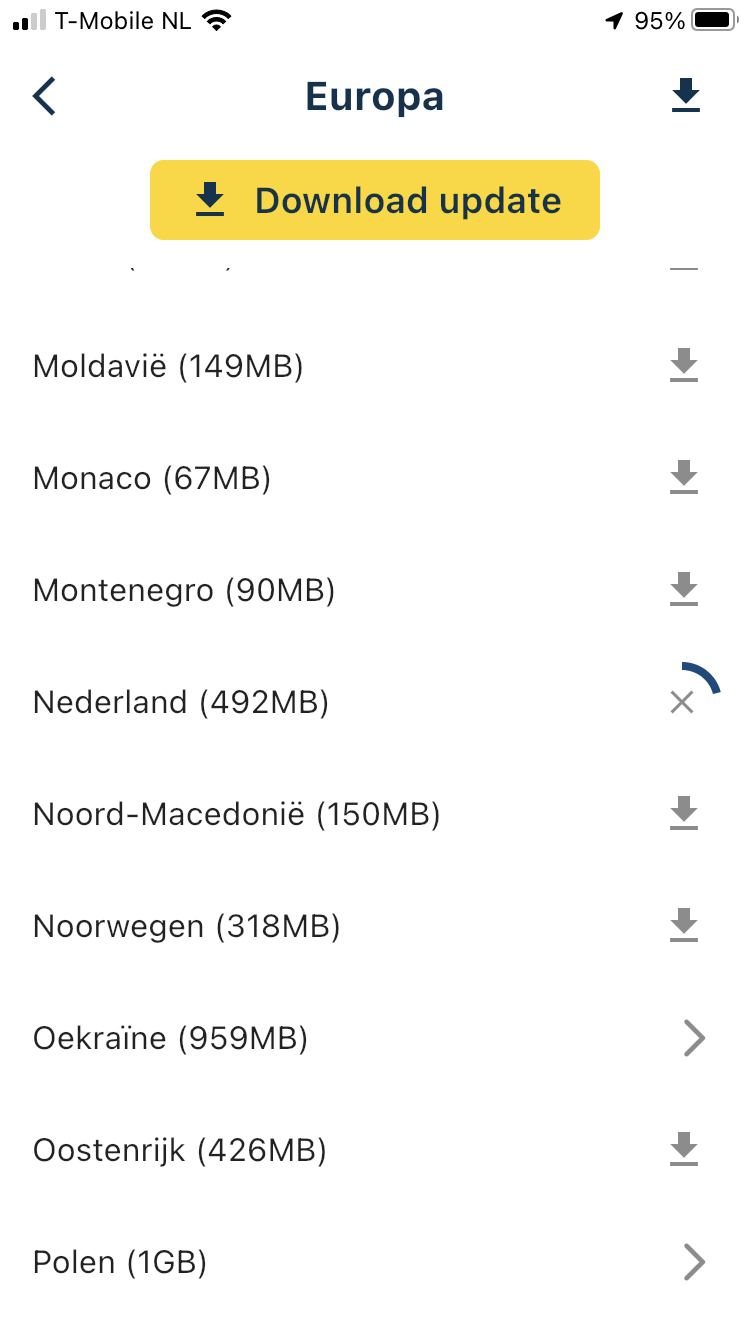
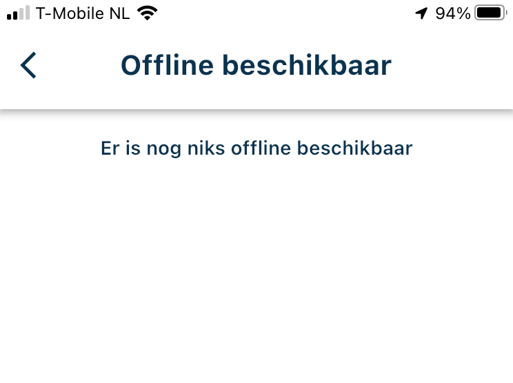
After selecting Europe I got all the countries. Instead of only downloading the Netherlands, I pressed the download at the top of all countries. Now the app only gives these 2 messages in the offline maps screen: Is this correct, what am I doing wrong?


After this, nothing seems to happen when the button turns green
Iphone 7 user.
-
After selecting Europe I got all the countries. Instead of only downloading the Netherlands, I pressed the download at the top of all countries. Now the app only gives these 2 messages in the offline maps screen: Is this correct, what am I doing wrong?
After this, nothing seems to happen when the button turns green
Iphone 7 user.

@Peter-Verweij if you exit this page and go back, what does it say? Otherwise try restarting the app

Let me know!
-
@Peter-Verweij if you exit this page and go back, what does it say? Otherwise try restarting the app
Let me know!
@Corjan-Meijerink If i exit the page and go back i get the same screen. First with the "yellow" button and when I press it it turns green and nothing else happend.
Exit the app and restarting the app changes nothing.
Maybe delete it completely? I did it and that solve the problem so far.
Downloaded Nederland, that works but do not see Nederland back in the menu item offline kaarten. Is that right?
-
@Corjan-Meijerink If i exit the page and go back i get the same screen. First with the "yellow" button and when I press it it turns green and nothing else happend.
Exit the app and restarting the app changes nothing.
Maybe delete it completely? I did it and that solve the problem so far.
Downloaded Nederland, that works but do not see Nederland back in the menu item offline kaarten. Is that right?
@Peter-Verweij happy that worked, maybe something got corrupted.
“Offline available” is only for routes / tracks / gpx files (imports / downloads). We should rename that, now that we also have offline maps

If the selected region is downloaded, you can see so because the download icon is replaced by a remove icon. Yes, that’s very unclear and has been improved in the upcoming update (Thursday).
-
@Peter-Verweij happy that worked, maybe something got corrupted.
“Offline available” is only for routes / tracks / gpx files (imports / downloads). We should rename that, now that we also have offline maps
If the selected region is downloaded, you can see so because the download icon is replaced by a remove icon. Yes, that’s very unclear and has been improved in the upcoming update (Thursday).
@Corjan-Meijerink Thanks for the quick responses, that's great.
We look forward to the update. I am super excited about the program and how you all make it together. -
@Corjan-Meijerink Thanks for the quick responses, that's great.
We look forward to the update. I am super excited about the program and how you all make it together.
@Peter-Verweij Good to hear!

Hello! It looks like you're interested in this conversation, but you don't have an account yet.
Getting fed up of having to scroll through the same posts each visit? When you register for an account, you'll always come back to exactly where you were before, and choose to be notified of new replies (either via email, or push notification). You'll also be able to save bookmarks and upvote posts to show your appreciation to other community members.
With your input, this post could be even better 💗
Register Login-
 01540
01540
-
0925
-
 01035
01035
-
 911310.6k
-
0727
-
 0713
0713
-
 0726
0726
-
0617