Return from the Dark Mode
-

I do not know if this is an error. I have been using the dark mode on the last ride. When I finished the ride, I ended the navigation and returned to the normal mode.
I have noticed that the dark mode is still engaged. I would have thought that - once the ride is done - the mode would automatically return to the Light Mode. The only way to return to the Light mode (that I have found) is to start the route and change back to the Light Mode.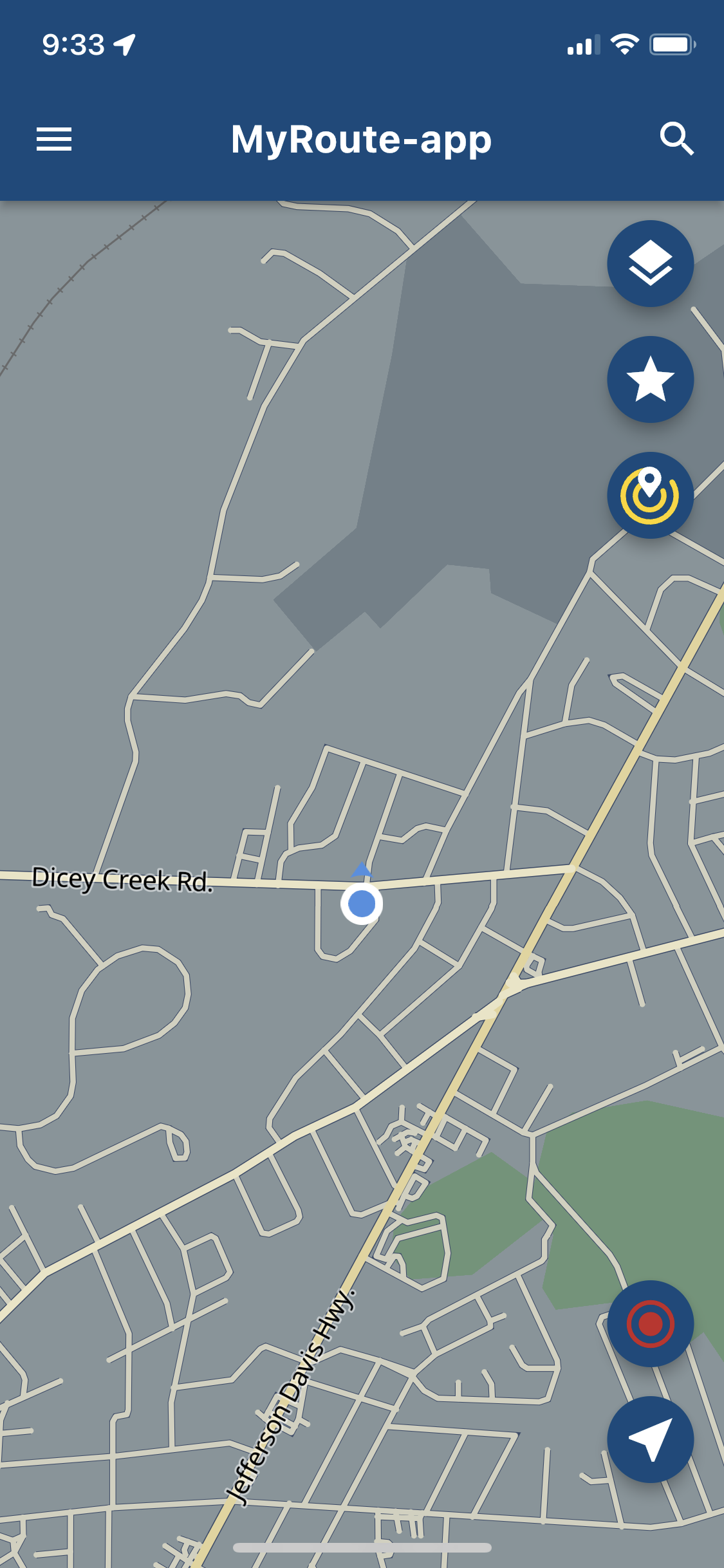
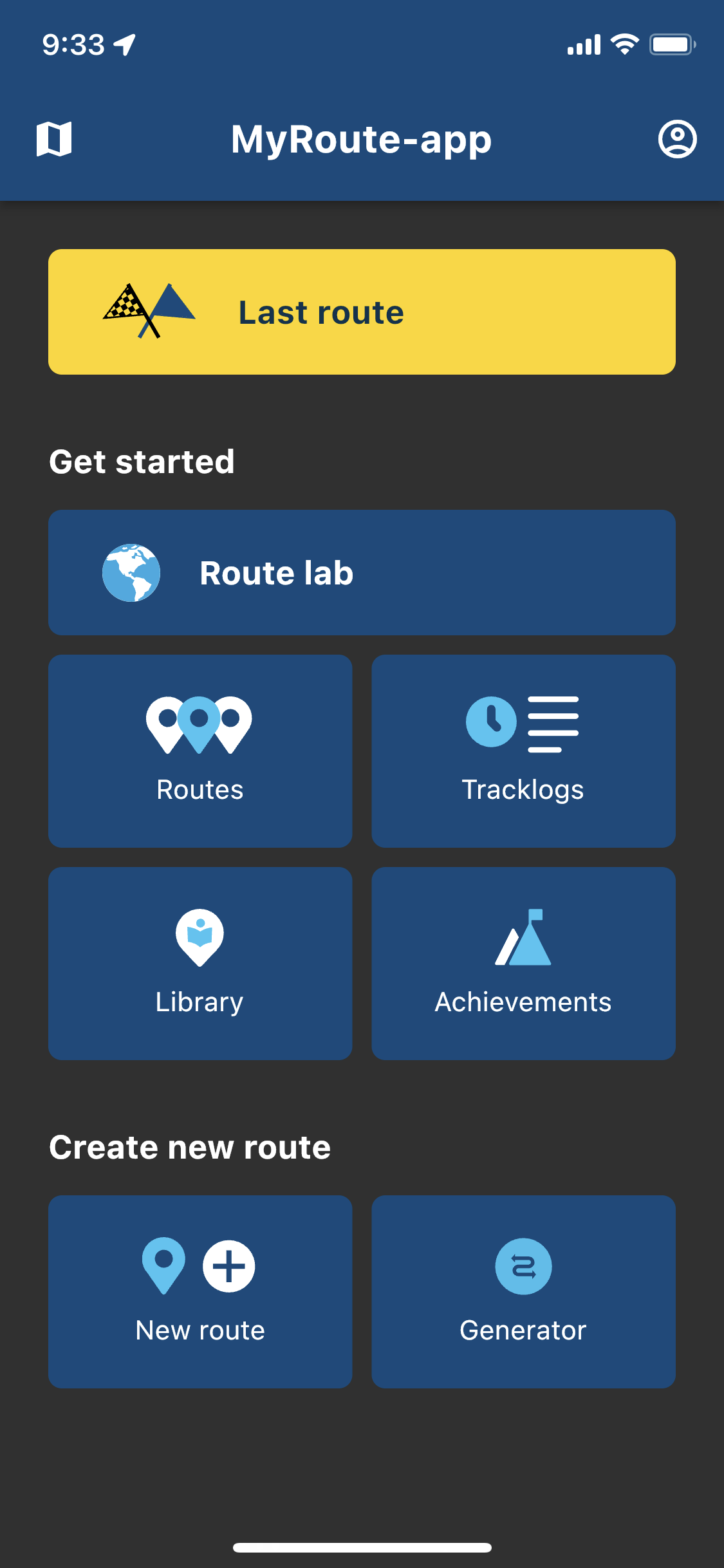
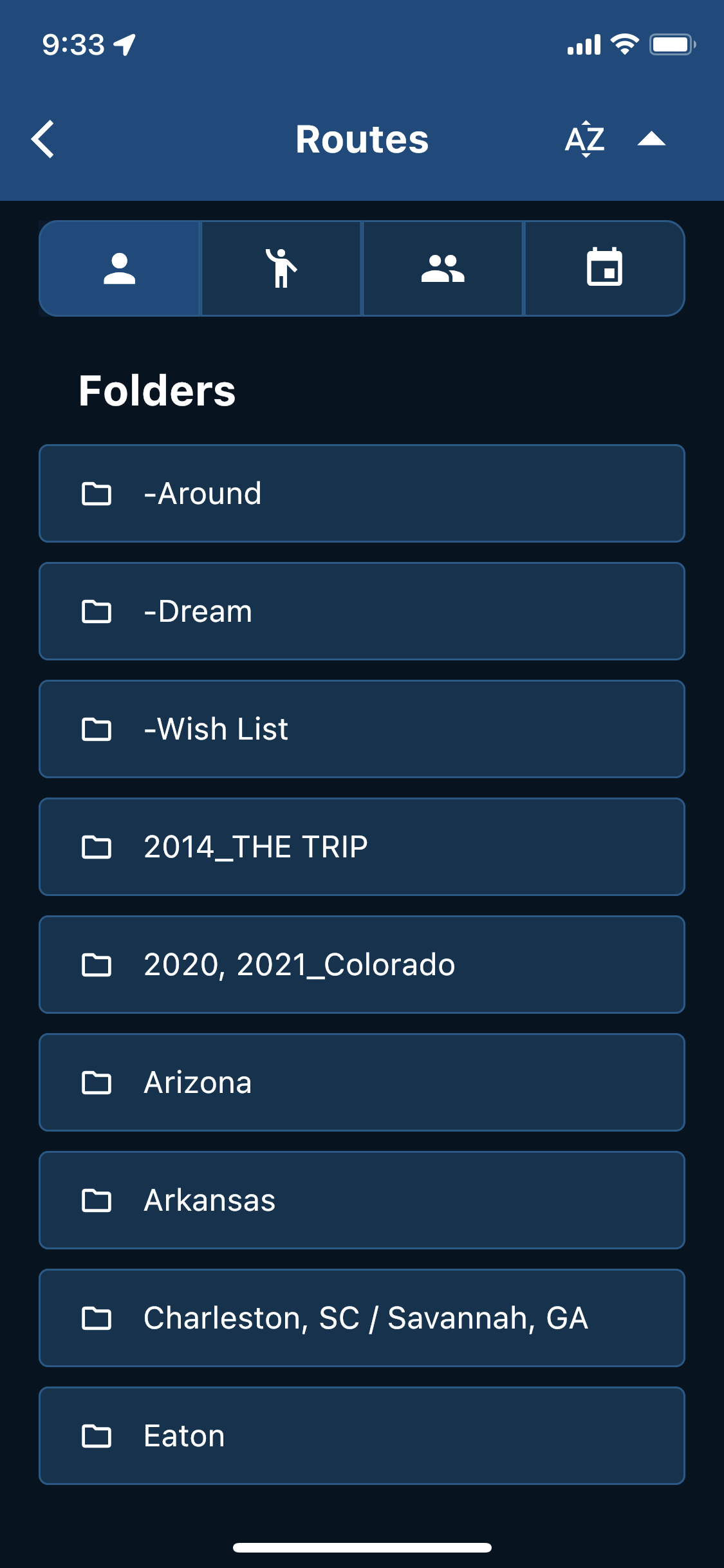
In all honesty, the menus are really cool looking in the Dark Mode.

-
I do not know if this is an error. I have been using the dark mode on the last ride. When I finished the ride, I ended the navigation and returned to the normal mode.
I have noticed that the dark mode is still engaged. I would have thought that - once the ride is done - the mode would automatically return to the Light Mode. The only way to return to the Light mode (that I have found) is to start the route and change back to the Light Mode.In all honesty, the menus are really cool looking in the Dark Mode.

@UltraStar Happy to hear that you do like the looks of the dark mode
The ambition is to automatically determine light / dark mode in navigation based on environmental lighting. Now that’s technically not possible yet so it’s a manual setting.
If you change between light / dark maps, the theme mode changes correspondingly. You can switch back to light mode in the account settings page > theme mode
-
@UltraStar Happy to hear that you do like the looks of the dark mode
The ambition is to automatically determine light / dark mode in navigation based on environmental lighting. Now that’s technically not possible yet so it’s a manual setting.
If you change between light / dark maps, the theme mode changes correspondingly. You can switch back to light mode in the account settings page > theme mode

@Corjan-Meijerink said in Return from the Dark Mode:
The ambition is to automatically determine light / dark mode in navigation based on environmental lighting.
@Corjan-Meijerink hey, that`s great.

-
@UltraStar Happy to hear that you do like the looks of the dark mode
The ambition is to automatically determine light / dark mode in navigation based on environmental lighting. Now that’s technically not possible yet so it’s a manual setting.
If you change between light / dark maps, the theme mode changes correspondingly. You can switch back to light mode in the account settings page > theme mode
@Corjan-Meijerink Got it. Thanks.
Hello! It looks like you're interested in this conversation, but you don't have an account yet.
Getting fed up of having to scroll through the same posts each visit? When you register for an account, you'll always come back to exactly where you were before, and choose to be notified of new replies (either via email, or push notification). You'll also be able to save bookmarks and upvote posts to show your appreciation to other community members.
With your input, this post could be even better 💗
Register Login-
 01538
01538
-
0924
-
 911210.5k
-
 0712
0712
-
 0726
0726
-
 0524
0524
-
1520
-
1424