iphone 10 to bmw motrad nav 6
-

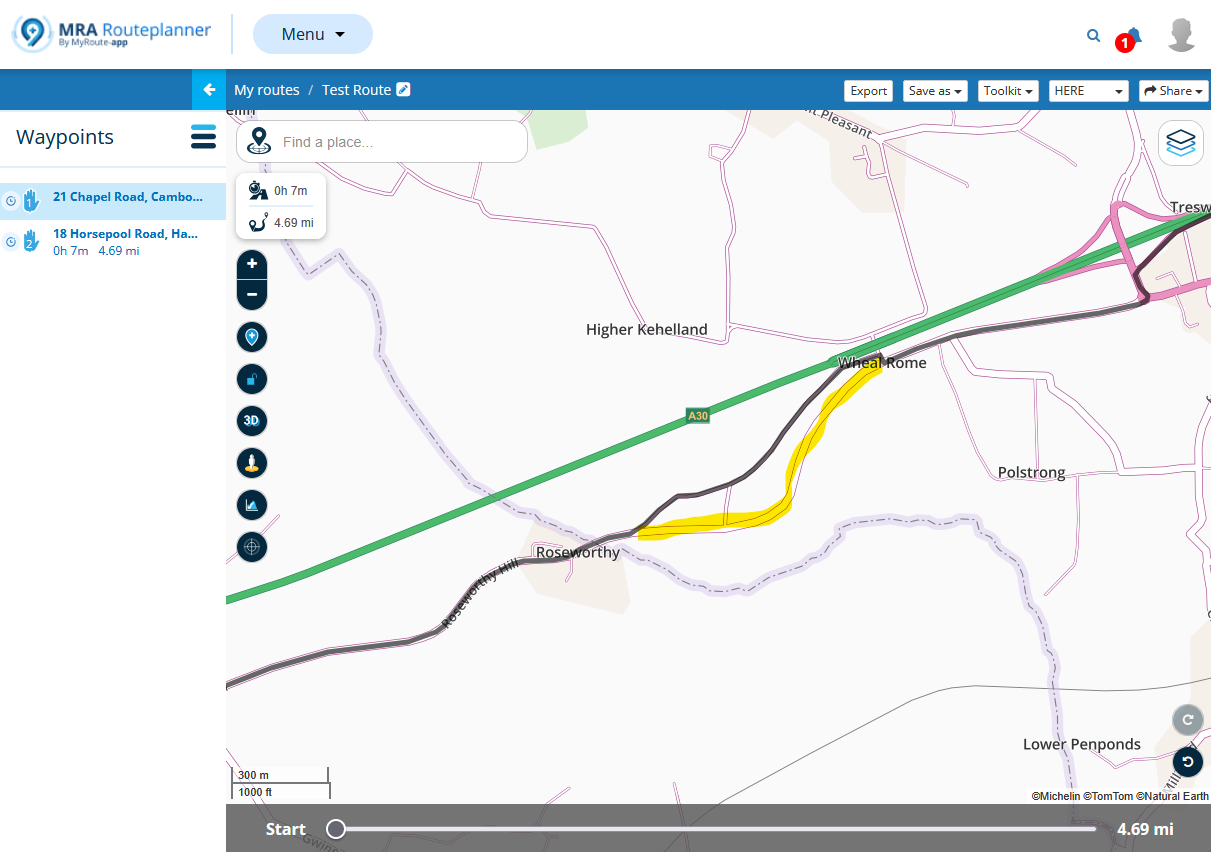
hi can any explain the process of downloading a route from my mobile mra on my iphone 10 connecting it to my nav 6 and sending it please? i have the connection from iphone to nav 6 and can download the file on my iphoe 10 but cannot get it to my nav 6 heres hoping thanks
-
hi can any explain the process of downloading a route from my mobile mra on my iphone 10 connecting it to my nav 6 and sending it please? i have the connection from iphone to nav 6 and can download the file on my iphoe 10 but cannot get it to my nav 6 heres hoping thanks

@Brian-Eastham-0
How do you connect your Nav to the iPhone.
To see the nav on the iPhone do you need to use a powered connection.
Do you see the nav on your iPhone? -
@Brian-Eastham-0
How do you connect your Nav to the iPhone.
To see the nav on the iPhone do you need to use a powered connection.
Do you see the nav on your iPhone?
@Jack-van-Tilburg no i dont see the nav on my iphone
-
@Jack-van-Tilburg i connect the flash device to the nav and to my phone by the adaptor kit
-
@Jack-van-Tilburg i connect the flash device to the nav and to my phone by the adaptor kit
I did use this adaptor when I had the Nav6.
Connect the nav direct to the iPhone and connect power to the adaptor.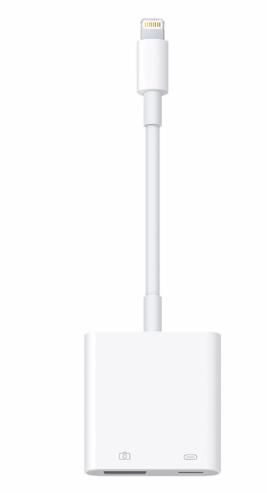
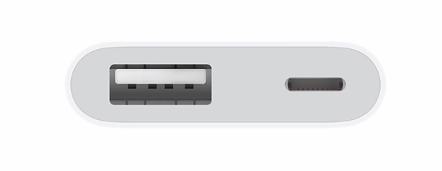
As a result, the iPhone sees your NAV as extra storage.
Now you can place the route on the Navigator from the MyRout app from the Page Menu -> Save as -> choose file type -> Save to Files -> [Garmin/GPX]
Hello! It looks like you're interested in this conversation, but you don't have an account yet.
Getting fed up of having to scroll through the same posts each visit? When you register for an account, you'll always come back to exactly where you were before, and choose to be notified of new replies (either via email, or push notification). You'll also be able to save bookmarks and upvote posts to show your appreciation to other community members.
With your input, this post could be even better 💗
Register Login-
 26115
26115
-
 0588
0588
-
04181
-
 0367
0367
-
4473
-
 0212
0212
-
2275
-
05173