Stopping For Coffee - While Navigating a Route in the APP - Android Auto
-

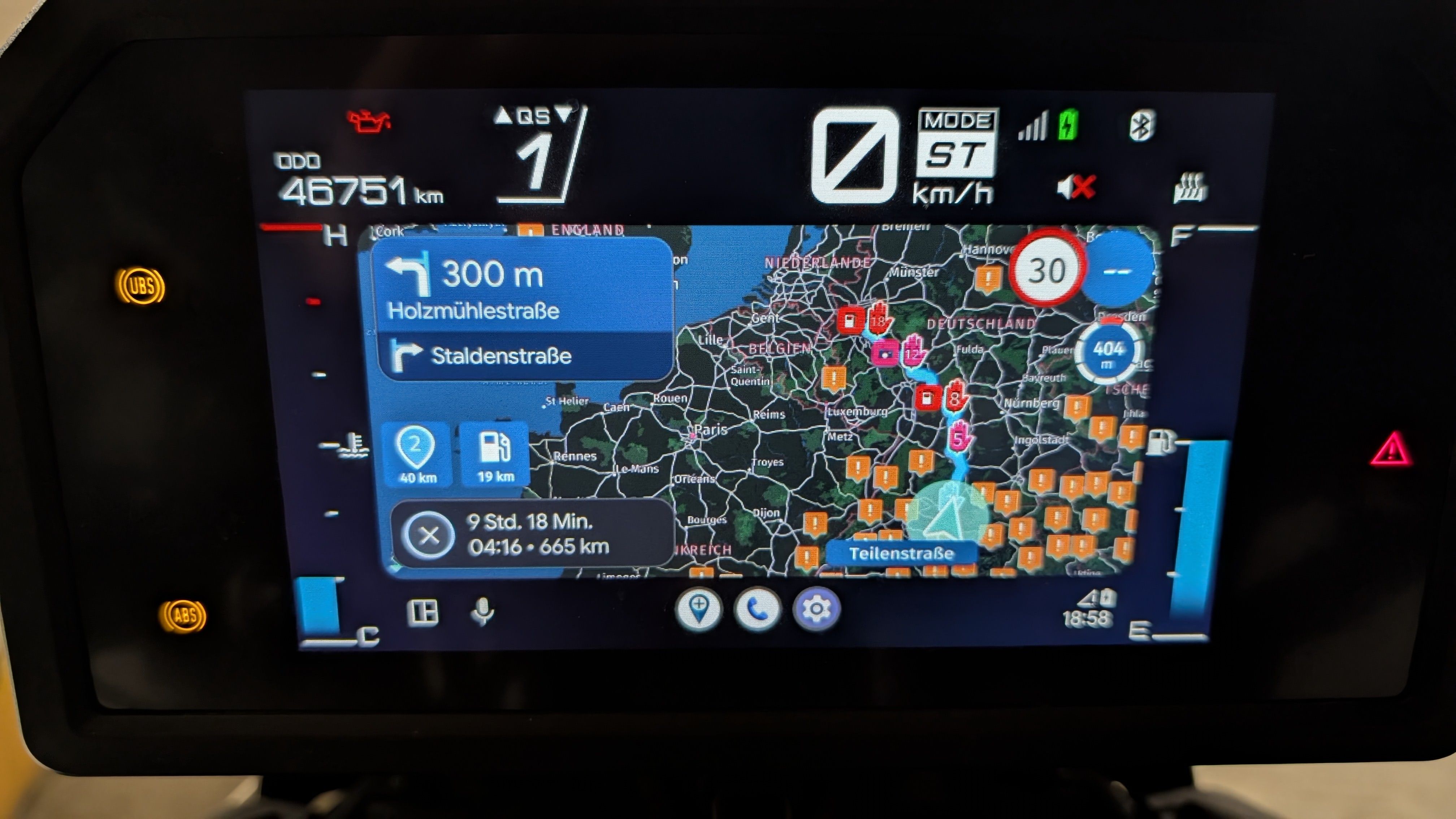
In the past , many times while navigating a route I have stopped for fuel, food, or coffee and when I come out to continue the Route is frozen and refuses to continue along the partially navigated route. Can someone please explain the correct procedure when stopping so the App will continue along the route when I come out of a restaurant and want to continue without playing around with the App? I just want to continue and eliminate the route from freezing. It causes lot of stress while traveling.
-
So I will answer my own question here. I realized Nick had already helped me with this problem last Spring. Proper procedure is as follows : (Please correct me if I am wrong.) While navigating a route, pull into the parking area for coffee , On your phone App, slide up from bottom to open a menu, on the left (TAP) red square with arrow, a STOP NAVIGATION prompt pops up, to STOP NAVIGATION (TAP) CONFIRM, the app/route is now paused, It prompts you to DISCARD or RESUME, at this point CLOSE THE APP, go take your break, when you come back , open the app, the route should be right there in the same paused state as when you closed it, DISCARD or RESUME, (TAP) RESUME to continue and it should smoothly proceed with instruction along your route, or DISCARD if you want to clear the current active route.
-
Ate you running the latest version of the App?
I had the similar issue with my Galaxy S26 and it was solved with an update a while ago. -
I have Apple rather than Android, but our usual procedure is just to kill the app. When you re-start the app it offers to resume navigation (and tracking if that was running).
I've not tested this with the latest version but I assume it still works?
-
IK rij met een Android telefoon en Android Auto op een Carpuride scherm.
En ja, inmiddels is het zo veel beter geworden dat ik tegenwoordig gewoon stop zonder iets aan de app te doen. Ik zet alleen mijn Carpuride scherm uit. Als ik dan weer opstart en MRA kies, dan krijg ik gewoon de vraag of ik de route wil hervatten.
De problemen van vroeger kom ik al een paar maanden niet meer tegen.met een R1250RT met TFT
en BMW Connected Ride App(die dus nog steeds niet voldoet!) ; M.R.A. in combinatie met de Carpuride W702 (voor Android op de Motor!), de Garmin Zumo XT als backup en een Samsung Galaxy S24 -
IK rij met een Android telefoon en Android Auto op een Carpuride scherm.
En ja, inmiddels is het zo veel beter geworden dat ik tegenwoordig gewoon stop zonder iets aan de app te doen. Ik zet alleen mijn Carpuride scherm uit. Als ik dan weer opstart en MRA kies, dan krijg ik gewoon de vraag of ik de route wil hervatten.
De problemen van vroeger kom ik al een paar maanden niet meer tegen.
@a-white-mouse-on-the-motorbike Please use the same language that the topic was started with.
-
That’s the problem when you’ve got standard a translation extension enabled. You won’t see that it isn't in the original language. Sorry! Here the translation:
I drive using an Android phone and Android Auto on a Carpuride screen.
And yes, it’s improved so much now that these days I just stop without doing anything to the app. I simply switch off my Carpuride screen. When I start it up again and select MRA, I’m simply asked if I want to resume the route.
I haven’t encountered any of the problems I used to have for a few months now. -
I use a separate phone just for navigation purposes. I do the same as @a-white-mouse-on-the-motorbike. I take the phone from the bike and put it my pocket.
After the stop i put it on the bike again and Android Auto connect again. MRA keeps on navigating. But it is a stressful moment for the app.
The app is must more stable nowadays but restarting after a stop is one of moments where the change of crashing is higher. This is also the moment where the app can be laggy.
Hello! It looks like you're interested in this conversation, but you don't have an account yet.
Getting fed up of having to scroll through the same posts each visit? When you register for an account, you'll always come back to exactly where you were before, and choose to be notified of new replies (either via email, or push notification). You'll also be able to save bookmarks and upvote posts to show your appreciation to other community members.
With your input, this post could be even better 💗
Register Login-
 0892
-
 0861
-
09210
-
 04103
-
 036
-
0339
-
0332
-
04163