Clean route line for print, no pins?
-

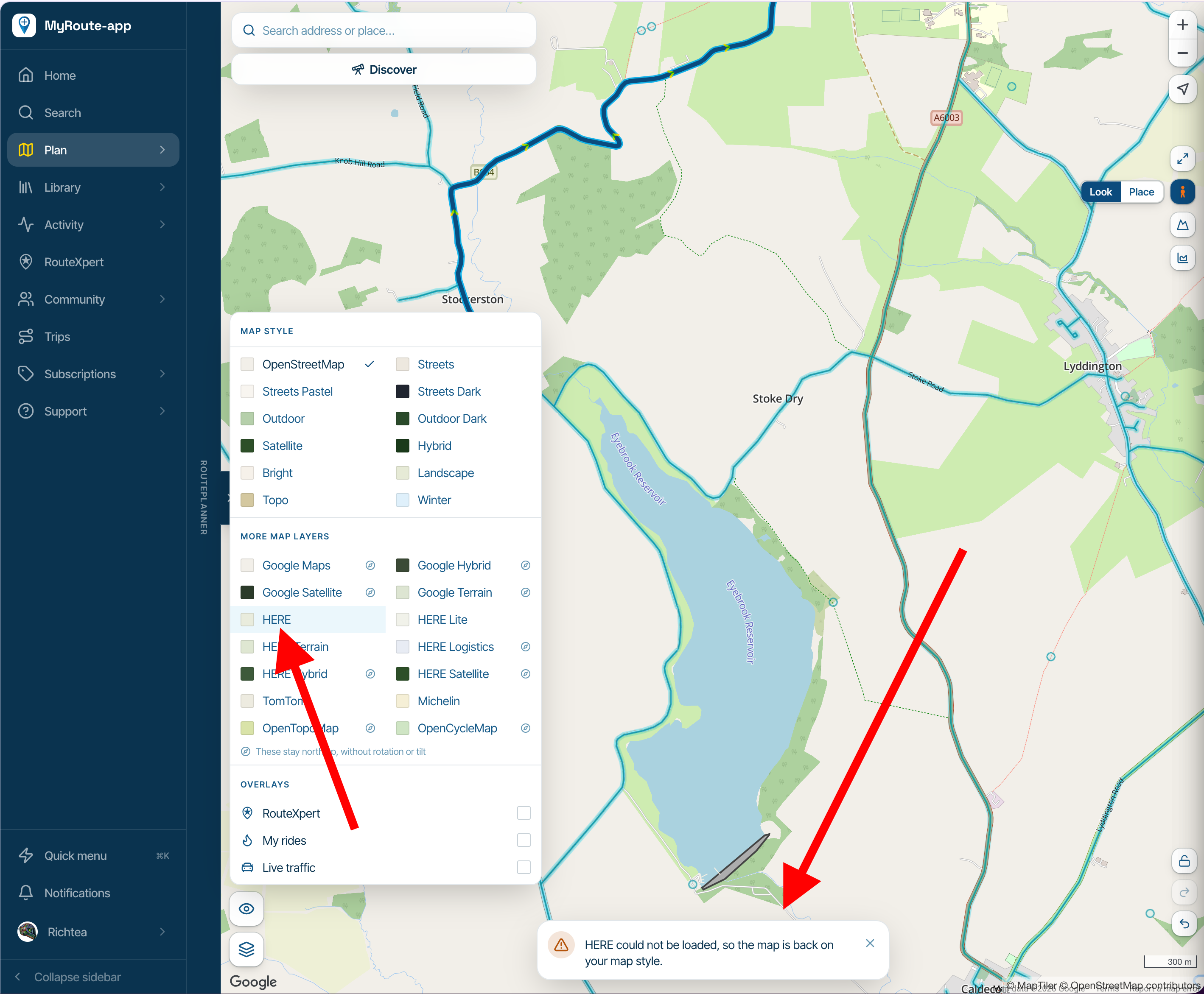
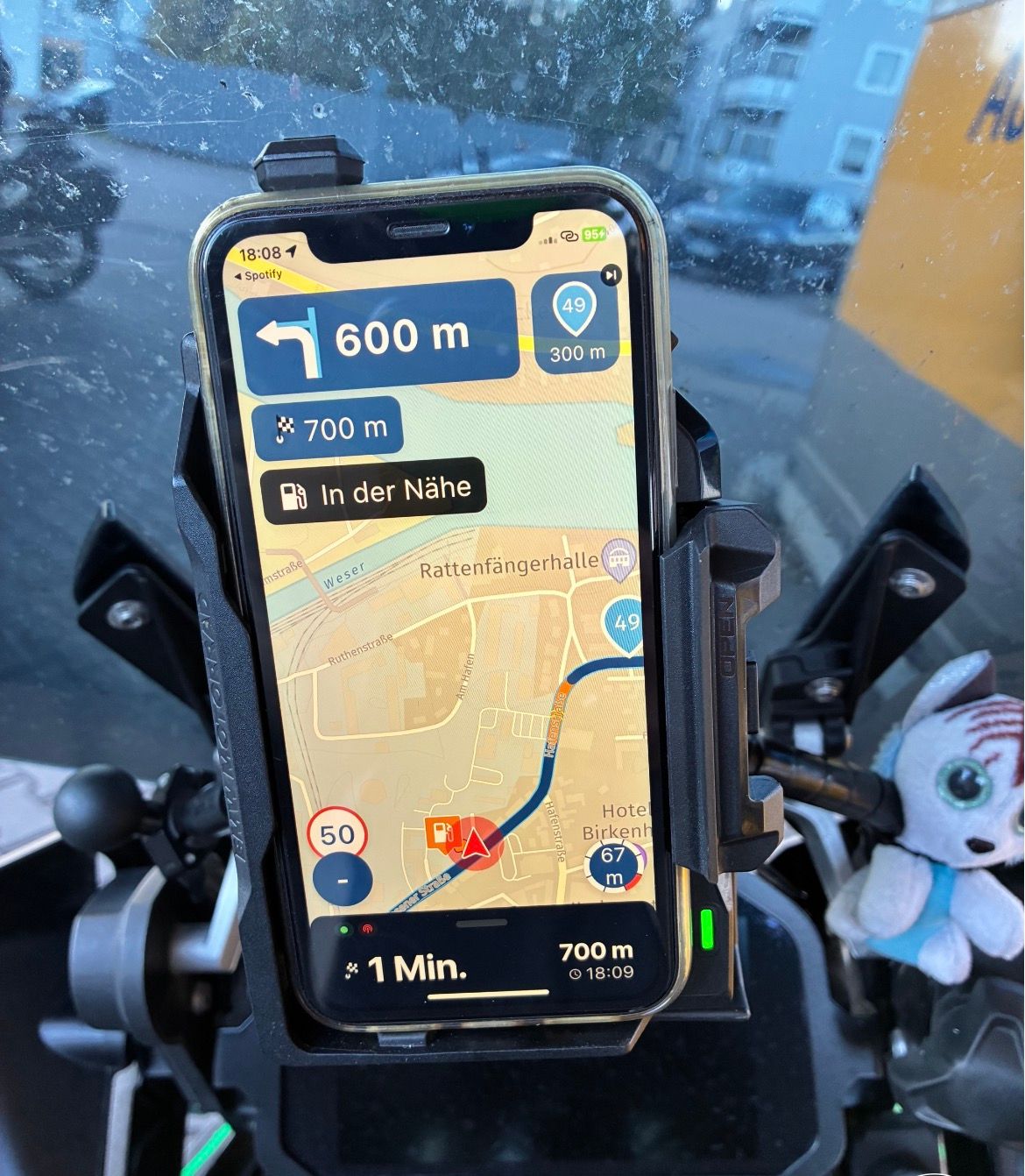
Working on a two-page spread for the byways zine I draw, and the planner's map view keeps fighting me: every waypoint pin and label lands right on the line I actually need to show. Is there a way to switch markers off and keep only the route over the base map before I screenshot? Toggling layers still leaves my fuel stops on screen. Or am I the last person printing route maps the old way?
Hello! It looks like you're interested in this conversation, but you don't have an account yet.
Getting fed up of having to scroll through the same posts each visit? When you register for an account, you'll always come back to exactly where you were before, and choose to be notified of new replies (either via email, or push notification). You'll also be able to save bookmarks and upvote posts to show your appreciation to other community members.
With your input, this post could be even better 💗
Register Login-
 012117
-
 01042
-
0656
-
0318
-
0346
-
0320
-
0331
-
0321