MyRoute-app Studio 0.2.3 and MyRoute-app Connector 0.1.6 are out
-

Both apps offer the update themselves the next time you open them, or go to Settings → Check for updates. To install one for the first time, go to Settings → Desktop apps on the website.
MyRoute-app Studio 0.2.3
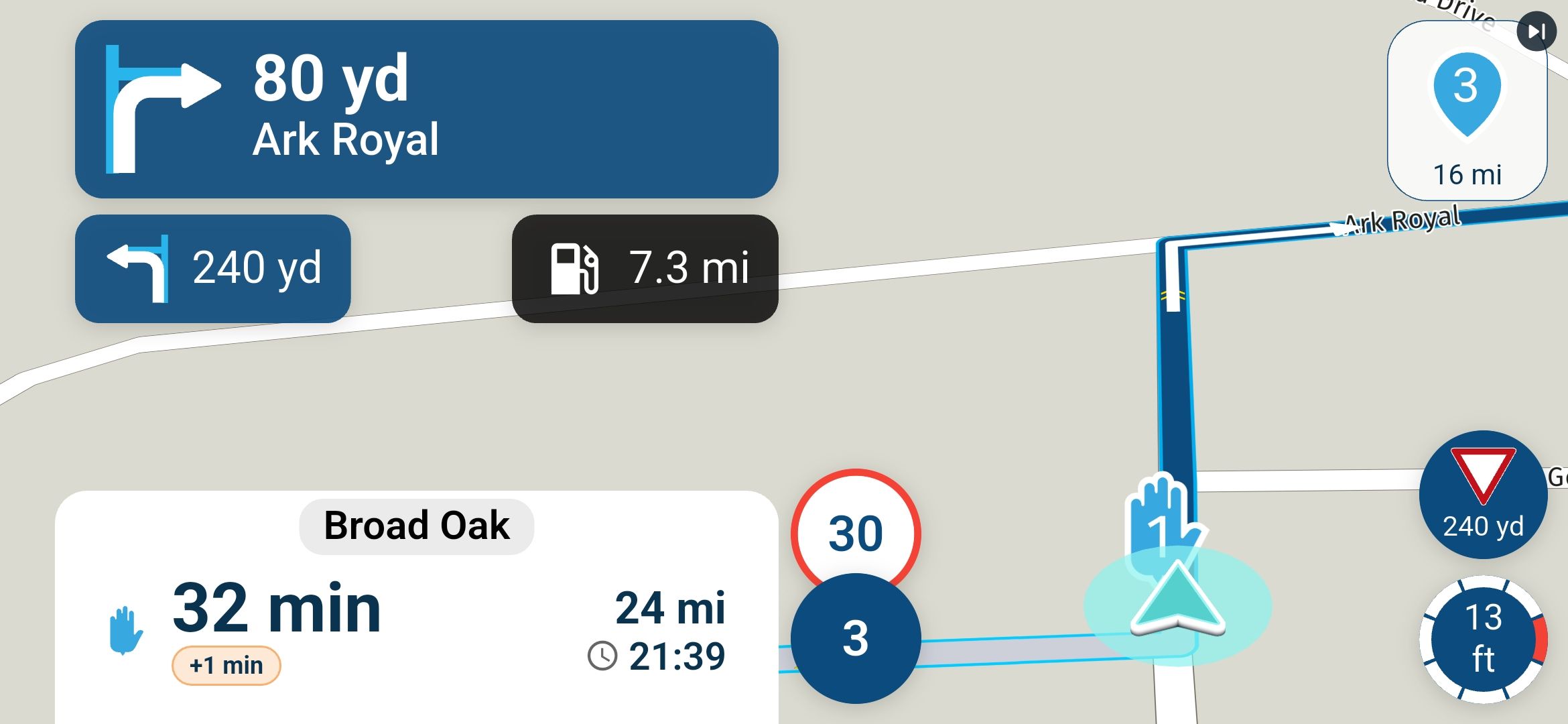
- New camera view: Whole route. The map stands still with your whole route in view, and only your position moves along it. In a multi-day video each day shows its own route. You'll find it in the Camera card, next to 3D, Flat and North up.
- Choose which route markers the map shows. The new Markers setting in the Overlays tab has the same four choices as the map image on the website: all waypoints, only where you stop, only the start and finish flags, or none. New projects start on "Only where you stop", so shaping points stay off the map. Your existing projects keep showing all waypoints. This only changes what the video shows, never your route.
- Video clips work like photos. Clips now fill the frame. You can hide them with their eye, and Hide all includes them. Every photo and clip has a remove button. A clip's GPS/time switch is now on its own card in the Inspector.
- Transitions in and out. The transition you pick for a clip now works in both the preview and the export. A clip also leaves the way it came in: a dissolve fades out, and a whip pushes it out to the side. When two clips follow each other, the first one blends into the next.
- Faster exports with clips. Videos with clips export much faster, about twice as fast in our tests.
- Studio asks before it removes something. Removing a route, tracklog, route overlay, music track, photo or clip now asks first. When you remove a ride, it also says which photos and clips go with it. Nothing is deleted from MyRoute-app, and your files stay where they are.
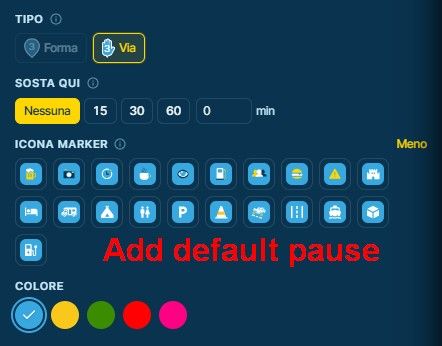
- Pause badges now show. Twelve pause badges that never showed on the map, such as hotel and parking, are now drawn.
- Easier help when an export gets stuck. Studio now tries other video settings in the background and writes in the support log which ones work on your computer. That helps us help you faster.
MyRoute-app Connector 0.1.6
- BMW ConnectedRide Navigator. The Connector now lists the BMW ConnectedRide Navigator when it is connected by USB, and puts your route in its Download folder. GPX 1.1 is the recommended format.
- Garmin on Windows without a drive letter. Some Garmin devices, such as the zūmo 396, appear in Windows under "This PC" without a drive letter. The Connector now finds them too, shows them as connected over USB, and sends the route to the device's usual folder.
Looking forward to your feedback!

-
well done

Hello! It looks like you're interested in this conversation, but you don't have an account yet.
Getting fed up of having to scroll through the same posts each visit? When you register for an account, you'll always come back to exactly where you were before, and choose to be notified of new replies (either via email, or push notification). You'll also be able to save bookmarks and upvote posts to show your appreciation to other community members.
With your input, this post could be even better 💗
Register Login
ACTIVE USERS
POPULAR TOPICS
MY GROUPS
-
 01348
-
 0958
-
 010223
-
114184
-
0832
-
 11077
-
 08249
-
0651