Skip to content
  • Categories
  • Recent
  • Popular
  • Support
  • MyRoute-app
Collapse
Brand Logo

MRA Community Forum

  1. Home
  2. MRA Routeplanner Next Beta
  3. [Web-Beta] Suggestions and Discussions
  4. A19 Quick info about the WP incl. I miss the picture

A19 Quick info about the WP incl. I miss the picture

Scheduled Pinned Locked Moved [Web-Beta] Suggestions and Discussions
2 Posts 1 Posters 4 Views 1 Watching
  • Oldest to Newest
  • Newest to Oldest
  • Most Votes
Reply
  • Reply as topic
Log in to reply
This topic has been deleted. Only users with topic management privileges can see it.
  • Hubert Thoring
    Hubert Thoring
    Hubert Thoring
    Valued contributor
    wrote last edited by Hubert Thoring
    #1

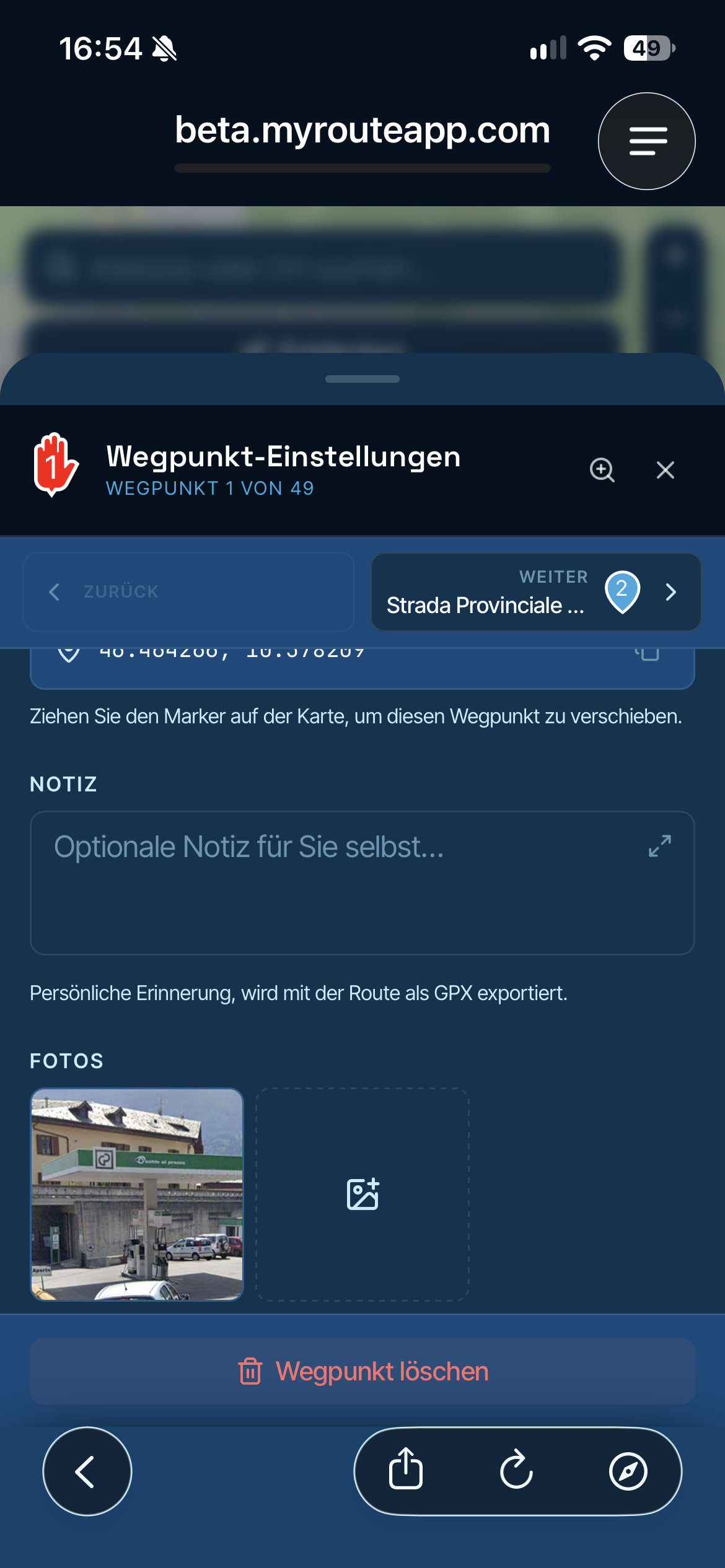
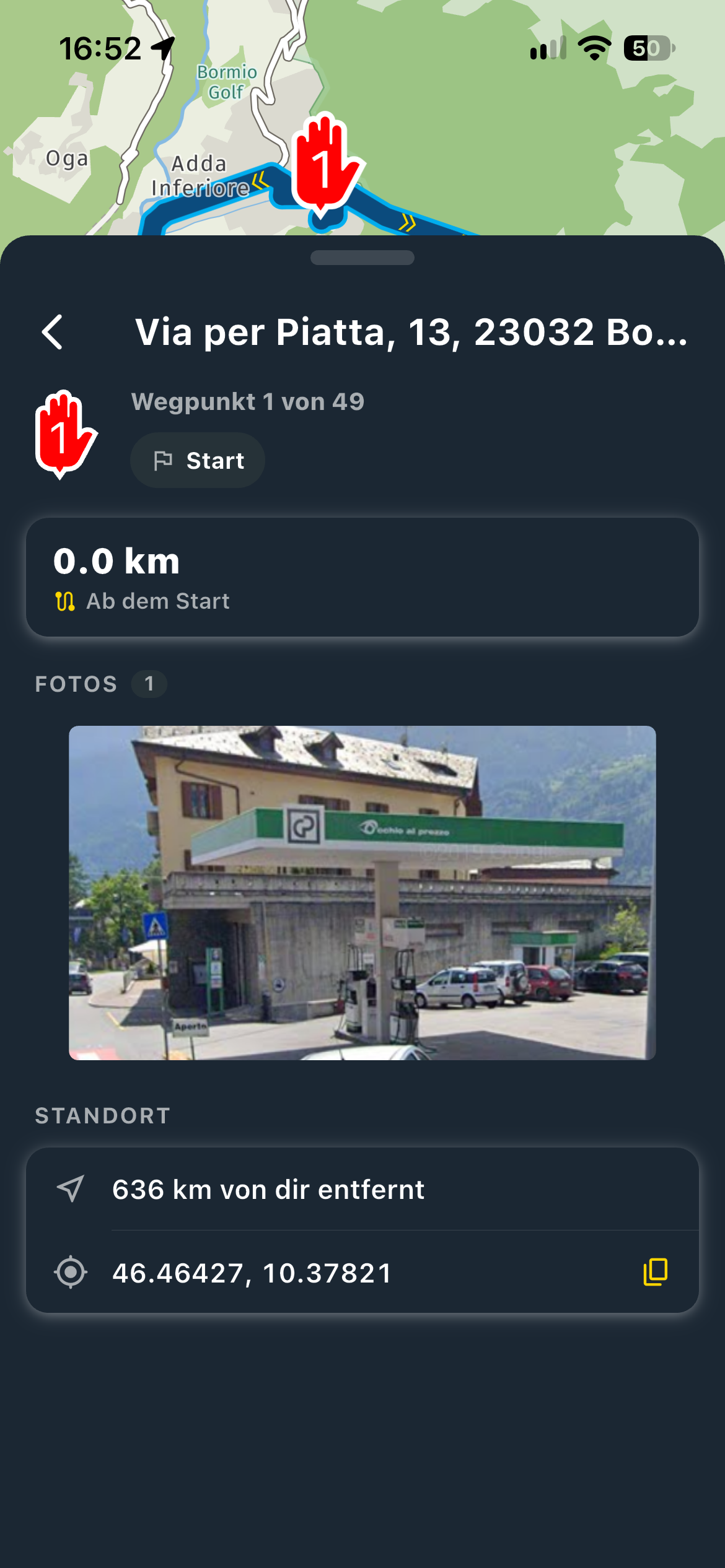
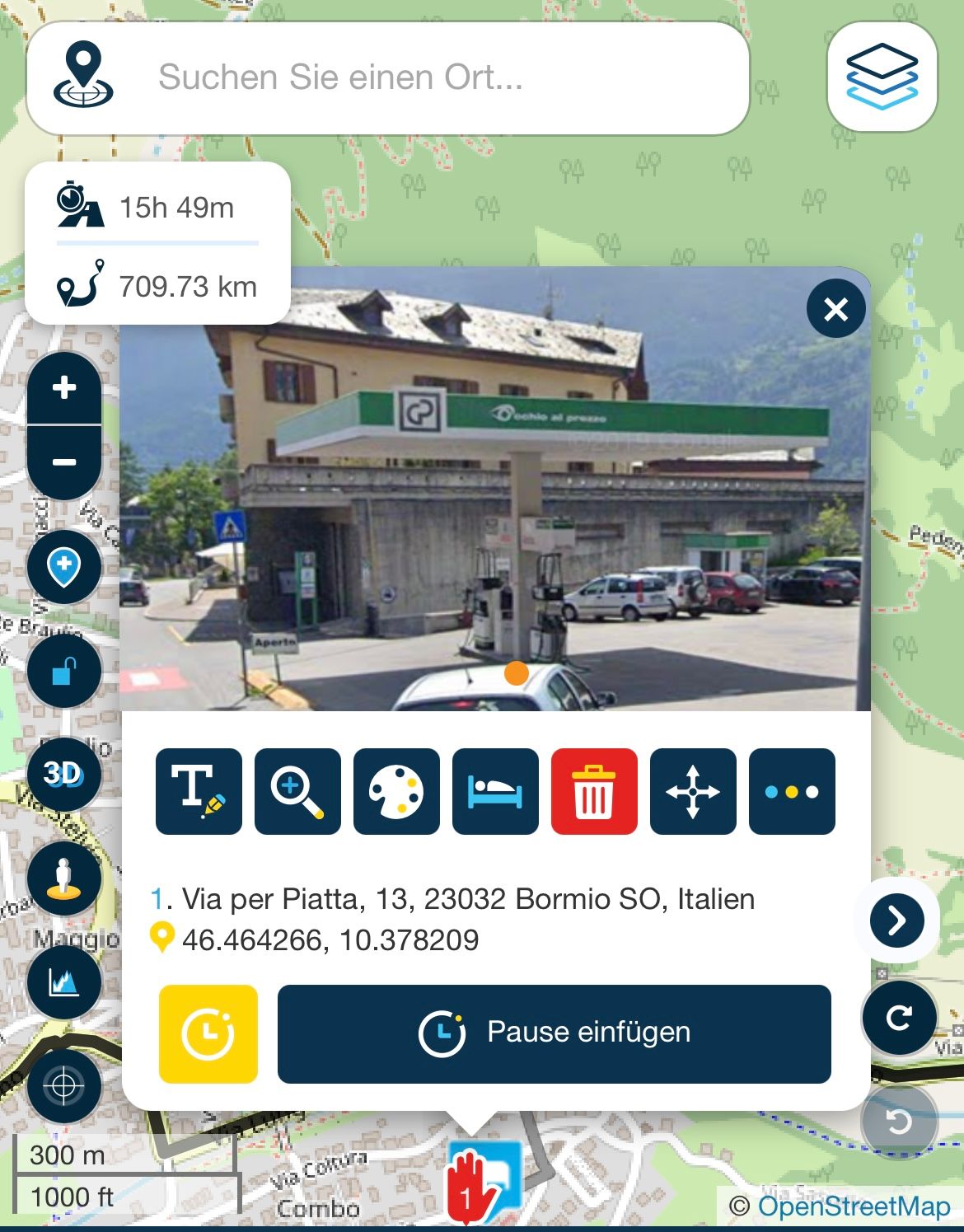
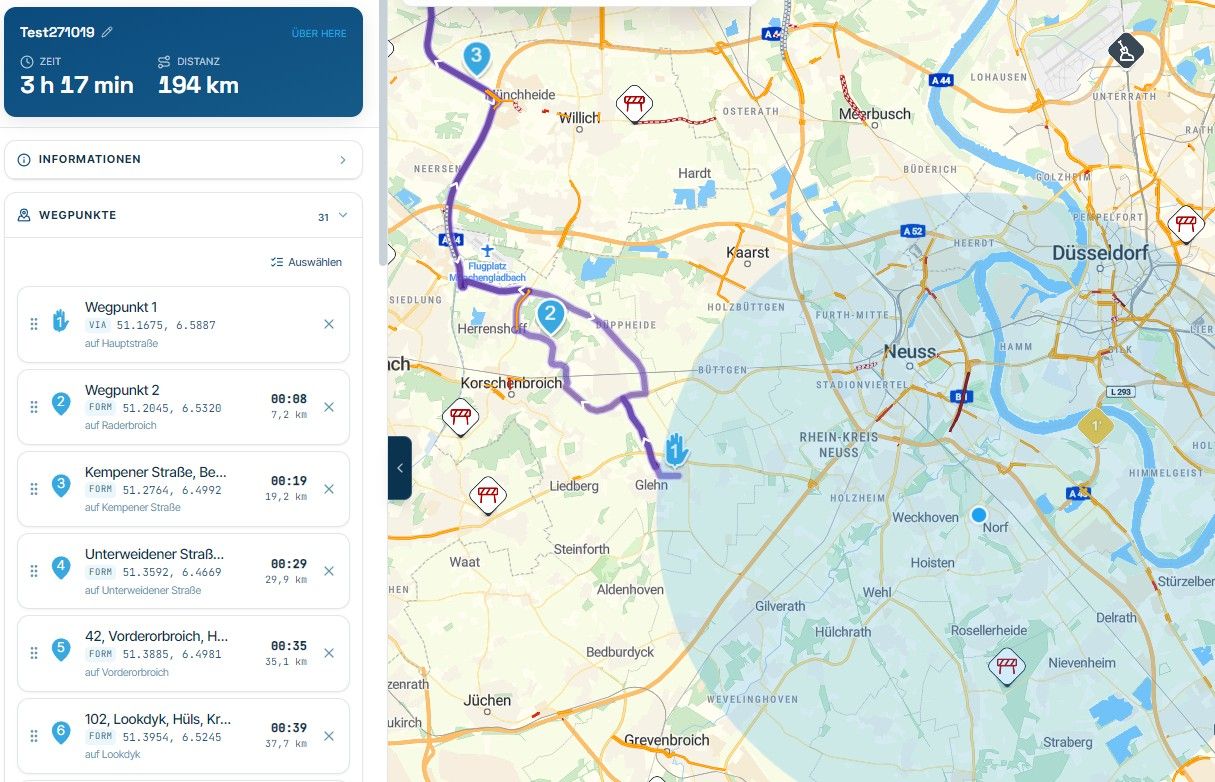
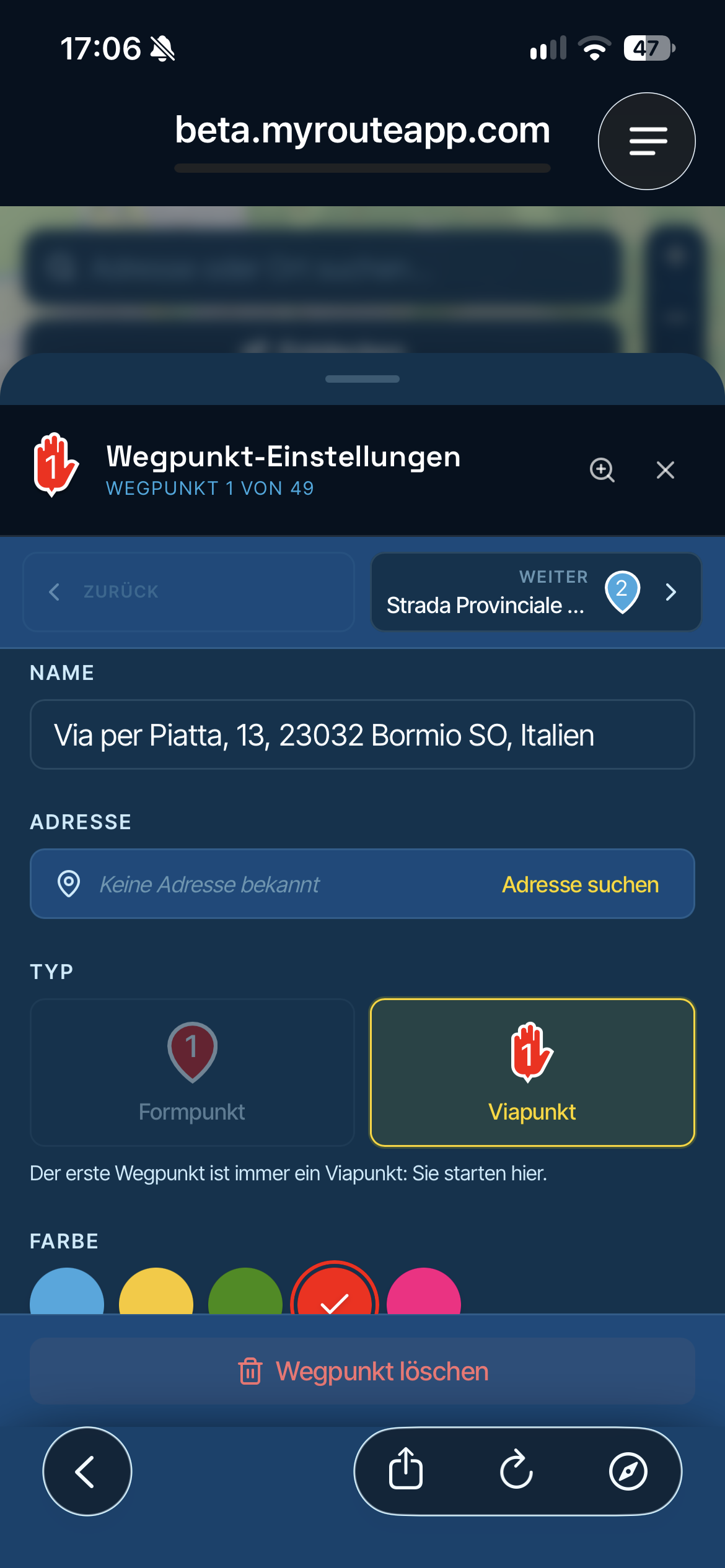
    I miss the simple quick info in the new web planning compared to the old Wen planner, especially the image and the text to the WP

    What works in the app is currently not possible in the Web Planner, could be added, because in the new Web Planner itself there is quite a long menu bar that you can continue to edit, for a quick info but is very long.

    In the new web planner
    IMG_2541.png

    IMG_2536.png

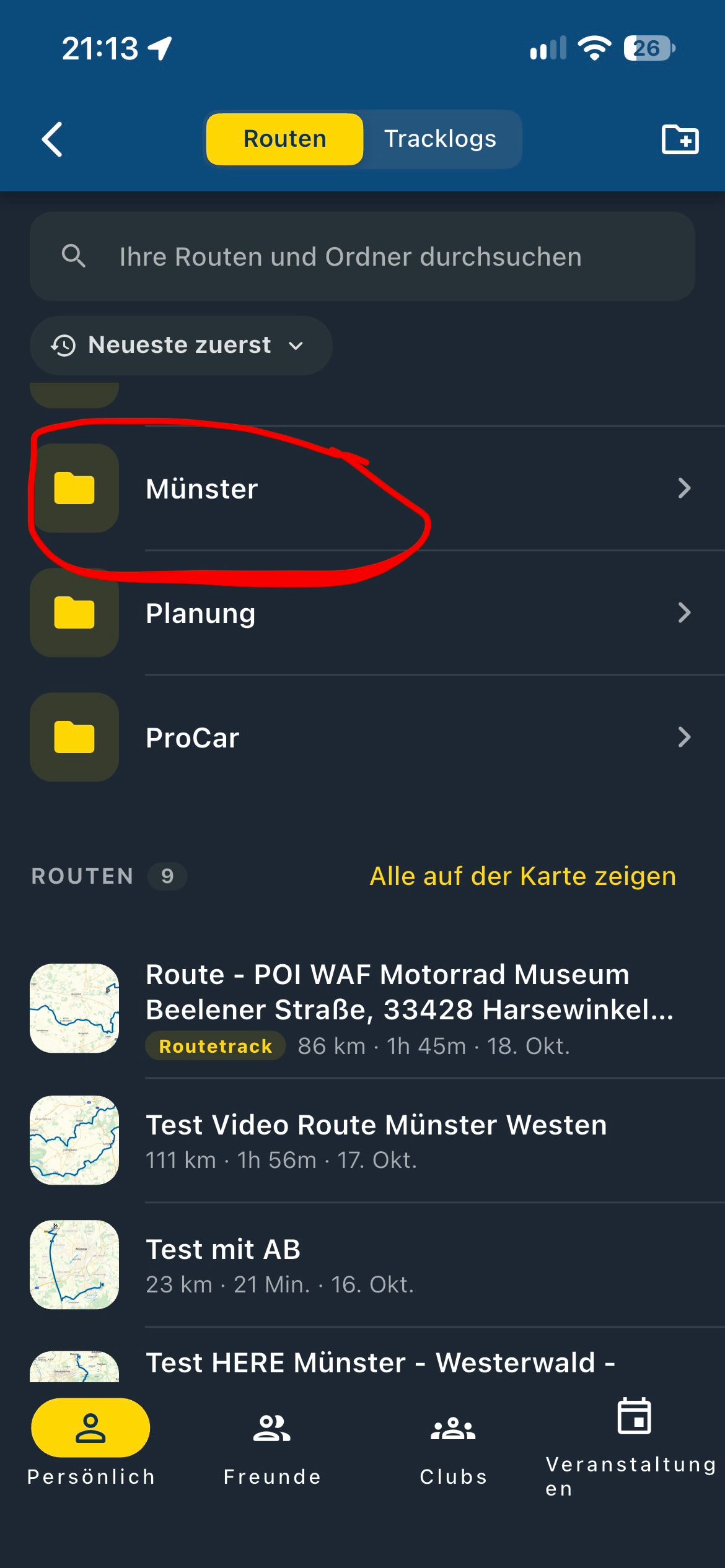
    In the new app

    IMG_2535.png

    In the old web planner

    IMG_2534.jpeg

    VG Hubert
    Beta Test "Next App" dazu die Hardware .
    iPad 9. Gen iOS 27.0.1/ iPhone 16e iOS 27.0.1/ Navi iPhone Xr iOS 18.7.10 / PC mit MS Win11 /❗️MyRoute-App im Cradel und Remotek-One❗️ Info zu MRA & Remotek One

    1 Reply Last reply
    0
    • Hubert Thoring
      Hubert Thoring
      Hubert Thoring
      Valued contributor
      wrote last edited by
      #2

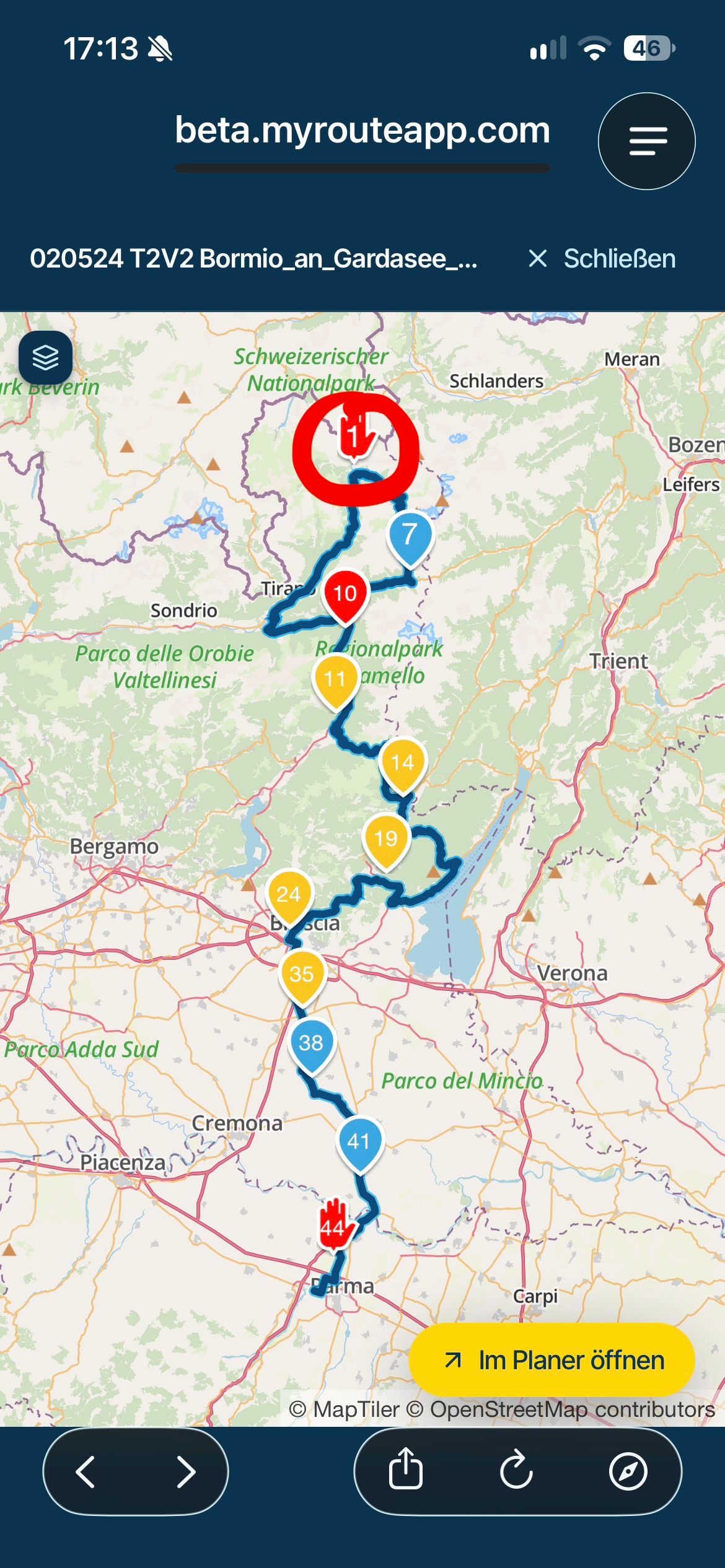
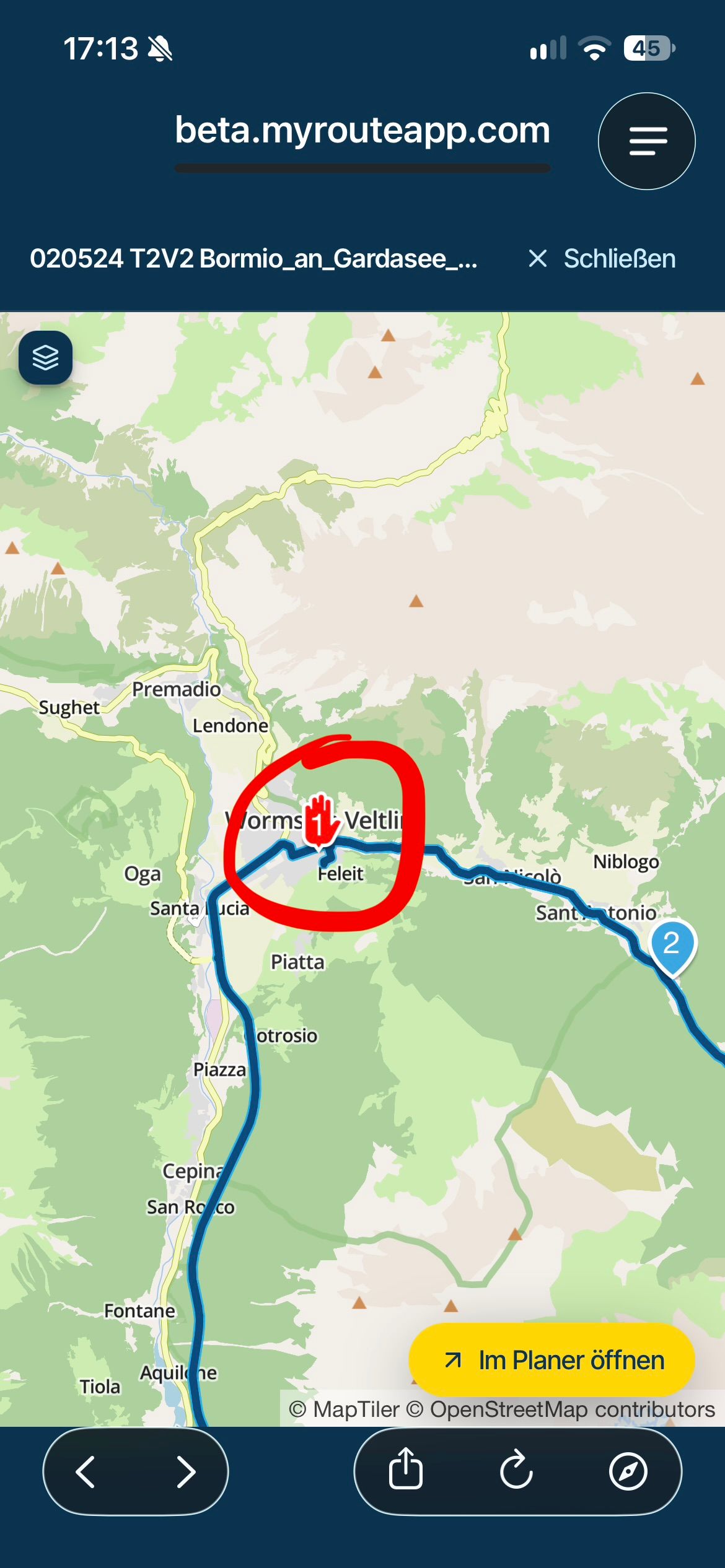
      Idea: Maybe this is possible in the selection overview even before it is open in the planner area ...
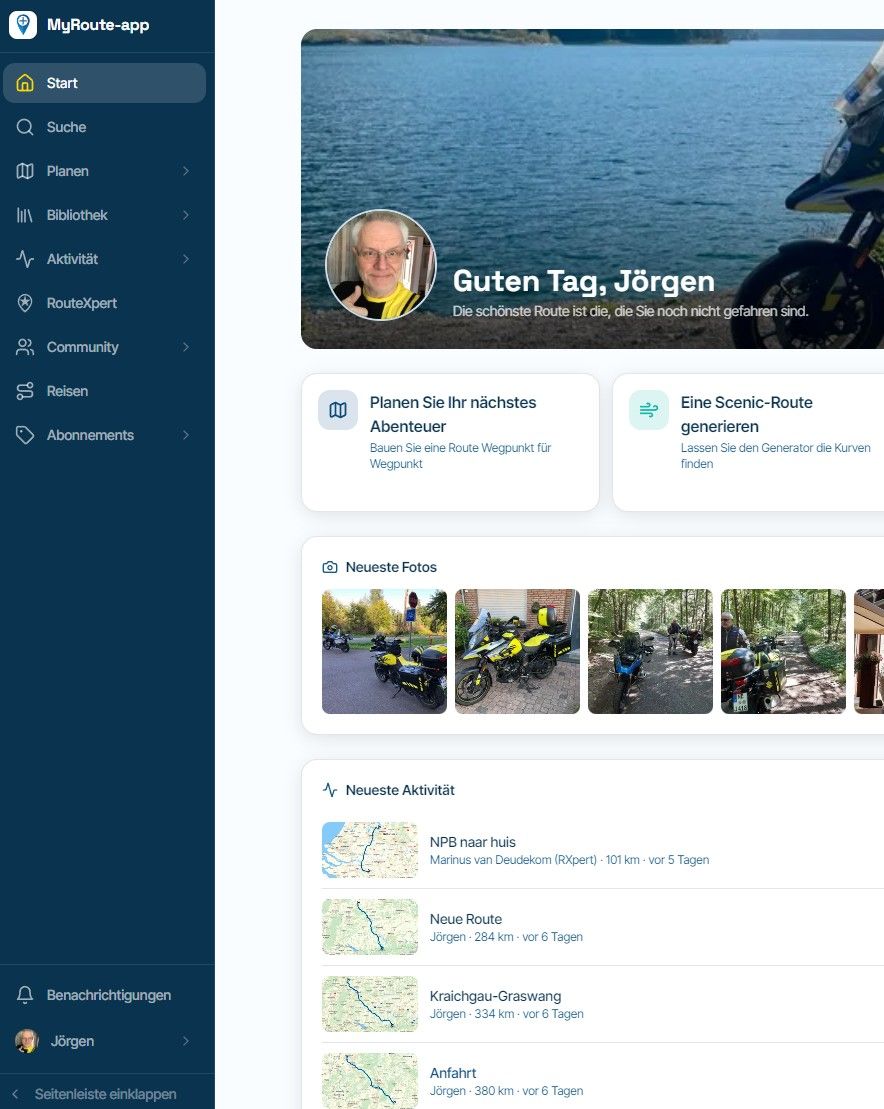
      IMG_2542.jpeg

      IMG_2543.jpeg

      VG Hubert
      Beta Test "Next App" dazu die Hardware .
      iPad 9. Gen iOS 27.0.1/ iPhone 16e iOS 27.0.1/ Navi iPhone Xr iOS 18.7.10 / PC mit MS Win11 /❗️MyRoute-App im Cradel und Remotek-One❗️ Info zu MRA & Remotek One

      1 Reply Last reply
      0

      Hello! It looks like you're interested in this conversation, but you don't have an account yet.

      Getting fed up of having to scroll through the same posts each visit? When you register for an account, you'll always come back to exactly where you were before, and choose to be notified of new replies (either via email, or push notification). You'll also be able to save bookmarks and upvote posts to show your appreciation to other community members.

      With your input, this post could be even better 💗

      Register Login
      Reply
      • Reply as topic
      Log in to reply
      • Oldest to Newest
      • Newest to Oldest
      • Most Votes


      ACTIVE USERS
      Hubert Thoring
      Hubert Thoring
      POPULAR TOPICS
      • Rangen
        Pim van Dongen
        Pim van Dongen
        1
        7
        97

      • Informatie Routeplanner Next
        HABVEN aka MrMRA
        HABVEN aka MrMRA
        0
        6
        95

      • F012 Tracklog folder / routes folder / how is it going right now?
        Hubert Thoring
        Hubert Thoring
        0
        5
        13

      • HELP! The Pyrenees Tour
        BertM
        BertM
        0
        4
        47

      • How do I get to the support page?
        Jörgen
        Jörgen
        0
        4
        6

      • Can not move WP
        Hubert Thoring
        Hubert Thoring
        0
        3
        15

      • Route-plan PDF: detailed map working, but some long directions are clipped
        Corjan Meijerink
        Corjan Meijerink
        0
        2
        3

      • A19 Quick info about the WP incl. I miss the picture
        Hubert Thoring
        Hubert Thoring
        0
        2
        4

      MY GROUPS
      • Login

      • Login or register to search.
      • First post
        Last post
      0
      • Categories
      • Recent
      • Popular
      • Support
      • MyRoute-app