RX bibliotheek
-

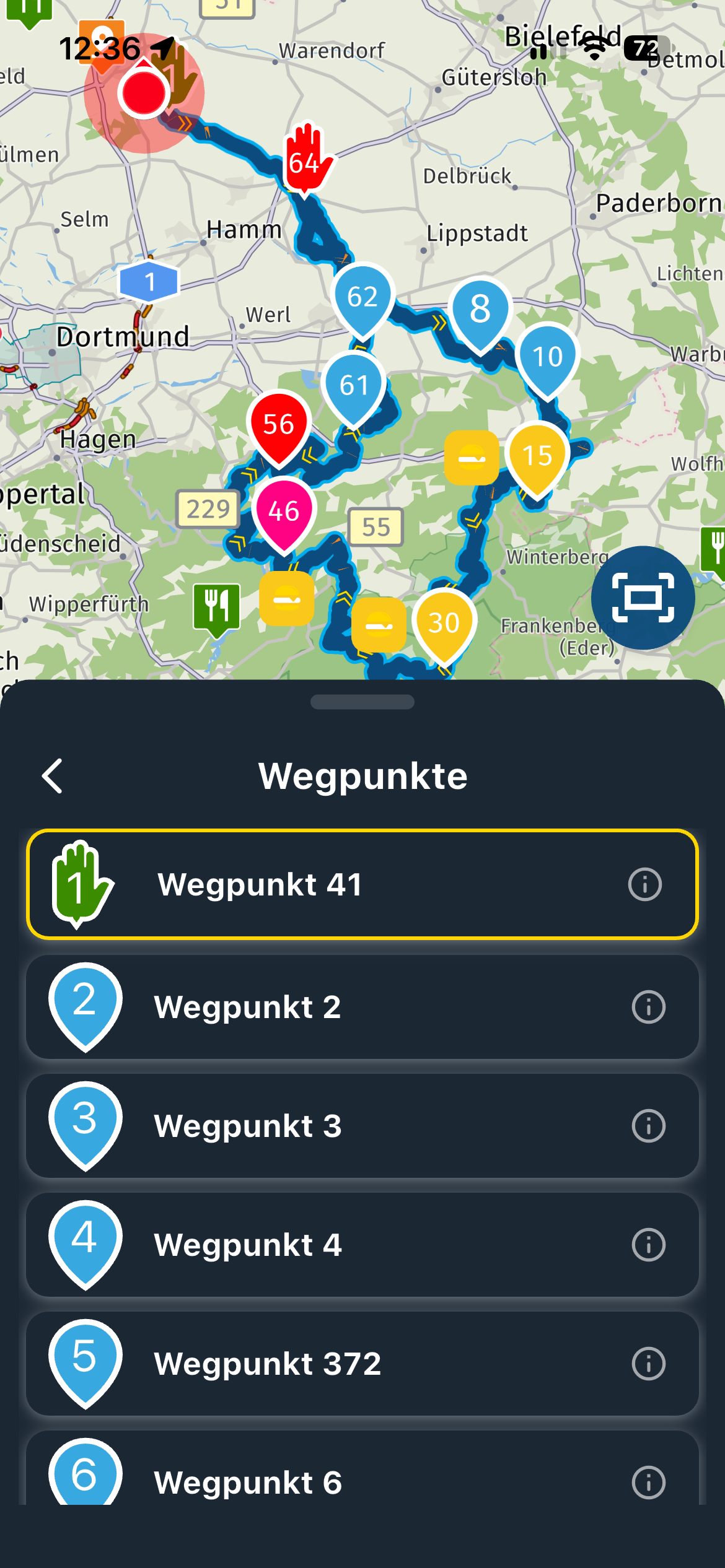
It is about the RX bibliotheek. Not sure how it is called in English, but in the Dutch app it is called RX biblitheek. Currently, when looking for a nice route using the library you see some (really large) icons on the map and a list of routes. However, you have to open the routes one by one to see the route.
I think it would be very nice feature and improvement if you see the actual routes (without any icons) on the map instead of the icons. Every route has its own colour, such that you can clearly see where the routes are heading. Using filters you could filter on length in time, distance, percentage of MRA Scenic, etc. to show/hide the routes on the map.
Yes, it is already possible using the web interface in the app, but that is not very intuitive to use.Some of the hiking apps like Komoot also have this feature and it really helps in finding the best hikes that suite your whishes.
-

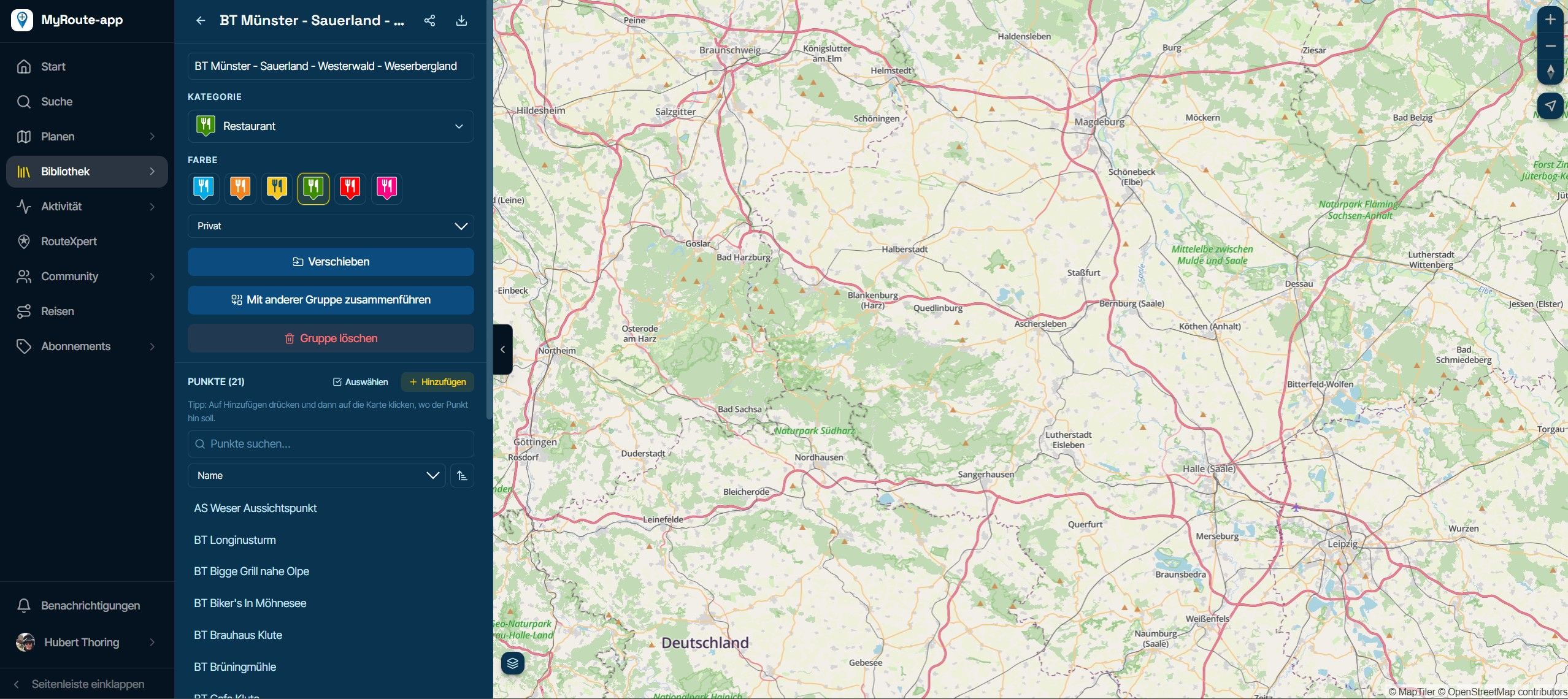
If you search for a aéra, you’ll see the routes displayed in the left Side of your screen, if using a computer or tablet
-
True, but that is not really intuitive, as explained. You have to open the routes to see where the route is heading. So, you have to click on each individual route to see it. Some routes are a straight line towards another place, and some are a roundtrip. When being able to see all routes simultaneously on the map, you can already filter a lot by yourself. (instead of having difficult filters to apply in the app, that are not yet implemented in the app)
-
It is about the RX bibliotheek. Not sure how it is called in English, but in the Dutch app it is called RX biblitheek. Currently, when looking for a nice route using the library you see some (really large) icons on the map and a list of routes. However, you have to open the routes one by one to see the route.
I think it would be very nice feature and improvement if you see the actual routes (without any icons) on the map instead of the icons. Every route has its own colour, such that you can clearly see where the routes are heading. Using filters you could filter on length in time, distance, percentage of MRA Scenic, etc. to show/hide the routes on the map.
Yes, it is already possible using the web interface in the app, but that is not very intuitive to use.Some of the hiking apps like Komoot also have this feature and it really helps in finding the best hikes that suite your whishes.

@Mark-ks-0 Many of the points you mention are also on the wish list for the website that will hopefully see the light of day in the near future!
Hello! It looks like you're interested in this conversation, but you don't have an account yet.
Getting fed up of having to scroll through the same posts each visit? When you register for an account, you'll always come back to exactly where you were before, and choose to be notified of new replies (either via email, or push notification). You'll also be able to save bookmarks and upvote posts to show your appreciation to other community members.
With your input, this post could be even better 💗
Register Login-
 011807
-
 0418
0418
-
09117
-
 0391
0391
-
0317
-
 0286
0286
-
 05236
05236
-