A to B mode - Reroute issues
-

Hi,
Been using the app on my car to start and try it out, like the redesign.
Couple of things :
-
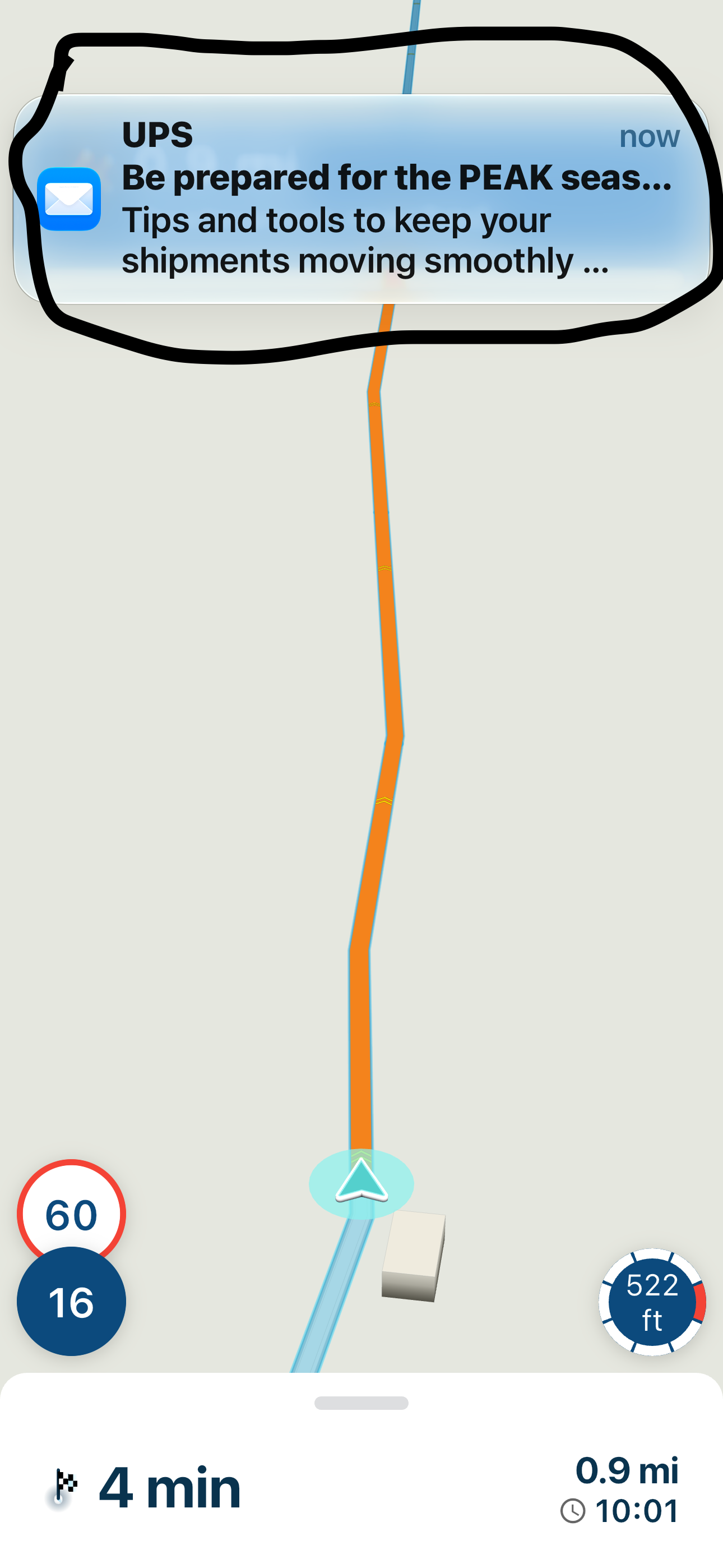
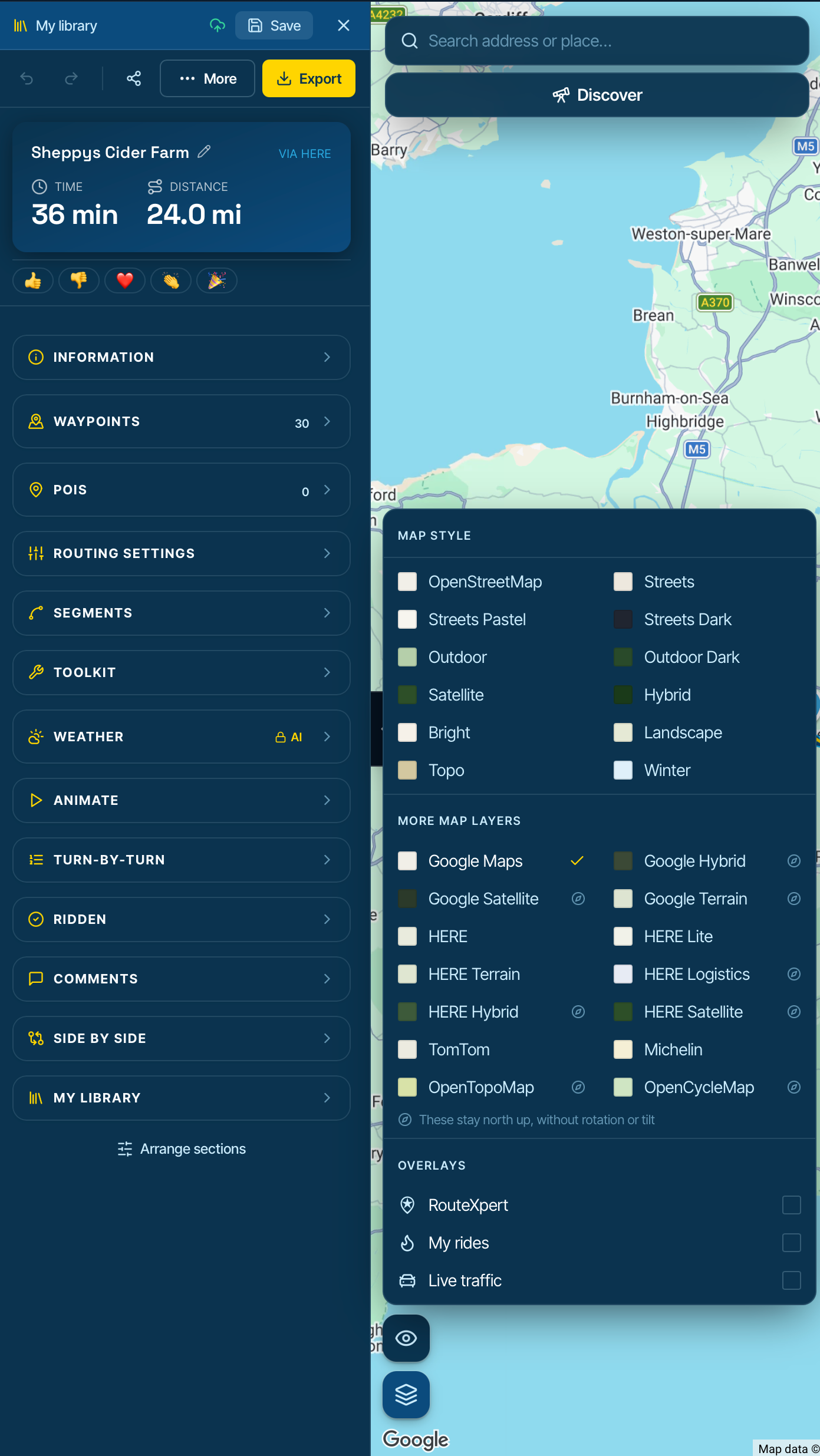
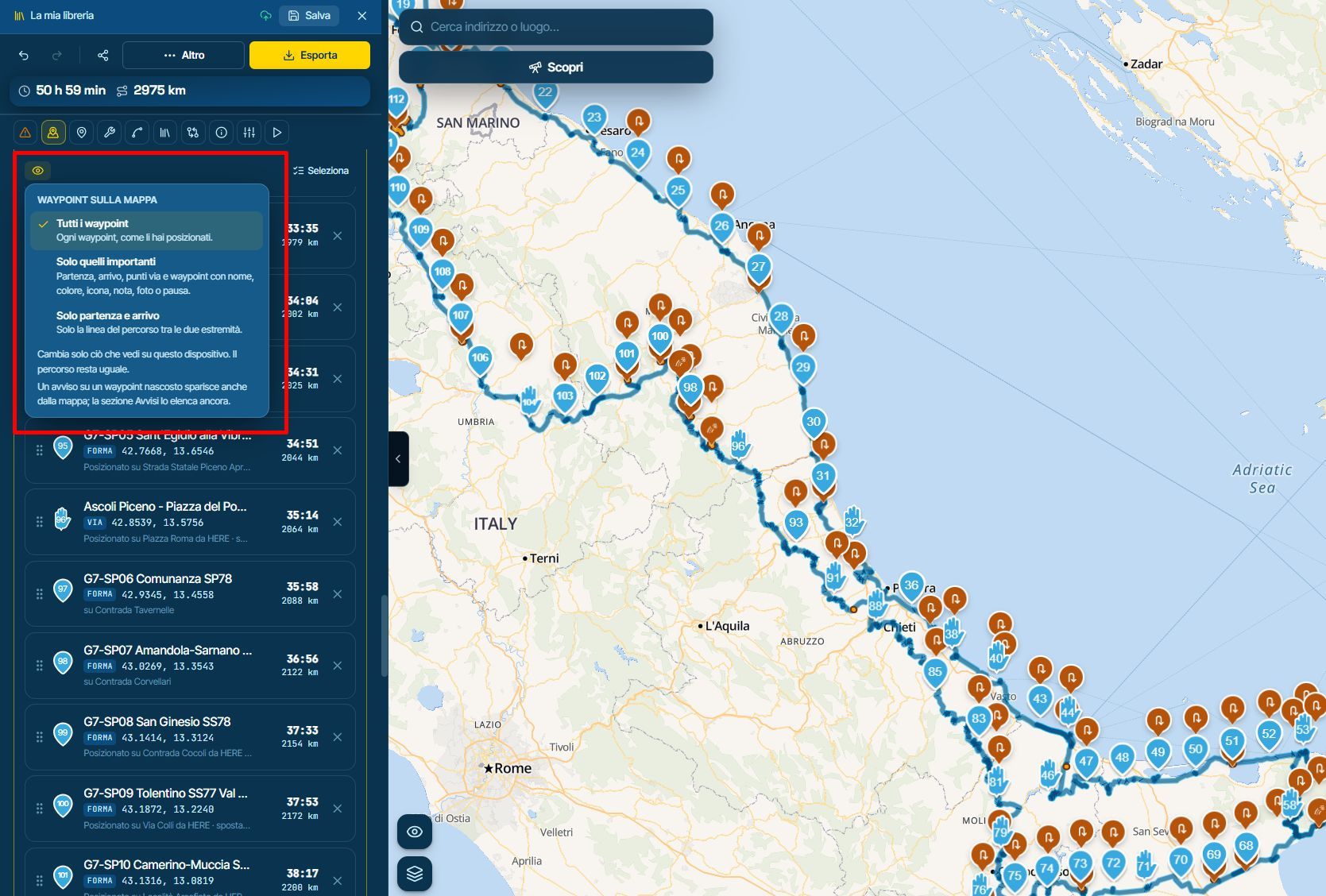
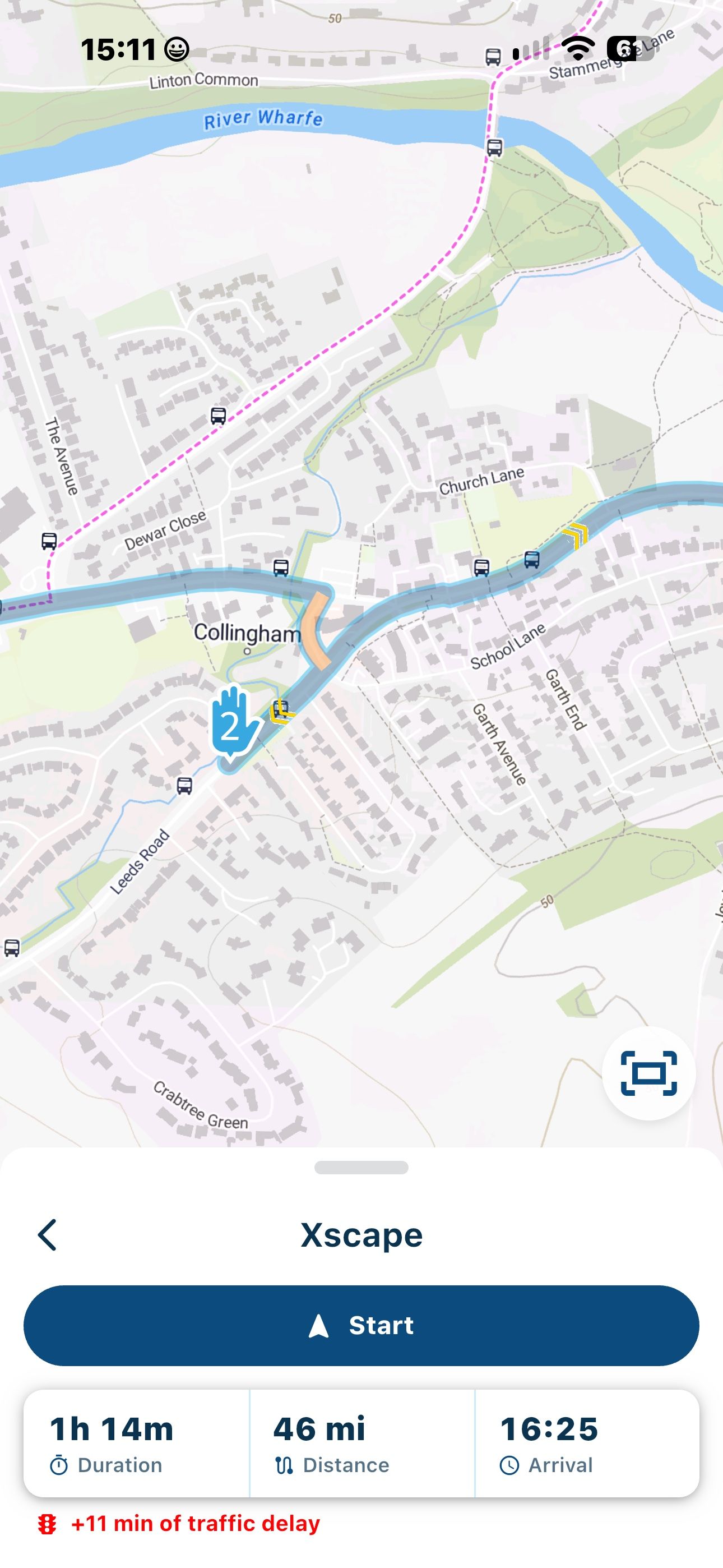
When using in and A to B mode it does not give as good a choice of possible routes as Apple Maps. In the uploaded images I have highlighted in black the route I wanted to take. As with local knowledge its the best one. MRA dispite playing with longest, shortest, curves etc would no offer it.
-
So I forced a route by adding a stop. The stop way point was just off the route. Despite having having auto recalculations and auto Skip ways points on MRA kept trying to force me back to go through waypoint.
It would be great if MRA gave you a wider choice of routes in A to B mode and if didnt keep trying to send you back to a way point...
Might be something I am not understanding?
Thanks
Andy
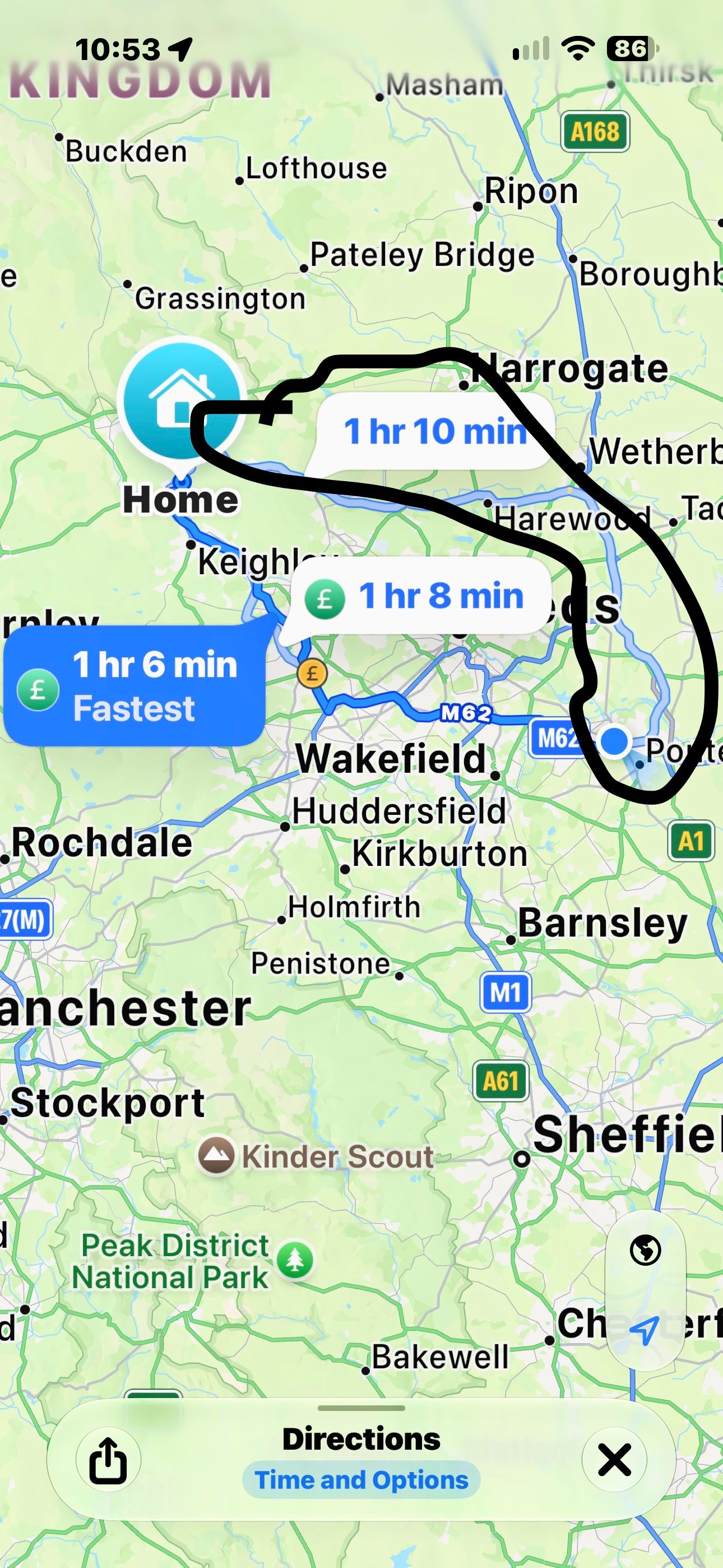
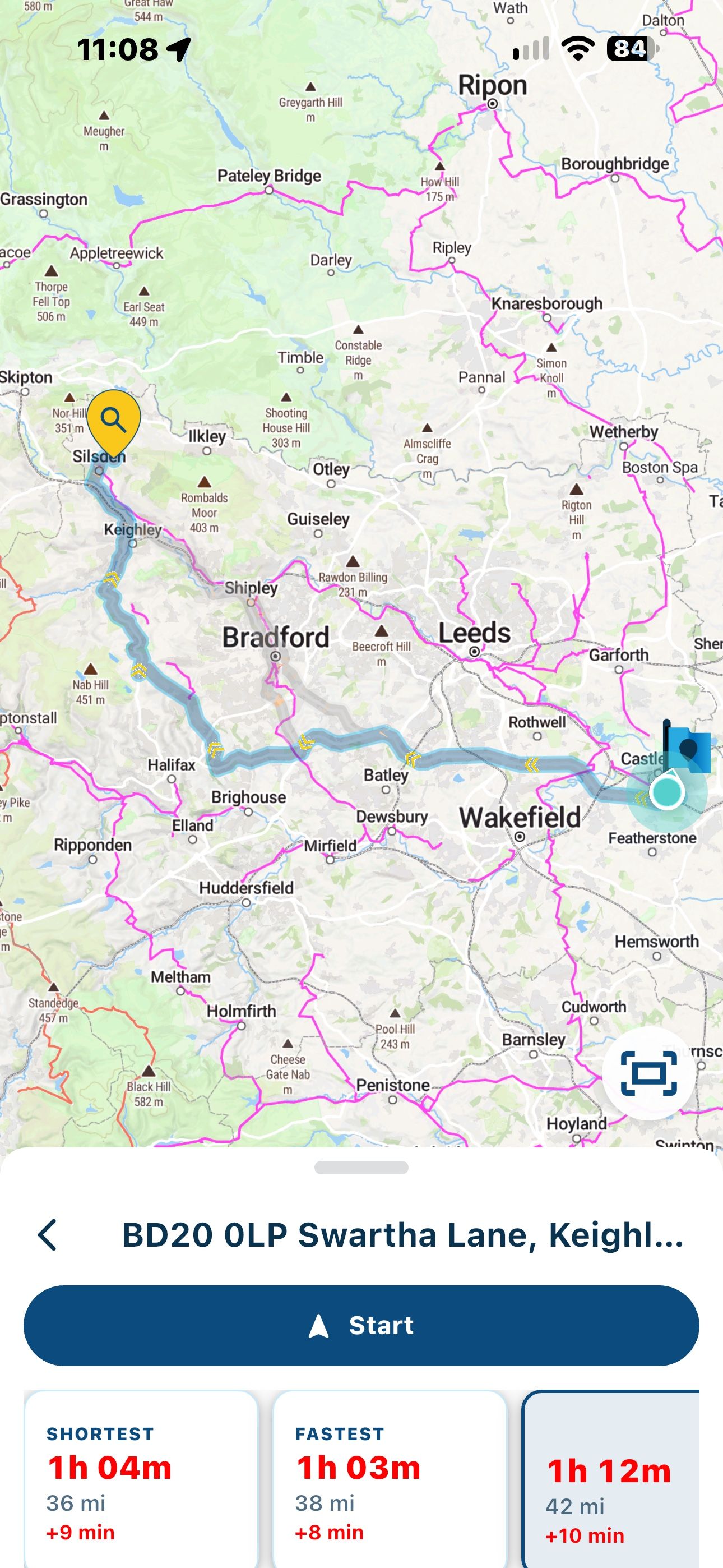
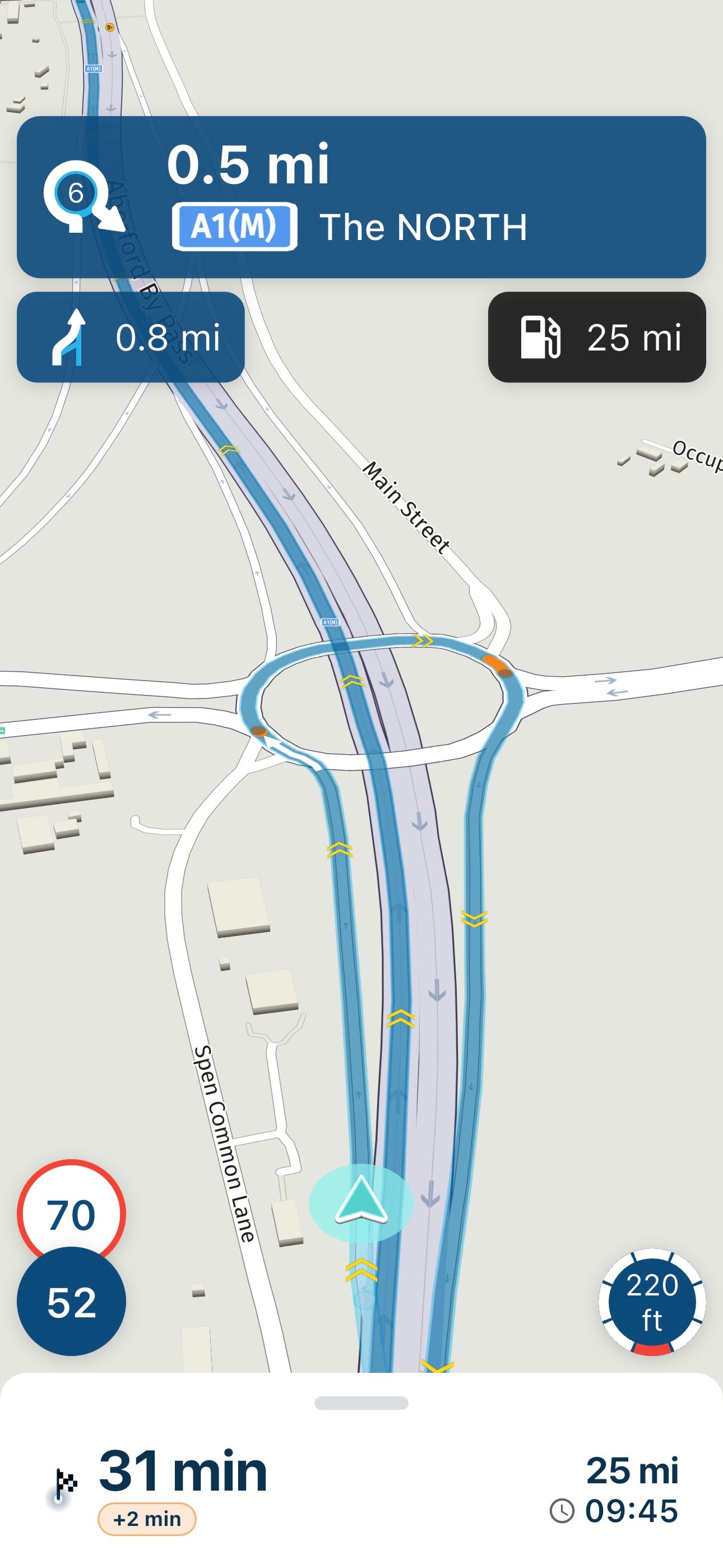 ![fullsizeoutput_6040.jpeg]
(/assets/uploads/files/1795533652850-fullsizeoutput_6040.jpeg) -
Hello! It looks like you're interested in this conversation, but you don't have an account yet.
Getting fed up of having to scroll through the same posts each visit? When you register for an account, you'll always come back to exactly where you were before, and choose to be notified of new replies (either via email, or push notification). You'll also be able to save bookmarks and upvote posts to show your appreciation to other community members.
With your input, this post could be even better 💗
Register Login-
 01281
-
 1647
-
0320
-
 0318
-
 0338
-
1463
-
 0652
-
 1243.1k