Copy a Route ends up with a straight line
-

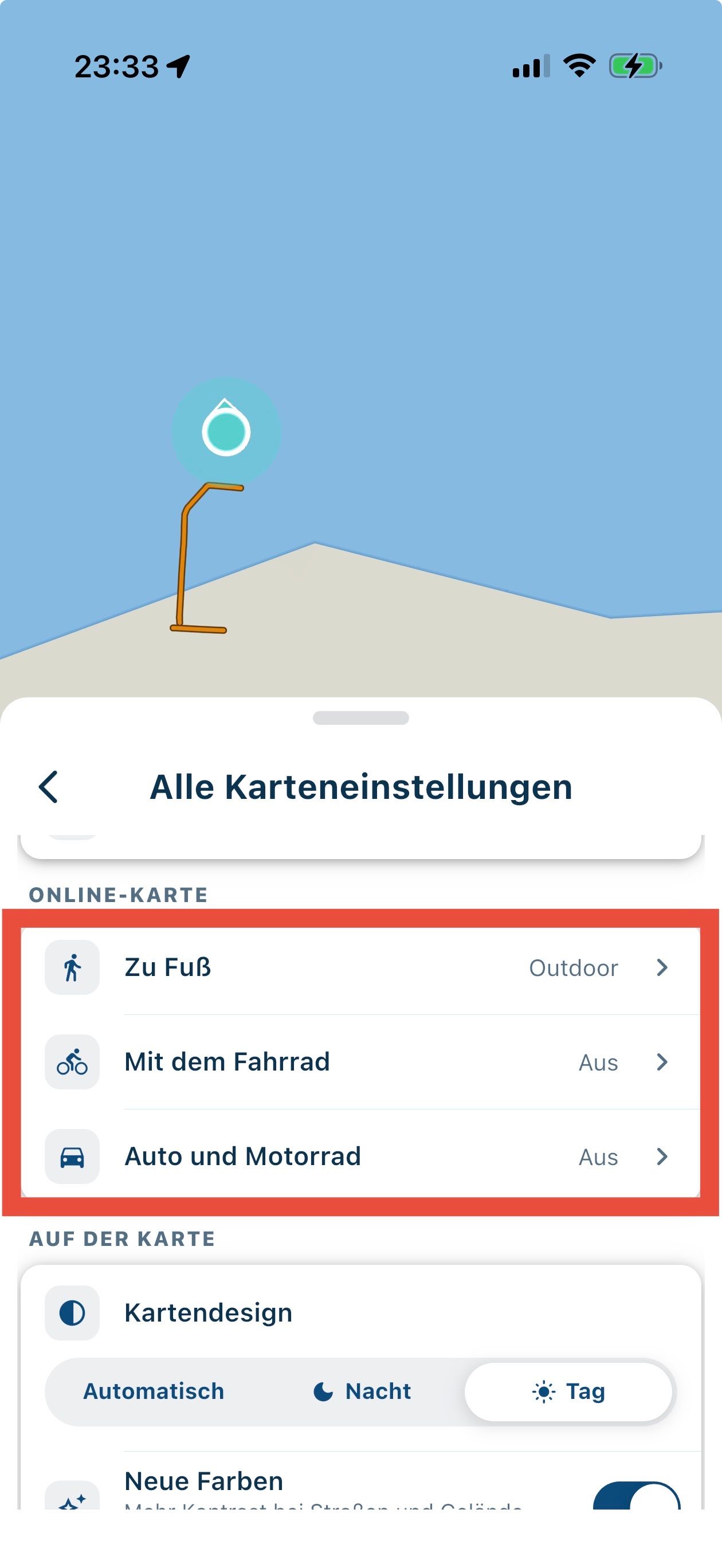
Strange one - just copied some routes to a subfolder and this was the result…
First screenshot is the copied from…….second is the copied to.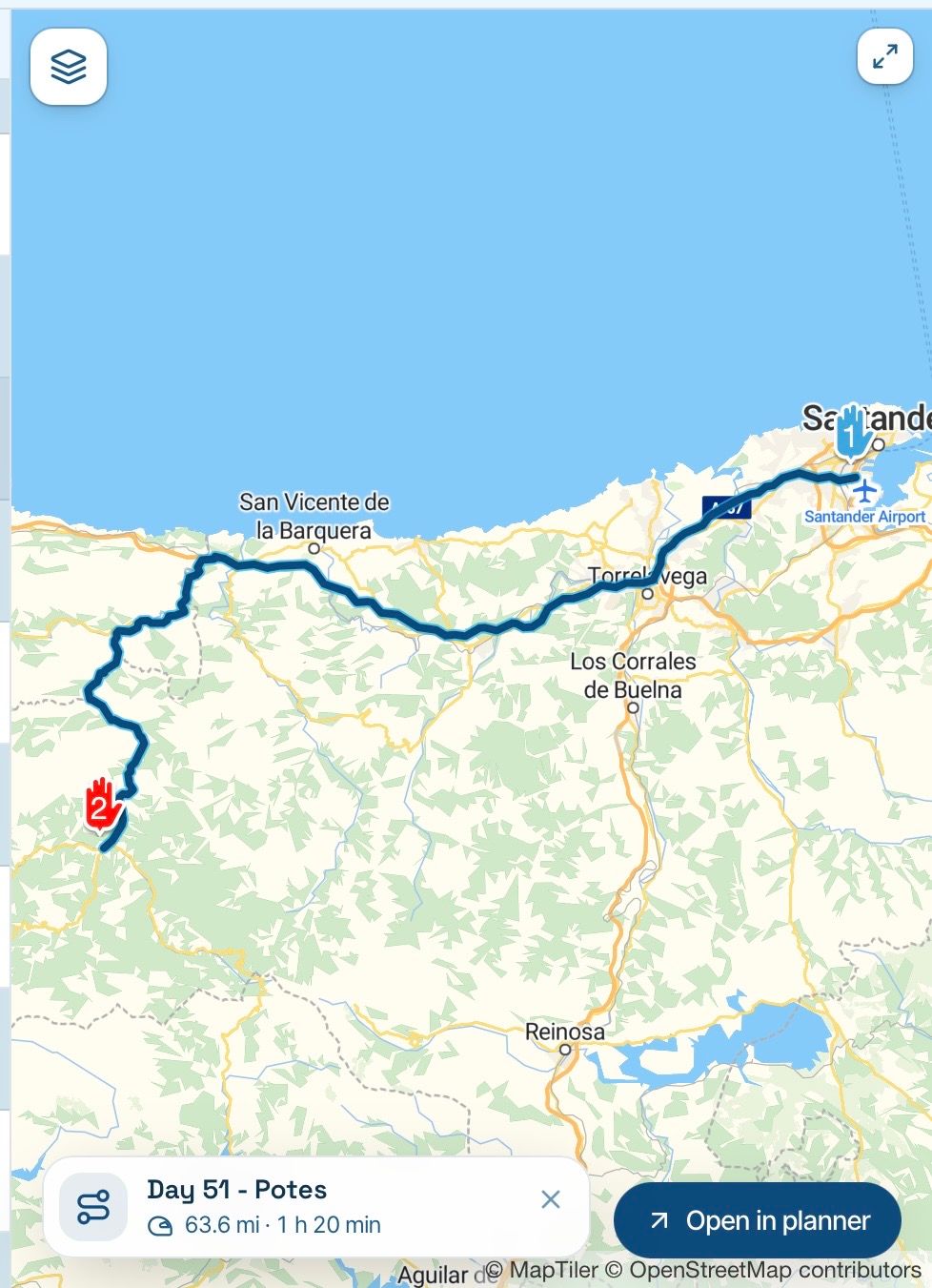
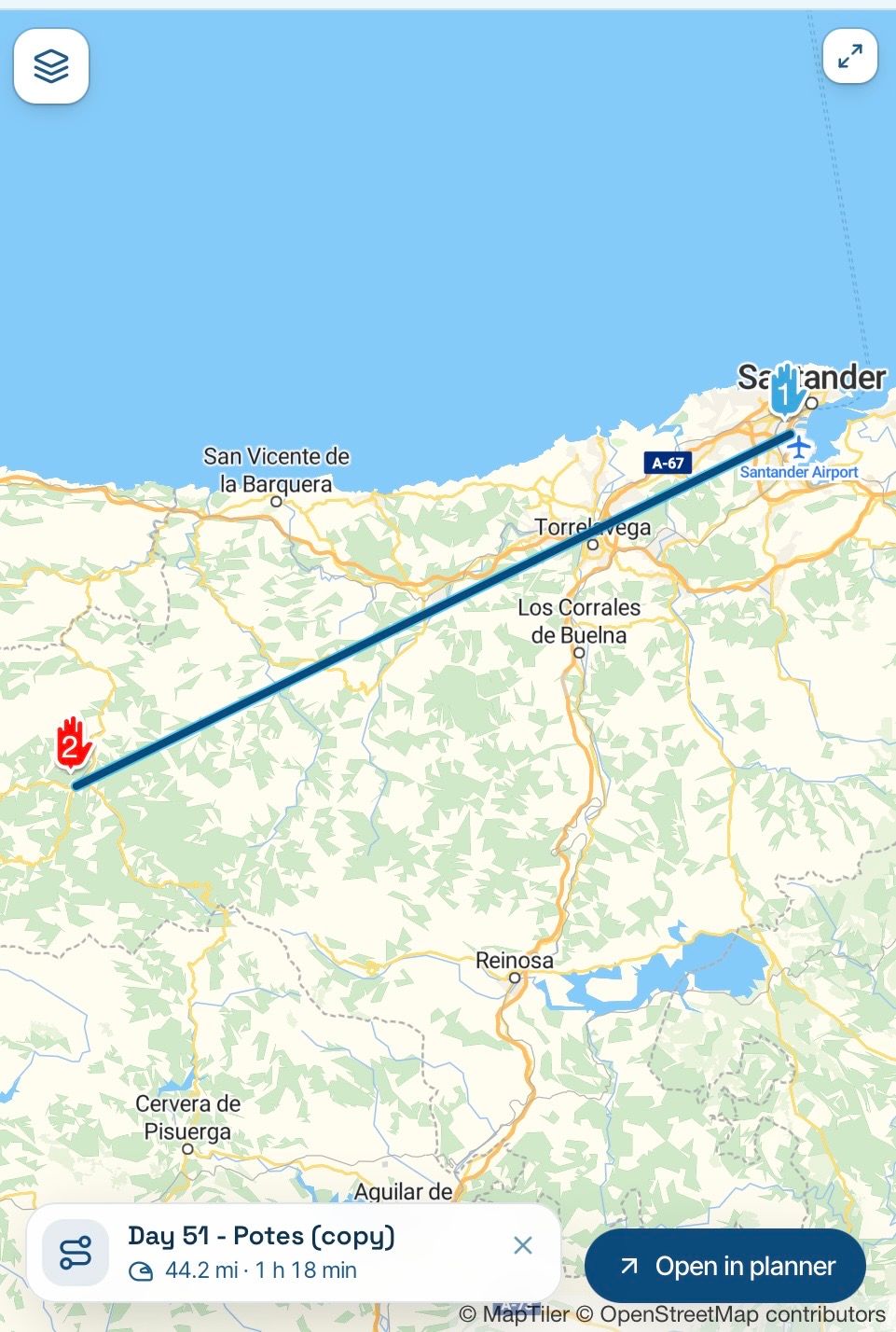
Of the 10 files I bulk copied, 3 files ended up like this, while 4 files copied OK. Could it be I these files were created a couple of weeks ago (4th November) and maybe by the copy from the live system and new software versions have been rolled out since then?
-

You found a real bug. Routes that came over from the classic site start with a straight placeholder line, and the real line is only worked out the first time somebody opens the route. When you copied those 3 before they had ever been opened, the copy kept the straight line and never recalculated it. The originals fixed themselves as soon as you looked at them, which is why they look fine. We've fixed it, and it will be in the next beta update.
Hello! It looks like you're interested in this conversation, but you don't have an account yet.
Getting fed up of having to scroll through the same posts each visit? When you register for an account, you'll always come back to exactly where you were before, and choose to be notified of new replies (either via email, or push notification). You'll also be able to save bookmarks and upvote posts to show your appreciation to other community members.
With your input, this post could be even better 💗
Register Login-
0752
-
 0311.1k
-
0543
-
047
-
0443
-
 1496
-
 0449
-
0427